Arlo for Moodle ecommerce | Payments, Shopping cart, CRM, Registration & More icon

Arlo for Moodle ecommerce | Payments, Shopping cart, CRM, Registration & More

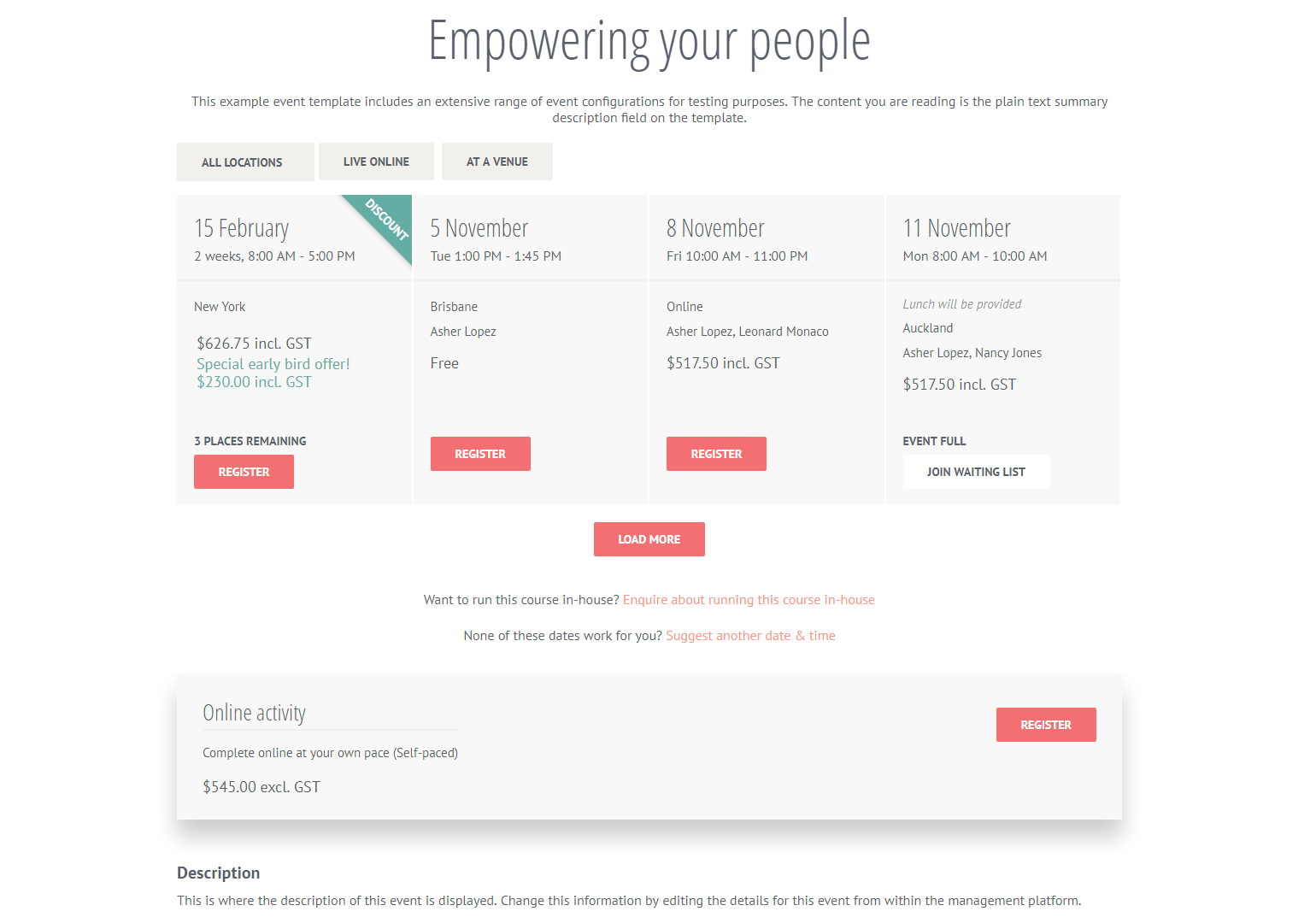
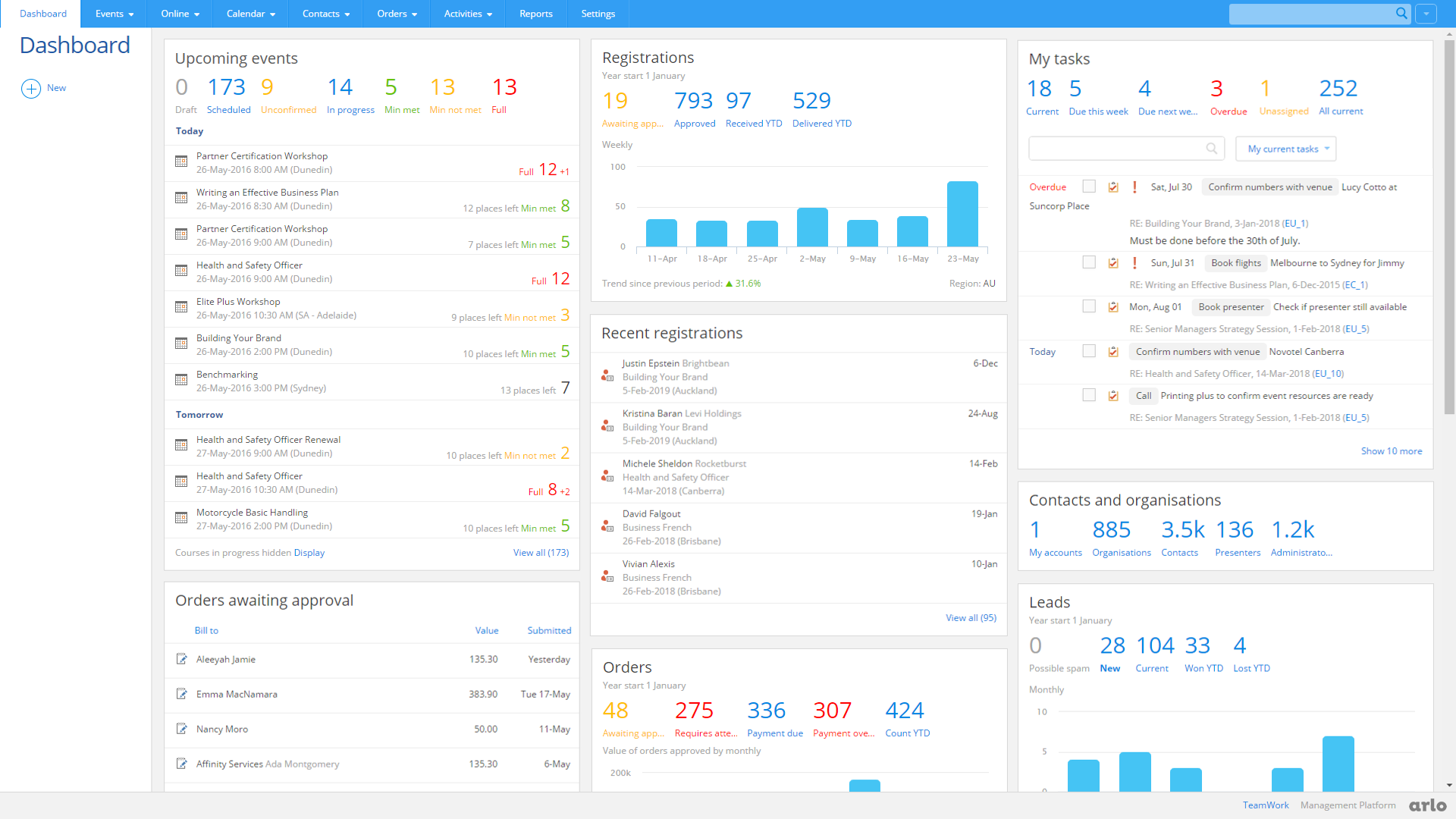
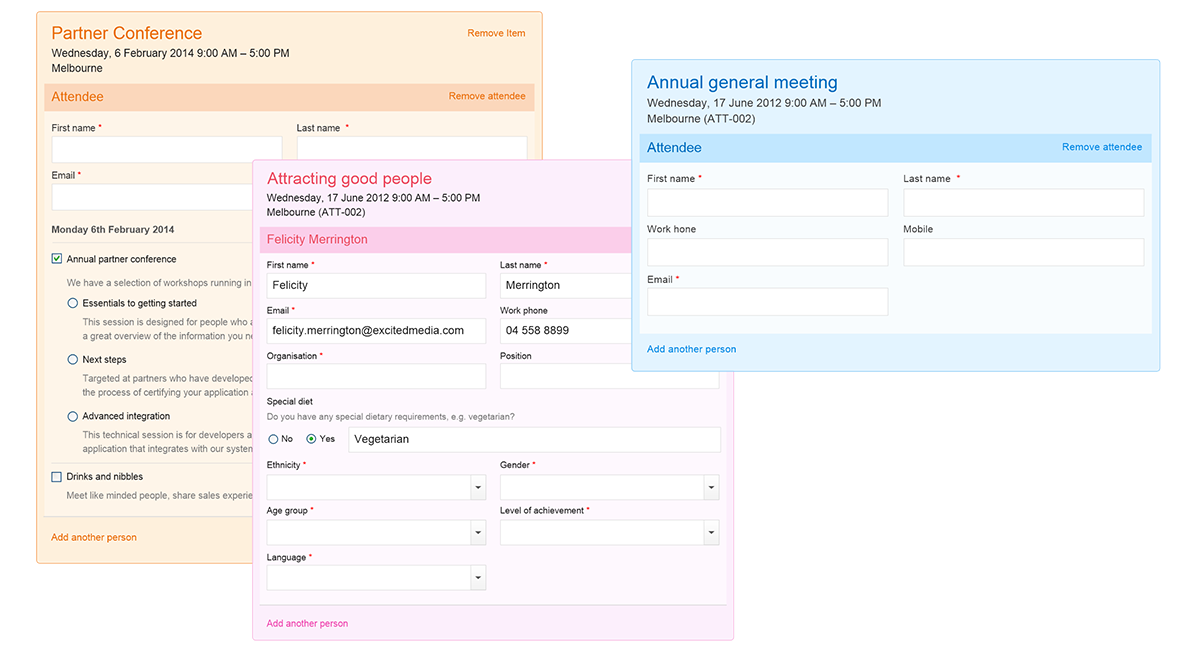
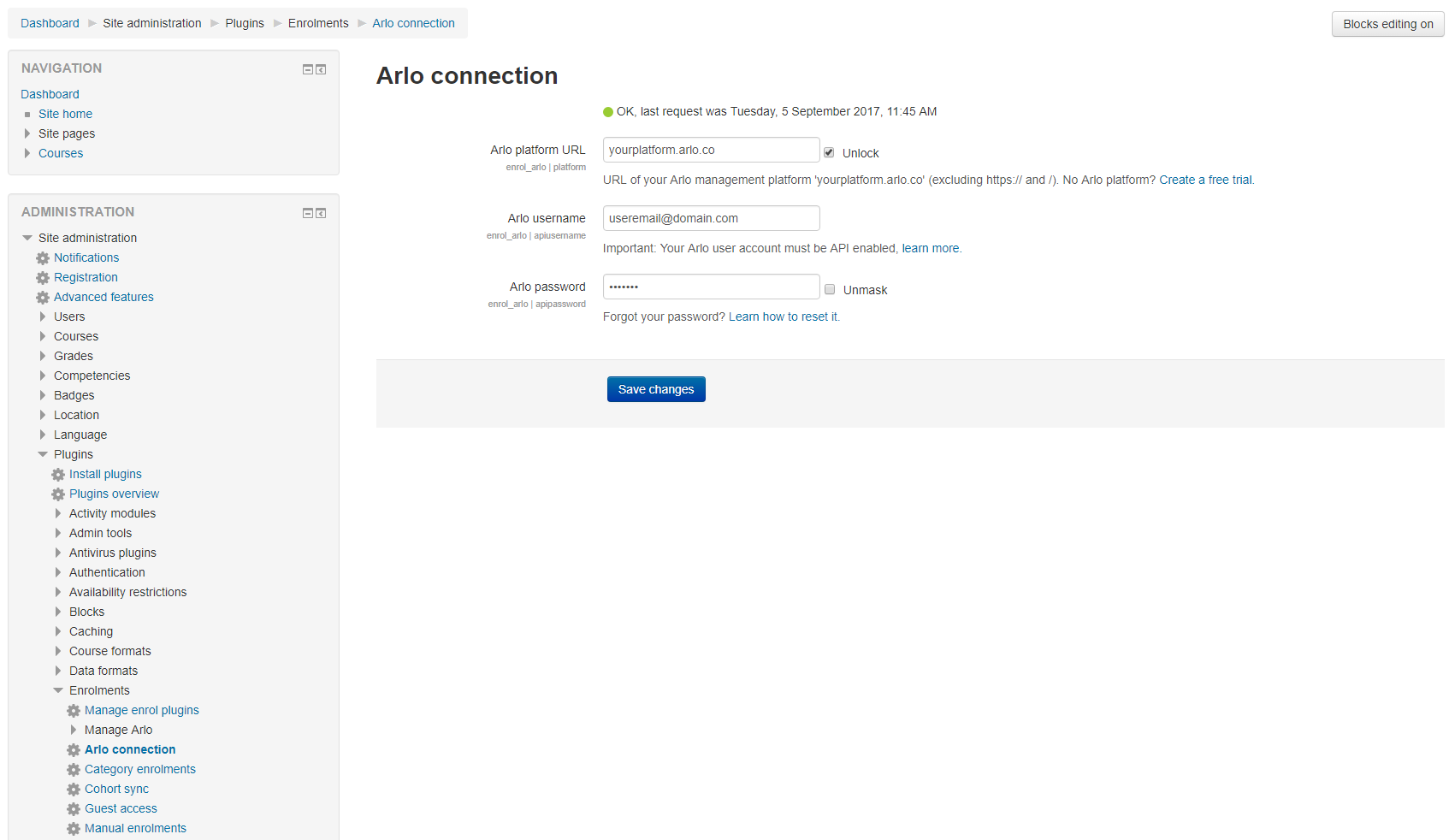
Sell and manage your Moodle and face-to-face courses. Shopping cart, online registrations, payments, CRM, lead management, marketing campaigns and more. Arlo for Moodle is built for training providers and higher education.
Price option: Free

Supports Moodle 4.5-5.1 See all versions
Latest release: 5 months ago
Installations: 124
Downloads (last 90 days): 56

Frankenstyle name: enrol_arlo
Enrolment

Comments

Comments are no longer open for new posts. Existing comments remain available to read.

Hi @Richard - I'm aware that you're in direct communication with our support team but this is to let folks know that we have just released an update for our Moodle Plugin that contains some minor bug fixes and improvements to some of the database logic. You can install the latest plugin here: https://moodle.org/plugins/enrol_arlo/versions - This may solve your problem, but if not please let our support team know who will be happy to troubleshoot further.
I cannot get the plugin to work - seeking help from Arlo, but no resolution after over a week. When trying to connect an arlo course to a Moodle course, i get the error: No "Active" Events or Online Activities found. - suggestive of a software bug or configuration problem... Any help?
it is not free and it costs significantly more
@Olumuyiwa - It looks like you made contact with our team and have now resolved the issue. Please reach out again if you need any further help.
@evan - we're actively updating the plugin so it's compatible with 3.11, which should be complete in the coming weeks. We're also investigating support for Moodle 4.X, which we hope to have a timeline on soon. I'd encourage you to reach out to our team at sales@arlo.co to discuss any live projects we can help with.
What's the ETA when this will be compatible with Moodle 4.x? If not, is there a similar plugin to this that someone could recommend if this isn't going to be maintained? Thanks
Hi Arlo Training & Event Software.
We recently attempted to migrate a Moodle instance - Moodle 3.8+ (Build: 20191205) - using this plugin (version = 2020070613) from self hosting in a Windows environment to hosting on a cloud container running Linux. The integration between Arlo in Moodle and Arlo cloud was disabled, and the site was put in maintenance mode before the migration.
Re-enabling the integration in the new environment after the migration resulted in:
- users that were not previously enrolled in courses using the Arlo enrolment method were enrolled - possibly impacting hundreds if not thousands of users
- emails were sent to affected users
- users previously enrolled in courses were unenrolled
- completion records were deleted
When our client reported this to Arlo support, they were informed that "Switching servers will always disrupt the connection between Moodle and Arlo courses". This sounds contrary to what would be expected of an integration.
To be clear, the URL of the site was not changed, only the server was changed. The migrated site was stood up using backups of the code, data files and database of the origin site.
Can you please confirm that the statement "Switching servers will always disrupt the connection between Moodle and Arlo courses" is true? And also an earlier statement: "It looks like transferring to different servers will always sever connections between Moodle courses and Arlo courses - even if it is to an old server.
This is because you are essentially removing the connection by transferring it to different servers".
If those statements are true, it would mean that once a Moodle site is integrated with Arlo, it can never be migrated!
We are however committed to migrating that site.
Can you please advise what needs to be done on the Arlo or Moodle end before, during and after migrating an Arlo-enabled Moodle site, so as to not experience the issues outlined earlier.
Thanks,
@patrick - We have not yet officially tested the plugin on Moodle 3.11, so we can't confirm whether it functions correctly. You are welcome to download the plugin and test it in your Moodle 3.11 environment. Here is our help article explaining the interactions between Arlo and Moodle: https://support.arlo.co/hc/en-gb/articles/115004528503-Arlo-for-Moodle-interactions-and-mapping-explained
Will this function on Moodle 3.11?
@philip - No, Arlo does not integrate with Google Calendar natively for scheduling, but you can: 1) Automatically send course registrants and presenters a Google Calendar appointment from Arlo, 2) Use Zapier to automatically push scheduled Arlo courses to a Google Calendar. Reach out to us at sales@arlo.co if you'd like to discuss your requirements. We're the leading Training Management Systems for managing instructor-led training.
can Arlo integrate with Google Calendar for scheduling?
Is this plugin for free?
when i install plugin it says invalid parameters .. can you help me to remove this error ? my moodle version is 3.8.2
Hi! Does the Arlo plugin work with Moodle Cloud?
The plugin is free to download, but you will need to buy an Arlo subscription. See https://www.arlo.co/pricing#/.