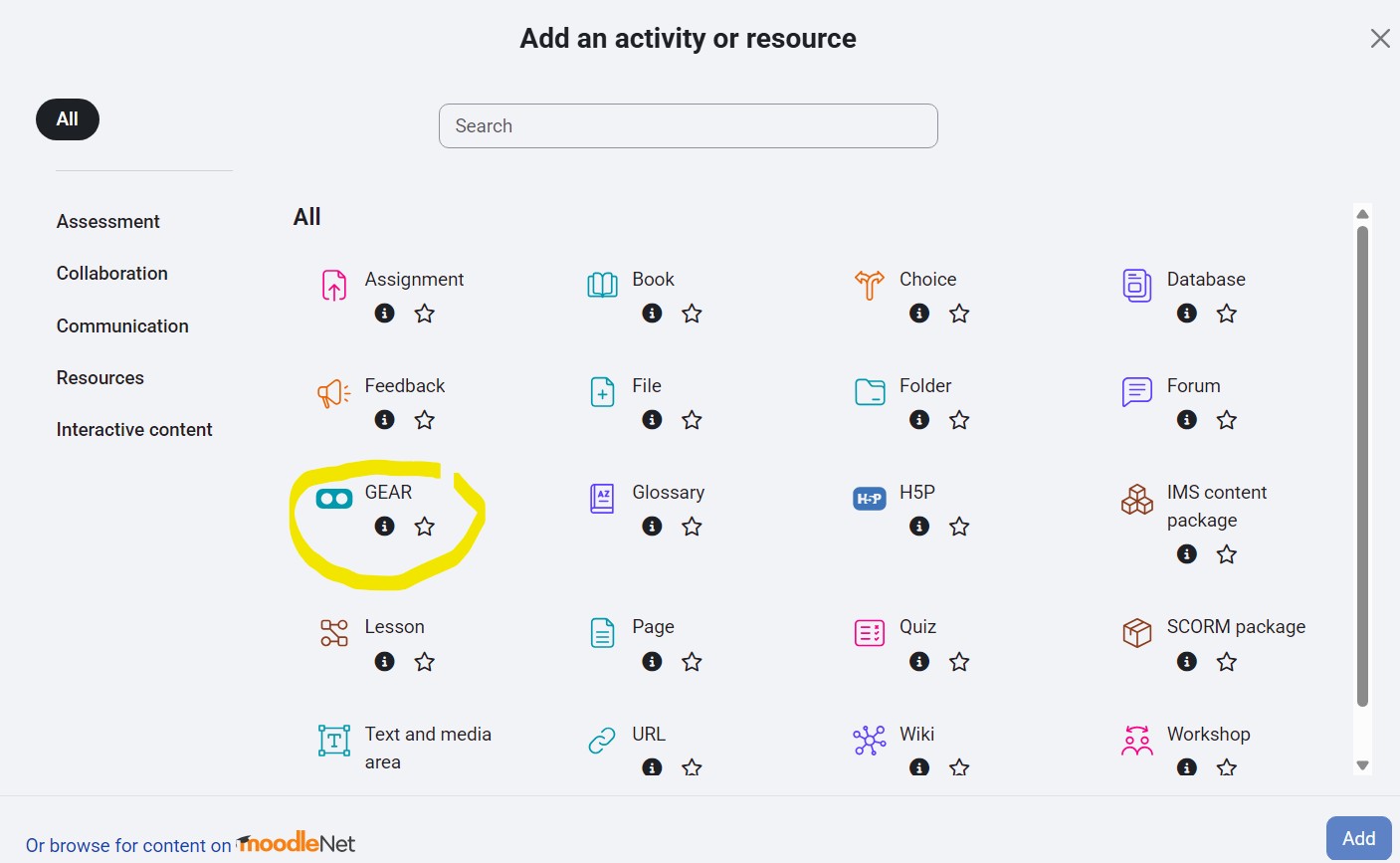
GEAR: Immersive AR/VR Learning
Bring your lessons to life with interactive 3D content directly inside Moodle.
🚀 What's New in v1.7.0
- ♿ Full Accessibility: Keyboard navigation (Tab, Arrow keys, Enter), screen reader support, and mobile long-press for tooltips.
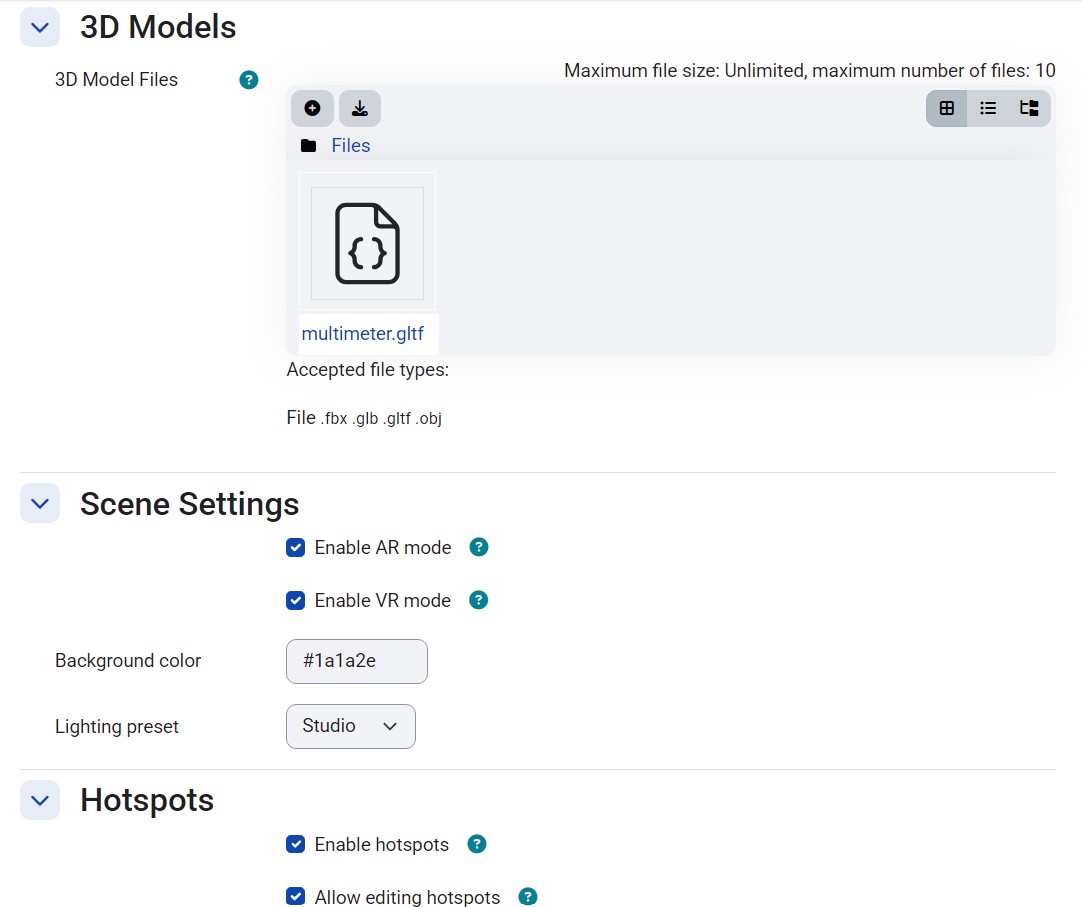
- 🎚️ Hotspot Scale Control: Teachers can now set default hotspot diameter (0.1 to 3.0) via activity settings.
- " Tooltip Animations: Smooth fade-in/fade-out transitions with scale animations for a polished user experience.
🚀 What's New in v1.6.0
- ⚡ Three.js Upgrade: Migrated from r128 to r160 with 3+ years of performance and WebXR improvements.
- ' Hover Tooltips: Quick context with icons, titles, and descriptions when hovering over hotspots.
- 📦 Self-Hosted Dependencies: Three.js bundled locally via Rollup for better reliability and performance.
🚀 What's New in v1.5.0
- 📊 Teacher Analytics: New dashboard tracking VR starts, AR starts, and detailed hotspot interactions.
- ' P2P Text Chat: Real-time WebRTC text messaging in collaborative mode.
- 🥽 VR Controllers: Full hand tracking and laser pointers for immersive WebXR interaction.
🌟 What's New in v1.4.0
- 🎙️ Spatial Voice Chat: Collaborative learning with real-time Peer-to-Peer 3D voice.
- -️ Auto Text-to-Speech: Native browser narration for better accessibility.
- 🛠️ Visual Authoring Gizmos: Drag-and-drop X/Y/Z arrows for pixel-perfect hotspot placement.
- 🧩 Escape Room Mode: Create unlockable learning paths based on student performance.
- 🎯 Teleport Waypoints: Guided camera movement for smooth spatial storytelling.
🚀 Overview
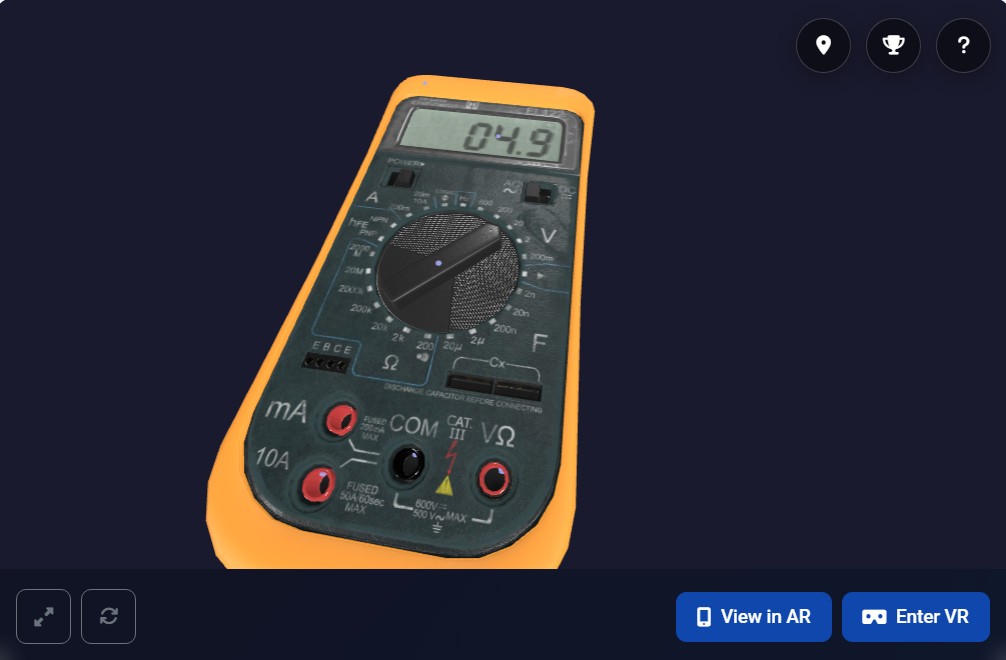
GEAR (Geospatial Educational Augmented Reality) is a powerful Moodle activity module that bridges the gap between traditional e-learning and immersive 3D technology. It allows educators to effortlessly upload, manage, and present 3D models in a fully interactive spatial environment.
" Core Features
🎮 3D Viewer & Interaction
Smooth orbital controls, physics-based navigation, and high-performance glTF/GLB rendering.
📍 Interactive Hotspots
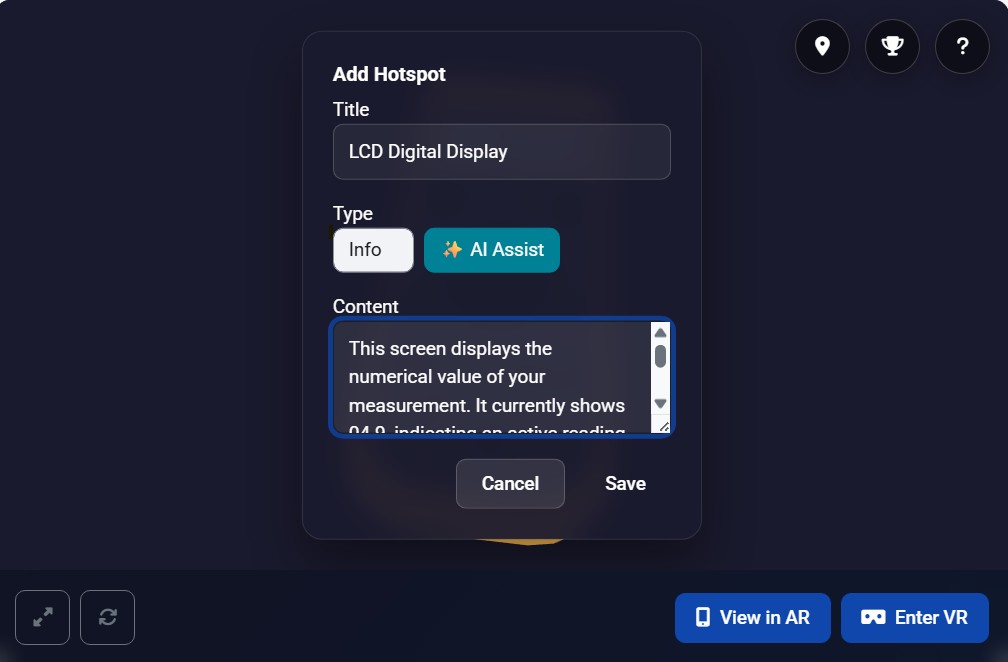
Multimedia annotations (Text, Images, Audio, Links) placed precisely on 3D geometry.
🧪 Spatial Quizzes
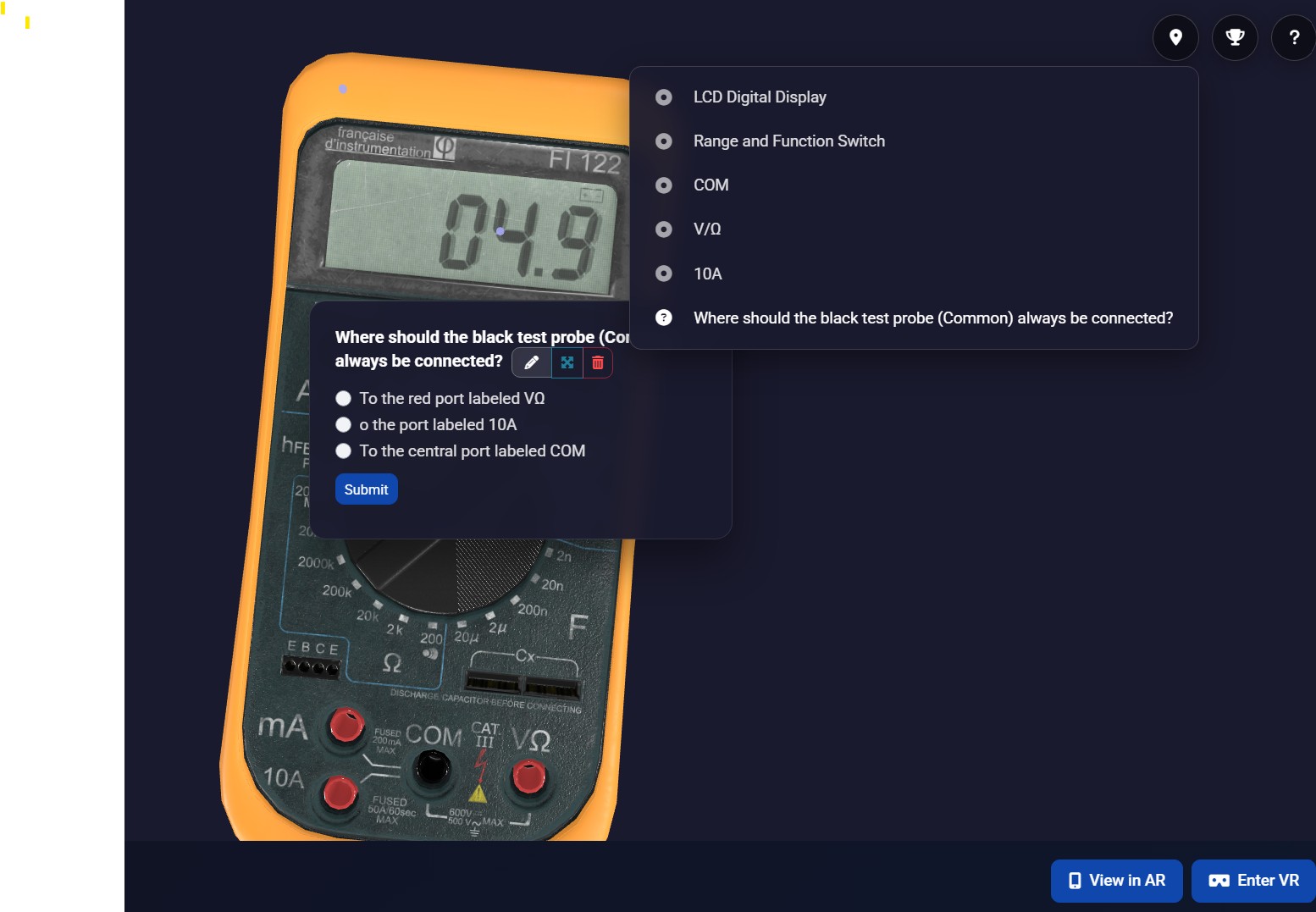
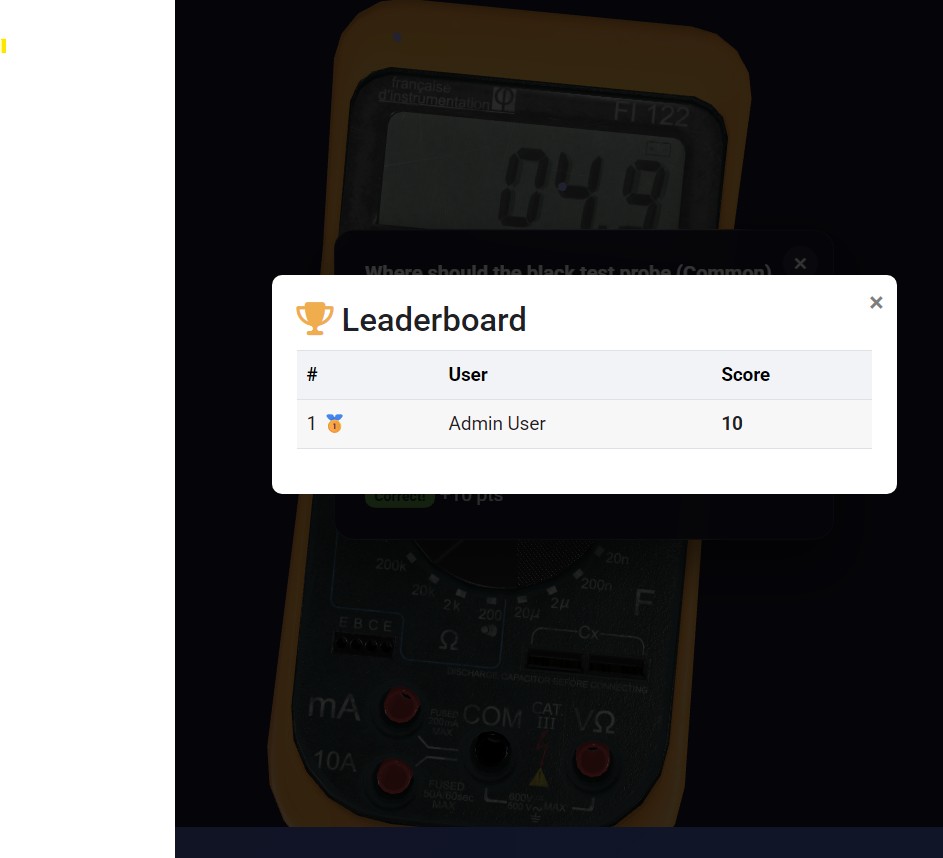
Embed assessment points in 3D. Results are automatically synced with the Moodle Gradebook.
" AI Assistant & -️ Auto TTS
Generate hotspot descriptions instantly using the AI. Then, let students use the built-in Text-to-Speech engine to have the content read aloud for perfect accessibility.
' Collaborative Mode & 🎙️ WebRTC Voice
Real-time multi-user sessions with 3D avatars. Includes serverless P2P spatial voice chat where students sound closer as they approach your avatar!
🔊 Spatial Audio
Positional audio guides that react to the student's distance and orientation in the scene.
🛠️ Easy Authoring
Simply click on the 3D model to drop hotspots, and use visual 3D gizmos (X/Y/Z arrows) to seamlessly perfect their placement in space.
⚡ High Performance
Automatically optimized WebGL framebuffers and smart Anti-aliasing means a lag-free experience on low-end mobile devices and VR headsets.
🎥 Video Enriched Scenes
Embed YouTube, Vimeo, or direct video content directly into the 3D environment for rich storytelling.
🧩 Escape Room Gamification
Create branching scenarios and lock areas. Hotspots only appear when a student solves the required 3D quiz!
🎯 Teleport Waypoints
Smooth camera navigation points safely guide students through complex 3D environments without manual zooming.
🥽 AR/VR & Mobile
- WebXR Ready: One-click support for VR headsets and AR devices without any app installation.
- Moodle App support: Fully optimized for the Moodle Mobile App for on-the-go learning.
📋 Requirements
- Moodle: 4.1 to 5.1+
- PHP: 8.1+
- Browser: Modern browser with WebGL support (Chrome, Edge, Firefox, Safari)
- Privacy: Fully GDPR compliant via Moodle Privacy API
🛠 How it Works
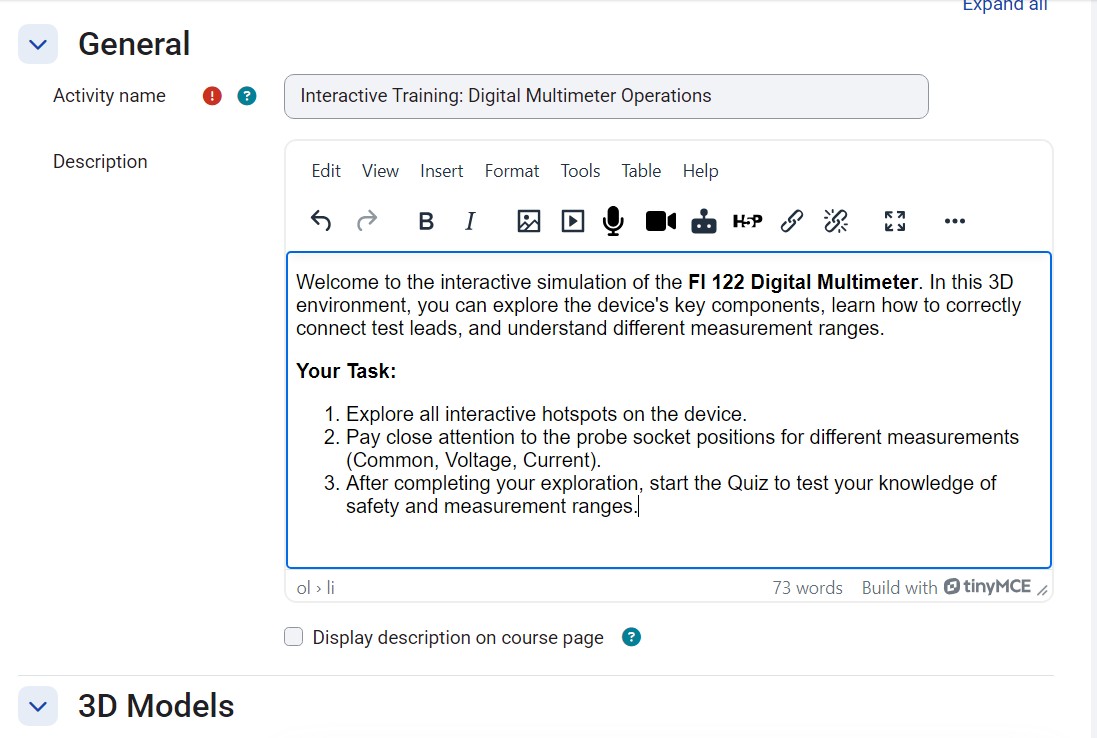
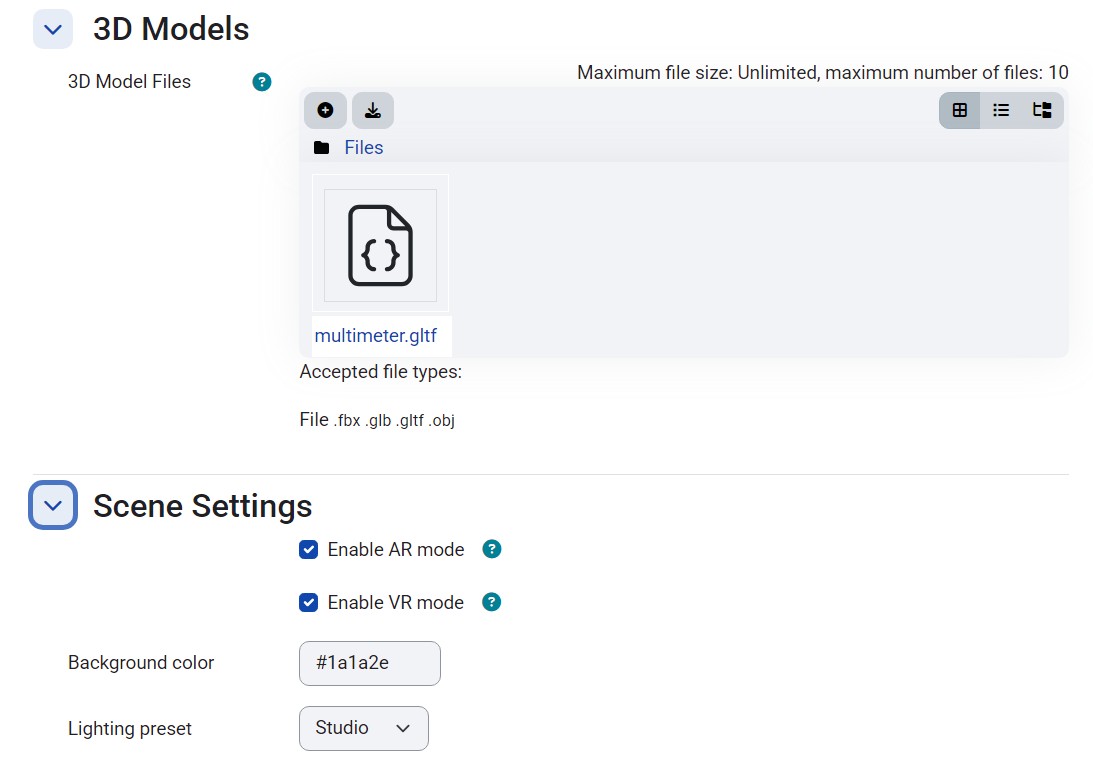
- Upload: Drag and drop your .GLB or .GLTF models.
- Annotate: Use the scene editor to place hotspots and assessment points.
- Engage: Students explore, collaborate, and complete integrated activities.
Developed with passion by Boban Blagojević • 2026 Stable Release
Geospatial Educational Augmented Reality