Changelog
All notable changes to mod_gear will be documented in this file.
The format is based on Keep a Changelog,
and this project adheres to Semantic Versioning.
1.7.0 - 2026-04-14
Added
- Hotspot Scale Control: Teachers can now configure default hotspot diameter via activity settings form (0.1 to 3.0 scale)
- Keyboard Navigation: Full keyboard accessibility for 3D viewer - Tab to focus, Arrow keys to navigate hotspots, Enter/Space to activate, Escape to close tooltips
- Screen Reader Support: Tooltips now include
role="tooltip", aria-live="polite", and aria-label attributes for proper screen reader announcements
- Touch/Long-Press Support: Mobile users can long-press (0.5s) on hotspots to view tooltips with haptic feedback on supported devices
- Tooltip Animations: Smooth fade-in/fade-out transitions with scale animation (200ms duration) for improved user experience
- Visual Focus Indicator: Canvas shows outline highlight when focused for keyboard users
Changed
- Canvas is now focusable with
tabindex="0" and role="application" for better accessibility
- Tooltip icons marked as
aria-hidden="true" to prevent screen reader redundancy
1.6.0 - 2026-04-09
Changed
- Three.js Upgrade: Migrated from Three.js r128.0 (2021) to r160.0 (2024), gaining 3+ years of security patches, performance improvements, and WebXR enhancements
- ES Module Architecture: Replaced legacy global
THREE object with modern ES module imports (import * as THREE from 'three')
- Self-Hosted Dependencies: Eliminated CDN dependencies for Three.js - now bundled locally via Rollup for improved reliability and performance
- Build System: Added Rollup bundler to convert ES modules to AMD format for Moodle compatibility
- Deprecated APIs: Updated
THREE.sRGBEncoding to THREE.SRGBColorSpace (r152+ standard)
- Hotspot Visibility: Increased default hotspot scale from
1.0 to 1.5 and geometry from 0.08 to 0.12 radius for better visibility
Added
- Hover Tooltips: Interactive tooltips showing hotspot type icon, title, and description on hover (see
docs/TOOLTIP_SYSTEM.md)
- Smart Positioning: Tooltips follow mouse cursor with automatic edge detection to stay on-screen
- Type-Specific Icons: Font Awesome icons for each hotspot type (info, quiz, audio, video, teleport)
- Rollup configuration (
rollup.config.js) for ES module bundling
- New build dependencies:
three, @rollup/plugin-node-resolve, @rollup/plugin-commonjs, rollup, grunt-rollup
- Documentation:
docs/TOOLTIP_SYSTEM.md with tooltip system details
Removed
- CDN script loading for Three.js core, OrbitControls, TransformControls, and GLTFLoader from
view.php
Migration Notes
- See
MIGRATION_COMPLETE.md for detailed migration guide and testing checklist
- No database changes required - fully backward compatible
- Run
npm install && npx grunt amd to rebuild after updating
[1.5.0] - 2026-04-05
Added
- WebXR Controllers: Full hand tracking and laser pointer support for VR headsets to interact manually with hotspots.
- Text Chat: Added real-time Peer-to-Peer text chat using WebRTC Data Channels in the collaborative mode, alongside the existing voice chat.
- Analytics Dashboard: Added
report.php offering visual bar charts and tabular tracking metrics (hotspot clicks, VR starts, etc.) for teachers with mod/gear:manage capabilities.
- Added Analytics button dynamically to the viewer header interface if the user has management permissions.
1.4.0 - 2026-04-05
Added
- Visual Authoring Gizmo: Integrated
THREE.TransformControls so teachers can move and position hotspots seamlessly dragging them along X/Y/Z axes in the 3D space, instead of manually clicking points.
- WebRTC Spatial Voice Chat: Integrated PeerJS for serverless P2P voice communication. Users' microphones are automatically spatialized as
THREE.PositionalAudio attached to their collaborative avatars.
- Auto Text-to-Speech (TTS): Added a native browser-based Speech Synthesis engine. Users can click the speaker icon on any Info hotspot to have its content narrated aloud automatically.
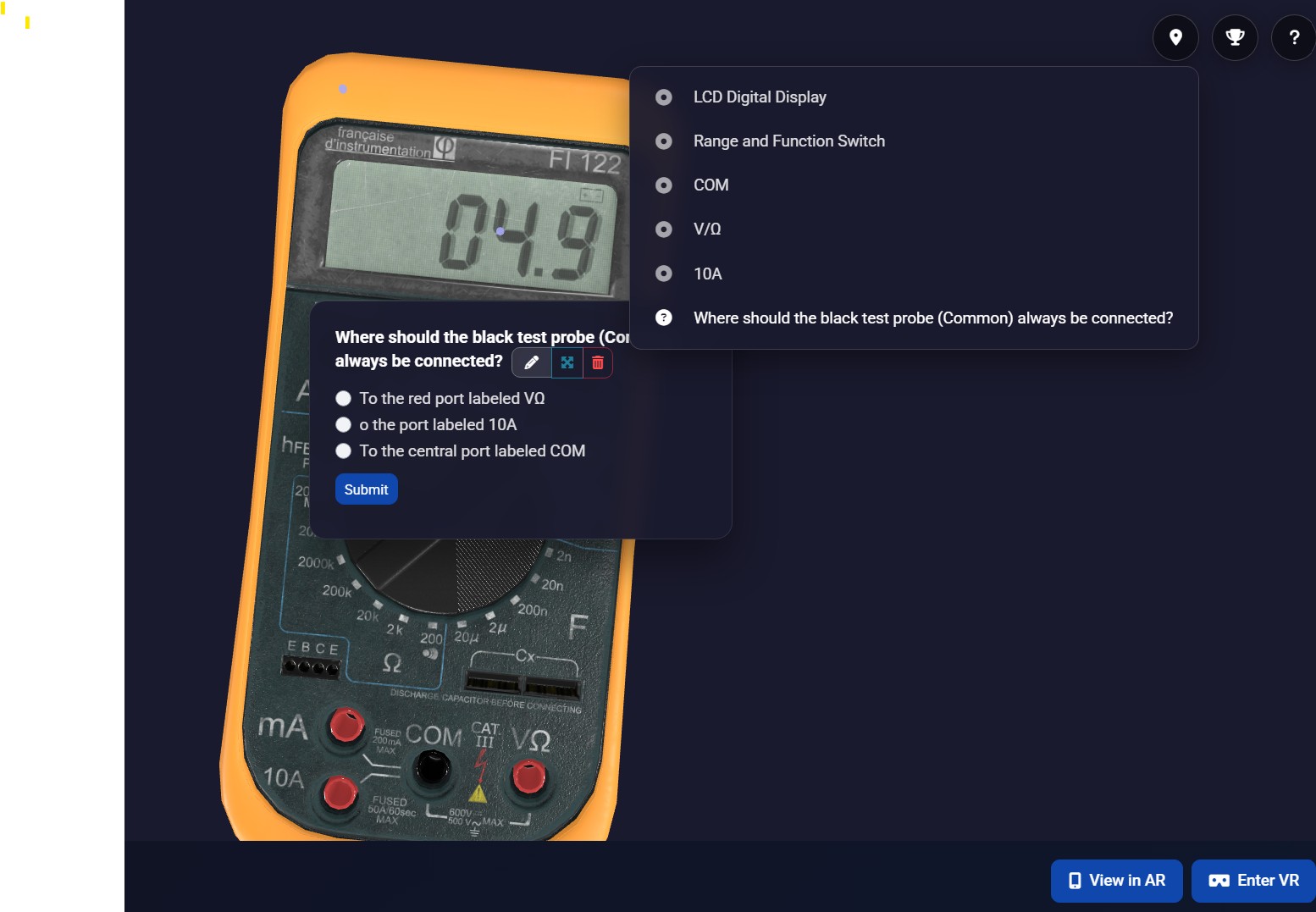
- Gamification & Branching Scenarios: Hotspots can now be locked until a specific quiz is completed correctly. This enables "Escape Room" style learning where solving puzzles unlocks new areas or information.
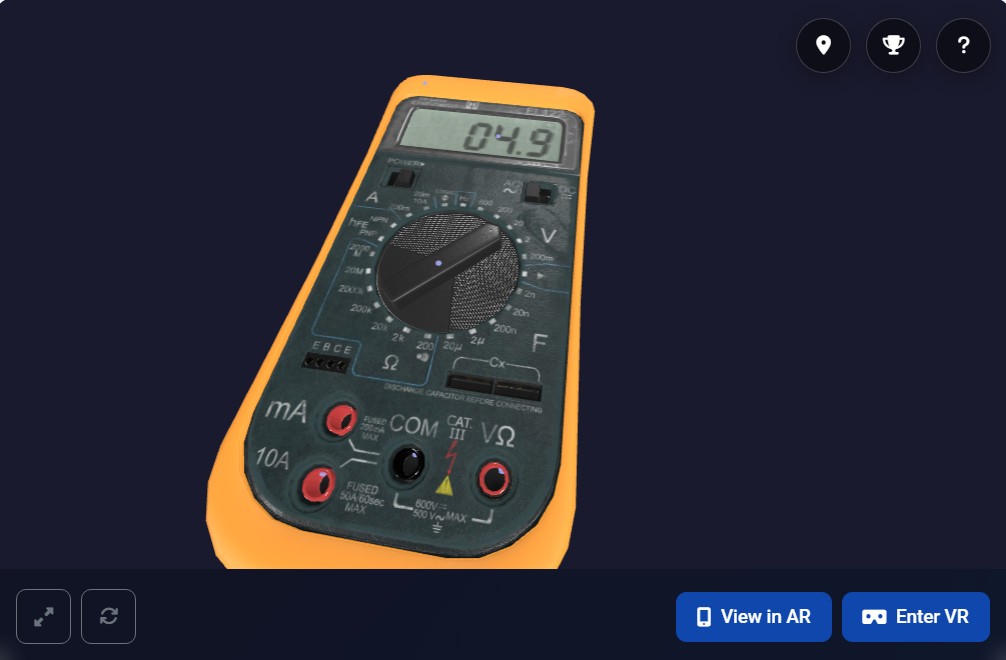
- Teleport Waypoints: A new hotspot type that doesn't show a popup but instead seamlessly flies the camera to a new location in the 3D scene, ideal for guided navigation.
- Popup Animation: Unlocked hotspots now appear with a smooth scaling "pop" animation when their condition is met.
Changed
- Performance Optimization: Significant framerate improvements for mobile devices and WebXR by dynamically capping device pixel ratios and hinting
high-performance power preference to the GPU.
1.3.0 - 2026-04-04
Added
- Video hotspot type: authors can now attach a video URL to any hotspot, supporting both direct video files (
.mp4, .webm, .ogg) and embedded iframes (YouTube, Vimeo, etc.)
- Video playback rendered inside the hotspot popup via a responsive
<video> element or <iframe> depending on the URL type
- New language strings (
video_url, video_url_help, hotspot_type_video) in English and Serbian
1.2.2 - 2026-04-03
Fixed
- Removed
Zone.Identifier Windows metadata file from the plugin package that caused core_plugin/corrupted_archive_structure validation error during Moodle plugin installation
- Improved ZIP build process to exclude all Windows/macOS metadata files
1.2.1 - 2026-03-29
Changed
- Removed dev-only
vendor/ and node_modules/ from the published plugin package
- Updated GitHub Actions release workflow to exclude dev dependencies and configuration files
- Added
.gitattributes to ignore development files in git archive exports
1.2.0 - 2026-03-18
Added
- Fully implemented Privacy Provider (GDPR) for mod_gear (metadata, export, and deletion of user tracking and session data)
- Declared external location link (OpenAI) in Privacy Provider for transparency
Changed
- Replaced direct PHP
curl_init() with Moodle's \curl wrapper for OpenAI API calls to support site proxy and security settings
- Reordered language strings (English and Serbian) alphabetically per Moodle standards
- Successfully minified
viewer.js with correct async/await syntax in AMD modules
- Updated plugin version to 2026031800
Fixed
- HTML validation error in
hotspot_popup.mustache (moved div out of h4)
- Repaired
async/await scope issues in viewer.js that was preventing minification
1.1.0 - 2026-03-11
Added
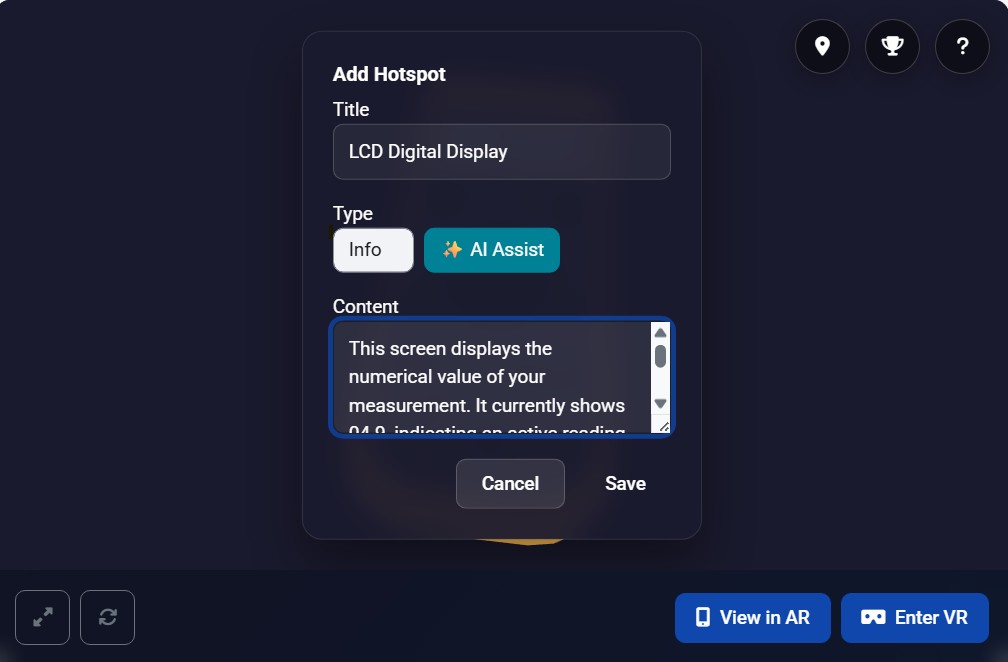
- Localized editor instructions for adding hotspots (Shift + Click)
- Enhanced Instructions modal with localized strings for all controls
- New language strings for help modal categories
Changed
- Improved "Save Current View" label to "Save Current View (Set as default)" for clarity
- Minified viewer.js and updated sourcemaps
1.0.0 - 2026-03-10
Added
- Real-time Multi-user Collaborative mode with avatars
- Spatial Audio Guides (Three.js PositionalAudio)
- In-world Quiz functionality with automated grading
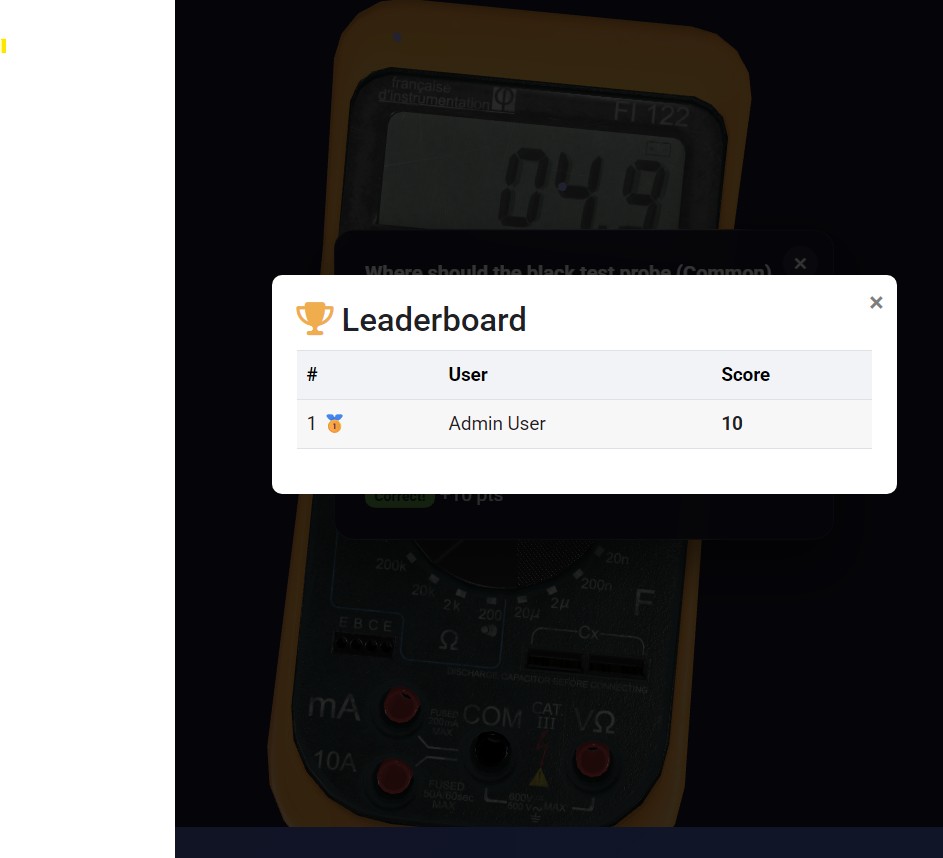
- Global Leaderboard system
- AI Content Assistant (OpenAI integration)
- Admin settings for AI configuration (API key, Model)
- User interaction tracking system
Fixed
- Quiz results aggregation logic in Leaderboard
- Missing trackEvent calls in viewer.js
- Database field access in grading logic
- Security: Removed sensitive files and API keys from repository
0.2.0 - 2026-02-05
Added
- Moodle 5.0/5.1 support
- MariaDB support in CI testing
- Source maps for AMD modules
Changed
- Updated CI workflow to test multiple Moodle versions
- Language strings ordered alphabetically per Moodle standards
Fixed
- ESLint errors (THREE.js global, curly spacing, case declarations)
- Stylelint CSS errors
- Mustache template example context
- PHPDoc documentation
0.1.0 - 2026-02-04
Added
- Initial release
- 3D model viewer with Three.js
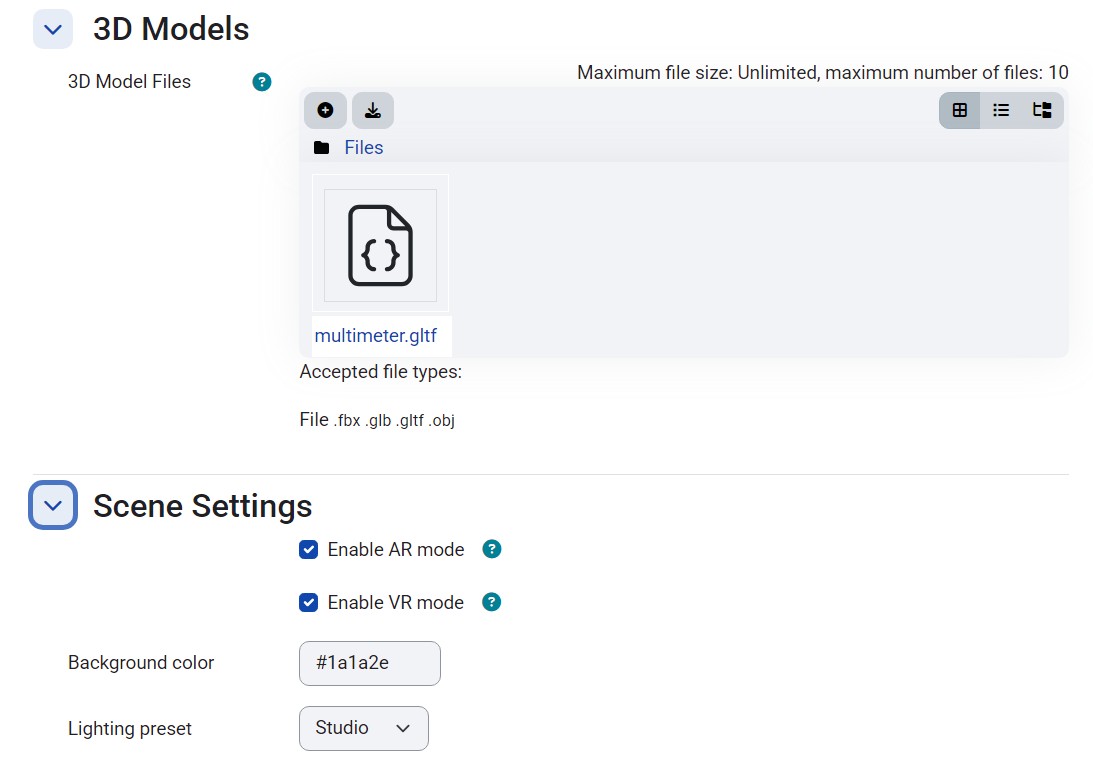
- AR mode support (WebXR)
- VR mode support (WebXR)
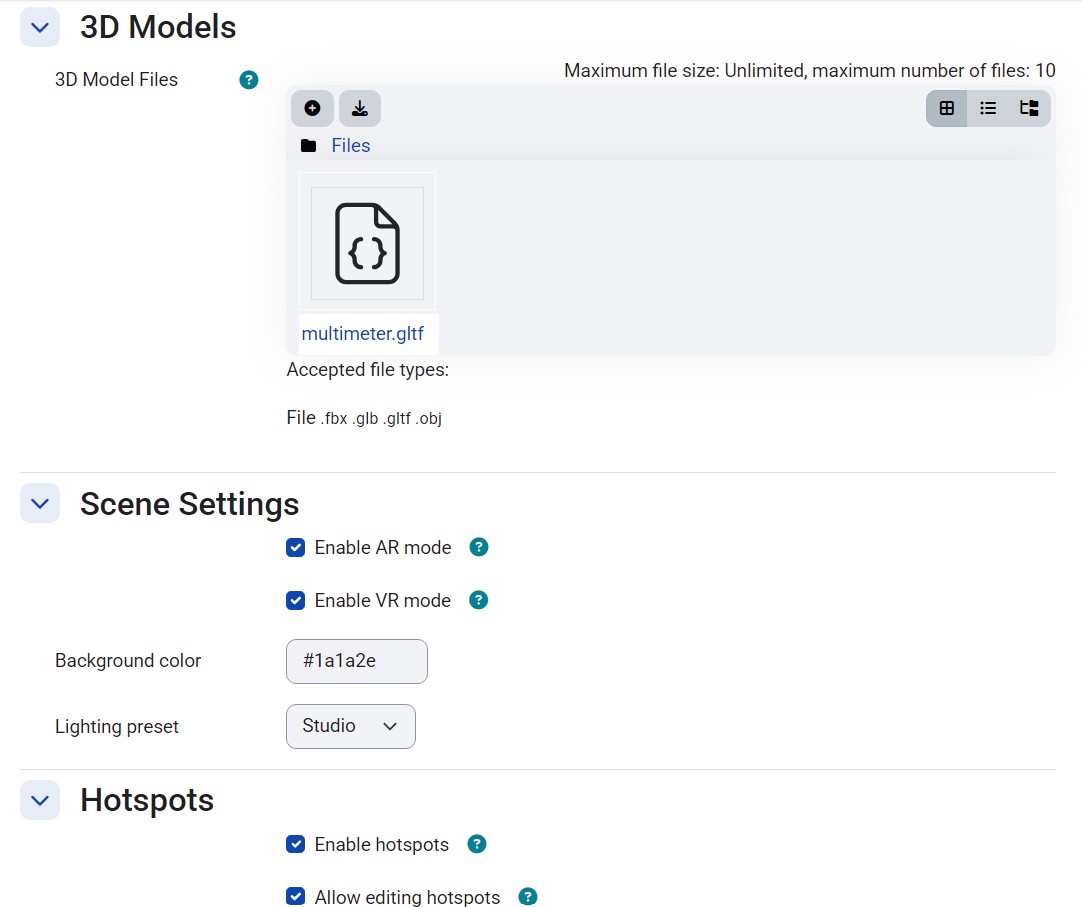
- Interactive hotspots
- Auto-rotate functionality
- Fullscreen mode
- English and Serbian language support
- Activity completion tracking
- Course module integration
- GitHub Actions CI/CD
- Moodle 4.4+ compatibility