Vernon Spain
Lead maintainer
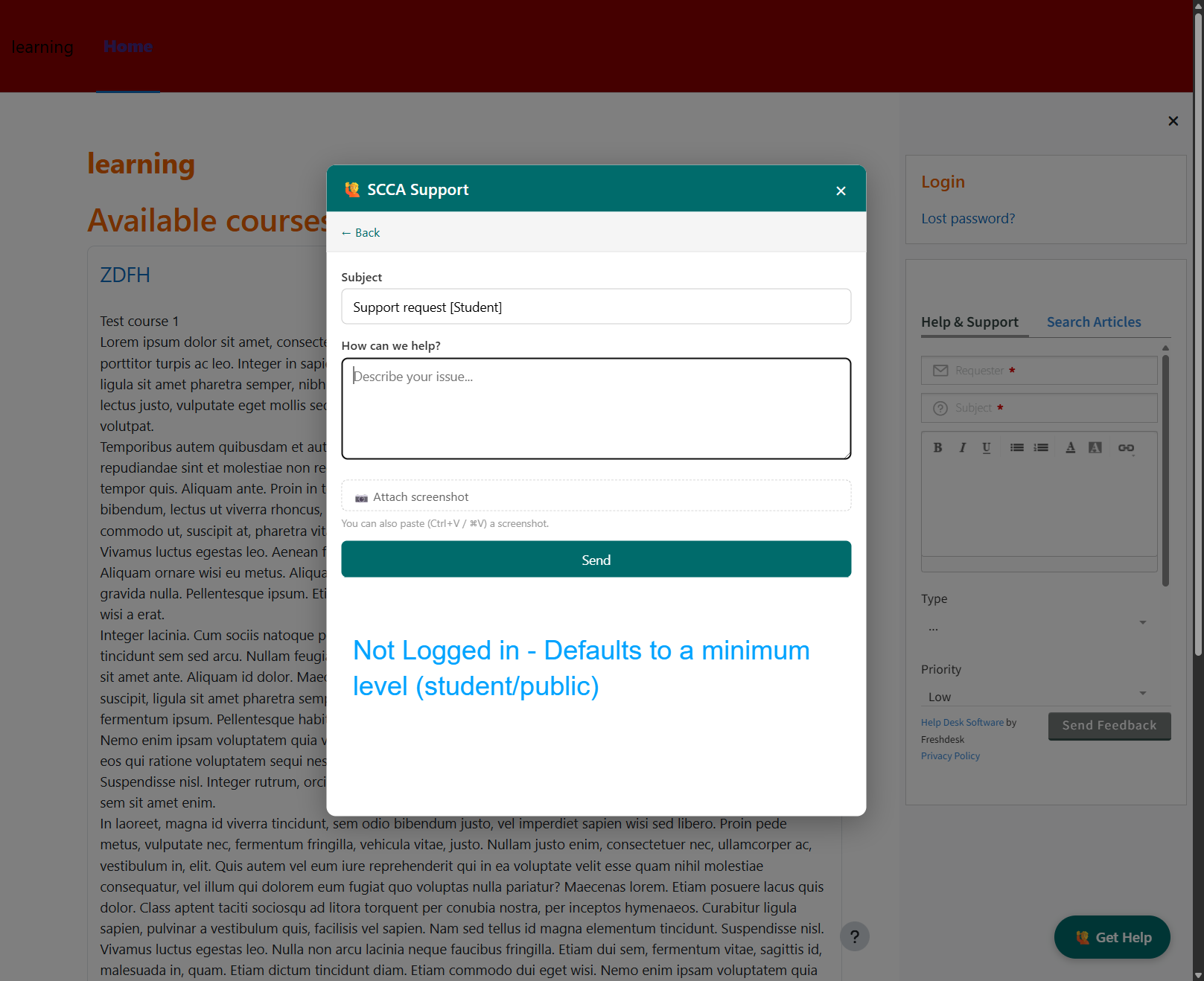
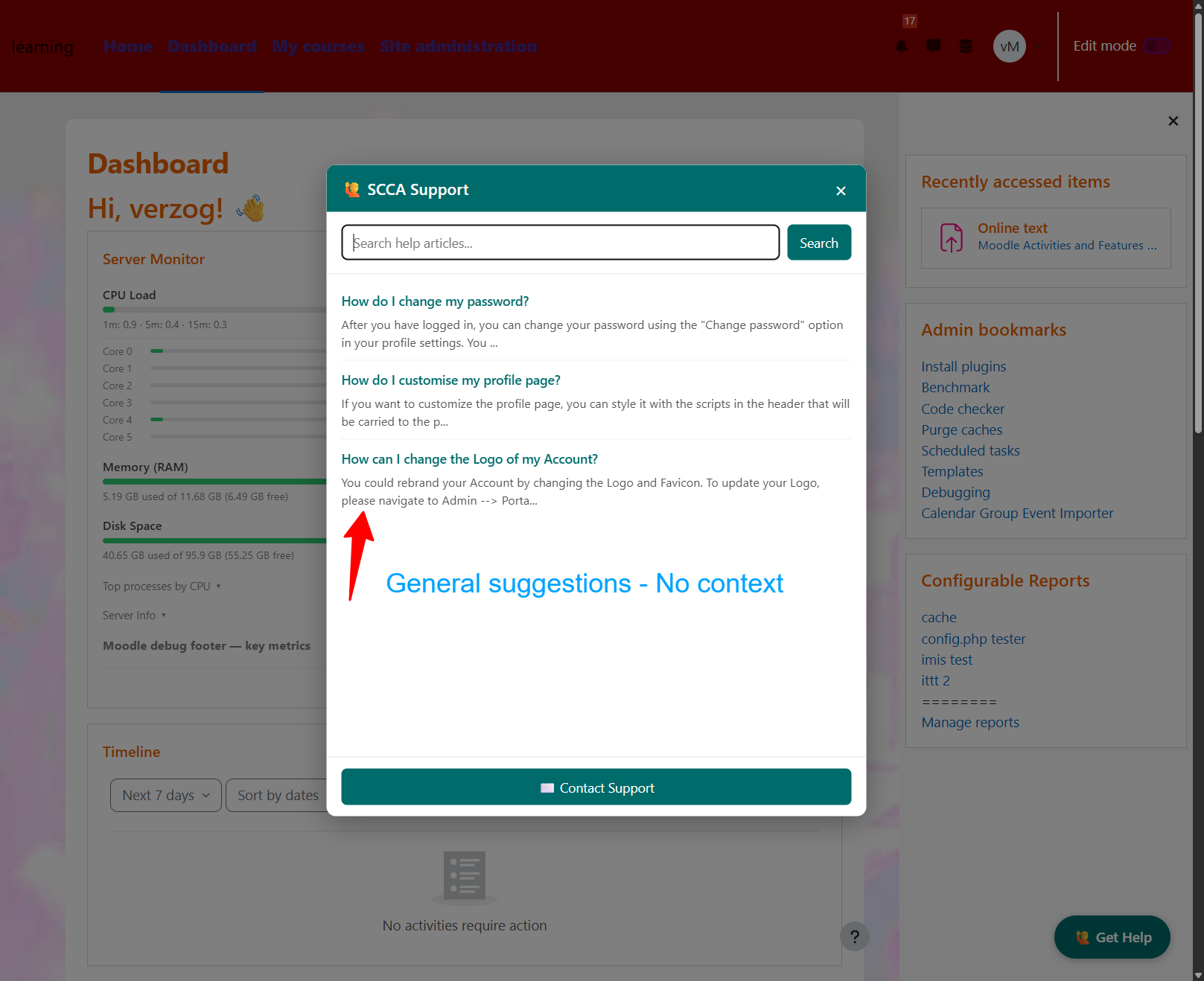
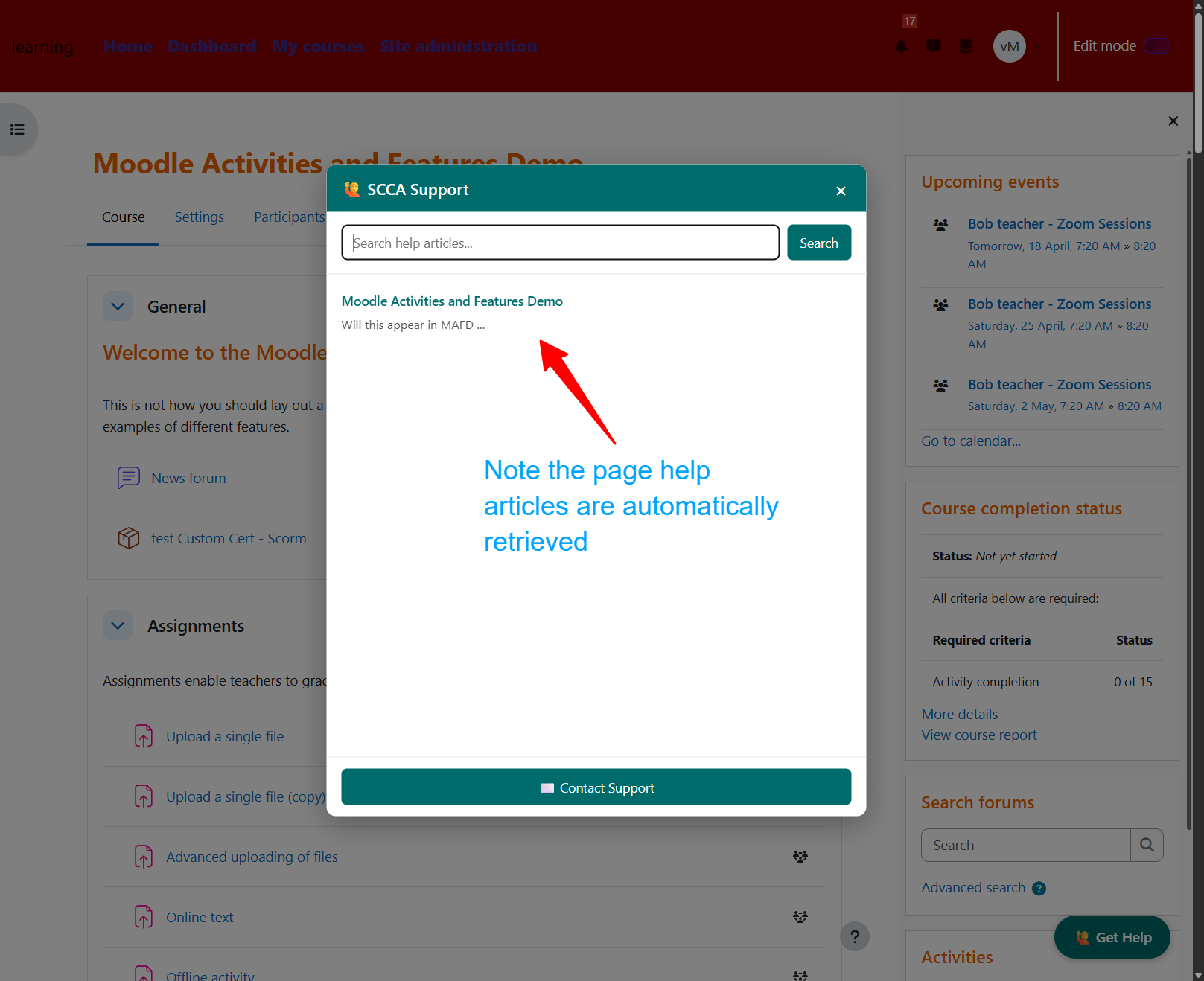
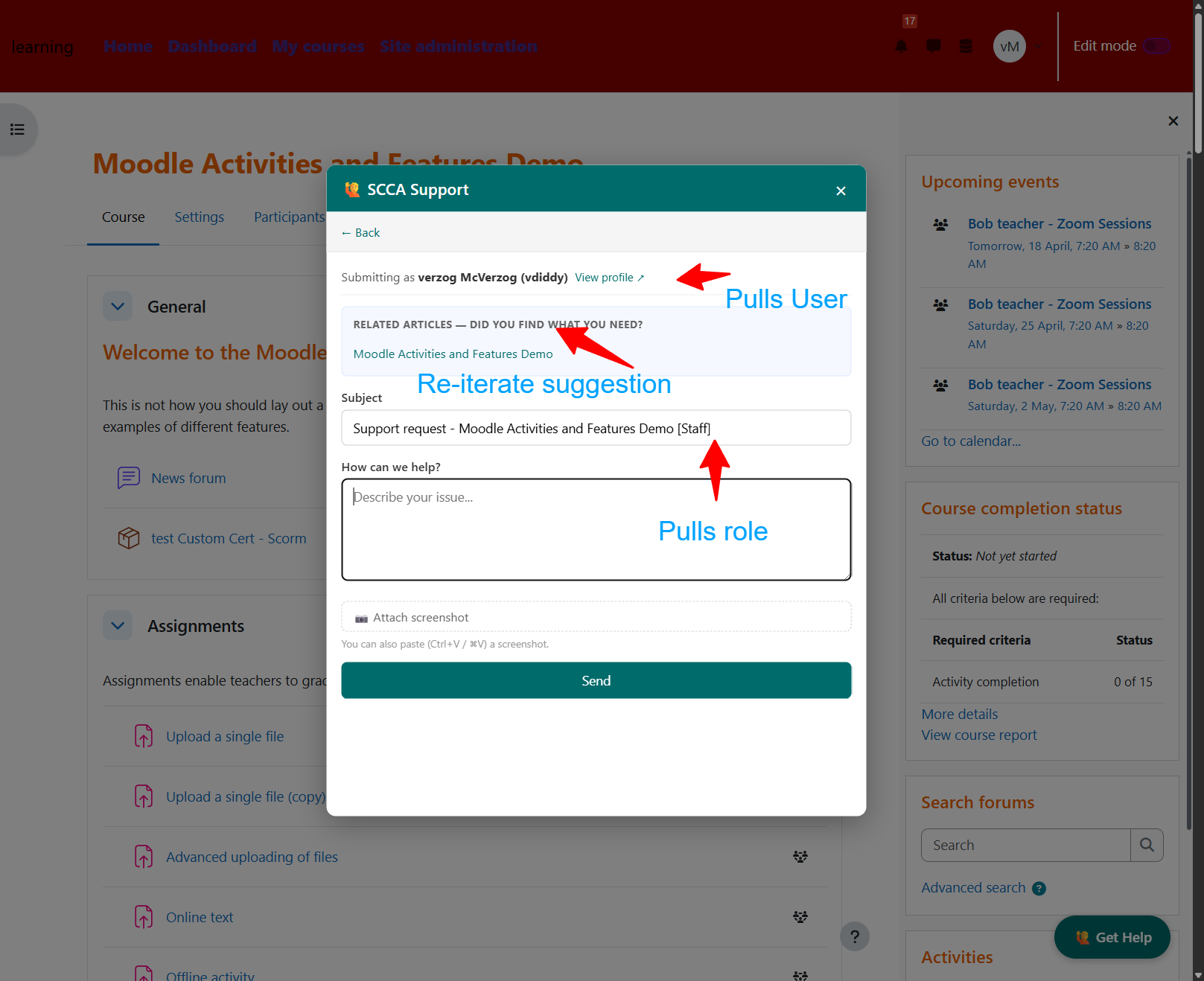
A Moodle local plugin that adds a floating Get Help button to every page, opening a support modal powered by your Freshdesk account.
Copy the plugin folder into your Moodle installation:
/path/to/moodle/local/freshdesk/
Log in as a site administrator and go to: Site Administration ' Notifications Moodle will detect the new plugin and run the installer.
Go to Site Administration ' Local plugins ' Freshdesk Support Widget to configure the plugin.
Prior to v2.0.0 the plugin was named local_freshdeskwidget and installed under local/freshdeskwidget/. To upgrade an existing site:
mv local/freshdeskwidget local/freshdeskMoodle treats the rename as a fresh install and runs db/install.php, which automatically detects and copies your existing settings (API key, portal URL, colour, etc.) from the old component name — no need to re-enter them.
| Setting | Description | Default |
|---|---|---|
| Enable widget | Show or hide the widget site-wide | Enabled |
| Freshdesk portal URL | Your Freshdesk account URL | https://thefeaturecreep.freshdesk.com |
| Freshdesk API key | Found in Freshdesk under Profile Settings ' Your API Key | (empty) |
| Widget button colour | Hex colour for the Get Help button | #006B6B |
| Hide for site administrators | Suppress the widget for Moodle admins | Disabled |
Suggested articles are driven by the Freshdesk knowledge base search API. To maximise the chance of relevant articles appearing:
quiz, assign, forum, lesson, etc.)The widget searches with up to two terms simultaneously: the current course full name and the activity type from the page URL (e.g. on a quiz page inside a named course, it searches both Introduction to Moodle and quiz).

