
Moodle eMail Test
Maintained by
Michael Milette
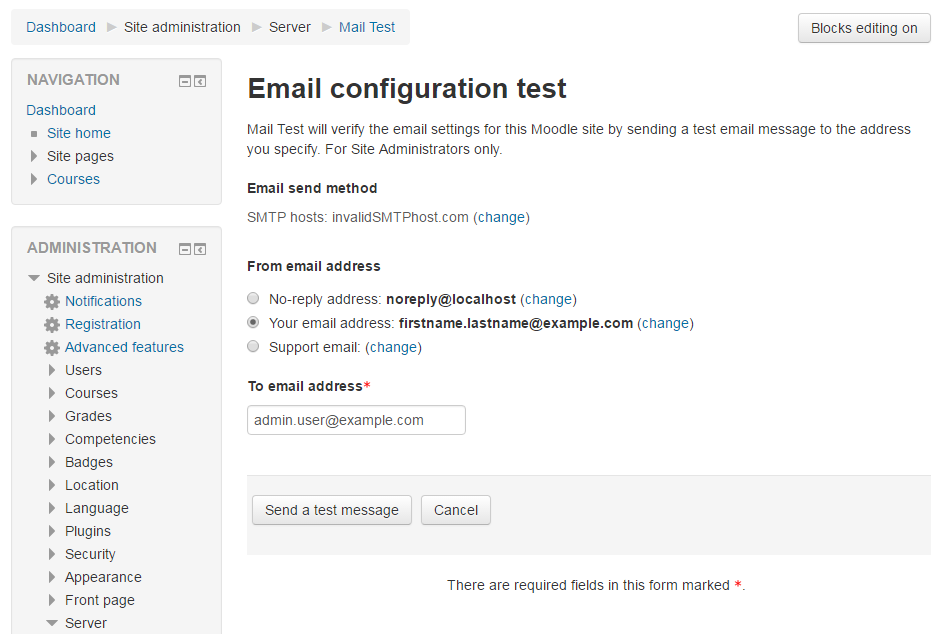
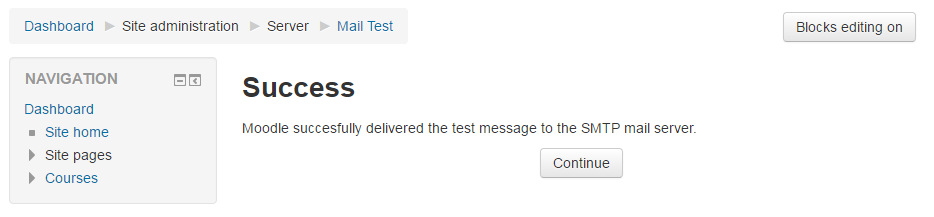
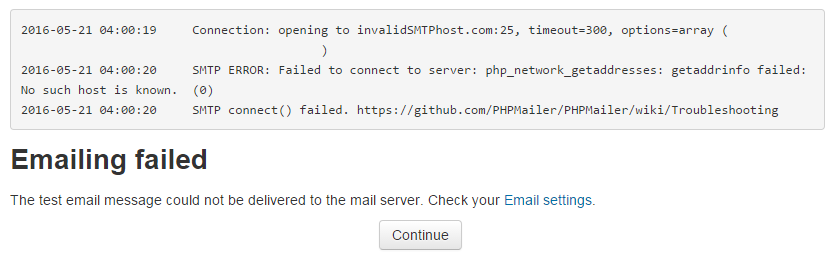
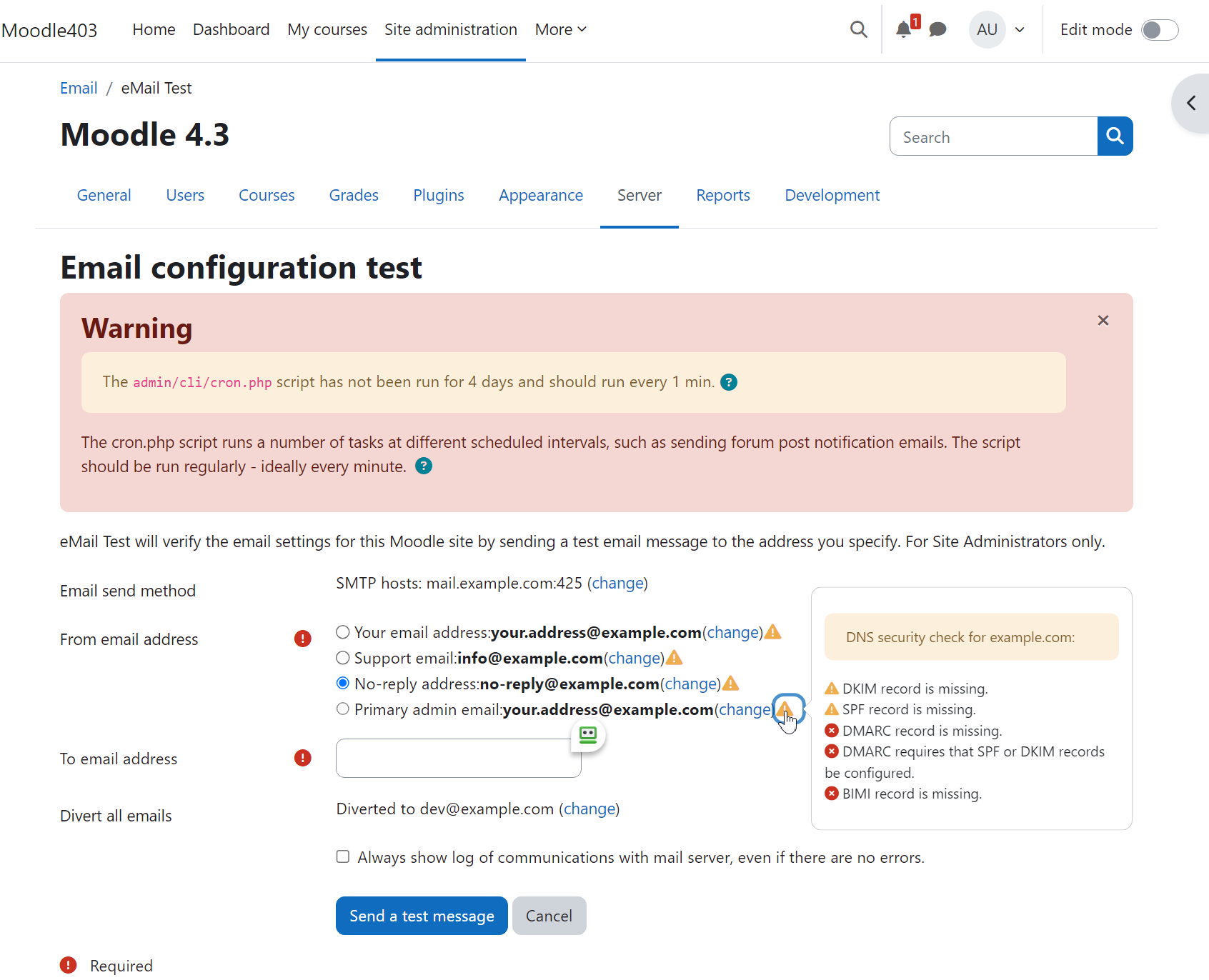
Moodle eMailTest is a powerful tool that enables administrators to test Moodle’s email system with ease. With this plugin, you can rest assured that your emails will be delivered without any hiccups. In case of any issues, a trace of the SMTP dialogue will be displayed. The plugin will also attempt to diagnose the issue and help you identify and resolve the problem quickly.
Comments
Comments are no longer open for new posts. Existing comments remain available to read.
Yes, I've installed the latest version 2025042700 (release 3.1.7).
File permissions should be fine.
I just purged the cache.
Still having the same errors
I tested the plugin on Moodle 4.5.8 and it works perfectly.
The local_mailtest_generate_email_user function is definedon line 35 of locallib.php. The locallib.php file is included on line 32 of index.php. So, I am not seeing how it can be failing.
That said, here are a few things you can check:
1. Make sure that you have version 2025042700 (release 3.1.7) installed.
2. Check the file permissions.
3. Purge your Moodle cache.
4. Uninstall and re-install the plugin (you should not need to do that).
Hope something in all this helps.
Best regards,
Michael Milette
Exception - Call to undefined function local_mailtest_generate_email_user()
Debug info:
Error code: generalexceptionmessage
Stack trace:
line 77 of /local/mailtest/index.php: Error thrown
I tested it on Moodle 5.1 and it seems to work. On Moodle 5.1, make sure you put the file in the /public/local/mailtest directory or install the plugin from Moodle's built-in Plugin Installer.
If this doesn't help, please use the Bug Tracker link on the plugin page to report your issue and we can try to resolve the issue.
Best regards,
Michael
403 Forbidden is usually an issue with the configuration of your web server. More likely than not, it is a file system permissions issue or you are not logged in as a site administrator.
Best regards,
Michael
" 403 Forbidden "
nginx
Moodle 5.0
I suspect this might be an issue with the moodle.org/plugins site. This seems to only affect you if you try to install the plugin directly using the Install button on moodle.org/plugins.
What does work? Download the plugin first and then upload (or drag and drop) it to the Install Plugins page, it installs just fine. Hopefully the Moodle HQ devs will be able to address the issue later today.
Best regards,
Michael
There is a request to install plugin Moodle eMail Test (local_mailtest) version 2023102000 from the Moodle plugins directory on this site. However, the plugin installation pre-check failed (reason code: remoteunavailable).
Hope you find it useful.
Best wishes to you all!
Michael Milette
Currently it is using the no-reply address.
I have setup allowed domains for those email domains our students use and all our students have allow participants of course to see email set.
However when they send an email as mentioned the reply to address is the no-reply one.
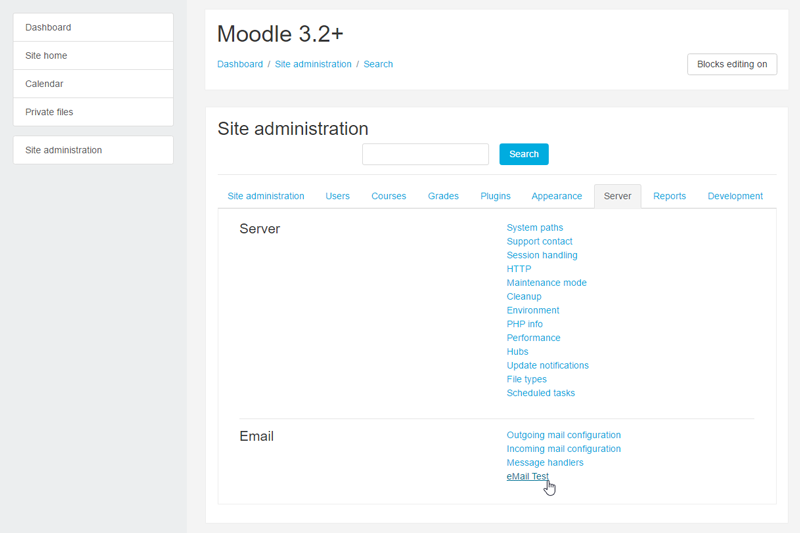
When I use the Site administration -> Server -> Email -> eMail Test (This plugin)
The reply to address is the one in the user profile of the sender, the result I want.
However, when I use the Site administration -> Server -> Email -> Outgoing mail configuration
Test outgoing mail configuration
The reply to address is the noreply address, NOT the result I want.
(And this is what happens when a student sends an email from a Forum or Quiz.)
Have you got any insights that may help.
Thanks for sharing this useful tip with the Moodle community. Hope it will help others who use SendGrid.