Mindmap module for Moodle
by Tõnis Tartes
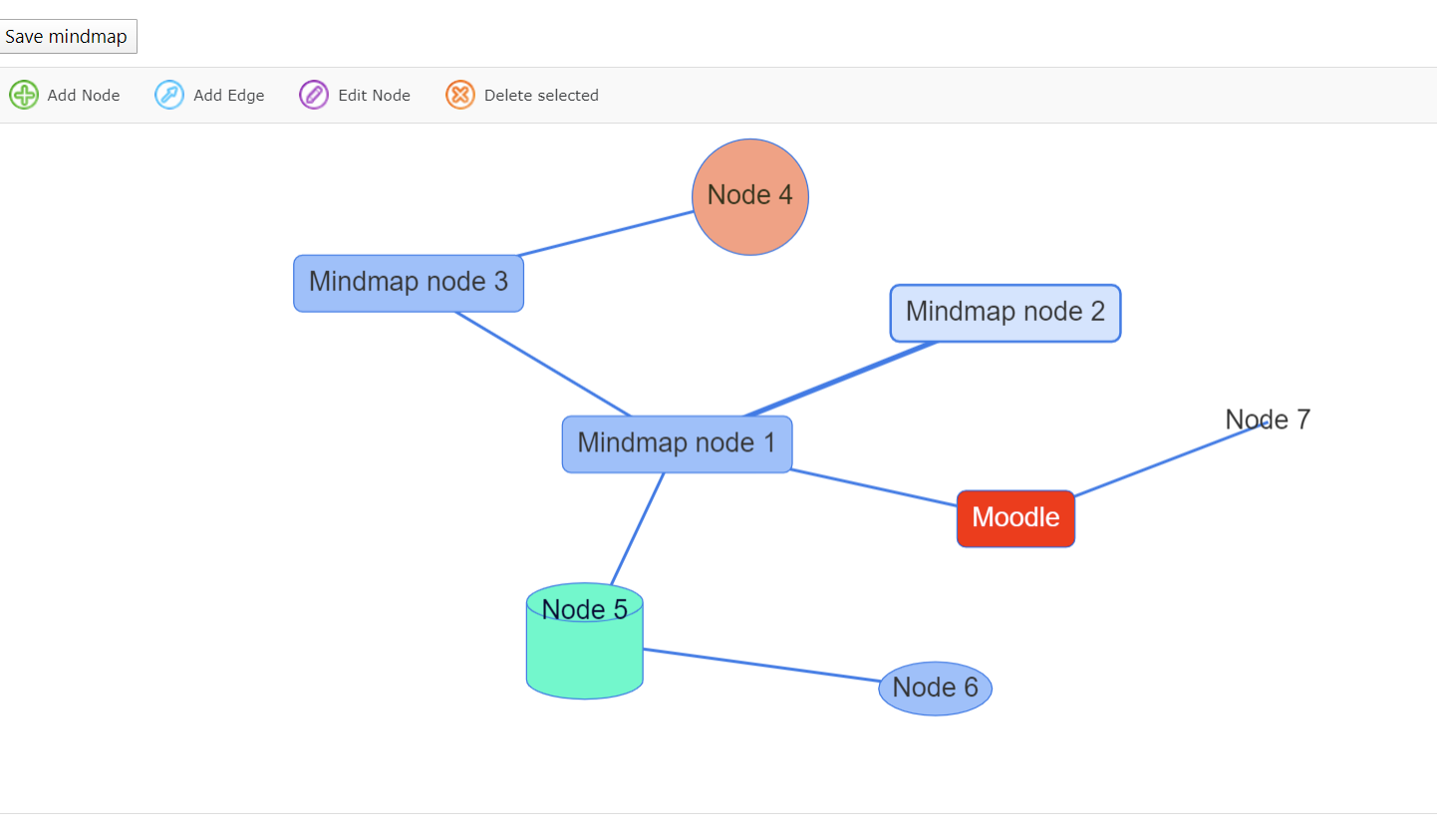
This Mindmap module allows you to create and save simple mindmaps from within moodle.
Quick install instructions:
- Copy this
/mindmap-Folder and place it in your /mod directory
- Go to your admin area and "Notifications"
- That's it
Have fun!
Thanks goes to FatCow Webhosting for the new Mindmap icon.
License: Creative Commons(Attribution 3.0 United States)
INSTRUCTIONS
Use the main buttons from mindmap taskbar to create mindmaps.
- If you double click anywhere in the empty space you can start connecting lines between nodes! Helps to save a few moves.
Plans for future releases.
TO-DO - code refactoring required for Moodle 4.x+ versions.
TO-DO - group mode for mindmaps
TO-DO - import/export of mindmaps
TO-DO - image url for nodes.(Uploads not possible)
Release notes
18.11.2024 - 2024111800 version
- Moodle supported version update.
- Added diamond,hexagon,triangle,star shapes.
05.01.2023 - 2022102100 version
- Ability to choose whether mindmap is collaborative or individual mode. Once chosen it cannot be changed per module. Similar like wikis.
14.09.2022 - 2022091400 version
- Replace empty json used on fresh new mindmap by a minimal one to avoid some http server to interpret it as an error.
- Add monoicon svg version for Moodle 4.x
26.10.2021 - 2021102601 version
- Removing default languages supported by VisJS, caused not beeing able to customize strings in the VisJS supported languages from Moodle.
- Added Spanish / Castilian translation. Thanks Marcelo Audisio!
- Added resetting function. All the mindmaps can be cleared of content when resetting course.
- Removing SWF support. If you require swf migration then from github branch 'swf_convert' has that functionality.
31.03.2020 - 2021032210 version
- VisJS supports default languages 'en', 'de', 'es', 'it', 'fr', 'cz', 'nl', 'ru', 'cn', 'ua'.
- Now you can also translate VisJS labels inside the edit window in your own language.
- Added new translatable strings.
30.03.2020 - 2021032208 version
- Max zoom out level
- Max zoom in level
- Zoom reset button
25.03.2020 - 2021032207 version
- Keyboard "Insert" key helps to add new nodes to mindmap.
- Keyboard "Delete" key enables to instantly delete selected nodes or edges.
- Coding style fixes
- Minor locking bug fix
05.03.2020 update
- Moved from Flash to JS - Thanks to vis.js library! - https:## visjs.org/
- Javascript version is supported in all browser!
- New version supports different shapes.
- Mobile friendly.
- Ability to review and convert from old Flash mindmap to JS based mindmap.
- In future Flash Conversion option will be dropped with database field holding flash data!!!