Adam Jenkins
Lead maintainer
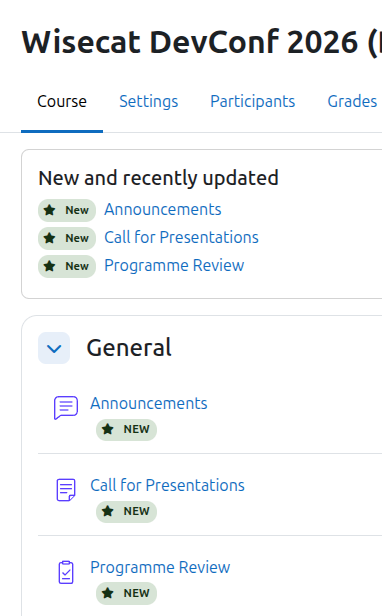
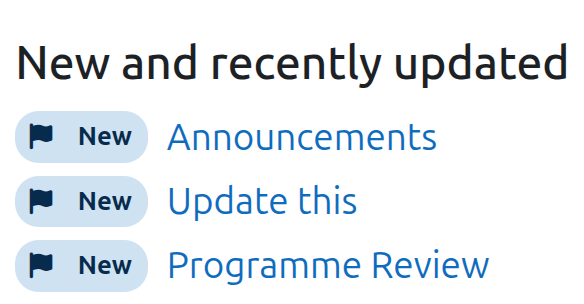
The New/updated activity indicator (local_newupdate_indicator) answers the question every returning student asks: "what's new since I was last here?" Within a configurable time span (say, the last two weeks), any activity or resource that was created gets a "New" badge on the course page, and any that was modified gets an "Updated" badge. An optional panel at the top of the course lists the most recently added or changed items with direct links, so students can jump straight to fresh content.
Administrators set the site-wide defaults: the time span, whether each badge type is enabled, its label text, icon, colour and position relative to the activity name, and whether the recent-content list appears (and how many items it shows). Teachers with the manage capability get a "New/updated indicator" page in each course's settings to override any of those defaults for their course — including turning the feature off entirely.
The plugin needs no theme or core modifications: badges are injected on course pages by a small AMD module. Per-course overrides are stored in one tidy table, travel with course backups, and are removed when a course is deleted. It stores no personal data (null privacy provider) and is tested on Moodle 5.0–5.2.

