
World clock
Maintained by
Adam Jenkins, WiseCat (the YouTuber)
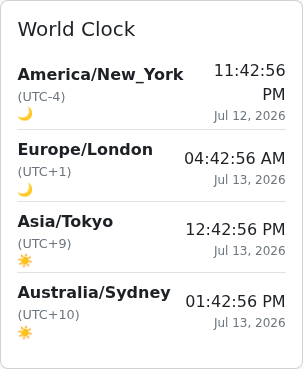
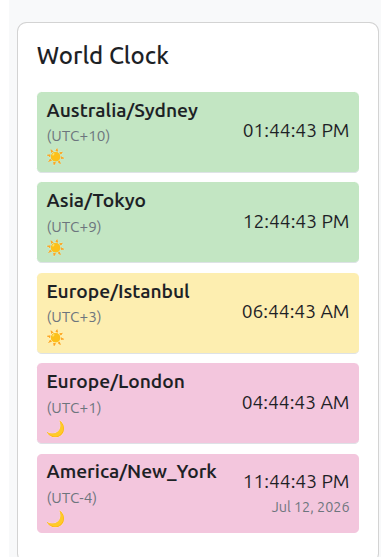
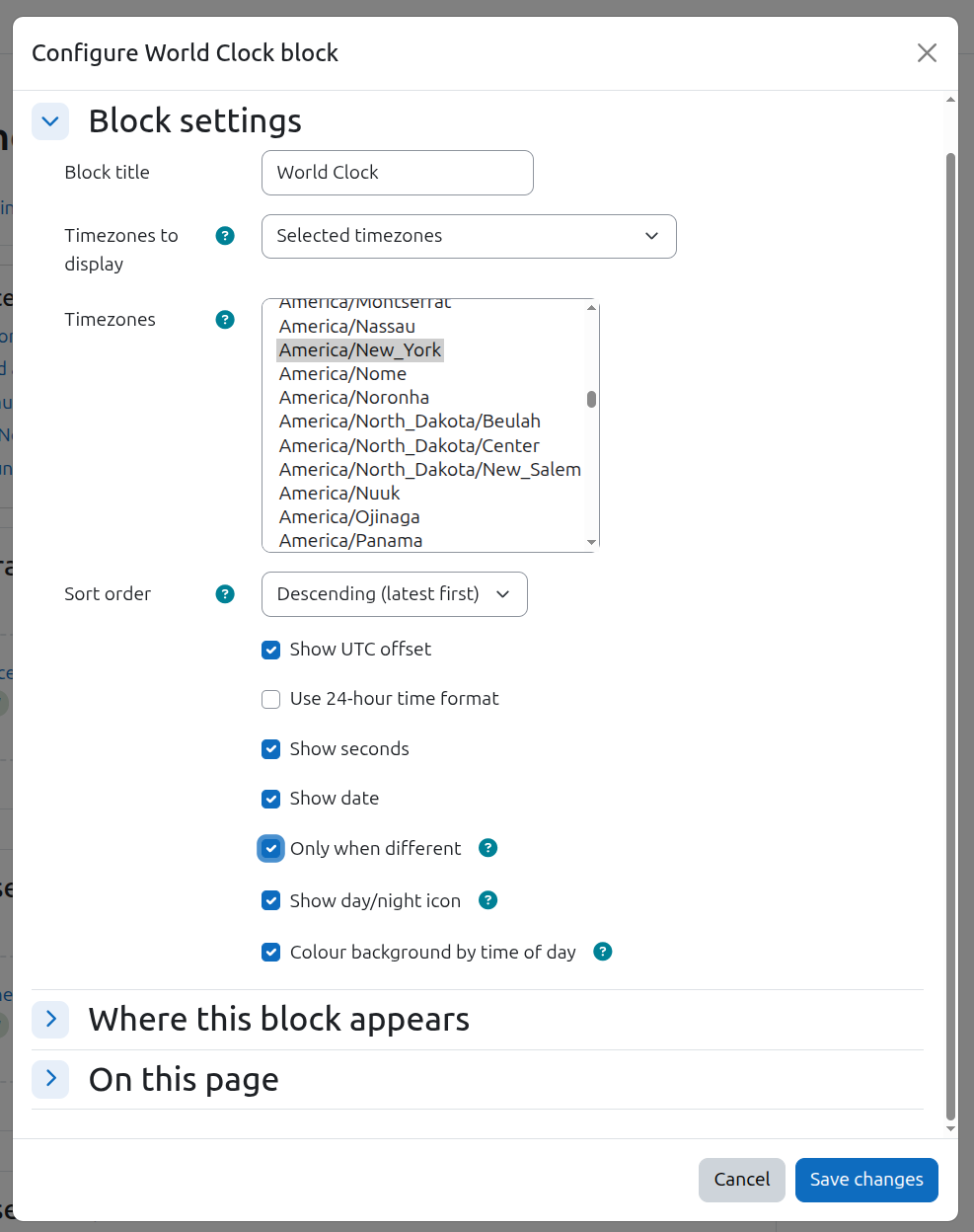
World clock puts live, ticking clocks for any set of timezones on a course page, an activity page or the dashboard. Pick the timezones yourself, or let the block discover them automatically from the timezones of everyone enrolled in a course — ideal for globally distributed cohorts. Clocks update in the browser without page reloads, handle daylight saving correctly, and can show seconds, dates (optionally only when the date differs from yours), UTC offsets, a sun/moon day-night icon, and a colour-coded "waking hours" background so you can see at a glance who is likely to be awake.
Translations
These translations are contributed by the Moodle community. Contribute a translation.
Strings translated by language
Total strings in this plugin: 42
| Percentage of language strings translated | |
|---|---|
| English [en] | 100 |