
Gapfill
Maintained by
Marcus Green
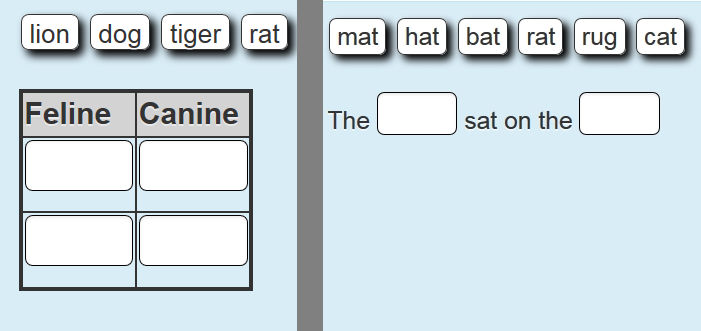
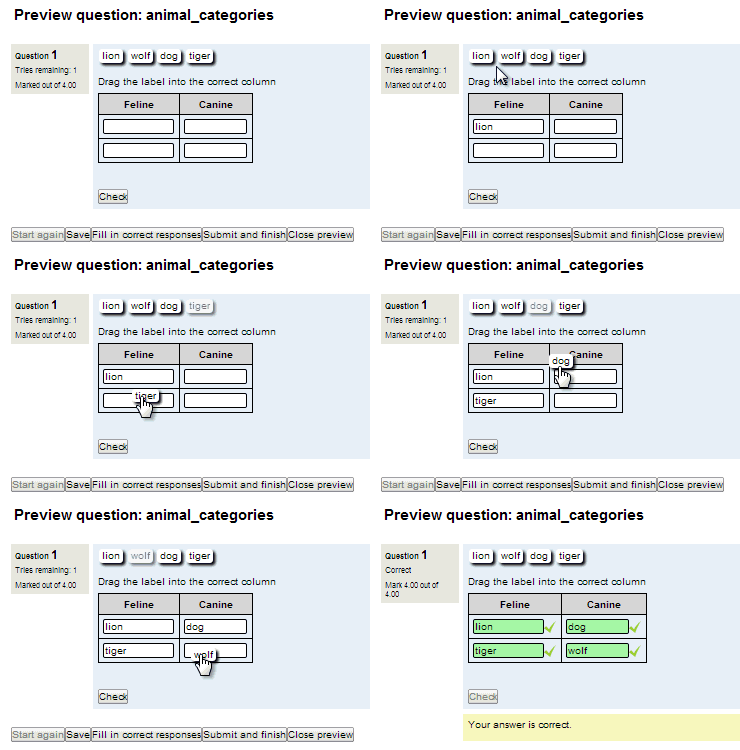
Cloze (fill in the blanks) question type with VERY simple question creation syntax. Can do drag drop, dropdowns or gapfill questions
Comments
Comments are no longer open for new posts. Existing comments remain available to read.
Apologies, I am having an issue, of my own making. I made a quiz using gap fill with square brackets, e.g.
Place of lift off: [Kennedy Space Centre]
I'd like to edit the possible answers so that it could include Kennedy Space Center/Kennedy Space Centre in Florida/ Kennedy Space Centre in Florida etc as options.
I tried doing [Kennedy Space Center |Kennedy Space Centre in Florida | Kennedy Space Centre in Florida] etc as options but that made all of those answers mark as wrong.
Any ideas what I should write please.
Thanks
https://github.com/marcusgreen/moodle-qtype_gapfill/issues
And can you confirm if the issue changes if you switch between options after text and confirm it happens with a core theme (e.g. Boost)
I'm having the same trouble mentionned in https://github.com/marcusgreen/moodle-qtype_gapfill/issues/62 with version 2.131 on Moodle LMS 3.10. I tested on a brand new 3.10 installation : using 2.10 is OK but when upgrading to 2.131, the display is not correct : navigation, administration... blocks are displayed in the bottom instead of the right panel.
Thanks.
Serge
i have a question
the input character ' on gapfil or on short answer moodle always become a problem
for example word : can't
if student typing can't from mobile phone, the result always incorrect
but if student answer from the laptop or computer the word can't always correct
is that a bug on moodle on character ' ?
text-align: center;
cursor: pointer;
pointer-events: none;
}
it's works on drag and drop without breaking gapfill and dropdown type! thank you so much, Marcus Green
.que.gapfill input.droptarget {
text-align: center;
cursor: pointer;
pointer-events: none;
}