BEFORE YOU UPGRADE NOTE!
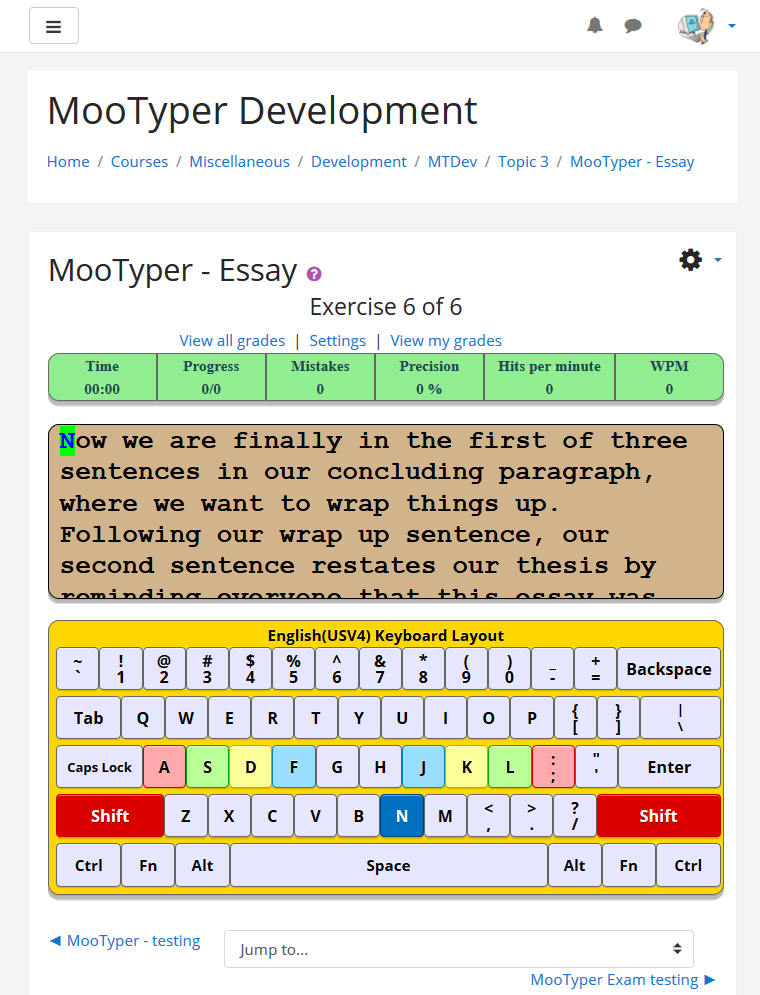
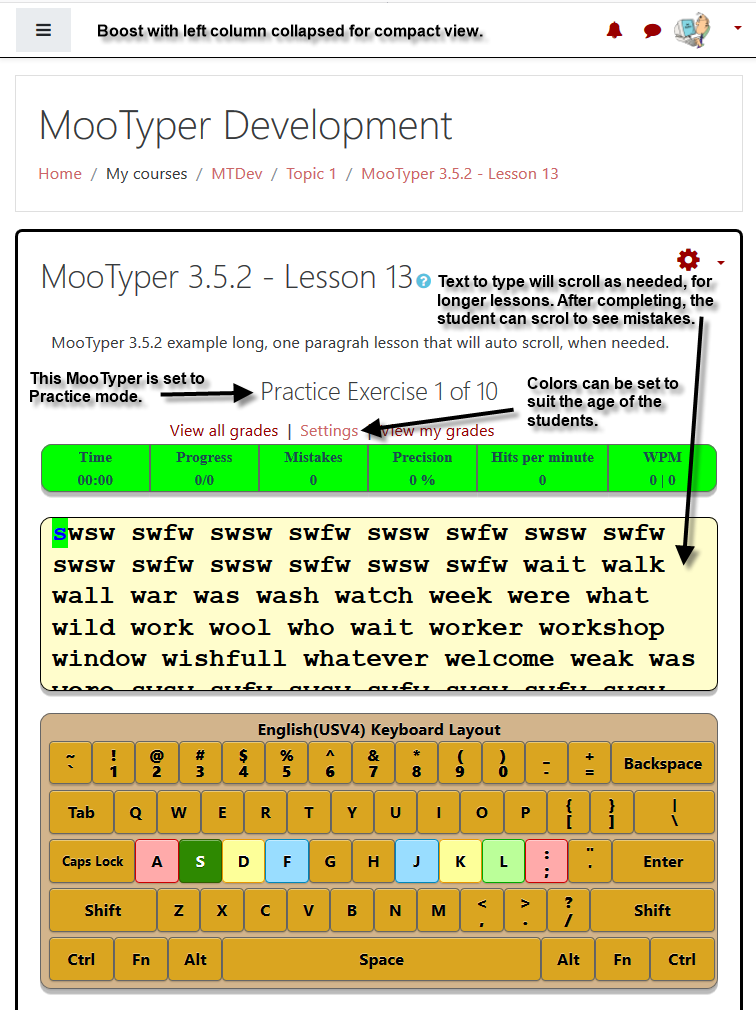
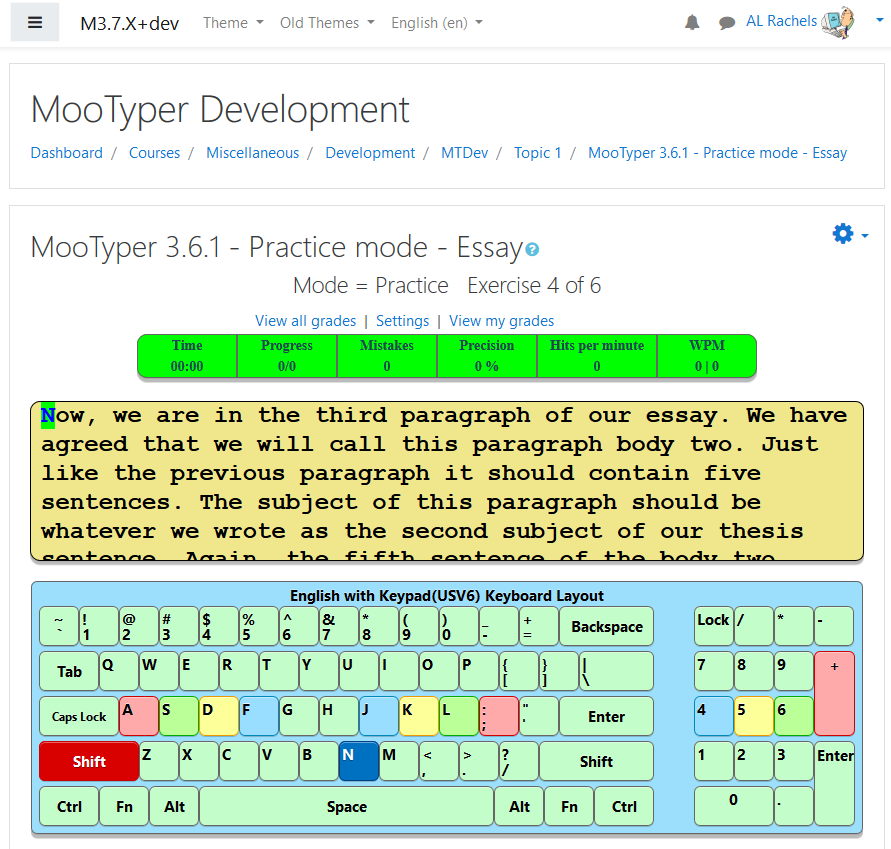
MooTyper is an Activity module. A course admin, manager, or teacher creates the activity and prepares it for use by selecting the keyboard layout and lessons to use. It can be set up to present a series of exercises from a lesson or to present one selected exercise from a lesson as a typing exam. Once set up, students can then start to type the current exercise. When a student finishes an exercise his achievement is saved into a database, so the teacher can then view grades.
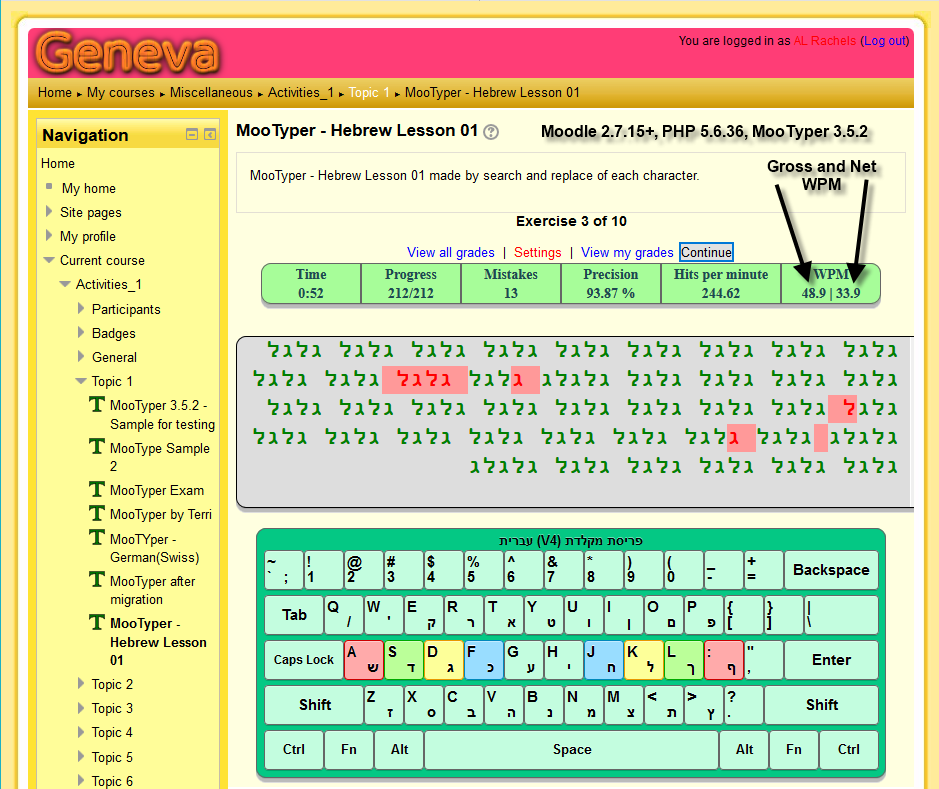
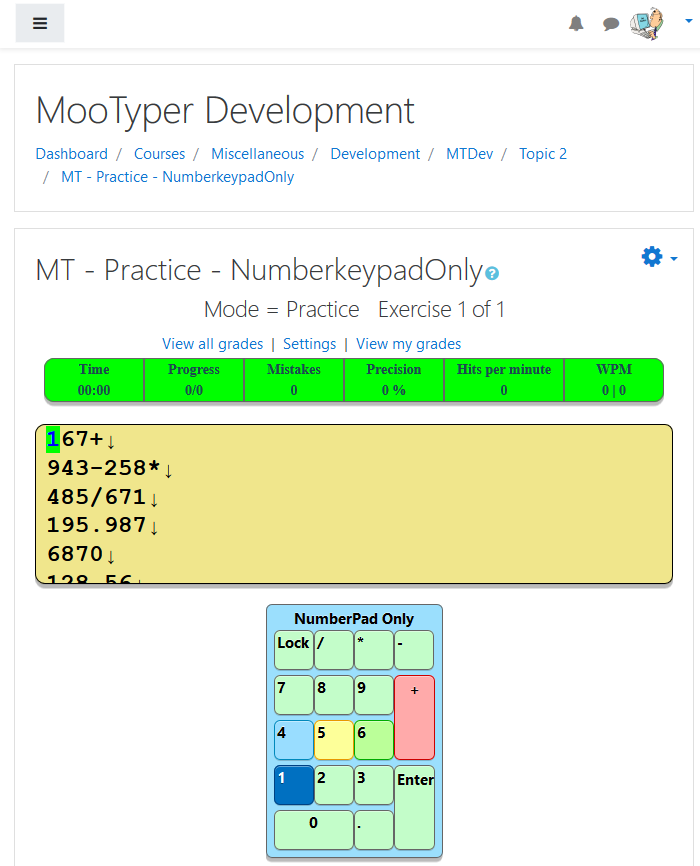
Numerous keyboard layouts are available in MooTyper. If you do not see what you need, ask me, and I will see what I can do about developing it. Note, that if your server space is limited, you can go in and delete any un-needed layouts or lessons.
You can visit the website URL listed down below, create an account, and try any of the listed layouts. If there is a layout not listed, that you would be interested in trying, please make a request in the comments below, or at the github Source control URL location.
For this MooTyper release, immediately after you upgrade, you may need to go to one of your MooTyper activities and in it's Administration block, click on, Import lesson / KB layout, so you will get versions of all the new keyboard layouts and lessons. Depending on how you do the upgrade, your old keyboard files may be erased. In that case you will get an error that can be cleared by going to Setup for each MooTyper, and select a keyboard layout to use. Old keyboard versions are not necessarily compatible with the styles.css file included in this version. In some cases, this version includes multiple layouts.
Recent New Features - note that the page was getting so long, I have removed previous version, New Features, lists.
- Moved typer.js and variants to a new /js folder.
- Made updates to the Korean keyboard layout.
- Added Cherokee keyboard layout.
- Added Tamil keyboard layout.
- Added Hindi keyboard layout.
- Added Vietnamese Telex input mode keyboard layout.
- Corrected full-hits tracking in all active typing scripts.
- Upgraded calculation for suspicious label on some results.
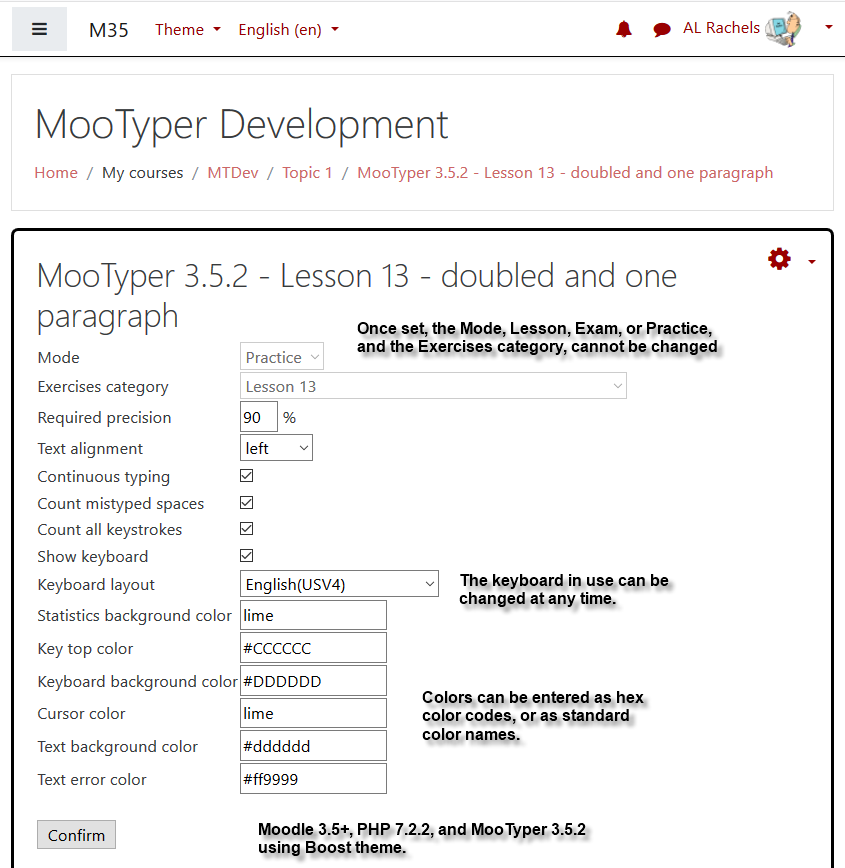
- Missing settings for the activity setting page, have been added - Mode and Lesson name. Note that the list of Exercise names will appear below the selected Lesson name. The same list now shows on the Setting link that takes you to the mod_setup.php page.
- Code changes similar to those needed for the Amharic keyboard layout, have been added for a Korean keyboard layout.
- Note that, Your current input:, is added just below the name of the new, Korean(KNV7) Keyboard Layout, so the user can see how the syllable is being formed.
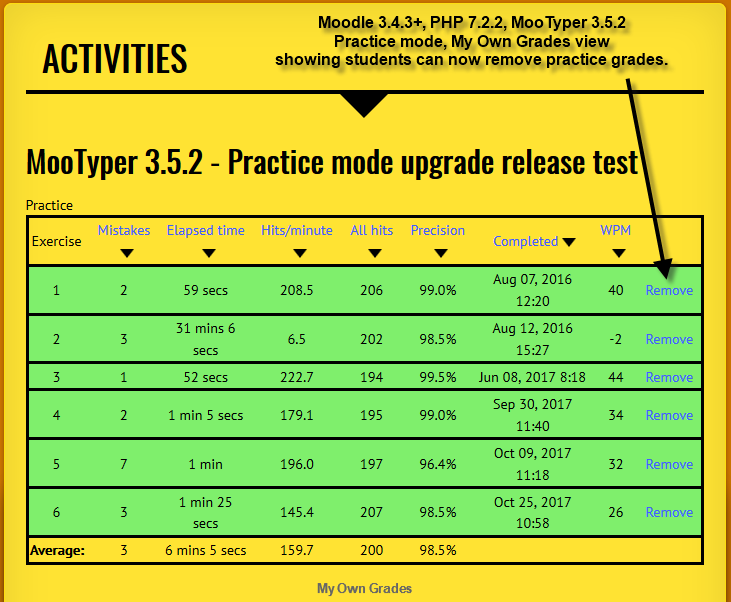
- If you are deleting an Exercise grade, it must be the last one listed for the user. This is so the program does not get confused by a middle of the list missing result that can cause the database to get messed up.
- It happens to me very often when creating new layout where the text to type just disappears. To help with this I have added, Reset my stuck attempt, for users and, Reset stuck attempts (all users). for teachers and admins.
- New Completion settings are available, Exercise, Lesson, Precision, WPM, and MooTyper Grade.
- Can use Whole grade for combined precision and WPM grade.
- Can use Whole grade for just a precision grade.
- Can use Whole grade for just a WPM grade.
- Can use Rating average, count maximum, minimum, or sum for combined precision and WPM grade.
- Can use Rating average, count maximum, minimum, or sum for just a precision grade.
- Can use Rating average, count maximum, minimum, or sum for just WPM grade.
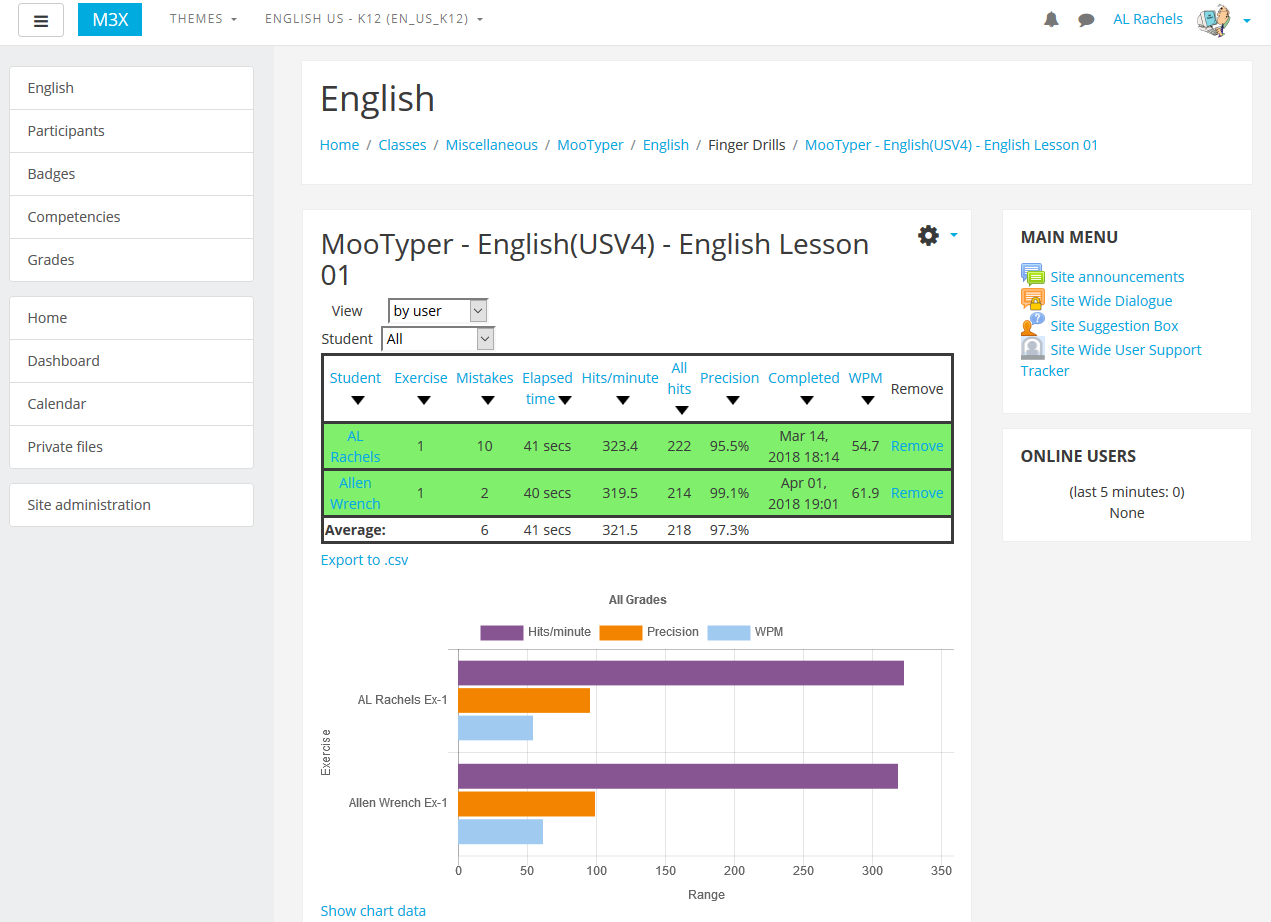
- Added new grade column on both, View all grades, and on the, View own grades, pages.
- When using Ratings, added new, Ratings information, section to the grades tables on both , View all grades, and on the, View own grades, pages.
- Added date/time to the CSVexport file name.
- Added new icon look feature for Moodle 4.0.
- Added basic activity completion for Moodle 3.11 and higher.
- Added capability to delete unused keyboard layouts.
- Added links to, View all course mootypers, on the grade pages, the end of lesson page, and the end of exam page.
- Fixed the bug where the cursor color was not being backed up or duplicated correctly.
- Added plain text to the, Add new exercise to this lesson, button on the exercises page.
- Added capability for an admin to remove database entries and physical files, for keyboard layouts that are not needed.
For other features and capabilities, visit the link below, More documentation on the plugin.
For any additional information please visit us on GitHub or post in MooTyper's forum topic.