
MooTyper
Maintained by
RACHELS, DANIEL A.
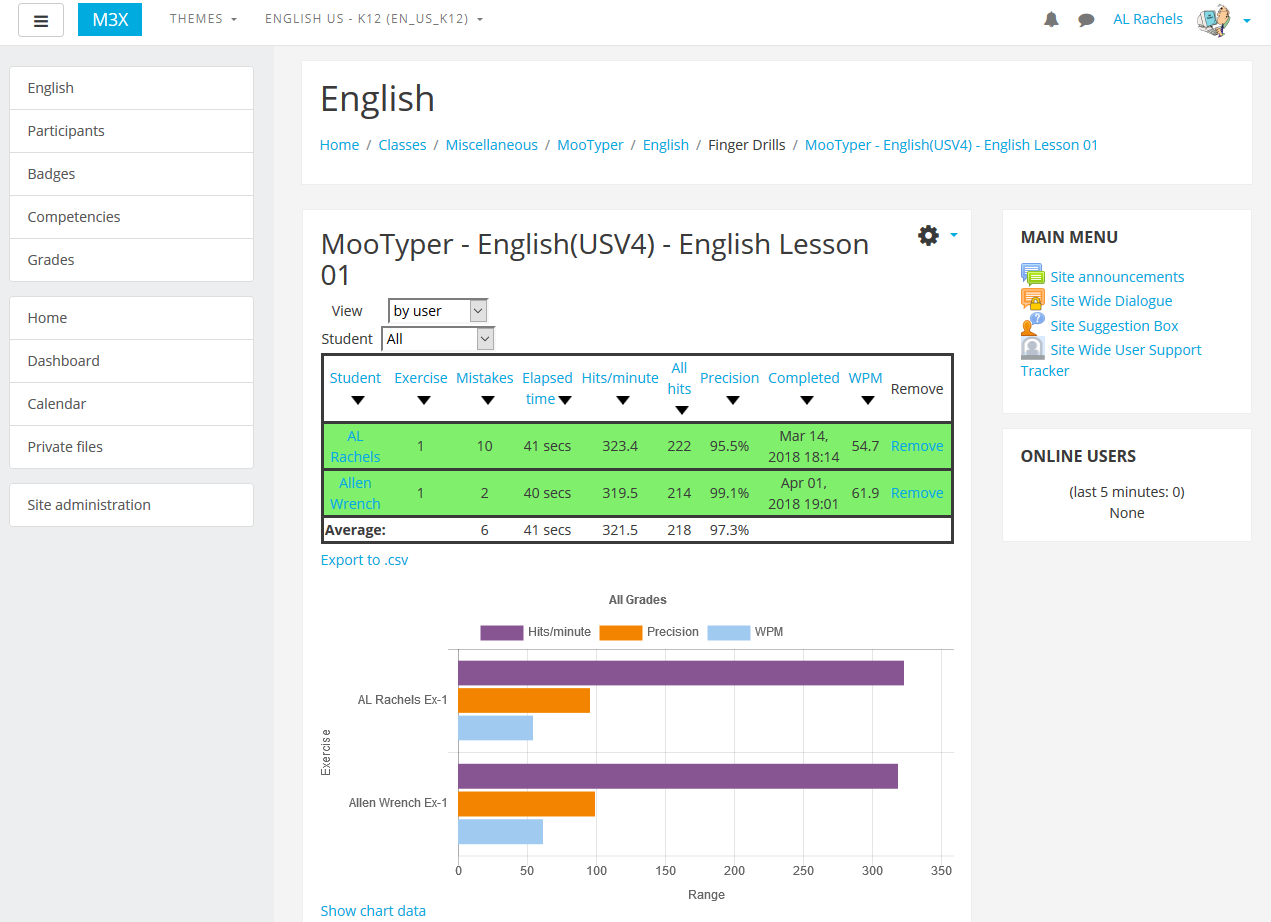
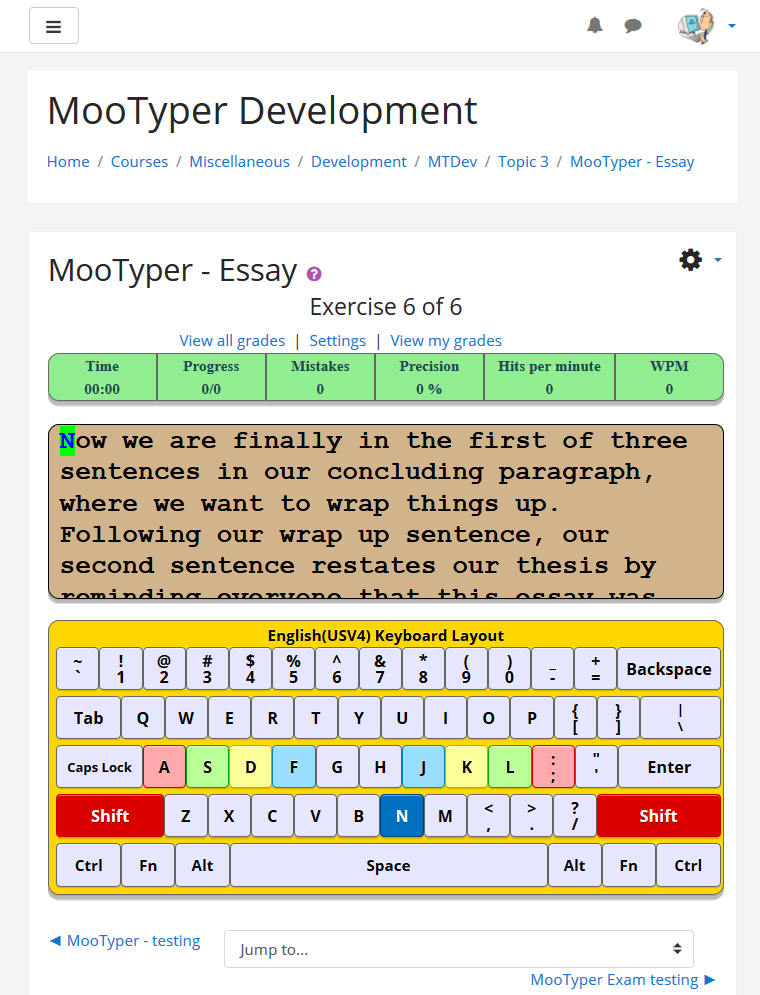
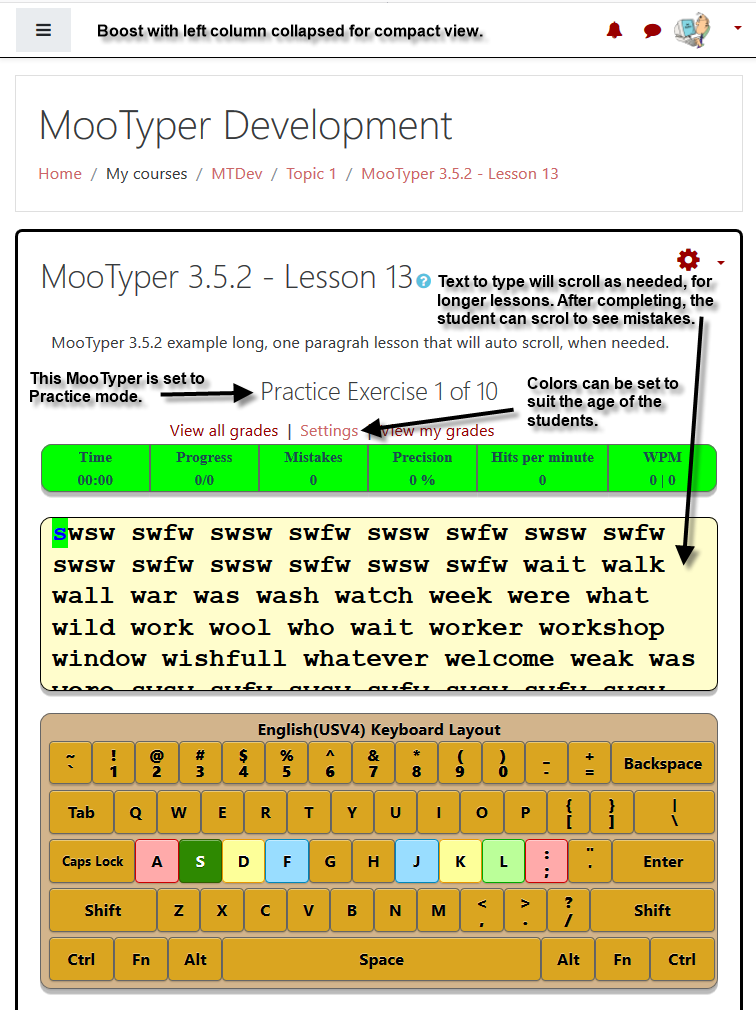
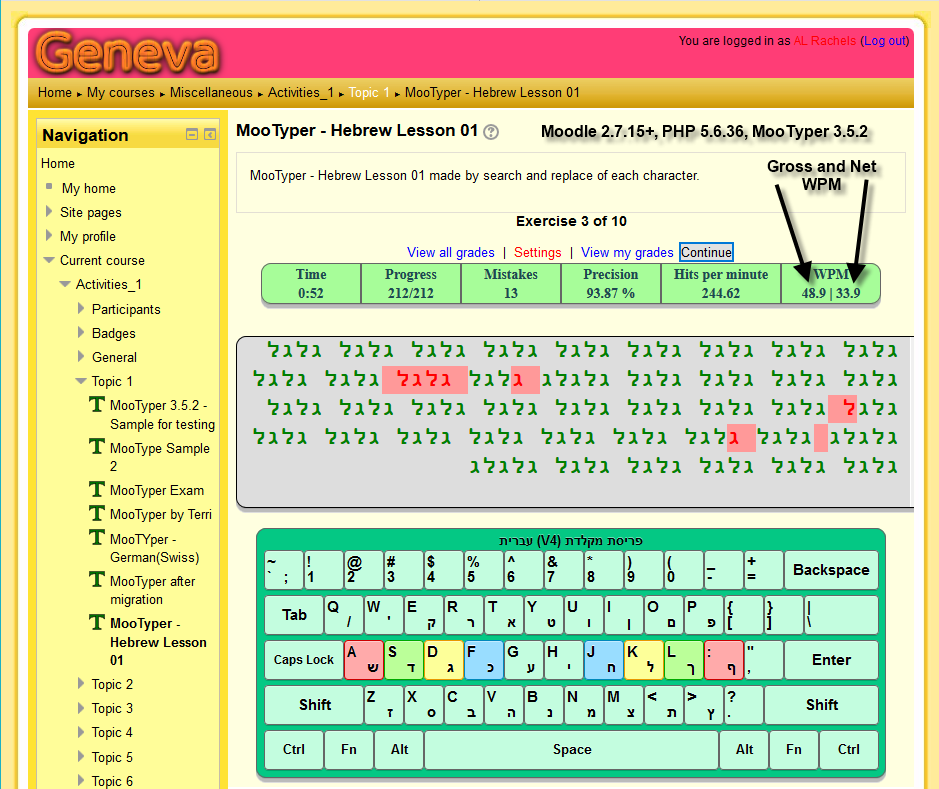
MooTyper implements a typing practice/instruction functionality into Moodle.
Comments
Comments are no longer open for new posts. Existing comments remain available to read.
With all the extra details being added, it is going slower than I thought, but mostly because I keep adding to what's there. As of today, there are still many courses that need all the "stuff" added to them, and truthfully, I am easily distracted and just jumping from one course to another, in whatever order strikes my fancy. Mostly I am trying get to courses that use languages with a different alphabet. e.g. I did a Hindi course yesterday and would love any feedback. https://drachels.net/moodledemo/course/view.php?id=1508
If there is a course, that is currently empty and awaiting all the exemplar activities to be added, but you would like to see it upgraded sooner-than-later, ask and I will get right on it.
It is my plan to make standard Lesson files for each course and make them easily copied/downloaded for your own use/evaluation.
I want to do a little more testing, but hope to release a new version next week after I have a chance to fix a couple more of my TODO items.
If anyone has anything they would like to see added to MooTyper, send me a message or list it here and I will see what I can do.
I know it has been a long time since Carpe Diem inquired about a Korean KB layout and typing capability for MooTyper, and may not need it now, but others might. So, Just to let everyone know, a few minutes ago, I was able to complete my first full sentence of an exercise written in Korean. I am running Behat and other tests, but will push this code to the MooTyper master branch, soon, so that interested parties can try it out. If anyone wants to try it on my server, send me an email and I can give you access.
I hope you are well, it's been ages.. MoodTyper appears to work on Moodle 5. Could you update the supported extension on your end to Moodle 5 so that it installs automatically each week when we update our Moodle instance? It saves us so much time. Cheers.
Upgrading to new version
mod_mootyper
Exception - Call to undefined function xmldb_mootyper_install()
More information about this error
Debug info:
Error code: generalexceptionmessage×Dismiss this notification
Stack trace:
line 891 of /lib/upgradelib.php: Error thrown
line 651 of /lib/upgradelib.php: call to upgrade_plugins_modules()
line 1937 of /lib/upgradelib.php: call to upgrade_plugins()
line 719 of /admin/index.php: call to upgrade_noncore()
Any ideas? We have removed the old version.
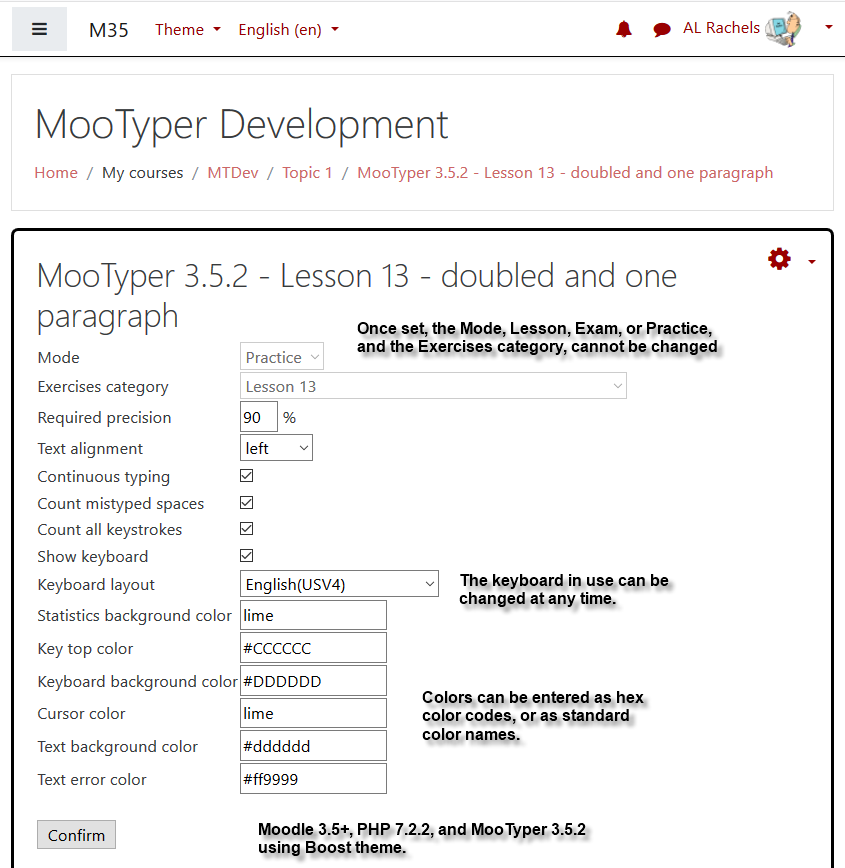
So, if you really need to make the change, log in as a site admin, then start the MooTyper and click on the Settings button between the View all grades and View my grades buttons. As long as you are logged in as an administrator, the Mode drop down will be enabled and you can changed to any of the three modes, Lesson, Exam, or Practice. At this point, to be fair to everyone, the teacher or admin then needs to DELETE all the grades in the MooTyper activity so that everyone has to do all the exercises. I find that it is actually easier to just create a new MooTyper activity set to the Mode I want to use.
This is a great plugin. With this, I am wondering whether there is a way to change the mode from exam to lesson once the activity is already created?
Write to me, drachels@drachels.com. I need to know what language and what keyboard layout you are using. I'm sorry but the only thing close to a Mac that I have access to, is an old iPad that has to be a least ten yours old, so I might not be able to help much.
Thank you very much for your work AL Rachels. I have created a course for my students and they are delighted.
But I have a problem. Users with macOS operating systems cannot enter accents. Windows users can. How could I solve this? Thank you very much. I work on Moodle 3.8 and Mootyper version 4.2
This is exactly what I would love to see in Mootyper:
https://internet.intersteno.it/page.php?id_primario=8&id_secondario=121&language=fiammingo&language_text=fiammingo&external=true
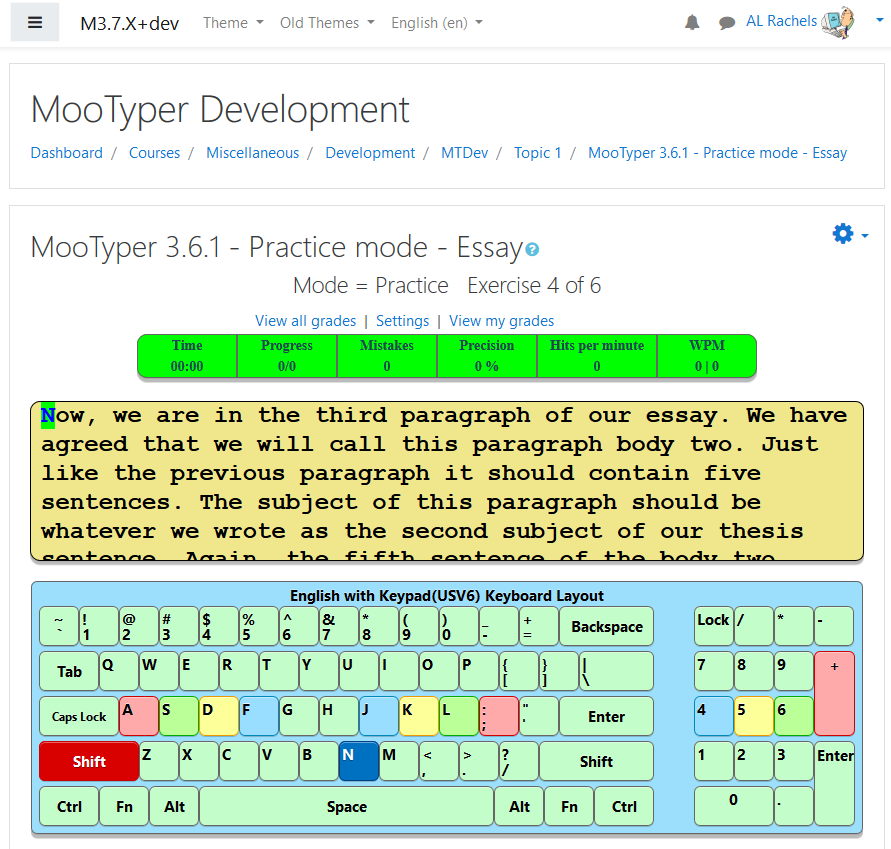
You can correct your mistake, if you do so, it doesn't count as a mistake. But if you don't notice it and you leave the mistake in it, it does count.