
Virtual Programming Lab
Maintained by
Juan Carlos Rodríguez
VPL (Virtual Programming Lab) enables the creation, submission, execution, and automatic assessment of programming assignments directly within the Moodle learning environment.
Comments
Comments are no longer open for new posts. Existing comments remain available to read.
You could add erlang to the list of languages available for VPL!
I've tried vpl for erlang: https://www.erlang.org/
=> that's ok (on my server and on the demo server): http://demovpl.dis.ulpgc.es/moodle/mod/vpl/view.php?id=399
It's just a small test.
1) I've changed the vpl_run.sh (for prolog) into:
. common_script.sh
check_program escript
cat common_script.sh > vpl_execution
echo "escript $VPL_SUBFILE0" >>vpl_execution
chmod +x vpl_execution
And
2) test with an erlang program:
-module(plusOne).
-compile(export_all).
plusOne(N)-> N+1.
main([]) ->
io:format('Give a number (end your line with .)~n',[]),
{ok,X} = io:read(':>'),
Y=plusOne(X),
io:format('~p + 1 => ~p ~n',[X,Y]).
That's all. And it works.
But I'm not a specialist with Erlang, and not a specialist with VPL. Maybe, there are better ways to do that.
Good surprise: the code editor colorized nicely erlang code (without anything to be done).
Best for you,
Denis B.
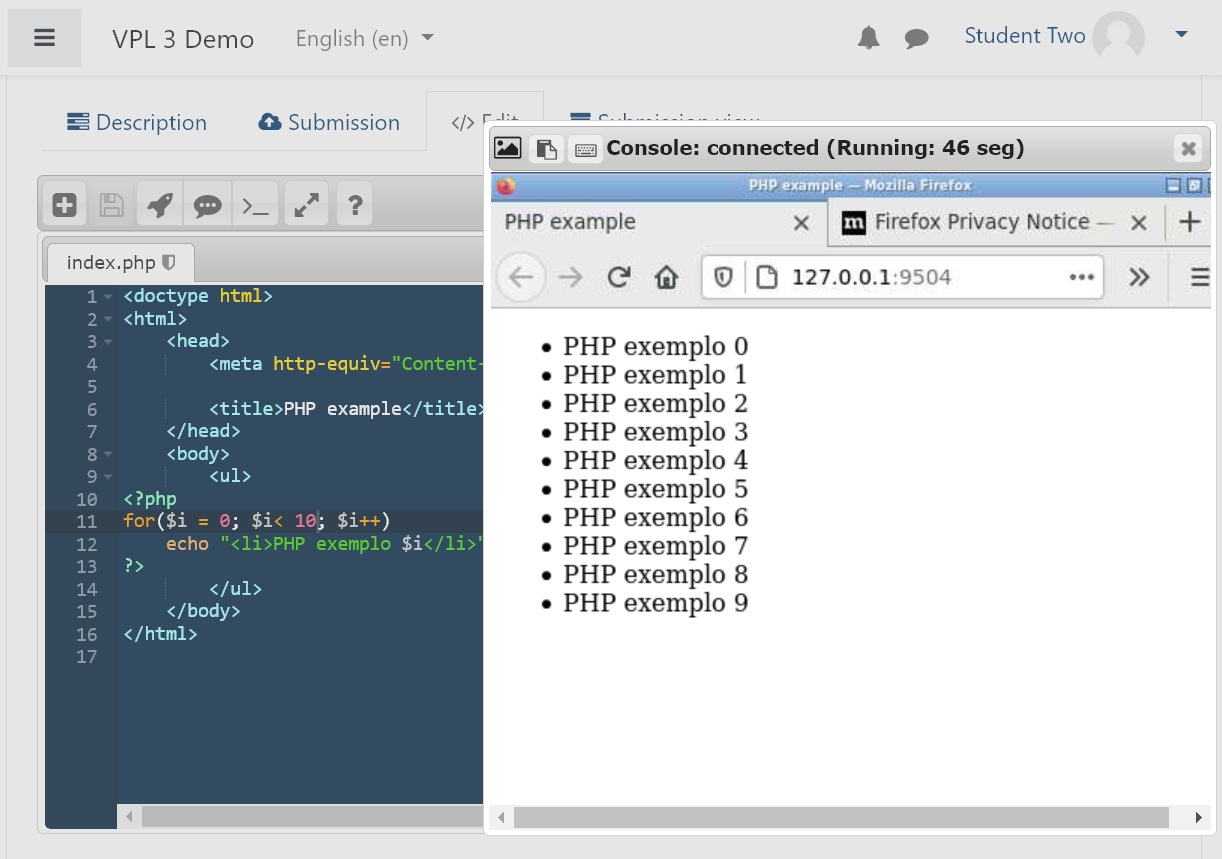
You can use and customize the default script of VPL3.2 for PHP and use it as vpl_run.sh
https://github.com/jcrodriguez-dis/moodle-mod_vpl/blob/v3.2/jail/default_scripts/php_run.sh
If you are using php7 remove php5 from line 10.
Best regards,
Juan Carlos.
Can I use this plugin, along with the jailserver, to run PHP assignments?
Thank you,
Horatiu
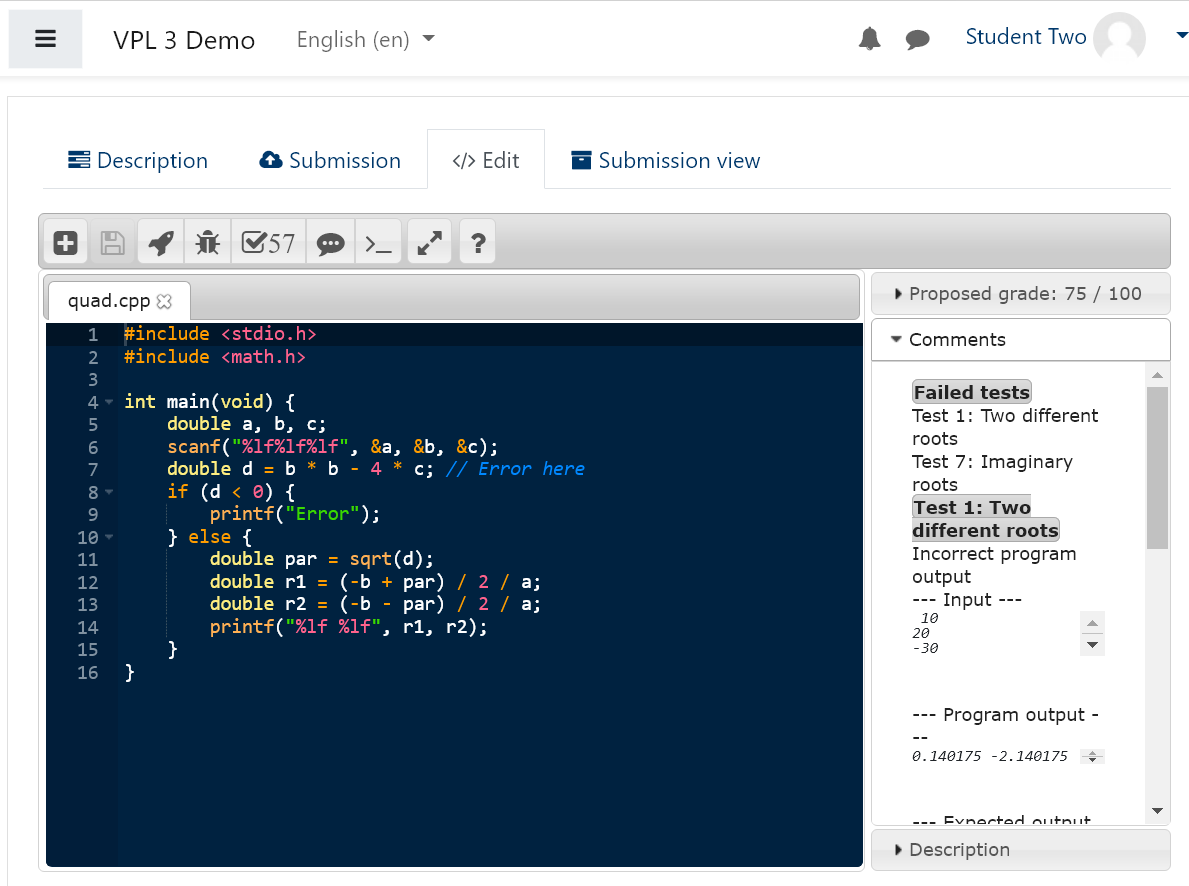
the editor has a button "fullscreen" (its correct name might be "fullwindow") that lets you use the full window. It hides elements outside the editor. If you also set your browser in fullscreen mode (F11) you will get the maximum room.
VPL uses the version of gcc that you installed in your jail server.
Please, describe with more details your problem with Octave imread. Beware that the current versión of VPL is incompatible with binary files. As a workaround you can use binary files in base64 format. e.g. if I want to use a file image.jpg, I must convert the file to base64 and save it as image.jpg.b64. During your program execution you will get access to a the file image.jpg. (the system will decode image.jpg.b64 to image.jpg)
Best regards.
I would like to know whether editor window can be enlarged.
Also want to know the gcc version number.
Also in Octave compiler its not supporting imread function. can you clarify
regards
John Blesswin
Best for you.
The script that launch swi-prolog try in a first fase to check sintacticaly the code, but the input/output was not considered, the test was stalled trying to read an input.
To resolve this try using the following code as your vpl_run.sh as a workaround before I resolve the issue in the next release.
Best regards.
vpl_run.sh
-------------------------
#!/bin/bash
. common_script.sh
check_program swipl
swipl -q -s $VPL_SUBFILE0 -t halt 1>/dev/null < /dev/null
cat common_script.sh > vpl_execution
echo "swipl -q -L32M -s $VPL_SUBFILE0" >>vpl_execution
chmod +x vpl_execution
I'm trying to use it with swi-prolog, and I can't try to make it read the input.
Any idea?
My prog looks like http://ideone.com/9HirfX (very short: input, output, halt!), in prolog it's
:- readln(Input), writeln(Input), halt.
But the console does not appear in "run", and compilation get in infinite loop in "evaluate"...
If you are using the latest VPL version then you only need to write C# code (.cs extension). The main procedure must be in the first code file.
The demojail server can help you to test your system but then you must install your own jail server in a "remote server", it's not recommended to install it on the moodle server.
Best regards.
Juan Carlos
the available documentation (not too much) is shown at
http://vpl.dis.ulpgc.es
There is a demo site and links to documentation kindly offered by other users.
If you have questions you can ask at the forum.
- To start, you must know about Moodle, and you or somebody expert how to install plugins (it's really easy)
- Finally, you must get an execution server to run your tasks (the plugin, by default, uses a demo server).
Best regards.
I am interested in using this plugin to teach c#. I was wondering if you had a detailed installation and setup guide some place to get it working with moodle?
VPL 3.1.4 can be used on Moodle 3.0.
We are working hard to release VPL 3.2.
Best regards.