
Videofile
Maintained by
Jonas Nockert
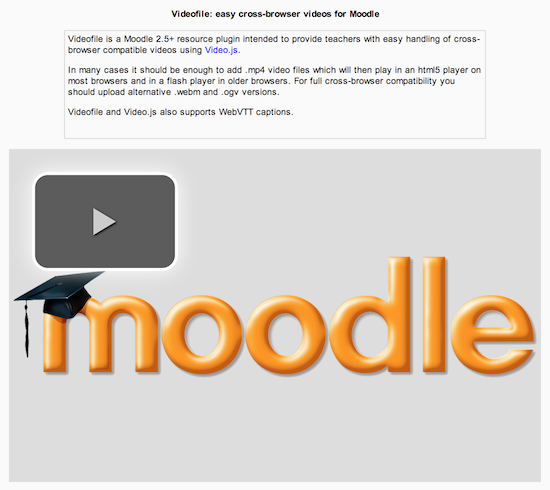
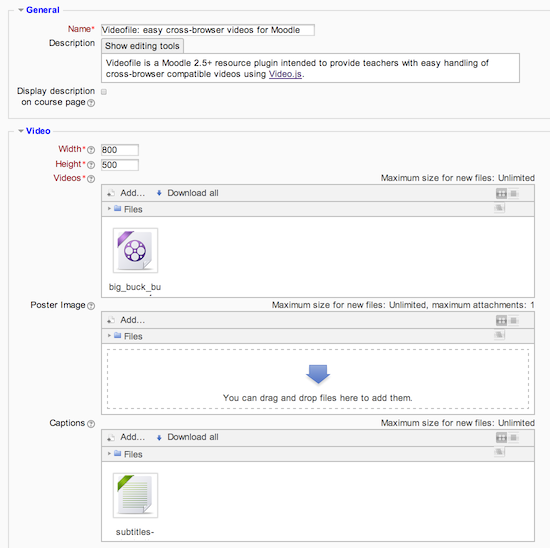
Easy cross-browser compatibility videos using Video.js.
Comments
Comments are no longer open for new posts. Existing comments remain available to read.
I do have one enhancement request or if this is something you'd rather not implement, perhaps some advice on how to implement it ourselves.
If the video is responsive, it ends up being huge on wide screens, and the width/height are ignored for purposes of setting the size of the window. What we would like to see or do, is if the video is responsive, then to have an option to use width/height as max-width and max-height on the videofile div, in the video-js class. This will put an upper-bound on the video on large screens and also allow it to nicely size down and be still responsive on smaller screens.
This is the line of outputted html I think where the max-width and max-height tags would go: (had to remove the <>'s as it looks like the comment box accepts html!
div id="videofile-2" class="video-js vjs-default-skin vjs-paused vjs-controls-enabled vjs-user-inactive" style="width: 959px; height: 539.4375px;"
If I manually modify this line in Chrome and add max-width and max-height, it seems to work.
It looks like this line is generated in render.php, in the get_video_element_html function on line 177. I'm just not sure how to modify the html_writer::start_tag statement to add the style="max-width:$width; max-height = $height;" statements.
As far as I can see, this activity is the only way to get a responsive video player within Moodle out-of-the-box. This is really great! Thanks for this very useful plugin.
I wonder, if it's possible to use the responsive player in a normal html-area of any activity independently from a own resource.
Regards,
Matt
Alternatively, you can save a different file, your_logo.png, and modify line 164 of mod >> videofile >> renderer.php accordingly.
Best,
Shutiri
One question--I would like to change the default poster image to our school logo. That way, if a teacher doesn't add their own, it will use our branding (the moodle logo would confuse some of our teachers/students). Is that possible?
Also, I noticed that if a user has docked blocks on the left of the page, the videoplayer seems to lose the right margin when it loads (that is, it is no longer centered in the content section of the page). This may just be a problem with the theme we're using; just letting you know in case it was happening for others.
Thanks again!
Matt
Great work on the plugin. I'm in the same situation as Aleksander in that I want to prevent the user from downloading the videos. Being able to right-click and choose 'save' is a problem for me. If it's possible to disable this in the next release somehow it would be much appreciated.
Best regards, Jonas
Great module!
Does anyone know a way to disable the draganddrop upload in moodle?
I'd like to insert only a video URL to this resource type to play in video.js.
Is it possible or should i find an other solution?