Authentication by IP

This authentication plugin helps to manage manual accounts being accessed only by the list of restricted IPs.
Price option: Free

Supports Moodle 2.4-5.1 See all versions
Latest release: 4 years ago
Installations: 130
Downloads (last 90 days): 64

Frankenstyle name: auth_ip
Authentication

Description

Authentication plugin restricted by IP

This authentication plugin helps to manage manual accounts being accessed only by the list of restricted IPs.

New feature: Version 1.3 has a new feature to take the IP behing load balancers and proxies.

Installation

Install it as usual:

  • Download it (via zip or git) into MOODLE/auth/ip
  • Log in into Moodle
  • Go to "Notifications"
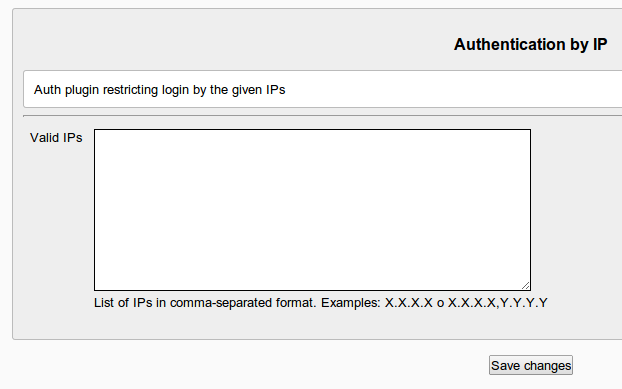
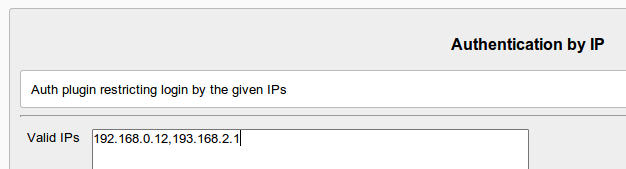
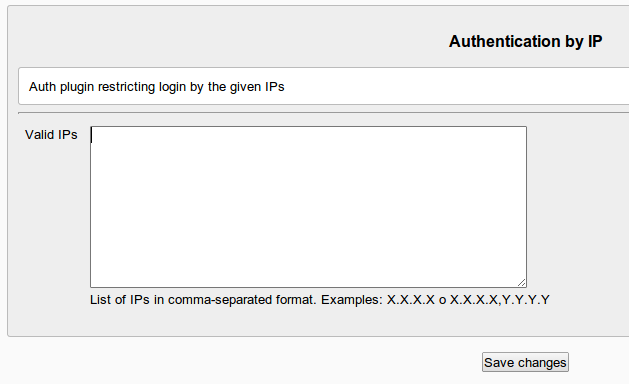
  • Set up the list of IPs enabled to access to your Moodle.
  • Save changes.
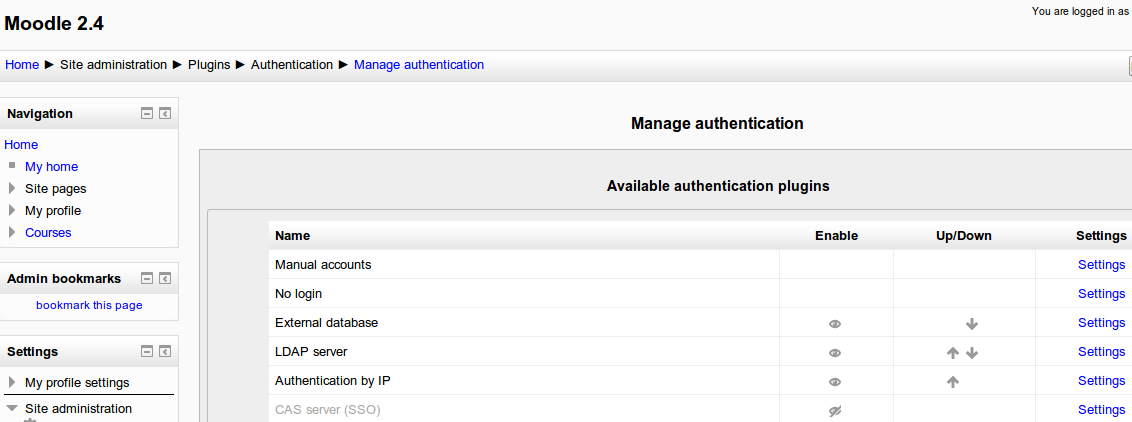
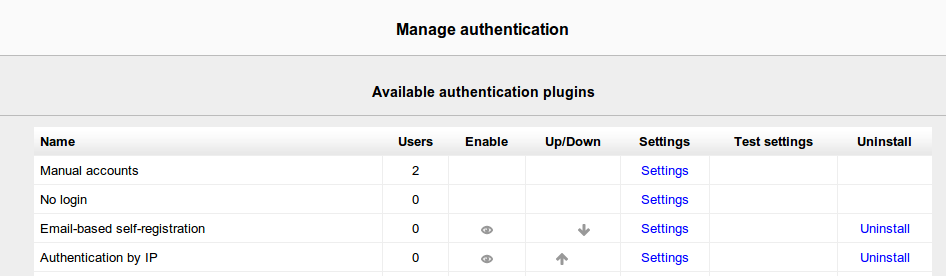
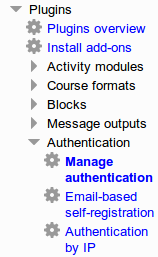
  • Go to Administration->Plugins->Authentication->Manage plugins
  • Enable plugin "Authentication by IP".

Usage

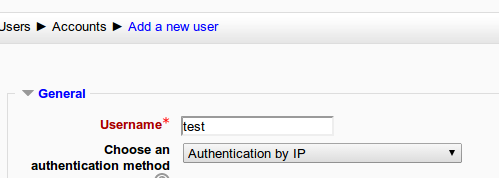
Setting this authentication type to a user:

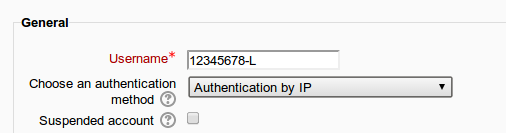
  • Go to a user profile.
  • Set the authentication type "Authentication by IP"

Updating the list of restricted IPs:

  • Go to Administration->Plugins->Authentication->Manage plugins
  • Update the list of IPs

NOTE: After updating the list of IPs, an email will be sent to the administrator email, just for security.

License

It is released as GPL v3.

Authors:

Copyright 2013 onwards Servei de Recursos Educatius (http://www.sre.urv.cat)

Contributors

Awards

Automated testing support
Early bird 3.2
Privacy friendly
Early bird 4.2
Early bird 5.1