
Poodll Anywhere (Atto)
Maintained by
Justin Hunt
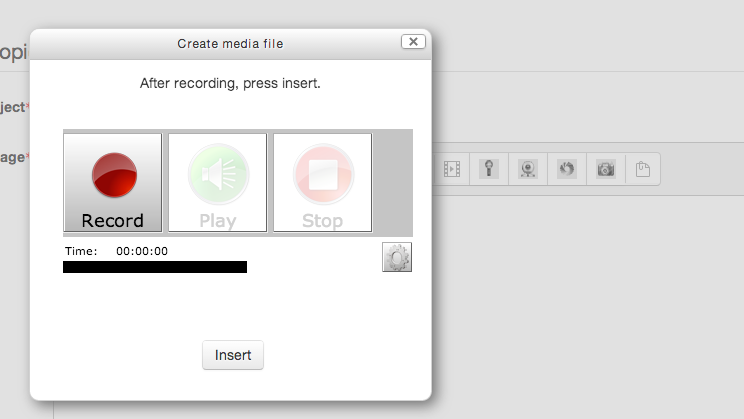
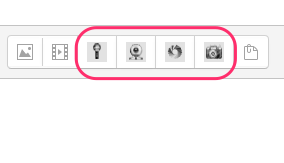
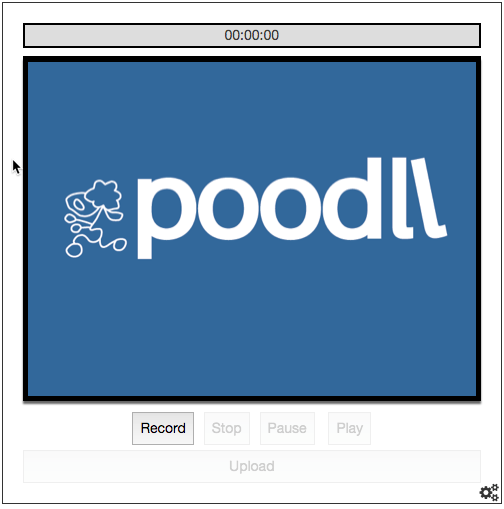
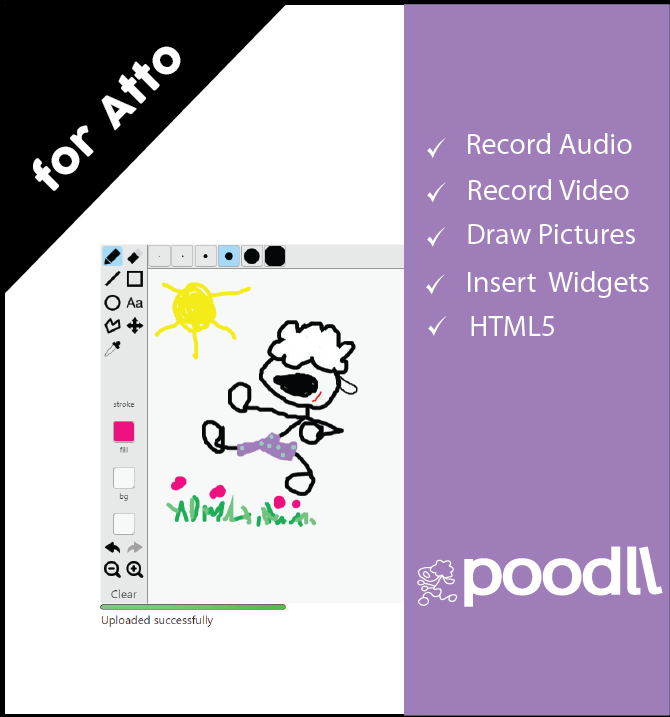
Poodll Anywhere (Atto) allows the user to record audio and video or draw pictures, or snap pictures, directly into forum posts, assignment descriptions, page resource content, question descriptions, question responses and other areas.

Comments
Product ratings and reviews are coming to Moodle Marketplace. Until then, existing comments remain available to read, but new posts have been disabled.
When using the Video recorder, we're able to select Allow.
There is a workaround in Firefox where you can right-click, then click "Global Settings", then "Camera and Mic" tab, then "Camera and Microphone Settings by Site" and add your url to the list.
Specs: Moodle 3.0.3; atto_poodll 1.0.6 (2015121102); filter_poodll 2.8.5 (2015121106)
Thanks again.
Since the plug NanoGong no longer supports versions of Moodle 3.0 and above, it has opted to use on platforms that administer the functionalities of Poodll plugin.
I installed everything about this plugin:
- Filter
- Publishers TinyMCE and Atto
- Assignments and feedback
- dataField
- Types of questions
- Repository
The installation has been successful. I set up a few things as I read in the documentation of possible problems with PoodLL
poodll.com/documentation/1.0/9/troubleshooting-poodll/
He made some changes suggested in this documentation the most important problem facing me is as follows:
When I create a actvidad like "tag" when editing the label and add content audio recording makes me correctly, but when playing it, I get the error "file not found".
Any clue where to look why is this happening?
All other options, video recording, drawing, take a picture function properly.
Thanks in advance.
I had tested the module "poodll anywhere" ,it's very good for me.
But I think it will be better if you add the function of screen snapshot (or screen recording).
The screen snapshot maybe comprises full screen and selected portion.
Could you add a new function for the module "poodll anywhere" ?
Thank you very much for your selfless sharing.
Also, I can confirm that it works on 2.9.
Make sure you have the PoodLL filter installed too. I have not tested on Moodle 2.9 yet, but not expecting any problems.
I am very interested in this plugin.
I am currently using version 2.9. How would the plugin work if I installed it?
My moodle is not accessible from other machines on my network. It is a local instalation, in order to make some tests. We work with Moodle 1.9 and i installed the Moodle 2.7 in my machine to test some plugins. Oh, I forgot to tell that we use ubuntu 14.02.
Could you help me (if it's not "asking too much") with the local installation of red5 + poodll?