Generico Filter icon

Generico Filter

Maintained by Justin Hunt
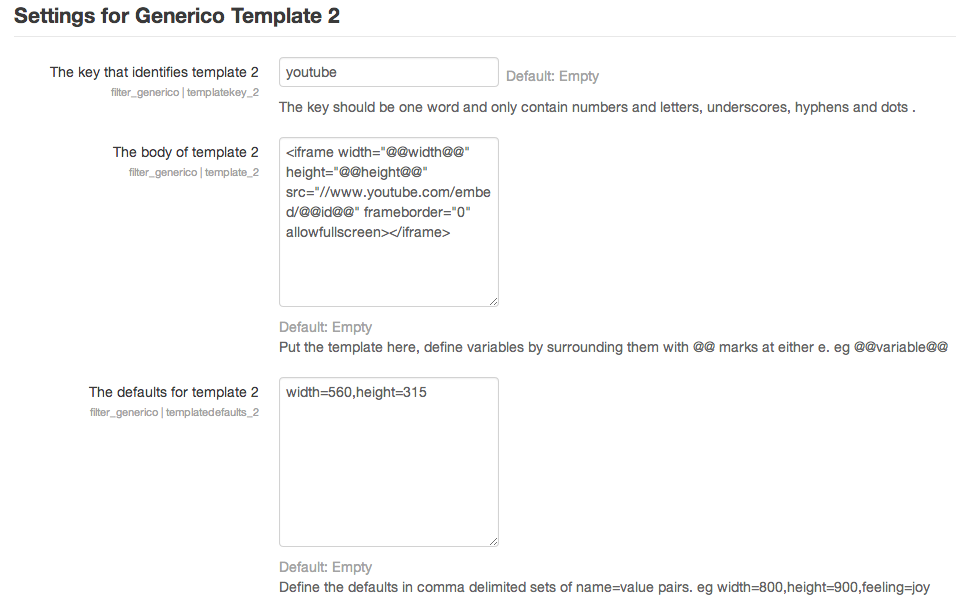
Generico is a simple filter for creating templates of code snippets and text that can be inserted into Moodle text areas.
Price option: Free

Supports Moodle 2.1-5.2 See all versions
Latest release: 9 months ago
Installations: 2564
Downloads (last 90 days): 558

Frankenstyle name: filter_generico
Filters

Comments

Comments are no longer open for new posts. Existing comments remain available to read.

Hi Dave, thats a super question because there is indeed a way to do that. The very last attribute on the filterstring, with no spaces or quotes should be; passthrough=1
e.g {GENERICO:type="houses",color="green",owner="jim",passthrough=1}
Also note that there is some old but still applicable documentation here: https://poodll.freshdesk.com/a/solutions/articles/19000083258
I am trying to write some how to guides for staff inside Moodle, and I want the generic filter to display as text, but not render as the filter. I need to keep the filters active on the page for other things. are them some 'tags' I can put around the filters to stop them rendering?
Dear Justin, I really love your plugin. Especially because it gives us the possibility to manage standard content like texts that you find in any couse from a central position in the system. Just great!!!
My question for is, if it is possible to display the progressbar for activities in a course through the generico filter.
HI Laurent. I don't know, I have never tried. I suspect Generico needs to add support for the custom fields api for that to be possible. If it helps, you can use Course custom fields in Generico. Also, I don't think you should post your question here and in the local_modcustomfields plugin. Both devs have to answer.
Hi Justin. I have installed the "Custom field for Activity Module" https://moodle.org/plugins/local_modcustomfields that allow to define fields using standard Moodle approach. Then How to access these fields from GENERICO?
There are many cool things still to be built.That would be one of them. In the meantime you can use my Zapier integration to integrate with Mailchimp. See here: https://support.poodll.com/en/support/solutions/articles/19000161459-connecting-moodle-to-mailchimp
Hi Justin, Many thanks for your response. It seems that there is quite a functionality gap here: to bulk email users with a personalised greeting would seem pretty useful to most admins yet it doesn't currently exist. Definitely some scope there for a developer...
Hi Matt, I do not think that is possible with Generico. USER is the currently logged in user. That is why its you. You would need some custom functionality to get the intended mail recipients names into Generico. It doesn't look like bulk email plugin provides that, so its probably not really practical. If "Hi there, ...." is not good enough, I would suggest you look at an integration with MailChimp or another mail provider and Moodle.
Hi Justin, I hope you can help. I have been trying to find a way of personalising messages in the bulk email plugin. My thinking was to use Generico which I have installed and it seems to be working , however when I use the code Dear @@USER:firstname@@ @@USER:lastname@@, the code displays my names (the sender) and not the recipients names. Am I doing somehting wrong or is this function not possible with Generico? Many thanks, Matt
Hi Mary, because of the way images are stored in Moodle that won't work. Its just the content of the course database table in the course object. It would be possible to implement that, but its not there now
Dear Justin, I tried to insert the course image via @@COURSE:image@@ into a template.
Unfortunately it didn't display the image. Can you help me?
Best regards, Mary
HI Laurent. I tried that and I got the same result as you. The value of the custom variable internally is not "intermediate" but "2" (which is its index in the drop down list). I had a look to see how to get drop down list values from custom fields but it would require a bit more work than I have time for now. So in the short term, you are best to use javascript to do this. I made a template for you but I can't post anything here. You need to create forum post and I will add it as a reply there. Do that here: https://moodle.org/mod/forum/discuss.php?d=261896
Hi, thanks for this great plugin. Is there any way to get the value of a dropdown custom field ? I can only get the index value. e.g, a Course dropdown custom field named level is defined with 3 value 1: Beginner, 2:Intermediate, 3: Advanced. With @@COURSE:level@@ return "2", but I would like to get "Intermediate".
I haven't used Generico filters before, but am liking what I see...
I have a need to display a countdown timer for an upcoming exam, and found this post https://moodle.org/mod/forum/discuss.php?d=324771#p1309563 which uses Generico filters to acheive just this. I recognise that this post was written a few years ago, and the filter templates now have more boxes - and I have added the relevant bits to the relevant boxes (e.g. main code into one box, css into another, and javascript into the javascript box) - but this isn't quite working - I get the boxes displayed, but no text within them. Has anyone got a countdown timer working more recently, and can point me to the code?
Hi Richard, I am sure that can be worked out somehow within the template. But without looking at it, it is hard to say for sure. And I am not sure I have time to look at it. But you should post queries like this here: https://moodle.org/mod/forum/discuss.php?d=261896
Then you can attach your template bundle for me (or others) to look at.