
Chemistry editor
Maintained by
Geoffrey Rowland
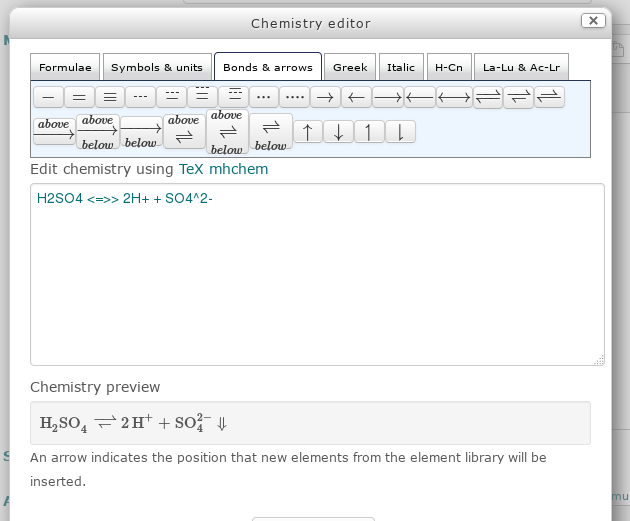
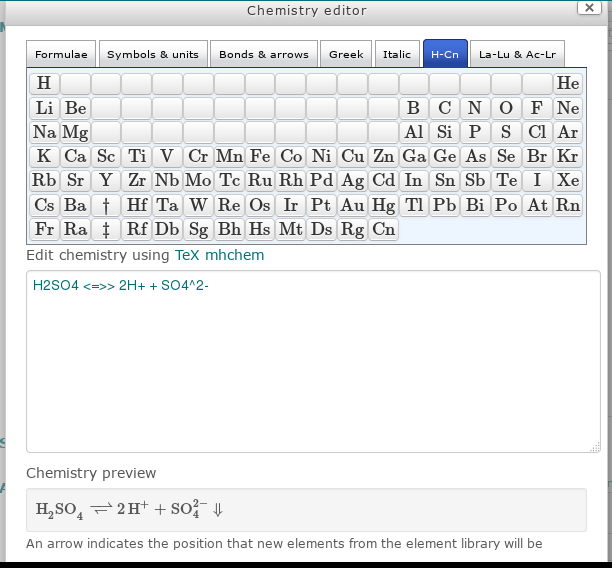
Edit chemistry equations in Moodle 2.7, or later, using the mhchem extension to the MathJax or TeX filter. Useful for full and ionic equations, isotopes, equilibrium reactions, thermochemistry and reaction kinetics. Includes a periodic table of element symbols.
Comments
Product ratings and reviews are coming to Moodle Marketplace. Until then, existing comments remain available to read, but new posts have been disabled.
Thanks so much for the help!!!
Ricardo
I no longer have full-time involvement in education and Moodle administration/development. So, have not followed the most recent Moodle versions.
However, I'll take a look at this over the next few weeks and see if I can update for Moodle 3.3. I'm also aware that MathJax mhchem has been updated (https://mhchem.github.io/MathJax-mhchem/). So, I'll explore the implications of this too.
Cheers
Geoff
Teachers on my Institution are asking for a 3.3 version...
Ricardo
Do you have LaTex and other dependencies including the mhchem extension installed on your Moodle server?
Precise details vary depending on your server setup though there is more information at:
https://docs.moodle.org/31/en/Chemistry_notation_using_mhchem#via_LaTeX
Get back to me if you still have issues
In similar vein, I have just released an Atto plugin for TeX/MathJax Matrices and Arrays, which I hope will prove useful.
https://moodle.org/mod/forum/discuss.php?d=320681
BTW you should fix MDL-45067, the 2x2 matrix button in the Atto Equation Editor.
Just needs \\\\ rather than \\ in the relevant line of settings.php. Presumaby an escaping issue (rendered in TeX as \\)
Thank you very much for creating and sharing this plugin.