BCU
Maintained by
Jez H, Mike Grant
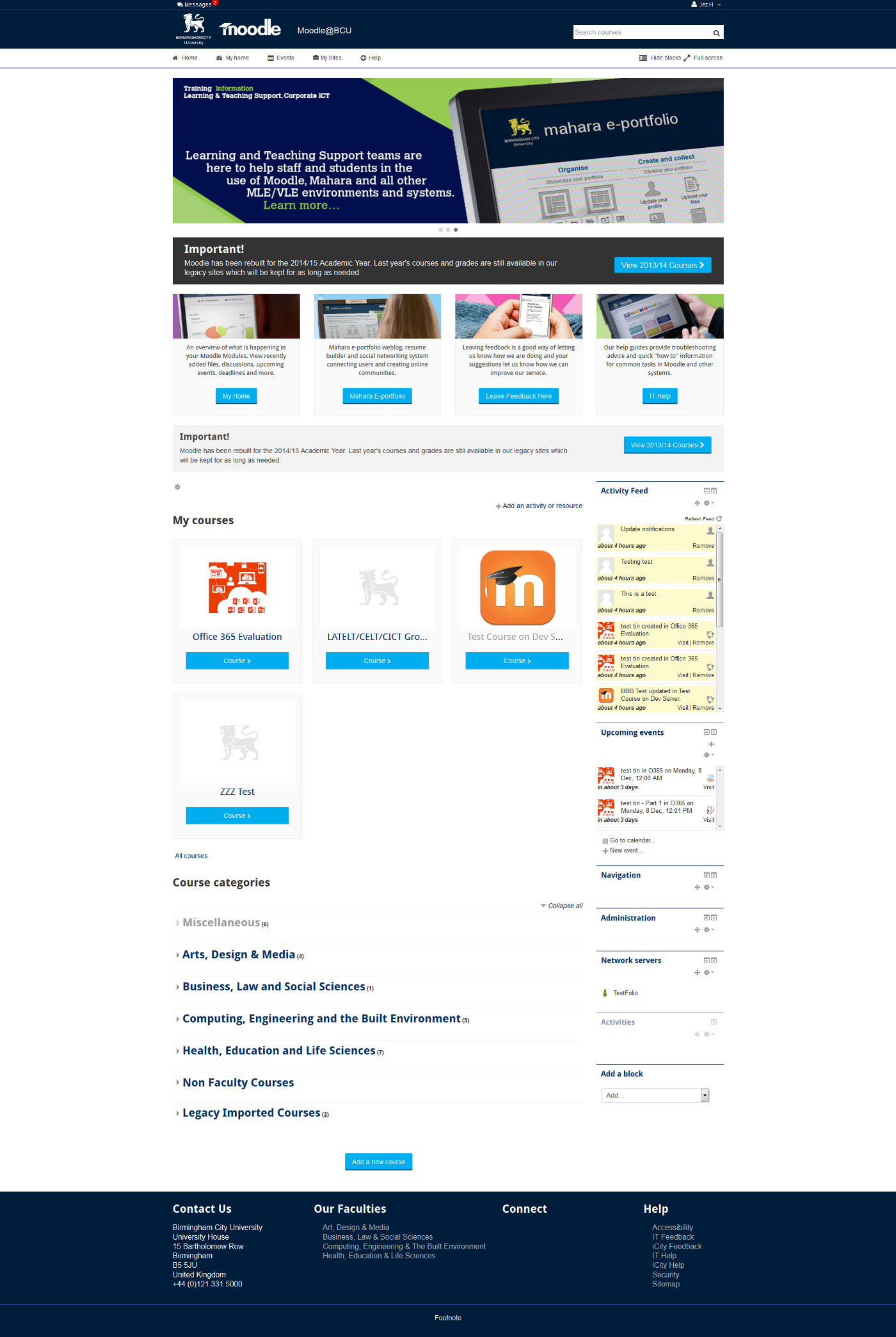
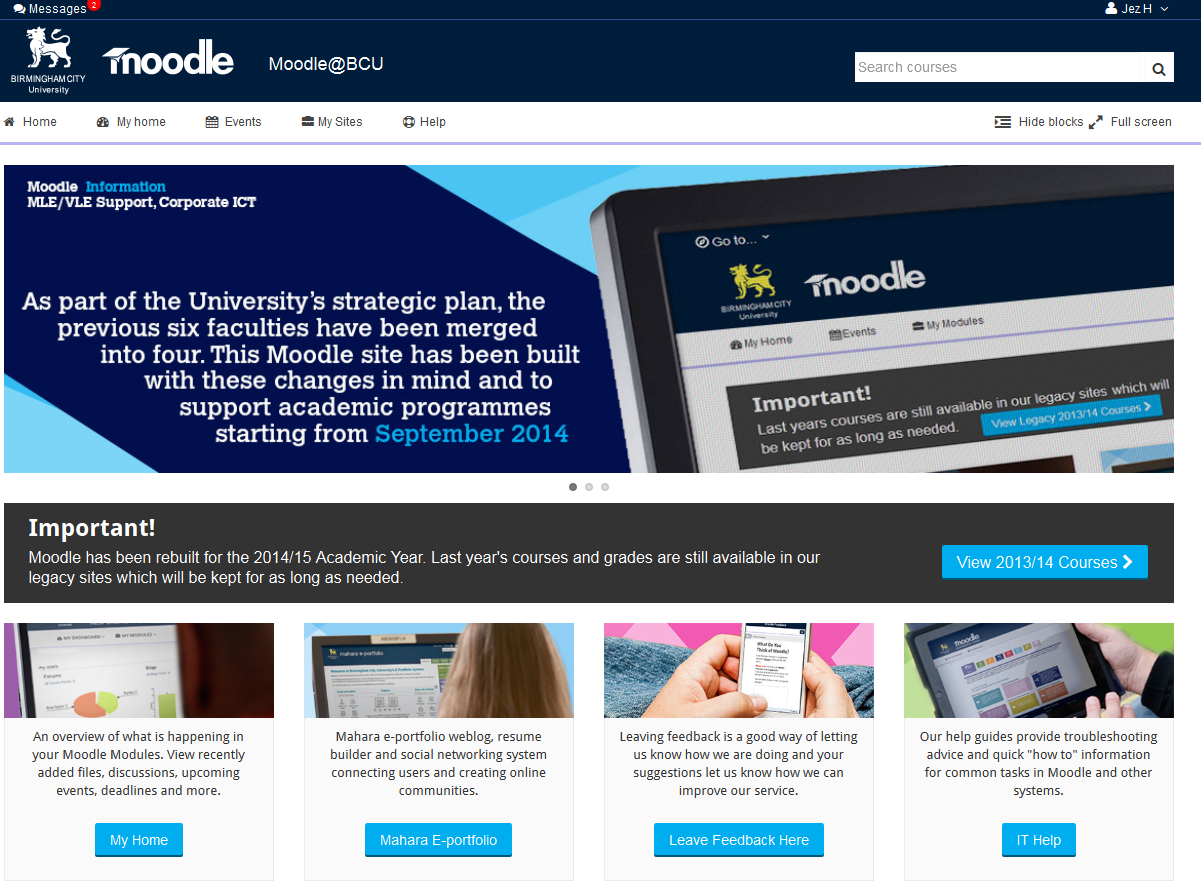
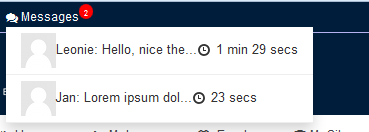
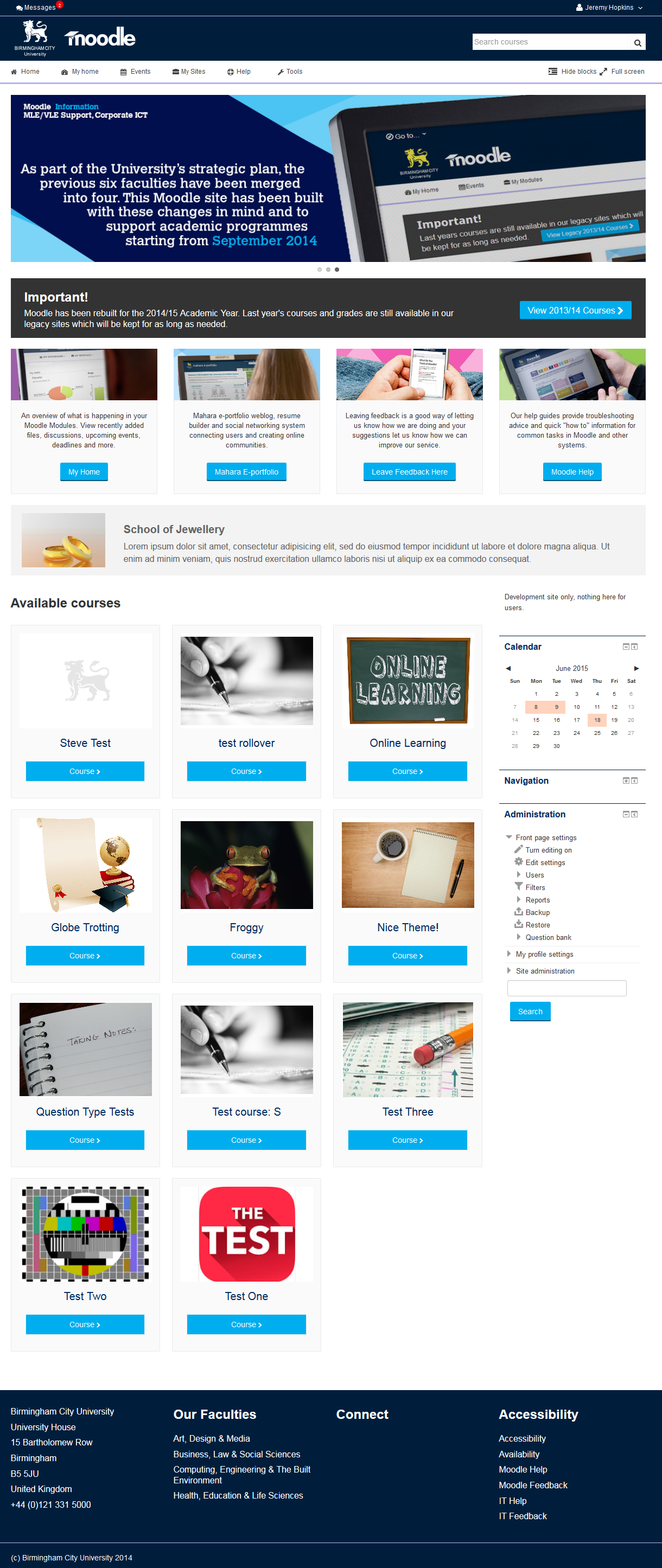
This is the theme from the moodle site of Birmingham City University. It's based on bootstrap and allows for extensive customisation and some unique features to help improve Moodle's usability.
Comments
Comments are no longer open for new posts. Existing comments remain available to read.
My try was with <a href="www.company.net/help.html" target="_blank">Help</a> but that didn't work
@Elias: Not at the moment, we spent quite a lot of time playing with different layouts and trying to find one that works full/fixed width with/without blocks on all devices is a bit of a pain. That said if you go full width without blocks showing on the front page it does not look the best, if we can improve it we will but I am afraid its not really a priority for us.
@Rene: Yes we will do that and should have left that option in from the beginning particularly as the tiled layout does not work well if you use the "combo list" option on the front page.
@Mawuli: Have you tried clearing your theme cache? We have never had a problem with that ourselves, once text is removed the top notice should disappear. Please let us know if you still have a problem with that (after clearing the theme cache which is an option/button in Moodles Theme Selector).
@Baraa: There are no language packs for this, only English. If you want to create a language pack you will need to copy /theme/bcu/lang/en to another directory (for example I think fr would be french etc) and modify the theme_bcu.php file to add another translation. If people wanted to contribute language packs they could but they have to be maintained, so if we add new strings the lang packs would need to be updated. One way to do that would be to create another GIT repo others could contribute to. If you wanted to set one up on GitHub or similar we could add a link to it from this page.
Now we got arequest, if it is possible to switch Blocks from right to left. Is there a simple way, or do we have ti dig deeply in config and/or css-files?
Tanks a lot Rolf
Let me start by thanking you on such a great theme.
I was wondering if i can change the layout of the courses tiles on the front page by altering the size and the number of courses per row.
Thanks.
Thanks,
Rene
I have been able to installed the bcu theme and working perfectly but the top alert or info box wont disappear even if there is no message . I want to know how to hide it if i don't have any info to publish.
Thanks!
sorry but after i use the them i can't see the language menu
also you give me the html code of the info boxes it have very nice buttons
Ours are 1140 x 300 but there is an issue with this slider as you move between full and fixed width using the toggle in the navigation bar.
Whilst it looks ok on fixed width, if you go up to full screen on a widescreen monitor it will scale up to fill a lot of the screen and pixelate.
I guess you could try a larger image which should scale down on smaller screens / fixed width.
A 311 x 162 pixel image got blown up huge, taking up half the width of the page and one-third the height and is terribly pixelated
Any info greatly appreciated.
Dwight
It is very nice the way you override the course renderers, look very nice.
Regards,
Daniel.
Thank you for the nice theme. I am working with the Safari 6.2 browser on Mountain Lion on a mac laptop. My server is linux running Php 5.4 and MySQL 5.5. I am using Moodle 2.8. I haven't used Moodle since 1.9x, so please bear with me. The procedure for installing themes has changed a lot.
I tried both uploading and dragging and dropping an image to set the logo. Neither method worked. I cleared the cache but it would not show up. When I right clicked the broken image icon and requested it to load in a new tab I could see that there was a 403 forbidden error. The file permissions are not correct. I did not know where the file was located in order to manually change the permissions. The error message included a url but, as far as I can see, it not a real one but a php instruction.
Where are the theme files located on the server? Must all customization be done through the plugin interface? How can I change the permissions for the file?
Thank you and best wishes for the new year.
Kind regards,
Najah
You need to go to:
site administration > appearance > themes > theme selector
then click "change theme" next to default and select this theme. After doing that you should see the screen shot for BCU theme and it will be selected.
I think that is what you have already done based on your comments above, so there are a couple of other things to check:
1) Use the "clear theme caches" button in the theme selector page and see if that helps
2) You may also need to select this theme for "mobile" "tablet" etc, particularly if you are accessing on a mobile device.
3) Check your user profile does not have a different theme set as depending on your site configuration a setting at your profile level will override the site setting
Hope that helps
I am a newbie here, i have just configured the BCU theme and selected it as default theme on the moodle 2.7 but no change. can someone please help me out?
I think we will try to add the option for to dismis the sitewide notice across the top in the near future.
The idea would be users could click a "x" icon once they had read the notice and it would disapear, or something along those lines.