BCU
Maintained by
Jez H, Mike Grant
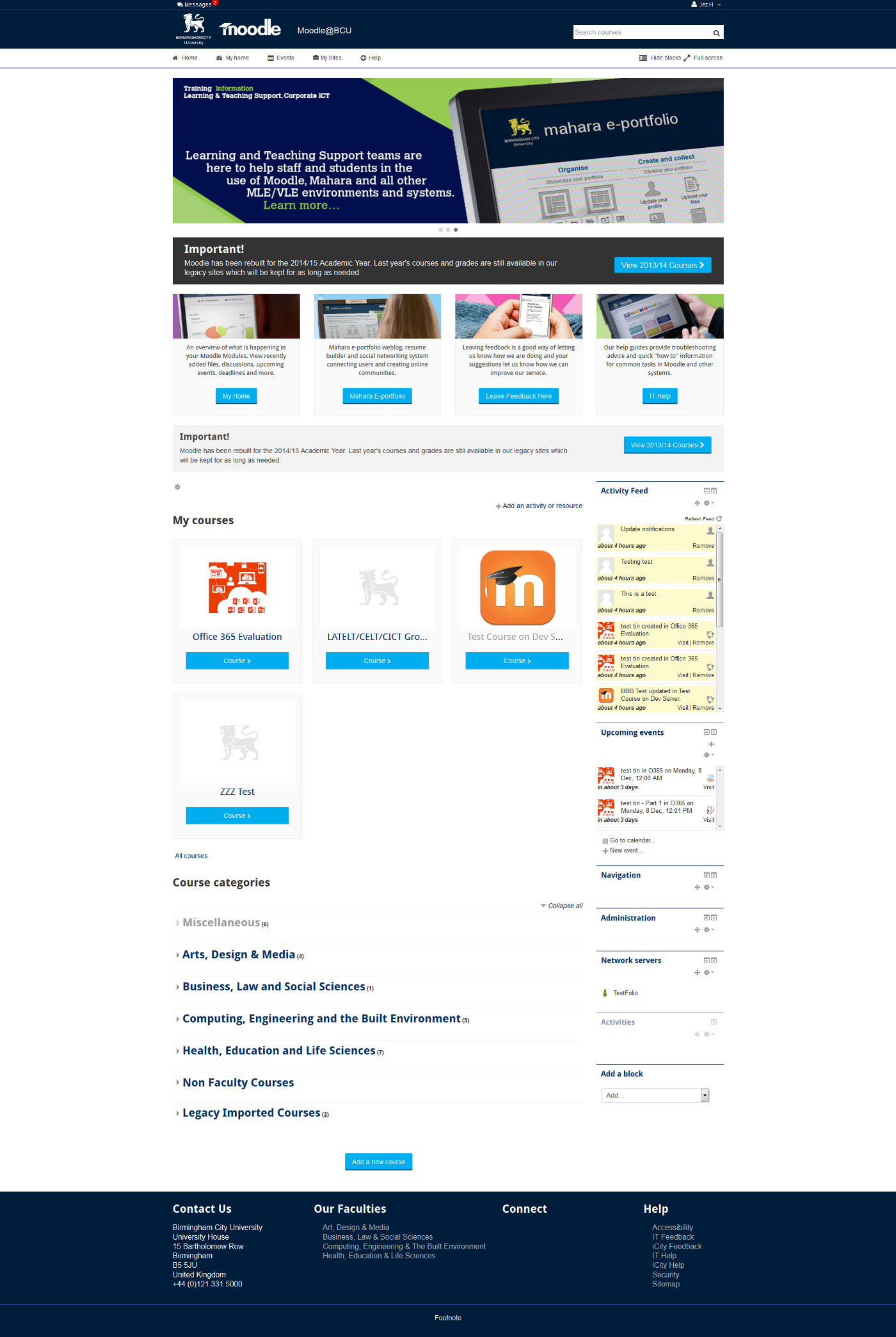
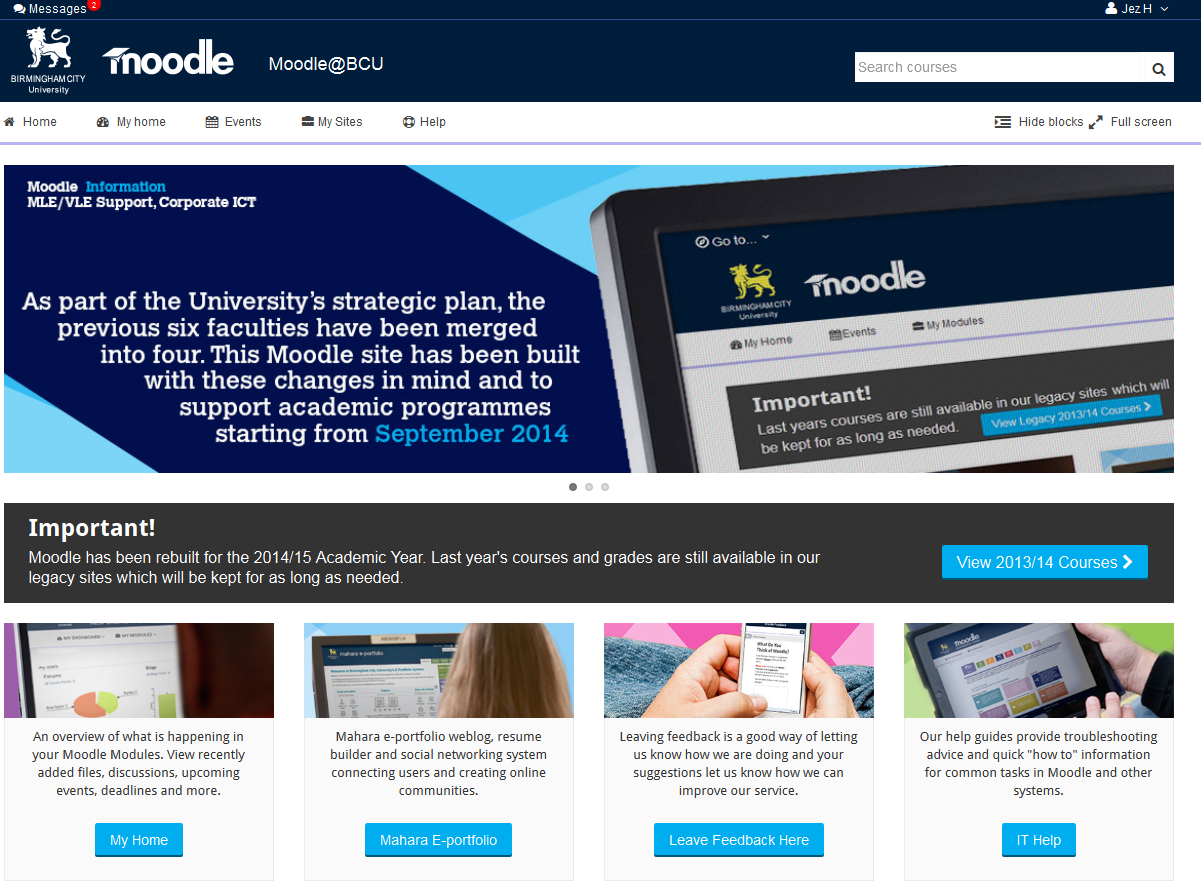
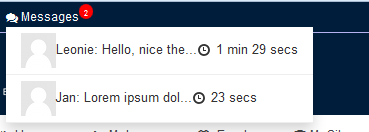
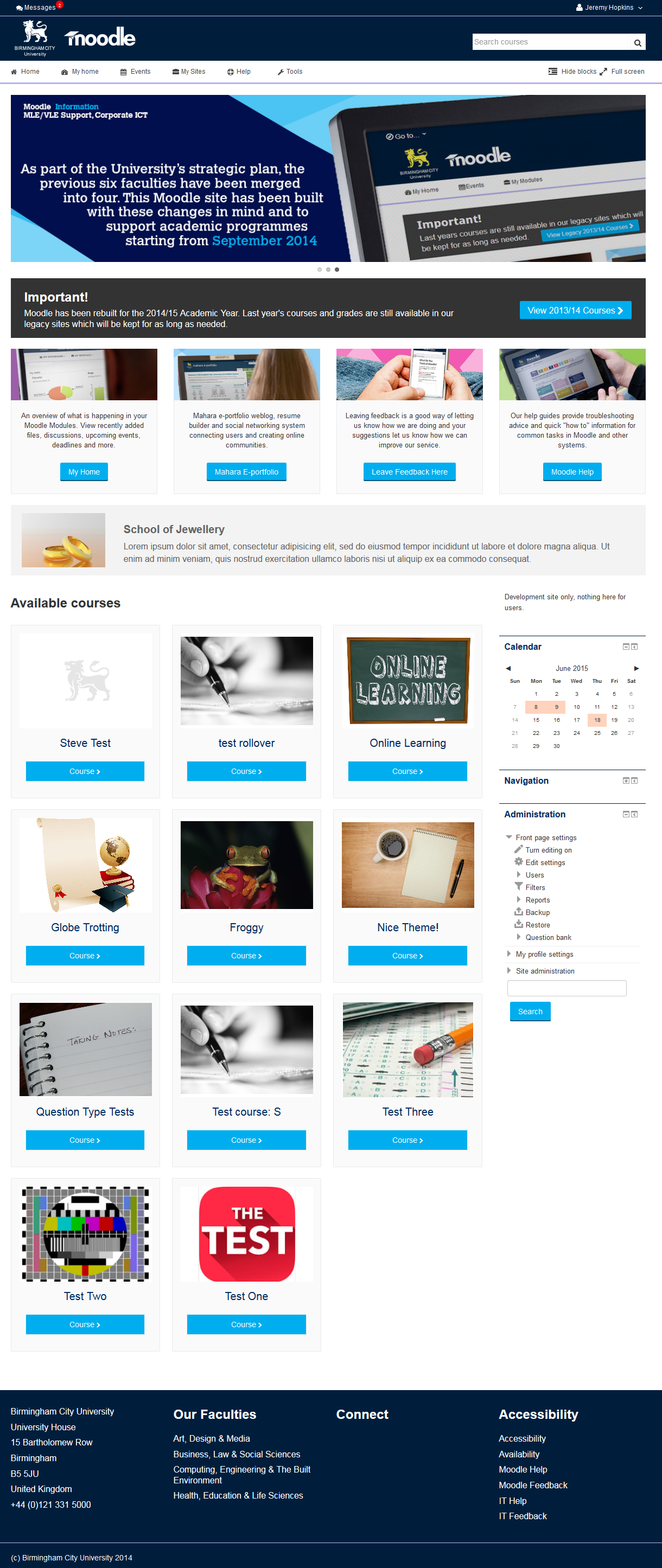
This is the theme from the moodle site of Birmingham City University. It's based on bootstrap and allows for extensive customisation and some unique features to help improve Moodle's usability.
Comments
Comments are no longer open for new posts. Existing comments remain available to read.
Is it possible to show alerts to end users one time or only on Main Page? Especially the top alert would be very good for us.
https://dl.dropboxusercontent.com/u/64650950/depu2.tiff
Thanks
offline version https://dl.dropboxusercontent.com/u/64650950/offline.tiff
online version https://dl.dropboxusercontent.com/u/64650950/online.tiff
Thanks
Can you send me a screenshot of the error? I've tested it on 2.8 and not seen this error yet.
Thanks
I appreciate your help
Are you referring to docking of blocks?
Older 2.6 versions did not support docking and this has to be enabled by editing the file:
/moodle/theme/bcu/config.php
On line 37 change:
$THEME->enable_dock = false;
to
$THEME->enable_dock = true;
and that should enable docking.
On my 2.6.6 test system it is working but I dont think it will work on earlier 2.6.x releases.
As far as I am aware the show hide blocks / full width feature should work in older versions of 2.6 if docking is disabled
This really wonderful theme. Especially for front page look and feel. But it's not fully supporting Moodle 2.6. is there any setting need to change for all features working well.?
In moodle 2.6 , this theme is not worked as expected. I think the function based on css/jquery not working.
such as hide blocks, standard window button and expand of settings in all navigations.
but it work fine in 2.7 and 2.8
No I am afraid it is not possible to do that without modifying the theme.
This is a nice contribution. This theme is really interesting.
One thing I could not found (since I am very new to moodle), is it possible to shift BLOCK section to LEFT from RIGHT in this theme?
Thanks for the pointer on FA, we would like to get this listed for 2.8 as soon as possible though there are issues we need to fix for 2.7 first (like renderer on category pages, sticky dropdown navigation in iPads).
As for the hide blocks / search features I guess they would be pretty easy but are not things we need / want so are not going to get any kind of priority. If anyone wants to add those features by pulling our GIT repo and give us the changes we would add them to our version and re-distribute, otherwise it will be a case of "maybe one day when things are quiet", and things are rarely quiet!
Since we added these features I have looked at how people use it and its a mix between full and fixed, I think that is largely determined by the device you are using.
What I have NOT seen is anyone leaving their blocks hidden. What I do see periodically are users who have docked their blocks, so if you are worried about this I would suggest disabling docking would make more of a difference than the show / hide blocks feature. That is based on looking at a LOT of users.
Regarding my issue with FA not showing up on FF, it was that it was installed on Moodle 2.8, as I just installed on 2.7, everything works!
Can this Hide Blocks, Full View and Search bar become part of Admin settings? as full view can be thought of given control for end user, but what if blocks are setup as a part of Theme FrontPage and hiding them effects the appearance?
The information shown in the tiles comes from the course settings (title, summary and summaryfiles), to to alter the image:
1) Go into your course
2) Edit settings
3) Upload image under "summary files"
editing the summary text will also show in the front page tiles.
If you want to change the default tile image (our logo currently) you will ned to replace the following file with your own:
/moodle/theme/bcu/pix/tile-background.png
There is a Moodle one here you can try if you dont want to make your own just yet:
https://www.dropbox.com/s/hhlmikg5nuqwxm6/tile-background.png?dl=0