
Video Easy Filter
Maintained by
Justin Hunt
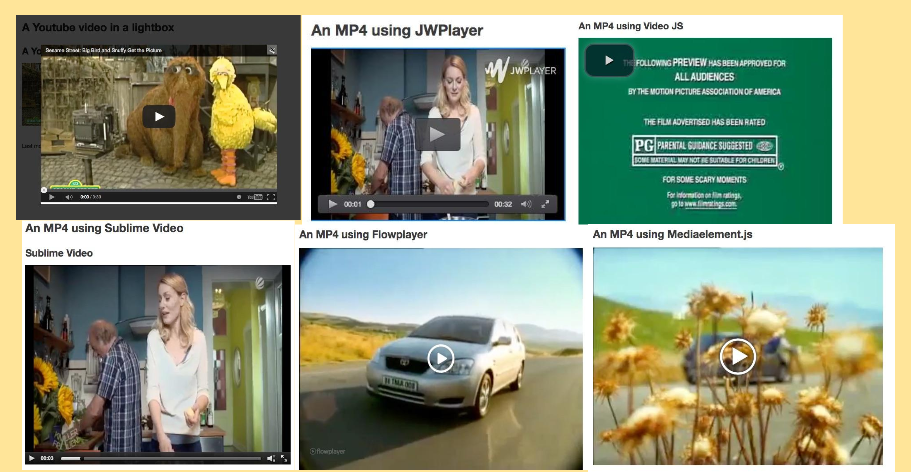
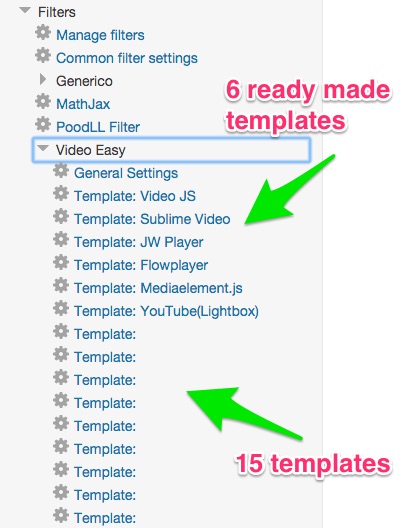
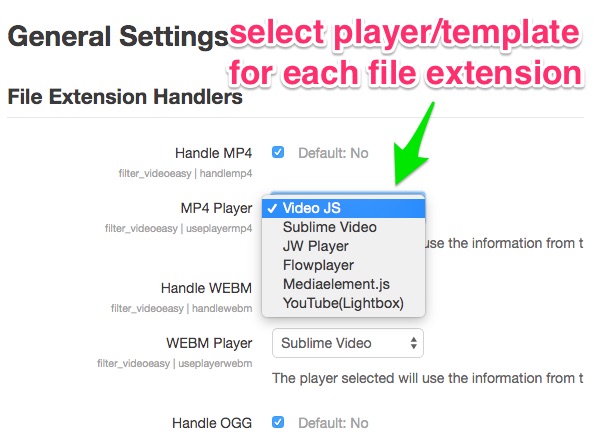
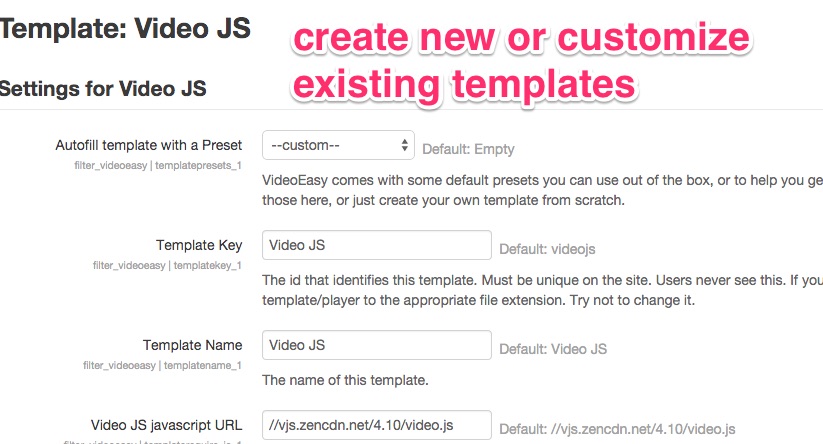
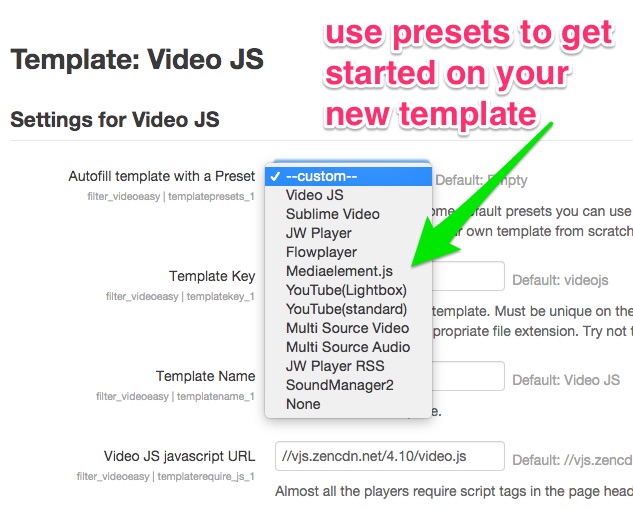
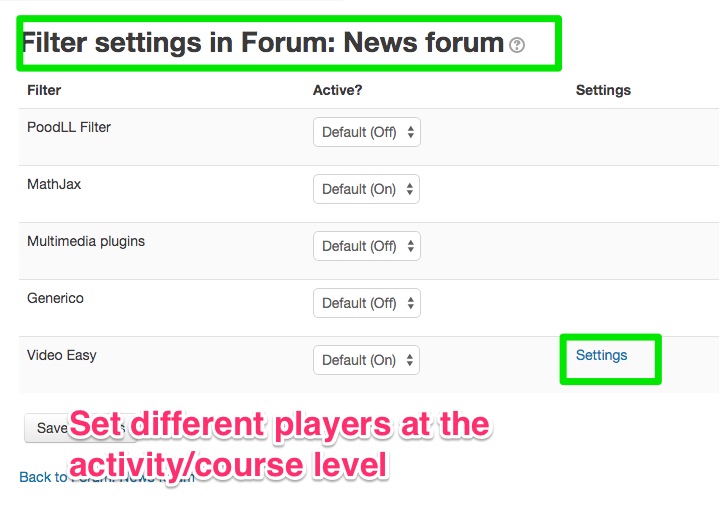
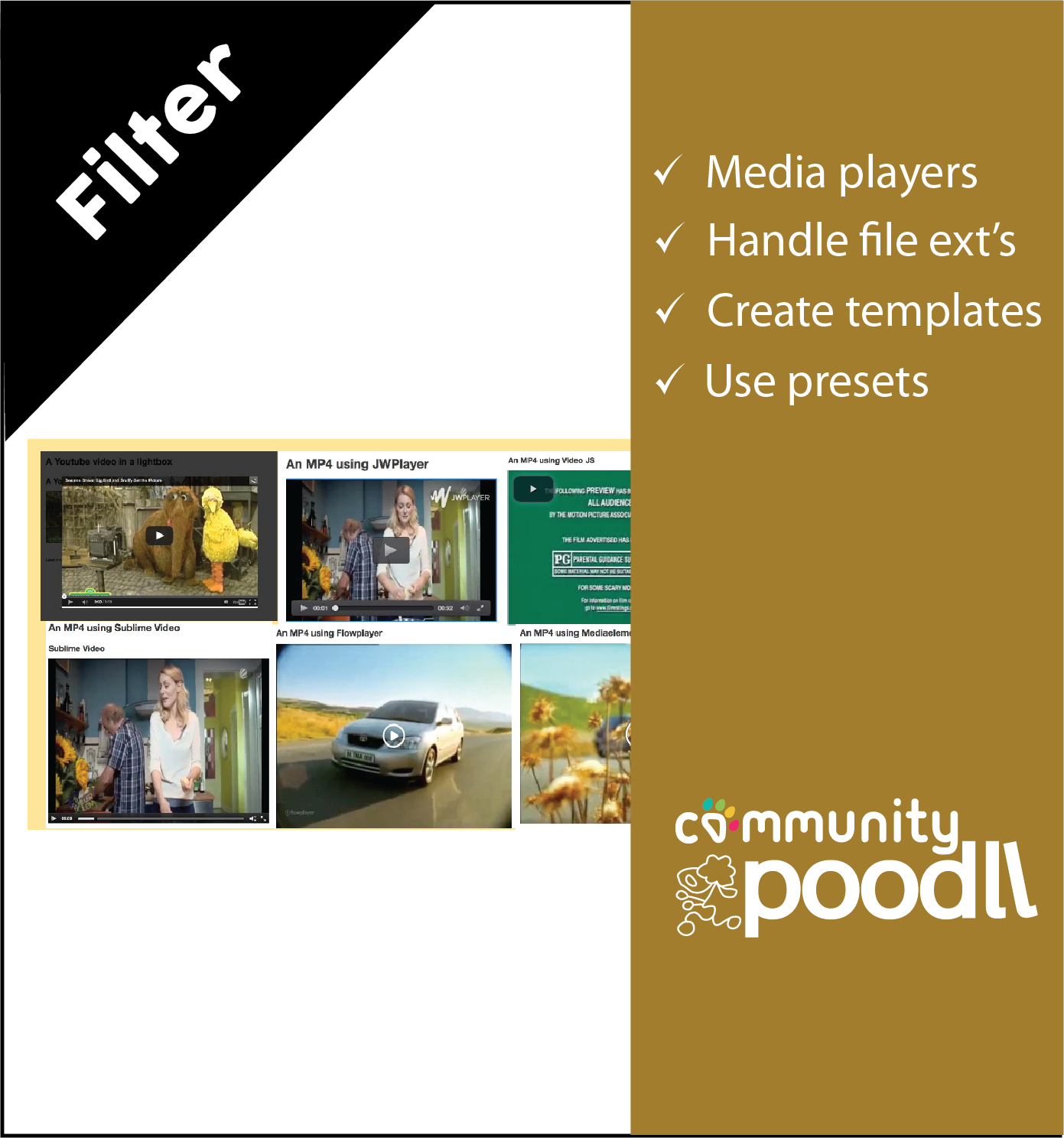
VideoEasy is a filter to play mp4, mp3 and other media files with html5 players. It uses user editable templates to allow the admin to customize the appearance of existing players or to support new players. Predefined player templates support Video JS, JPlayer, JW Player, Flowplayer and MediaElement.js

Comments
Comments are no longer open for new posts. Existing comments remain available to read.
Can anyone please tell me how to left align the videos/media files?
When I first install (through Moodle Plugin installer) and then got to Site Administration -> Notifications page, am not getting installation button. When I later got to Site Administration / plugins / filters / manage filters and click Settings against VideoEasy I get Section Error.
There is a prompt to upgrade moodle to version 3.1 could this be the cause?
But if you must use FLV then, the best way is to let the multimedia plugins filter handle that and leave MP4 for VideoEasy. To do that, re-enable the multimedia plugins filter and at site admin -> appearance -> media embedding turn off all MP4 related checkboxes. And make sure VideoEasy is not set to handle FLV. That can be done at the VideoEasy general settings page.
So, right off the bat forgive my ignorance - I'm trying hard! Moodle 2.9. I've installed and using the default players - js with mp4 and flv selected. Seems to work great for an mp4 which is called by an http link embedded in a page. Got all excited until I tried an flv then instead of the player launching, it begins a download and then runs Realplayer installed on my desktop.
Am I missing something here? Is that the way it's supposed to function? I thought I'd get the same player as I saw with the mp4. I must not be understanding something here ....??