
Video Easy Filter
Maintained by
Justin Hunt
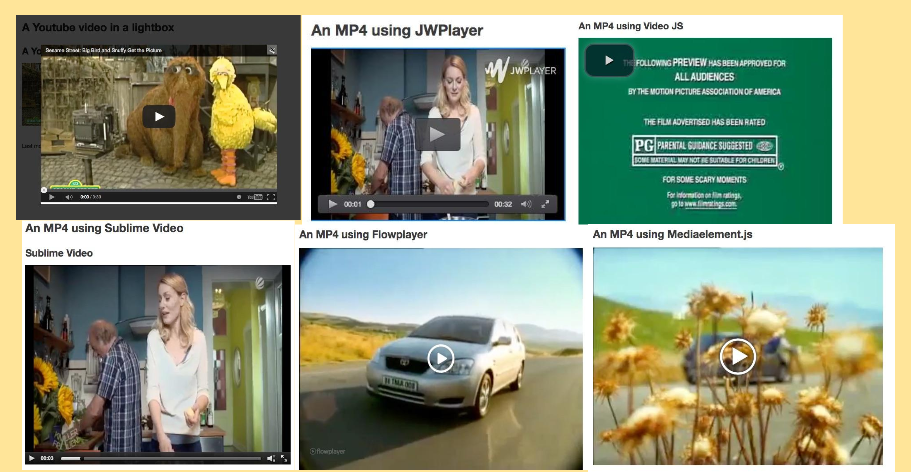
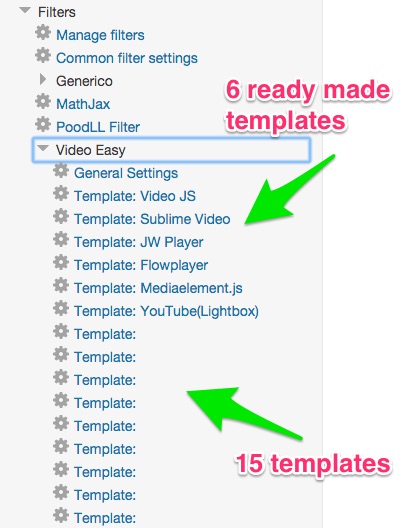
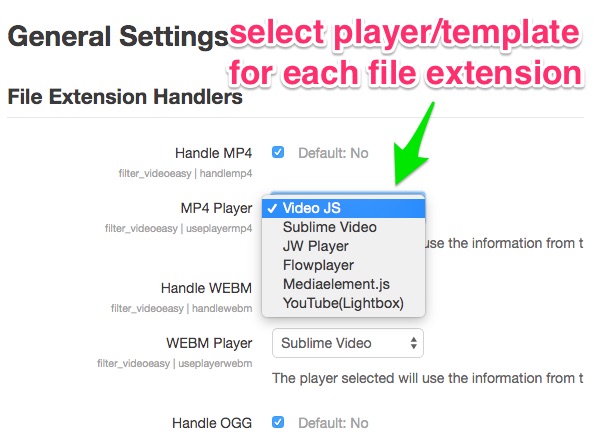
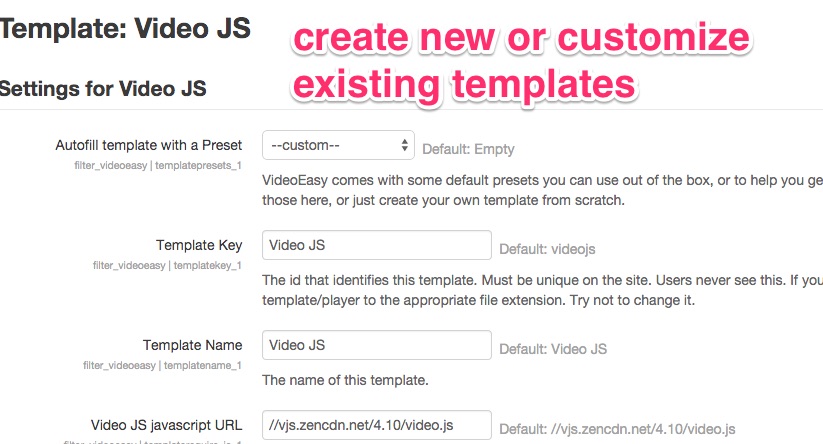
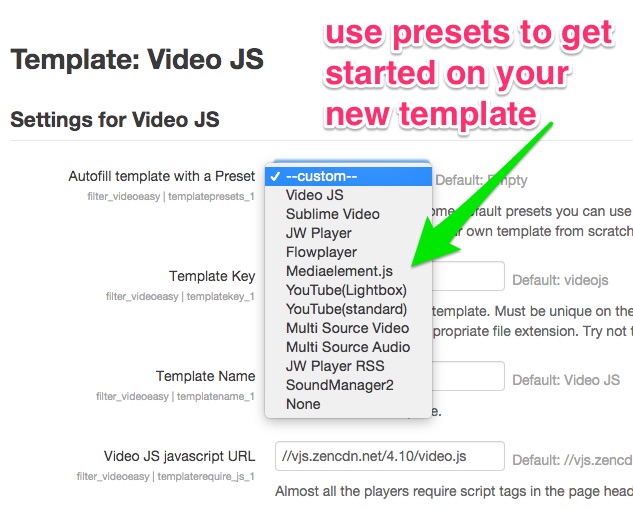
VideoEasy is a filter to play mp4, mp3 and other media files with html5 players. It uses user editable templates to allow the admin to customize the appearance of existing players or to support new players. Predefined player templates support Video JS, JPlayer, JW Player, Flowplayer and MediaElement.js


Comments
Comments are no longer open for new posts. Existing comments remain available to read.
we're using VideoEasy with our Moodle 2.7.9 installation and in general it works like a charm. However, we've now encountered something, that might be a problem with VideoEasy: we've configured the filter so that a .mp4-video will be played with VideoJS. If we upload the movie in a label, all works exactly as expected, the movie is played via VideoJS and it doesn't matter, which browser configuration any of our Moodle users have. But when they upload a movie via the "file" activity (by drag&drop right into the course) and then click on the movie, the filter seems to be disregarded and the movie is played by whichever player the user has installed (or the generic Windows media player). We've tried unsuccessfully to activate the filter by using the options "resource | filterfiles" (in the "file" activity options) and alternatively "filteruploadedfiles" in the filter general options. Both options can be configured for "All files". We thought that might activate VideoEasy for uploaded files in general, but apparently that doesn't work.
Do you have any advice how we might be able to force Moodle to use VideoEasy for uploaded movies as well? Or is that not possible at all?
I use my jw player registration key in the URL as needed. When I inspect the code I see the jwplayer code. Here is 2 screenshots :
http://test_www.elesi.eu/jwp_1.png
http://test_www.elesi.eu/jwp_2.png
Thank's
I update my moodle test from 2.8.10 to 3.02 and I have problem with video easy and jw player. On production everything is OK. But now on my test I have don't see any video.
If I use another player like flowplayer or video JS, no problem, I see my video.
When I loock inside, I have a javascript error : Uncaught ReferenceError: jwplayer is not defined
Jquery is loaded, my key for jw player is OK.
Have you some idea ?
Best regards, Pascal
We switched from 2.8.something to 3.0.1 and video easy has pretty much been kept up-to-date as new releases come out.
I made the changes you recommended to the flow player template as well as trying with Load via AMD on and off. I am no longer getting an error, but the video still fails to load. It does download the flowplayer.min.js and minimalist.css from releases.flowplayer.org but doesn't display the player. It does work correctly if I use another player / template, in this case Video JS. This is probably a workable solution for us, but I'll have to check with our users.
Thanks again for your time helping get this sorted!
I will have to review the way the existing preset templates are set up, they are probably not up to date with the new AMD stuff in some cases.
We have just upgraded to Moodle 3.0 (debian 3.2, php 5.4.45) and have started having problems with the Video Easy filter. It is not displaying videos and the following error is popping up in the browser console when loading a page with a video on it:
http://imgur.com/VFm3TUz
Any ideas what might be causing it?
Thanks in advance!
Bob Gilmore
Is it possible to create a playlist with this plugin?
Many of the players are responsive by default these days, but I put widths in the templates just because I thought people wanted them.
Unfortunately the video no longer auto-resizes when the browser window size is changed - is there a way to fix that in the VE world?
Is this plugin suitable for rtmp stream? (flowplayer engine is ok).
Thanks