
Level Up XP - Gamification 🏅
Maintained by
Frédéric Massart ⭐
🔥 🤩 The easiest way to add gamification to your Moodle site! Engage your learners! Gamify their learning experience to increase participation and completion rates. #gamification #engagement
Comments
Comments are no longer open for new posts. Existing comments remain available to read.
This is odd. Would you please confirm which version of Moodle you are using, as well as the version of XP, and XP+ if you have is too. We are unable to replicate this locally.
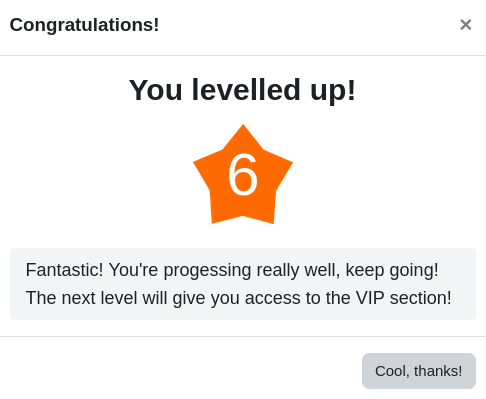
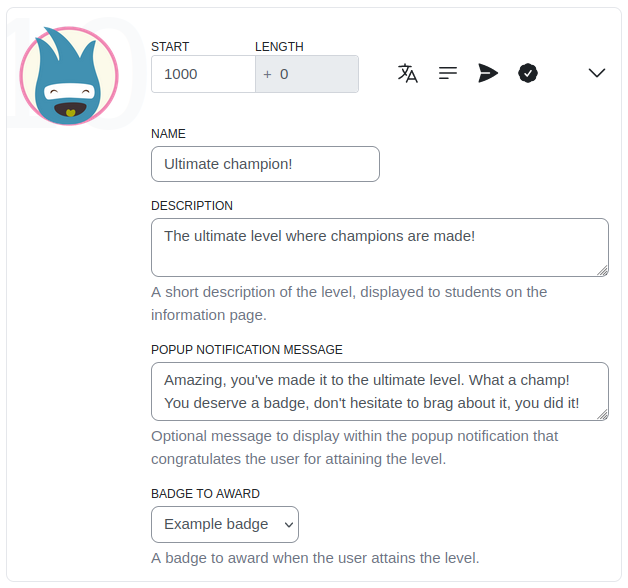
I'm having a bit of issue on the level up notification one would get if they completed a level. I have "Enable level up notification" as yes in the course settings but when I level up, I don't receive any pop-ups notifying me that I have leveled up.
I am getting the following when upgrading block_xp from v3.12.1 to v.3.13.0 into our Moodle 3.11.11:
PHP Notice: The renderer was requested too early in the process.* line 383 of /local/xp/classes/local/container.php: call to debugging()
* line 105 of /local/xp/classes/local/container.php: call to local_xp\local\container->get_renderer()
* line 54 of /blocks/xp/classes/di.php: call to local_xp\local\container->get()
* line 78 of /blocks/xp/classes/local/setting/recommended_plugins_setting.php: call to block_xp\di::get()
* line 151 of /blocks/xp/classes/local/setting/default_settings_maker.php: call to block_xp\local\setting\recommended_plugins_setting->__construct()
* line 84 of /local/xp/classes/local/setting/settings_maker.php: call to block_xp\local\setting\default_settings_maker->get_general_settings()
* line 98 of /blocks/xp/classes/local/setting/default_settings_maker.php: call to local_xp\local\setting\settings_maker->get_general_settings()
* line 74 of /local/xp/classes/local/setting/settings_maker.php: call to block_xp\local\setting\default_settings_maker->get_settings()
* line 36 of /blocks/xp/settings.php: ca in /var/www/releases/uvigo-vle-moodle/uvigo-vle-moodle-20221201-145308/web/lib/weblib.php on line 3268
Anyone know what this error is a result of and how to resolve it?
Thanks in advance.
Whoops, we forgot to push the master branch, we had only pushed the tag. Note that we discourage the usage of the master branch as the latter often ends up in a unstable stage. We recommend checking out the latest tag:
https://github.com/FMCorz/moodle-block_xp/tree/v3.13.0
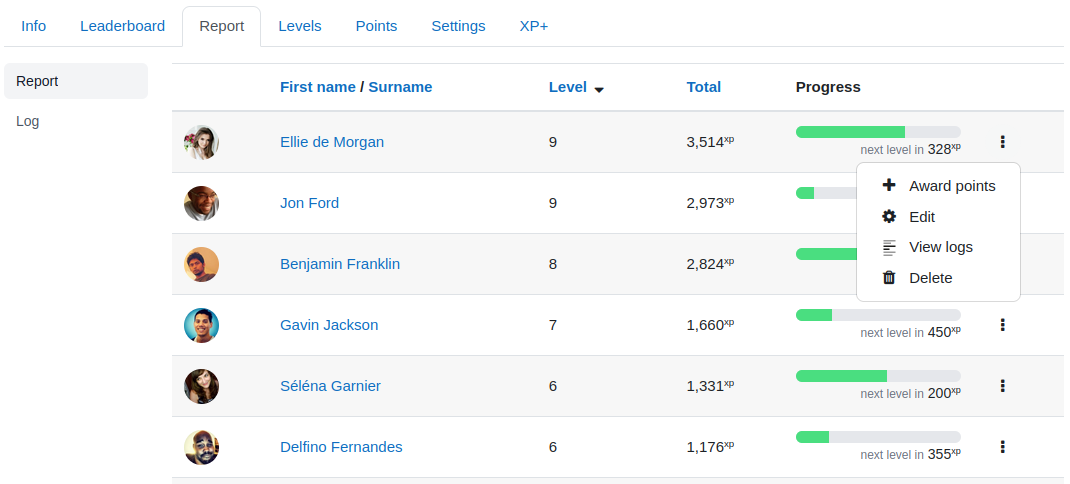
I understand that in your use case, you would be interested for learners to have a single leaderboard and level for the whole site, but educators would like to have access to a report broken down by course, is that right?
is there a way to make the course-level leaderboards and the whole-site-leaderboard both available at the same time?
So that the whole-site leaderboard can show the points obtained by the students globally, but I can still know exactly how many points they got in each course?
Apologies, our documentation on drops is still lacking, we will do our best to correct this in a timely manner.
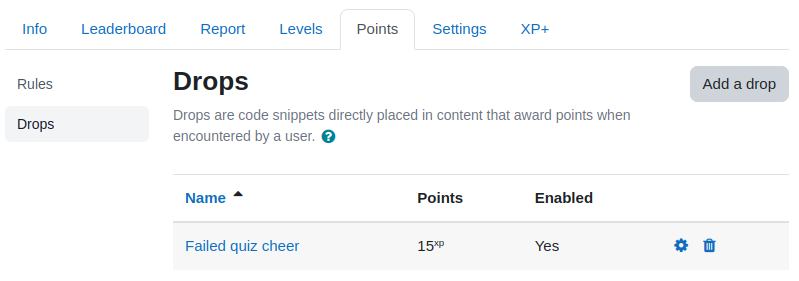
To use drops, they must first be created from the "Drops" page which can be found under the "Points" tab when XP+ Pro/Multi is installed. On this page, you can create drops, set the number of points they award, and retrieve the precise shortcode to be placed on the content.
Please feel free to contact us at (support at levelup dot plus), we'll be happy to assist.
I can't find any documentation on how to use this plugin with your LevelUp+ plugin. I would like to know how to use the [xpdrop] feature, and how to change the amount of XP each drop gives. Could you point me to the documentation, or let me know how to do it in your reply. Much appreciated.
Have you already had a look at the following page?
https://levelup.plus/docs/article/event-rule-not-working