
Level Up XP - Gamification 🏅
Maintained by
Frédéric Massart ⭐
🔥 🤩 The easiest way to add gamification to your Moodle site! Engage your learners! Gamify their learning experience to increase participation and completion rates. #gamification #engagement
Comments
Comments are no longer open for new posts. Existing comments remain available to read.
https://levelup.plus/docs/article/level-up-for-the-whole-site
This error occurs when the web server configuration is not complete, please see this page for more information:
https://levelup.plus/docs/article/error-controller-for-route-not-found
If the problem persits, please let us know.
Thank you!
Coding error detected, it must be fixed by a programmer: Controller for route not found.
More information about this error
×Debug info:
Error code: codingerror
×Stack trace:
line 95 of \blocks\xp\classes\local\routing\router.php: coding_exception thrown
line 79 of \blocks\xp\classes\local\routing\router.php: call to block_xp\local\routing\router->get_controller_from_request()
line 38 of \blocks\xp\index.php: call to block_xp\local\routing\router->dispatch()
Thanks for your prompt reply.
Yes, I also report the issue to the theme developers to know. We are also looking forward to having your next release that might be able to solve this issue.
Thank you very much.
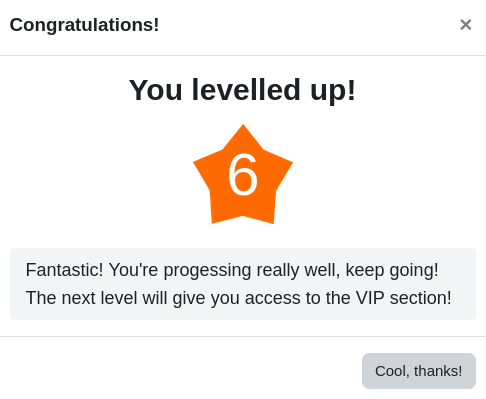
Sorry you're having trouble with the Snap theme. Level Up is using a core feature to display the notification, as per your screencast it seems that Snap restores the scroll position even though a modal is being displayed. That would be a theme bug.
We're updating the notification in our next release, and the changes we're making might solve this issue. However it is probably best to let the theme developers know, they might have a solution for it as it is.
Thank you!
We discovered there is a pop-up notification display issue with the Snap theme.
Please refer to my recording. This pop-up notification display issue seems to be affected when the user clicks navigation to go back section page(refer to 6s-8s of the recording). However, the screen will shift down to the last visited activity in the snap theme, but the pop-up notification remains at the top of the page.
To click 'Back' button of the browser isn't affected. I can replicate the issue with the latest version plugin.
May I know if it is possible to be fixed by the plug-in or do we report this issue to Snap theme?
https://echo360.net.au/media/3654cb63-fa10-4751-a770-e753ebbf37c0/public
The best approach for us to develop this would be to rely on the capability to access another student's profile (moodle/user:viewdetails), would that work in your setup?
First of all, it is a nice plugin that has a very positive effect. Thank you.
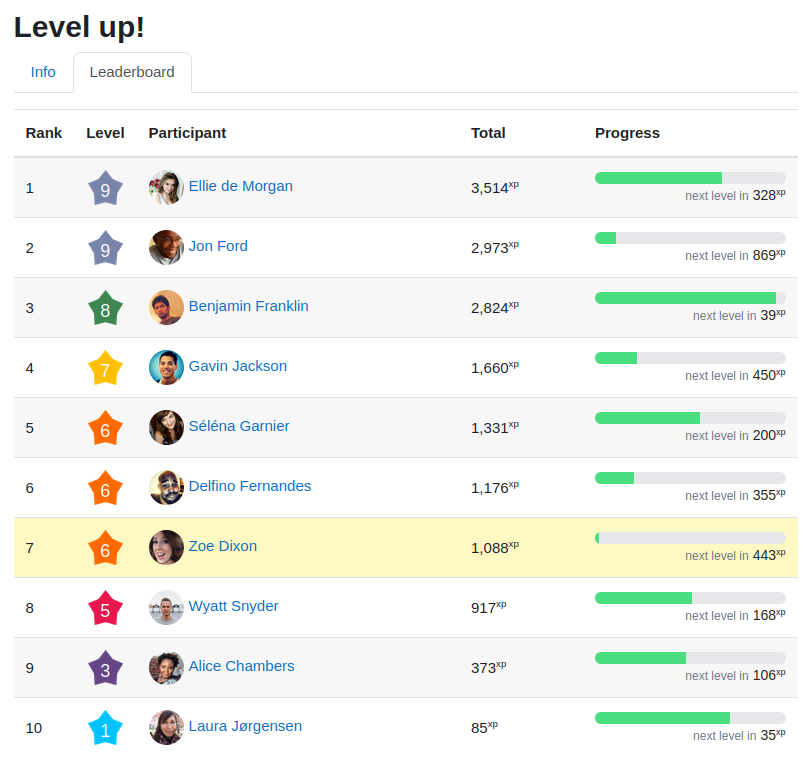
My problem is: When I view the Ladder page, it's nice to see the usernames. However, it would be nice to prevent the user profile data from being accessed when you click on the profile.
We can lock it, but then the names do not appear.
What I want is this; Let the names appear on the ladder page, but not click on the names. Profile details are not visible.
Thank you very much.