
Eguru
Maintained by
LMSACE
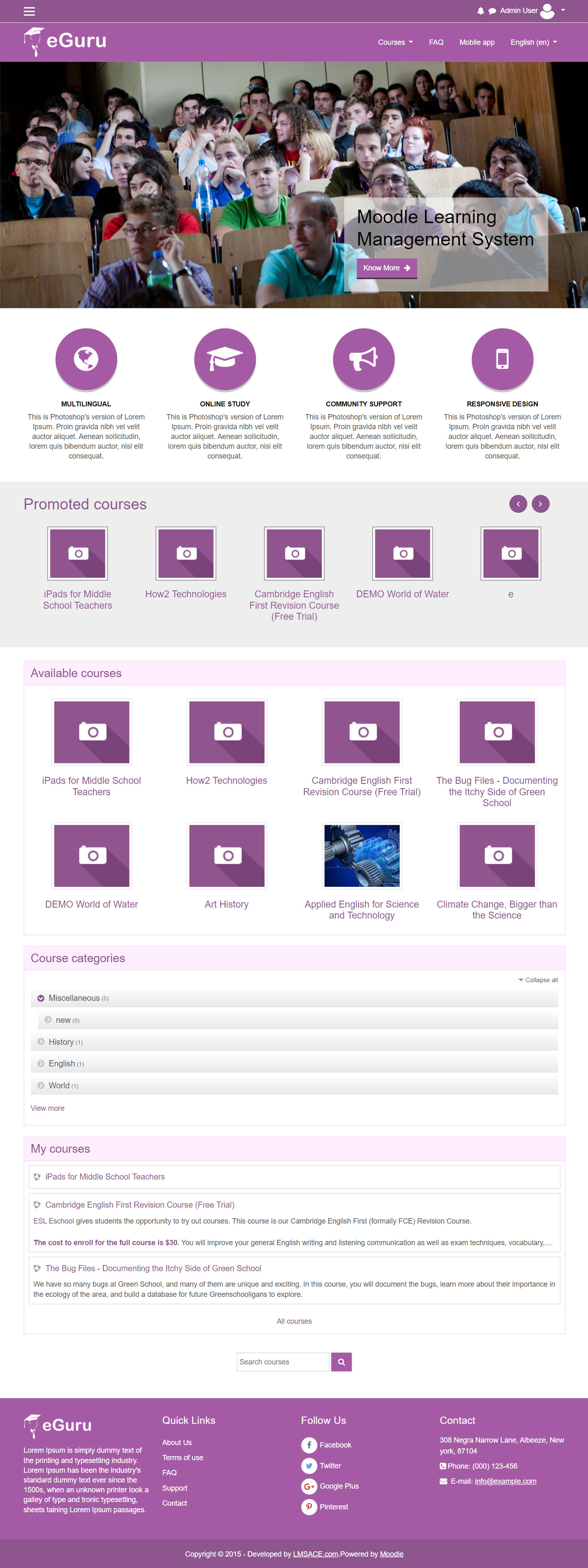
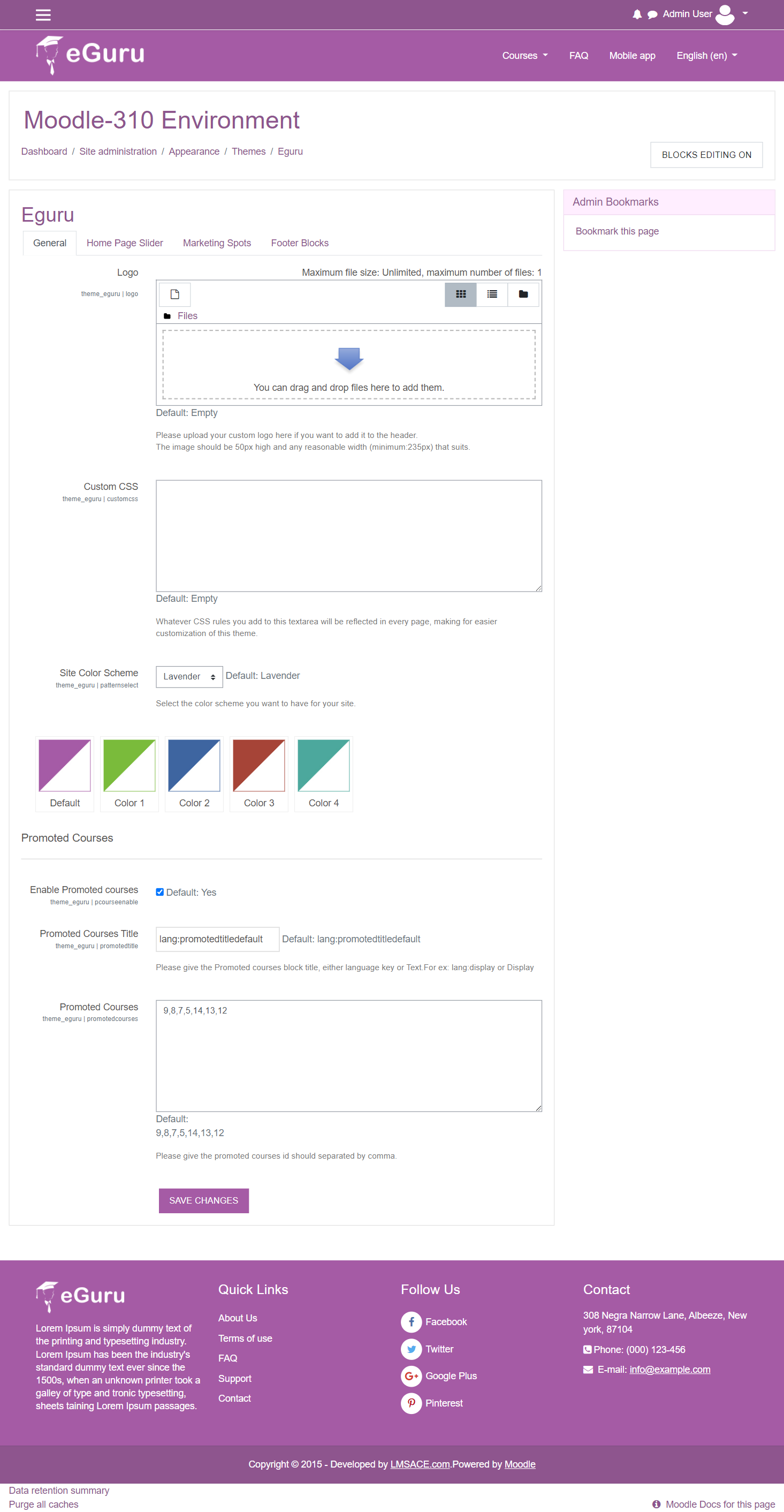
The Guru of moodle themes e-Guru - ultra responsive moodle theme with multi color pattern is free now in moodle plugin directory.It has stunning features that will be a suitable choice for your educational establishments and coming out with powerful admin theme setting options.
Comments
Comments are no longer open for new posts. Existing comments remain available to read.
Please login as admin and go to Site administration >> Appearance >> themes >> Eguru >> Slide show and check the slide link field and give your destination url.
Thanks
Nice theme! Thank you!
Is there any option to avoid showing Home Page Slider or Marketing Spots after loging?
If you want to make the slider automatically sliding by default, just open "Your theme folder Root of moodle/theme/eguru/layout/includes/slideshow.php" and please enter the following code in the end of the script before <?php :
// Please add the javascript open tag*
$ (function() {
$ (' .carousel') . carousel ({
interval : 3000
});
});
// Please add the javascript close tag#
Just try it and let me know how it works.
Regards,
Alendia
*script type="text/javascript"
#/script
Don't forget to add < >
I have a problem with the slider. It seems to assume that we *must* be linking to something from the images. If the image information is left blank, we are still left with an arrow which connects to nothing. Is there some way of removing that without hacking the theme's code (or maybe a new version of the theme with no arrow if the slot is left blank)?
Thanks - Andrew
In order to better support multilingual sites, I recommend that you change all instances of $course->fullname found in course_renderer.php to format_string($course->fullname) so that course names wrapped in language tags can be processed through Moodle language filters.
Also, is there a way to have the slider automatically start sliding by default? I have to click on the slider right or left arrows in order to get it moving. I can't seem to find a setting for that.
Best regards,
Michael Milette
If you login as admin and go to the following url or Appearance >> Themes >> Eguru >> Homepage slider in your website http://yoursite.com/admin/settings.php?section=theme_eguru_slideshow
You can see the slider caption there you can change the caption texts , if you need to make that text in all languages you need to go to your theme folder Root of moodle / theme / eguru / lang / en / theme_eguru.php and find the "slidecaptiondefault" string and can change it in all language files , also you can create new strings in the files and give it in the slide 2 , slide 3 etc
Please feel free to ask if you have any questions.
Great job. Please how i can change slide caption between many lang (every slide has unique text with LTR and RTL)
Thanks
I love this theme, but I'm struggling to change the block's font size. I want to change the header and the menu's font size. Any suggestions.
Thank you!
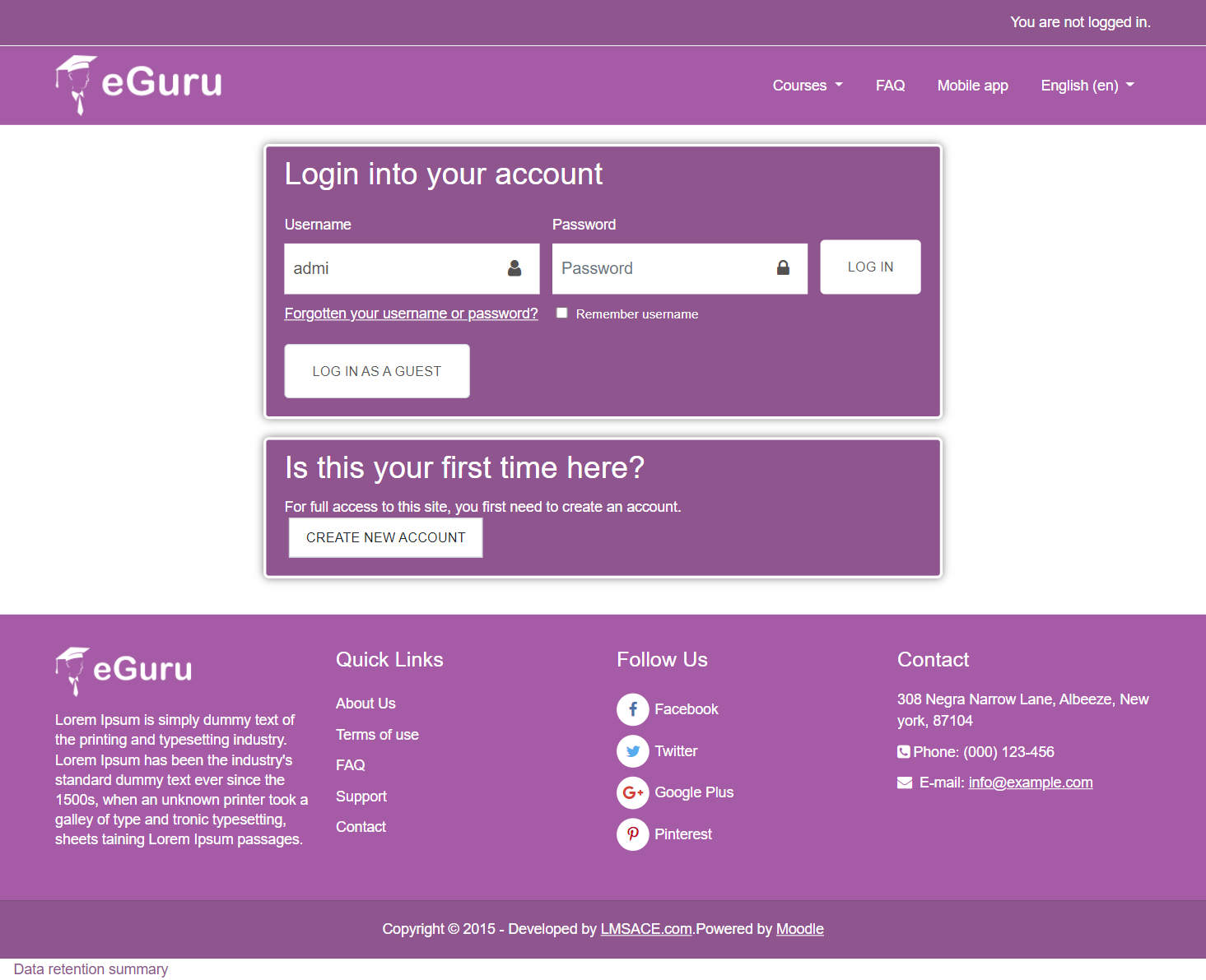
Is there any other account but the Guest so I can access the courses?
Thanks for your kind info , we are checking on it , i hope the server loading fine anyway we will keep eye on it and make our site 100% up.
Have you visited our themes ? Can you access it now ?
Thanks