Eguru icon

Eguru

Maintained by LMSACE
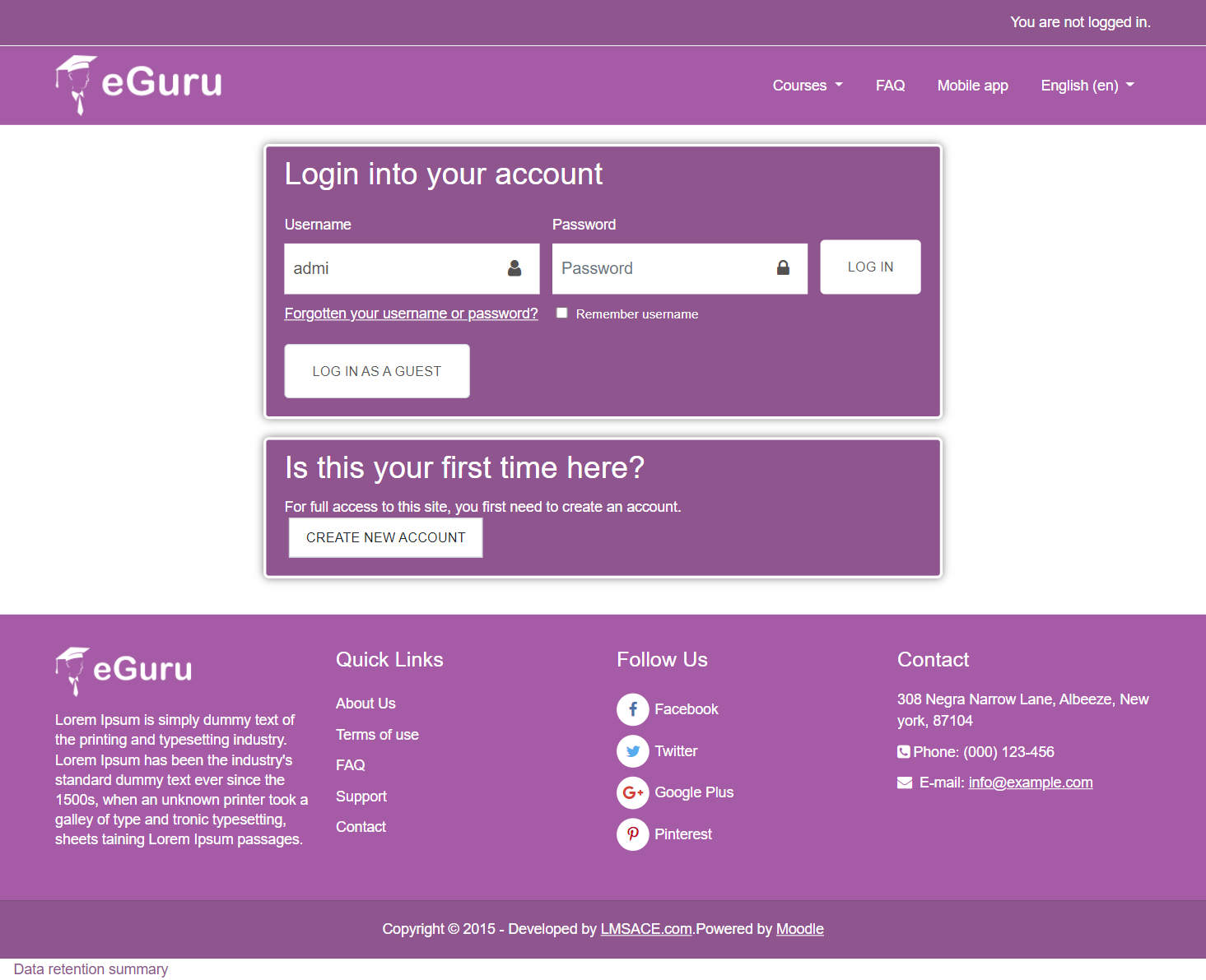
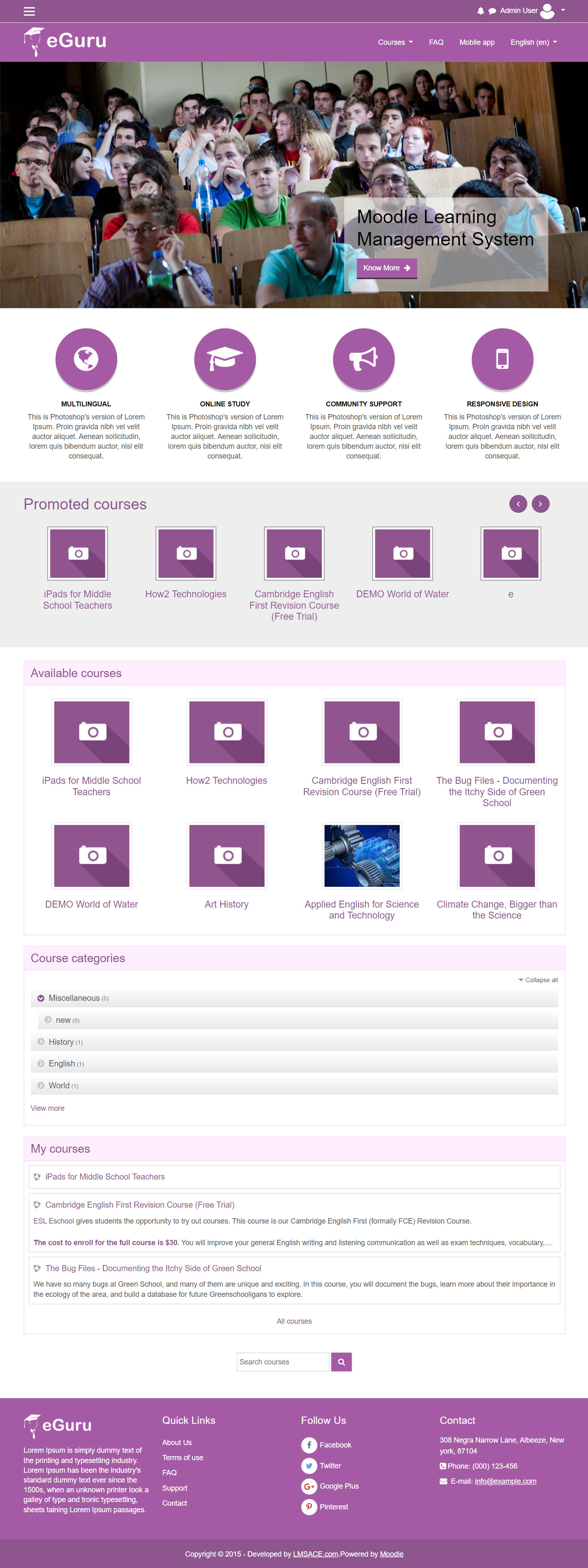
The Guru of moodle themes e-Guru - ultra responsive moodle theme with multi color pattern is free now in moodle plugin directory.It has stunning features that will be a suitable choice for your educational establishments and coming out with powerful admin theme setting options.
Price option: Free

Supports Moodle 2.6-4.2 See all versions
Latest release: 2 years ago
Installations: 3491
Downloads (last 90 days): 359

Frankenstyle name: theme_eguru
Themes

Comments

Comments are no longer open for new posts. Existing comments remain available to read.

Karthikeyan, I think what you're talking about is a feature so to speak. If you change the display size of your browser window you can see that it will resize to max width and height at a certain point. Resize your browser window to be wide but not very high and it will resize the graphic by cutting off the top and bottom of the image. Same thing in the mobile device with it's narrow and long displays. I don't think it was intended that those graphics should always show the entire graphic no matter the proportions of height x width. At least that's how it seems to me (a feature).
eGuru is a great theme... I am trying to make my website responsive using this theme.. The slider images does not seem to be responsive on the mobile devices... The images seems to get cut off at both sides and the navigation buttons (left an right) to move the further slides are missing. Any help on this.
What a fantastic theme! I've customized some bits to please the school administration, but have one final customization requirement. We want to make the carousel (image slider) start up without a user having to click on the previous or next buttons. I've been looking at the Javascript in /theme/eguru/javascript/bootstrap-carousel.js and don't see how this can be done. I'm experienced in Javascript but Jquery is not my forte at all. Was hoping someone could help point me in the right direction. I thought perhaps adding a call to this.paused = false on the startup function might do the trick but it doesn't. Anyone know how to get the carousel to start swapping images without the user first clicking on previous/next? Thanks!
Hi, I am not sure.... but I am unable to see new sign ups or create a new user for self enrollment... any advice?
Hi!, first i want to congratulate you all for making this great theme. i just have a little problem; mi website languaje its spanish and every time i write a "ñ", this � its show instead. Can anyone help me to solve this?
Wohooo! thank you for the fix! smile
Thanks Nephzat Technologies,
How can I make add new items to top right menu that contains home ,courses .... and make other menu (at bottom of logo ) multi lang that can be changed upon lang variable
Thanks
Hi,
I am also unable to change the link location of the slider... did anyone figure that out?
Hi Everyone,
We have added one more field in slider settings for the slide destination url , so now the issue of slider url is fixed , you can download the latest upload and replace the settings.php in your site.
Thanks
Same issue as all the rest. Slider links do not work. Also, how do i remove the Marketing Spots? in one of the screenshots it shows me without the marketing spots and it looks better to me, cleaner. Or, if the marketing spots stay, how can i put a link inside them?
other then that, its the best looking theme so far that ive found, thank you!
Is there a way to remove the "know more" button rather than replace the text since there's no way to have it link to anything? It seems kind of useless if you cant change the "know more" button to a link that users can click to actually get to a "know more" page.
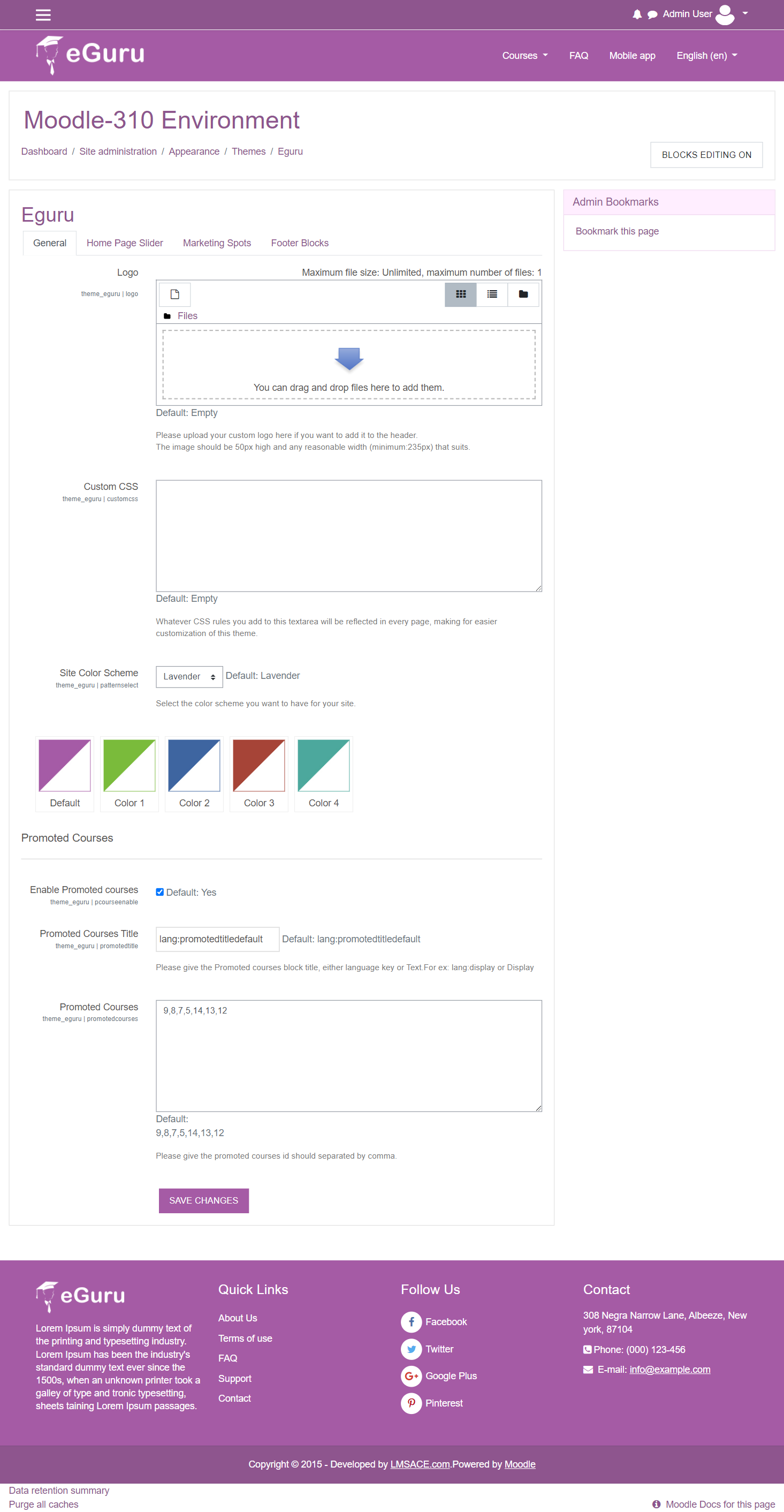
"slide link" does not exists. There are only 3 settings for every slide: Slide image, Slide caption, Slide link text
Hello I am still looking for slide link field settings within the theme and also for the marketing spots. Is this possible within theme?
There is no slide link field in settings of Eguru theme...