Monitoring of learning plans
Maintained by
Issam Taboubi, Gilles-Philippe Leblanc, Salem Saidi, Mélissa De Cristofaro, Van Binh Dang
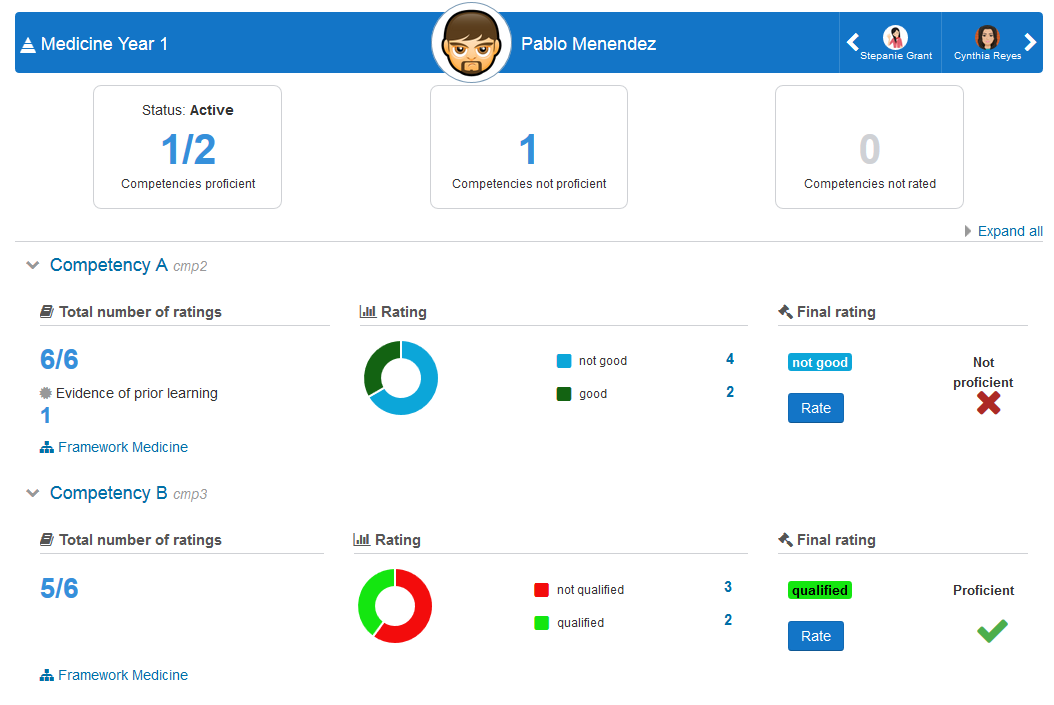
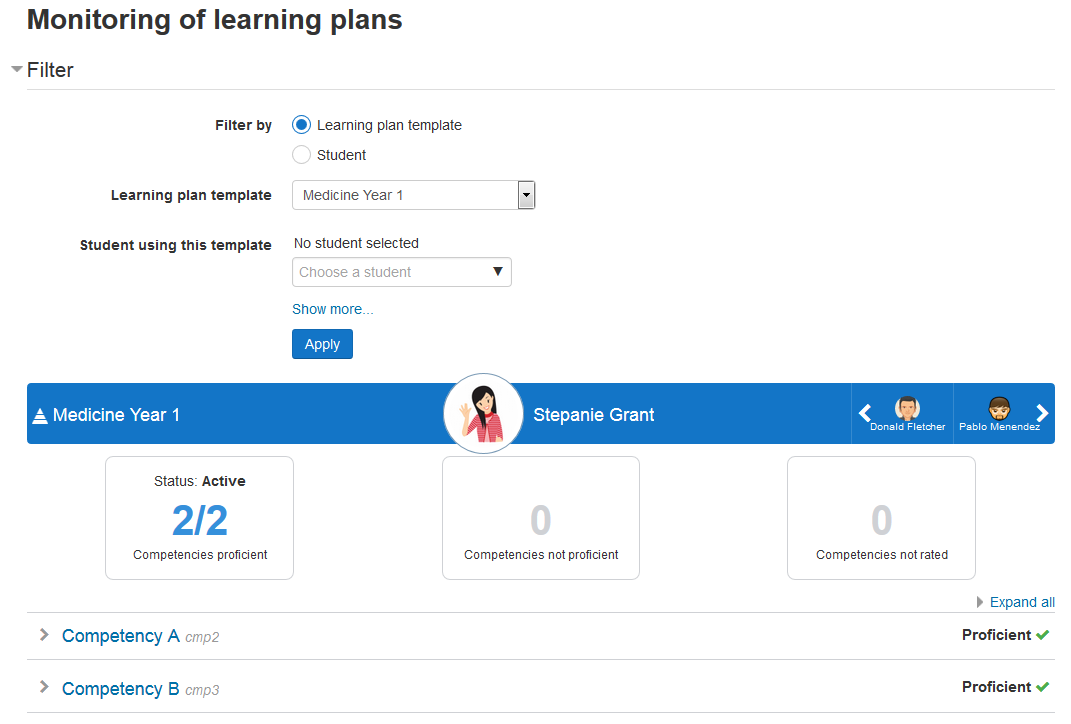
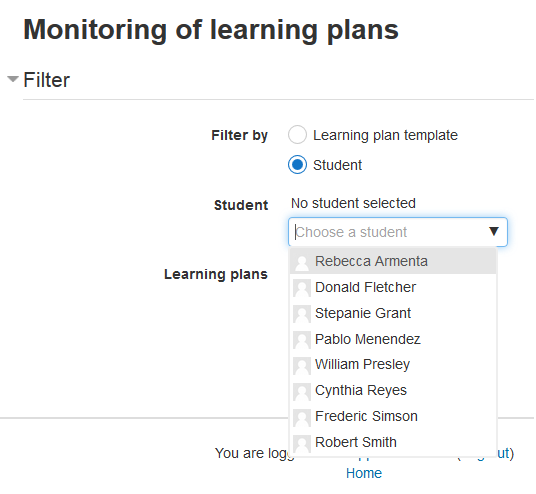
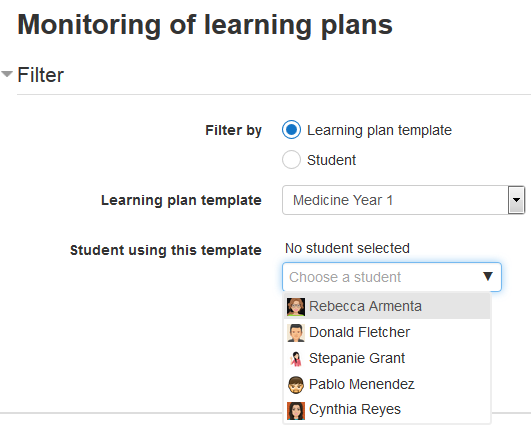
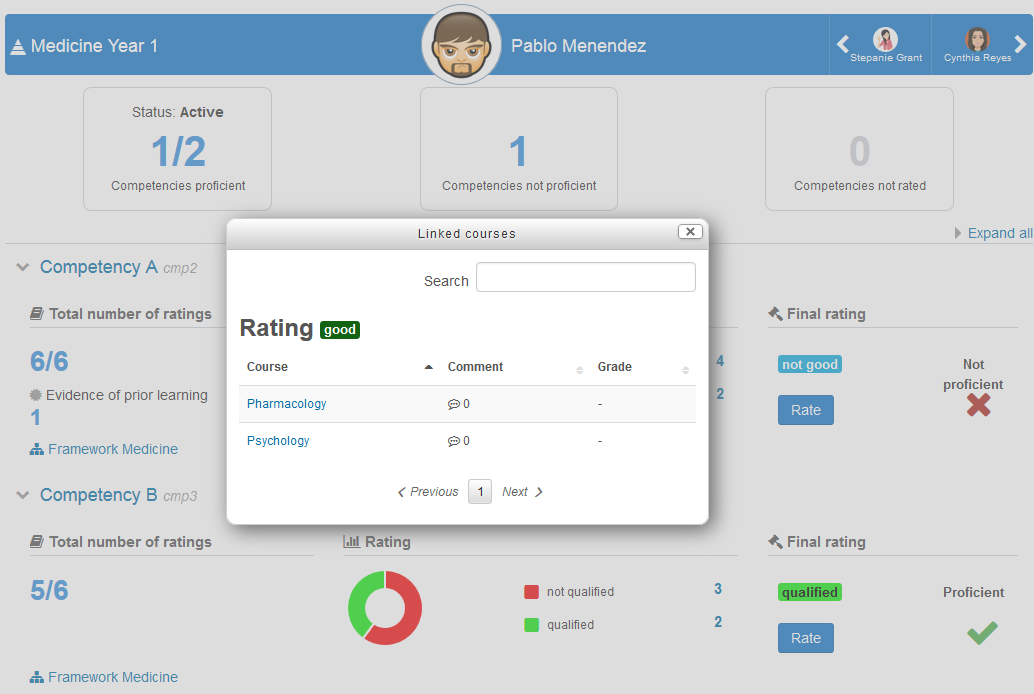
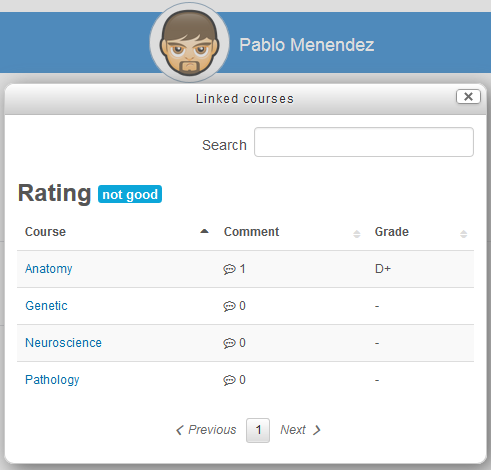
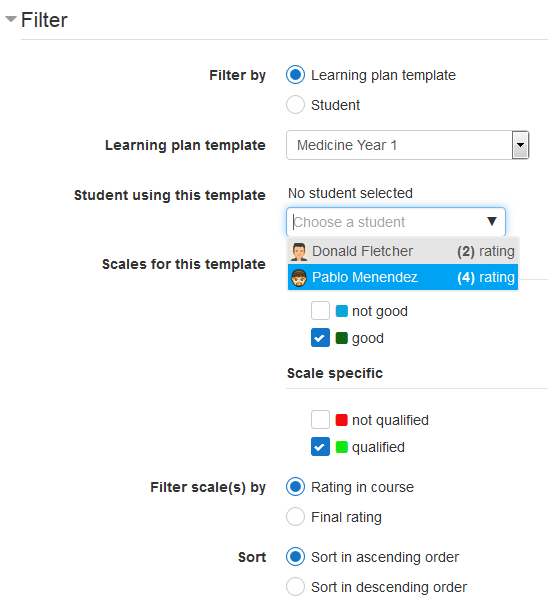
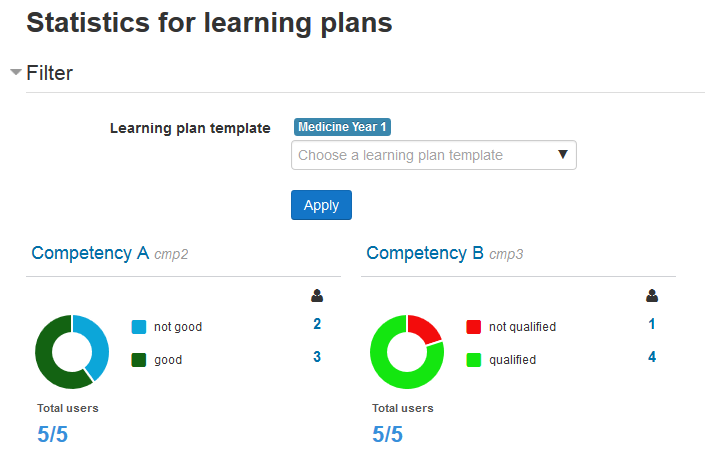
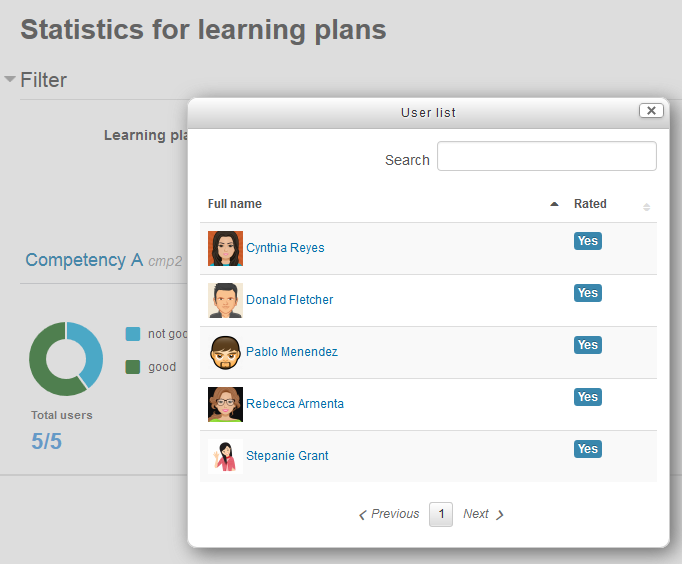
The main goal of this plugin is to facilitate the work of learning plan managers. It provides an overview of user learning plan, without leaving the page to get information related to this learning plan (such as rating in courses, user evidence, etc.) It also offers statistics by learning plans and competencies. For learning plan templates with a very large number of learning plans (generated from cohorts), this plugin is the best solution, with its advanced filters, it allows you to filter the learning plans by several criterias.
Comments
Comments are no longer open for new posts. Existing comments remain available to read.
Thanks for the feedback.
We confirm that it works with Moodle version 4.1.
We haven't tested it yet with version 4.2. Can you tell us the exact version you are using and describe the problem in more detail? Thanks!
Thank you for this wonderful plugin
Unfortunately not for the moment... We are working on a possibility to generate a PDF version soon for our internal usage, but it would contain only the basic information (evaluation of the competency at the learning plan level, but not in courses). If we add this functionnality, would it be useful for you?
Thanks!
Marie-Eve
I am so sorry for the delay...
There are no plans on adding the report on the user's dashboard for the moment. For the block, I think you could use a simple HTML block and the filter codes plugin (https://moodle.org/plugins/filter_filtercodes) that allows to "Create links that normally require the users ID as part of the URL."
Marie-Eve
Somebody had a similar problem in october 2019 (see one of the previous comments, on the next page).
Is it a new installation of the plugin or you are upgrading? From which version?
Do you have other plugins related to competencies that might have a table with the same name?
If you want, you can try one of the following "extreme" solutions :
- uninstall and reinstall the plugin
- delete the mdl_report_competency_config table and then reinstall the plugin
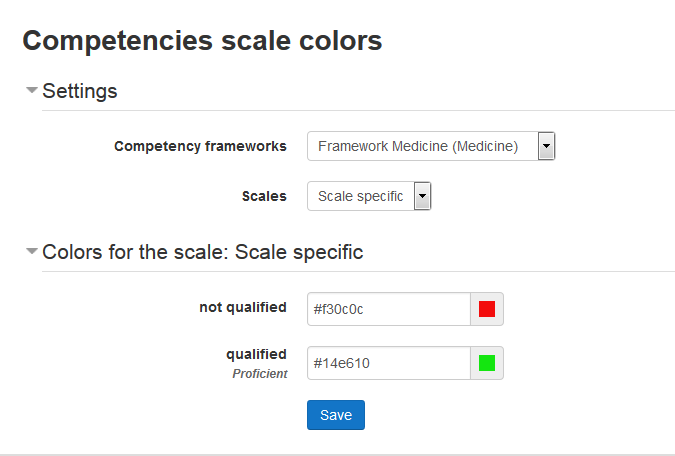
Those 2 solutions would DELETE the configuration of your competency scales (the color associated to each scale level) so you will have to configurate them again. I can't say I recommend any of those two solutions, it is not really a good way to do things, but I think it will solve your problem...
Marie-Eve
Debug info: Table 'mdl_report_competency_config' already exists CREATE TABLE mdl_report_competency_config ( id BIGINT(10) NOT NULL auto_increment, competencyframeworkid BIGINT(10) NOT NULL, scaleid BIGINT(10) NOT NULL, scaleconfiguration LONGTEXT COLLATE……
How should I solve this problem?
We (the developers of this plugin) don't use Moodle workplace ourselves so we do not have plans to upgrade it to work with tenants. For the moment I don't know enough about this to know if it would be hard or not... Maybe it could already be achieved with roles and capabilities? Since competencies and learning plans can be managed at the course category level, if each tenant has his own categories, maybe the report can be limited by tenant? See the "Role and permissions" above, maybe there is something there that could help you?
Also, what about competencies without lpmonitoring, in moodle workplace? Are tenants taken into consideration? Since lpmonitoring is just a report on top of core competencies, if the core competencies take tenants into consideration, it would probably be not so hard to do it in lpmonitoring. If not, it would be much harder.
Marie-Eve
lpmonitoring only adds reports to have a better view of the user competencies. It is completely based on the core competencies functionnalities.
I am not sure to understand your question correctly... You want to know if the competency can be rated automatically based on some data from the course? If so, no it is not possible in lpmonitoring. I think it is not possible via core functionnalities either, but you better ask in the competencies forum : https://moodle.org/mod/forum/view.php?id=8266