Monitoring of learning plans
Maintained by
Issam Taboubi, Gilles-Philippe Leblanc, Salem Saidi, Mélissa De Cristofaro, Van Binh Dang
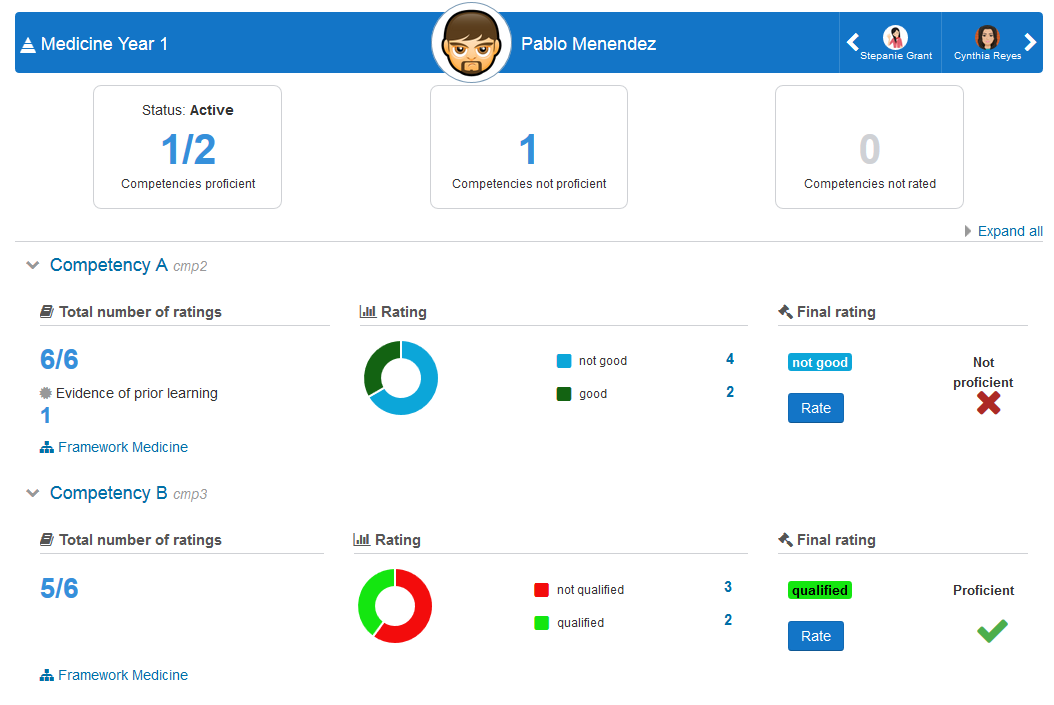
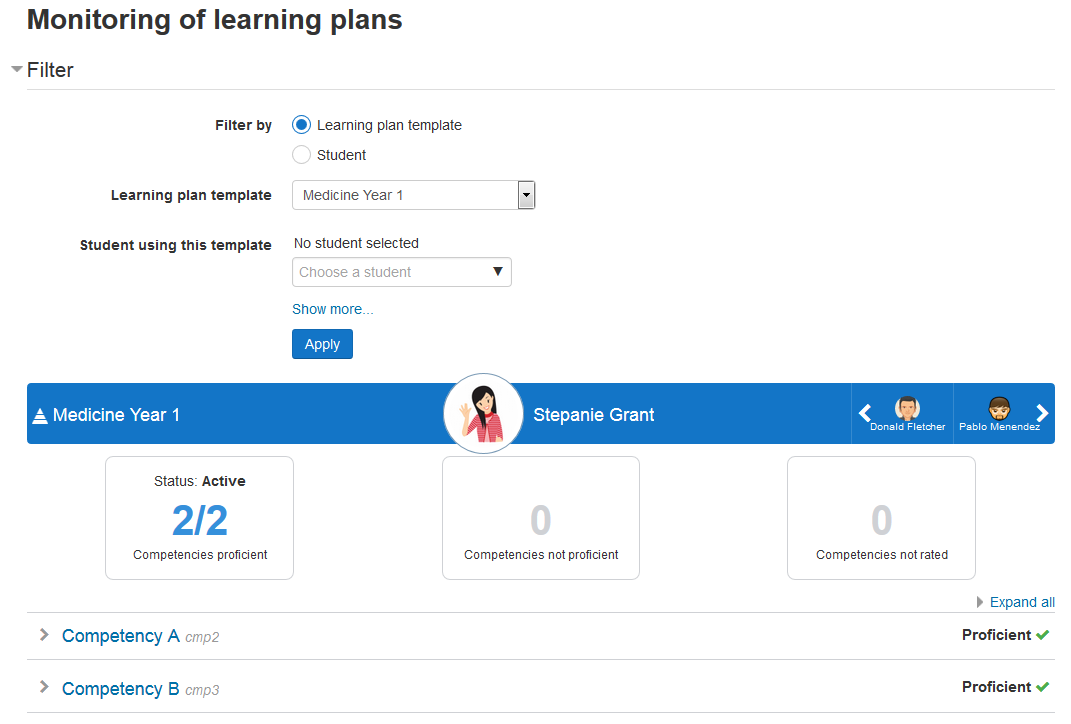
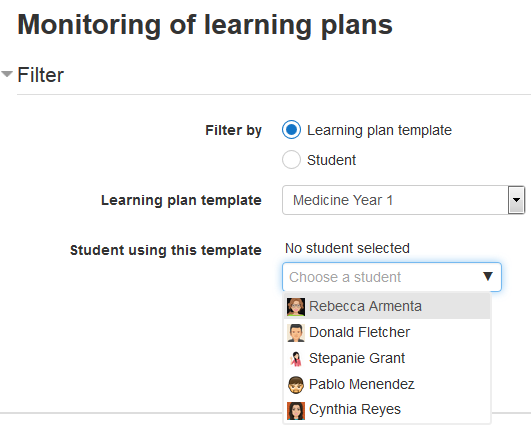
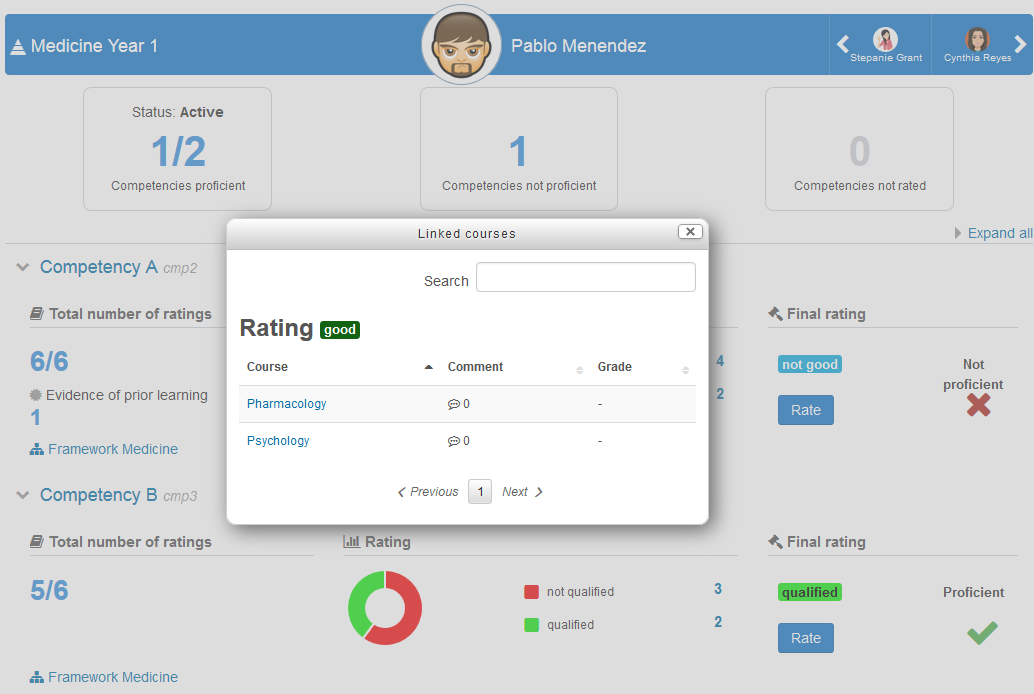
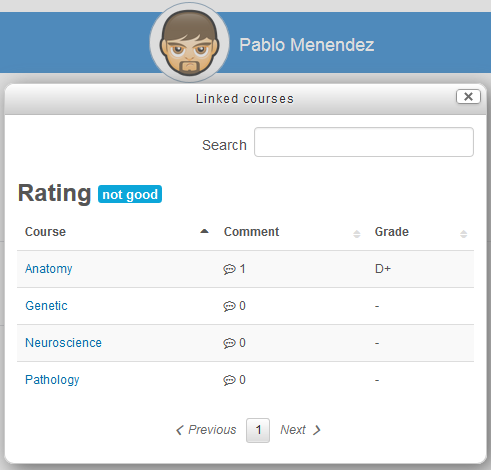
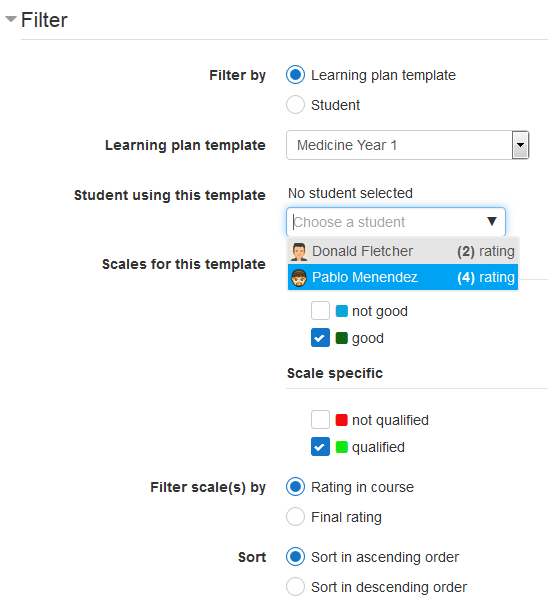
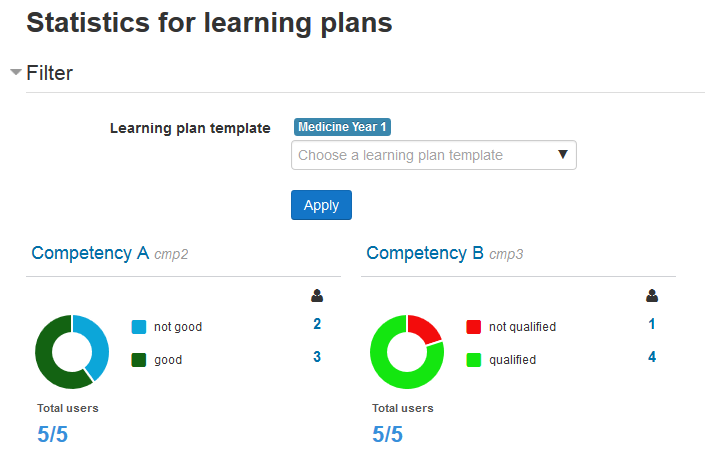
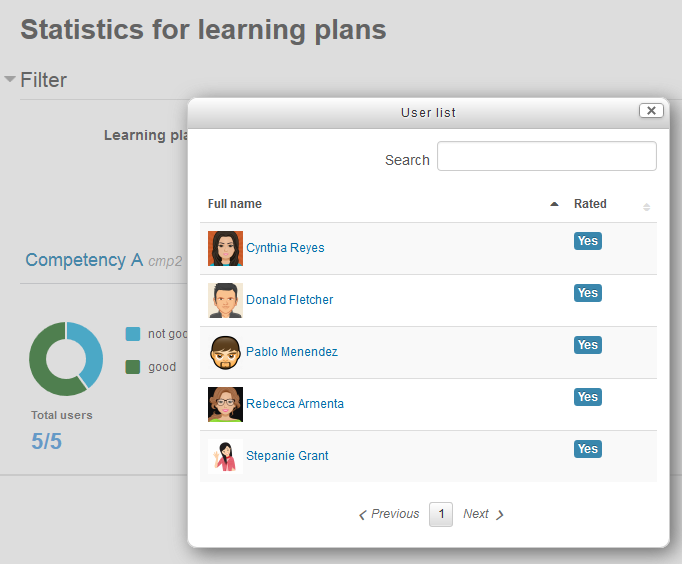
The main goal of this plugin is to facilitate the work of learning plan managers. It provides an overview of user learning plan, without leaving the page to get information related to this learning plan (such as rating in courses, user evidence, etc.) It also offers statistics by learning plans and competencies. For learning plan templates with a very large number of learning plans (generated from cohorts), this plugin is the best solution, with its advanced filters, it allows you to filter the learning plans by several criterias.
Comments
Comments are no longer open for new posts. Existing comments remain available to read.
Nice plugin. Very help.
Do you have update version for moodle 3.7 and 3.8 ?
Unfortunately, I don't think that's possible, neither with the core functionnalities or with lpmonitoring. Everything is based on the learning plan templates.
I know there is something called "Advanced reports" or "Configurable reports" which is a way to have some reports from the result of SQL queries. It would probably be possible to create a report suiting your needs with that tool. I did not try it myself though.
I hope this helps,
Marie-Eve
No, there is no "cohort" filter. A workaround would be to create different learning plan templates for each cohort. More than one template could contain the same competencies for the same framework. The only problem is that it would be impossible to view all students from different cohorts at the same time. It would be perfect if you always want to filter by cohort though.
Another possibility is to add a tag on each student learning plan to identify the cohort. But you will have to do this manually, so maybe it is not practical.
Does one of these solutions suits your needs?
Marie-Eve
Your plugin is so helpful to better view the students' learning plans. Do you have any plans to create another view that would display all students with a specified competency? I have many competencies that are in several learning plans, but we need to view who is still qualified to perform that task.
Kind Regards,
Shirley
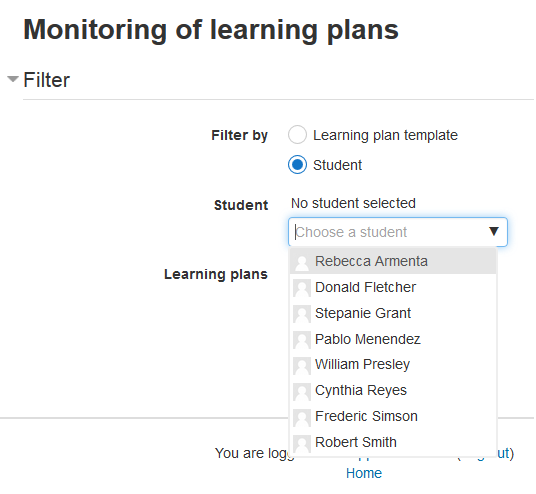
We are testing this plugin in our institution to see if it suits our needs. For now long, it seems pretty good ! But there's a question that has popped-up in one of our revision meetings: is there any option to filter the reports by cohort? In the filter options it allows to filter by plan template, user, tag and scales, but not by cohort.
Any feedback will be appreciated.
Miguel.
I tried to reproduce the problem but I was not able to. Do you know from which version to which version of lpmonitoring you are upgrading?
In the meantime, you can try one of the following "extreme" solutions :
- uninstall and reinstall the plugin
- delete the mdl_report_competency_config table and then reinstall the plugin
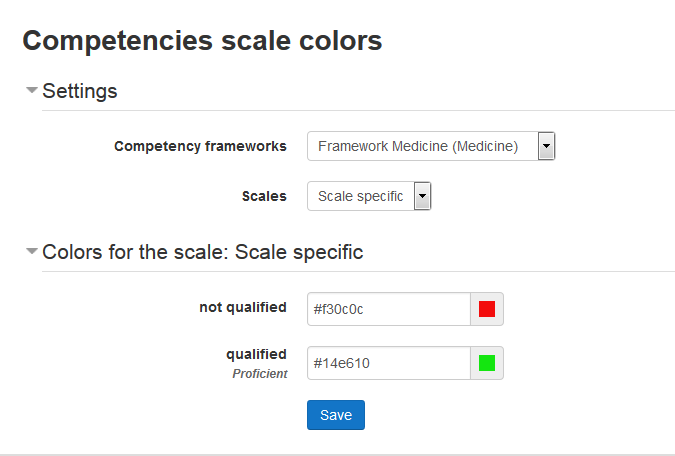
Those 2 solutions would DELETE the configuration of your competency scales (the color associated to each scale level) so you will have to configurate them again. I can't say I recommend any of those two solutions, it is not really a good way to do things, but I think it will solve your problem...
Marie-Eve
Thank you so very much! You provided me with what i needed to resolve my issue.
Kind Regards,
Shirley
report_lpmonitoring
DDL sql execution error
More information about this error
×Debug info: Table 'mdl_report_competency_config' already exists
CREATE TABLE mdl_report_competency_config (
id BIGINT(10) NOT NULL auto_increment,
competencyframeworkid BIGINT(10) NOT NULL,
scaleid BIGINT(10) NOT NULL,
scaleconfiguration LONGTEXT COLLATE utf8mb4_unicode_ci,
timecreated BIGINT(10) NOT NULL,
timemodified BIGINT(10) NOT NULL,
usermodified BIGINT(10),
CONSTRAINT PRIMARY KEY (id)
, UNIQUE KEY mdl_repocompconf_comsca2_uix (competencyframeworkid, scaleid)
)
ENGINE = InnoDB
DEFAULT COLLATE = utf8mb4_unicode_ci ROW_FORMAT=Compressed
COMMENT='Configuration for scale associated to a framework'
Error code: ddlexecuteerror
×Stack trace:
line 492 of /lib/dml/moodle_database.php: ddl_change_structure_exception thrown
line 1070 of /lib/dml/mysqli_native_moodle_database.php: call to moodle_database->query_end()
line 77 of /lib/ddl/database_manager.php: call to mysqli_native_moodle_database->change_database_structure()
line 425 of /lib/ddl/database_manager.php: call to database_manager->execute_sql_arr()
line 370 of /lib/ddl/database_manager.php: call to database_manager->install_from_xmldb_structure()
line 606 of /lib/upgradelib.php: call to database_manager->install_from_xmldb_file()
line 1869 of /lib/upgradelib.php: call to upgrade_plugins()
line 694 of /admin/index.php: call to upgrade_noncore()
I understand your issue, here is what I would try :
- Configure a role at the system level and give it all the necessary permissions (the same as listed on top of this page). You might also have to create a cohort for all students who have learning plans and assign the planview permission.
- Then, create a simple html block and make it available only for the users that have your new role.
- In this block, add a simple html link to report/lpmonitoring/index.php?pagecontextid=1 (you can try directly this url before to make sure all permissions are correct).
I hope this help!
Marie-Eve
P.S. If you have more questions about this, since it is beyond the scope of the plugin, you can contact me in private, or we can start a topic in the forum, others might be able to help you more.
We need a separate block because our learning plans are created at the Site level. We do not create Learning plans at the category level. We have been asked to provide access and make it very simple for a new role that wishes to only view all of the learning plans in our system.
Kind Regards
Shirley
Thank you for you're quick response. By installing I see the next issues:
Stack trace:
line 492 of /lib/dml/moodle_database.php: ddl_change_structure_exception thrown
line 1072 of /lib/dml/mysqli_native_moodle_database.php: call to moodle_database->query_end()
line 77 of /lib/ddl/database_manager.php: call to mysqli_native_moodle_database->change_database_structure()
line 425 of /lib/ddl/database_manager.php: call to database_manager->execute_sql_arr()
line 370 of /lib/ddl/database_manager.php: call to database_manager->install_from_xmldb_structure()
line 606 of /lib/upgradelib.php: call to database_manager->install_from_xmldb_file()
line 1869 of /lib/upgradelib.php: call to upgrade_plugins()
line 694 of /admin/index.php: call to upgrade_noncore()
Debug info: Table 'mdl_report_competency_config' already exists
CREATE TABLE mdl_report_competency_config (
id BIGINT(10) NOT NULL auto_increment,
competencyframeworkid BIGINT(10) NOT NULL,
scaleid BIGINT(10) NOT NULL,
scaleconfiguration LONGTEXT COLLATE utf8mb4_general_ci,
timecreated BIGINT(10) NOT NULL,
timemodified BIGINT(10) NOT NULL,
usermodified BIGINT(10),
CONSTRAINT PRIMARY KEY (id)
, UNIQUE KEY mdl_repocompconf_comsca2_uix (competencyframeworkid, scaleid)
)
ENGINE = InnoDB
DEFAULT COLLATE = utf8mb4_general_ci ROW_FORMAT=Compressed
COMMENT='Configuration for scale associated to a framework'
Error code: ddlexecuteerror
We haven't test the plugin with 3.7 yet, so we can't guarantee it works completly with that version. But maybe everything works fine! If you have a chance to test it with 3.7 and see some problems, do not hesitate to contact us.
Marie-Eve
I am not really sure what you want to achieve? Why in a block? What would be in the block, links to the report? Or the reports themselves?
What we have in our installation are custom roles that add the 2 items in the category administration menu. So the managers for each category goes there to access the report, and not via Site administration. There are a little bit of explanations about that in the "Role and permissions" section above.
Does that help you?
Marie-Eve