
StudentQuiz
Maintained by
Frank Koch, Tim Hunt, Hieu Vu Van, Mahmoud Kassaei
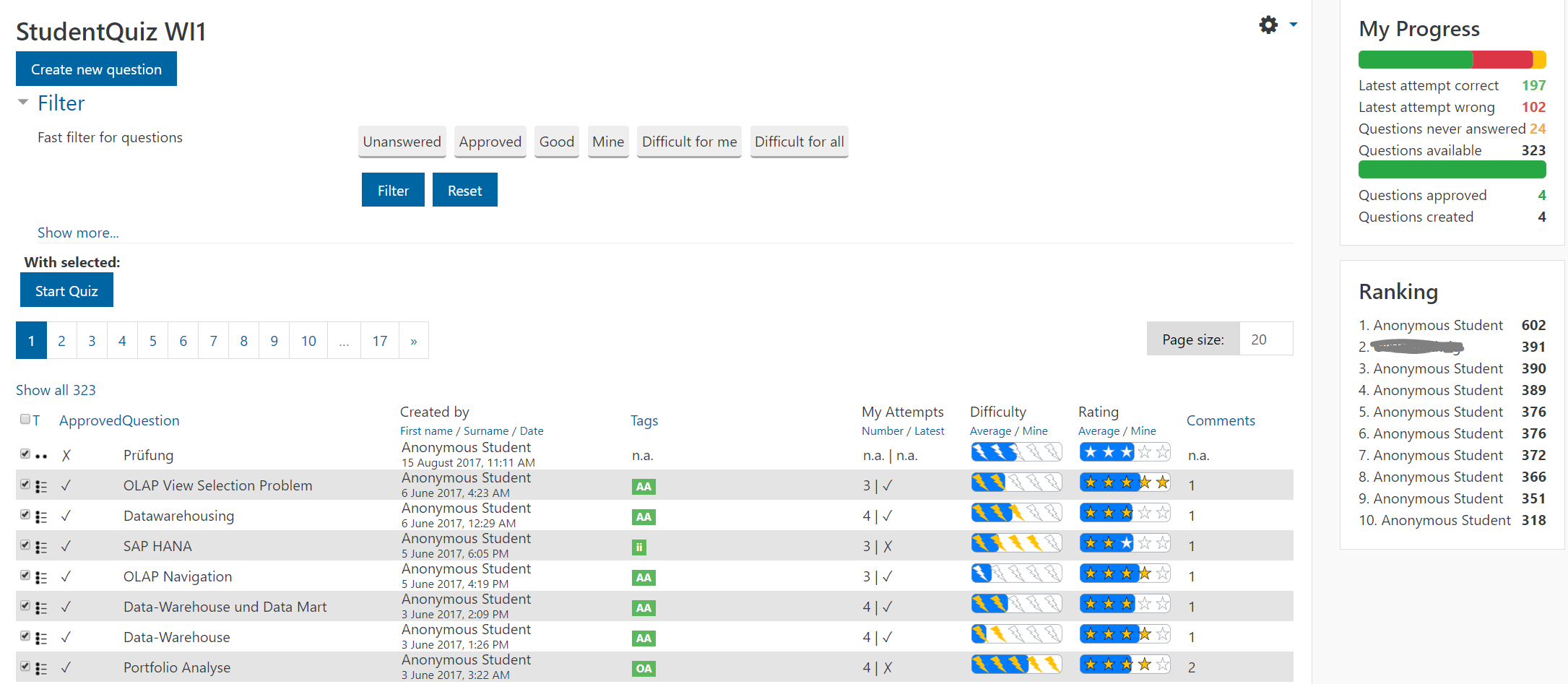
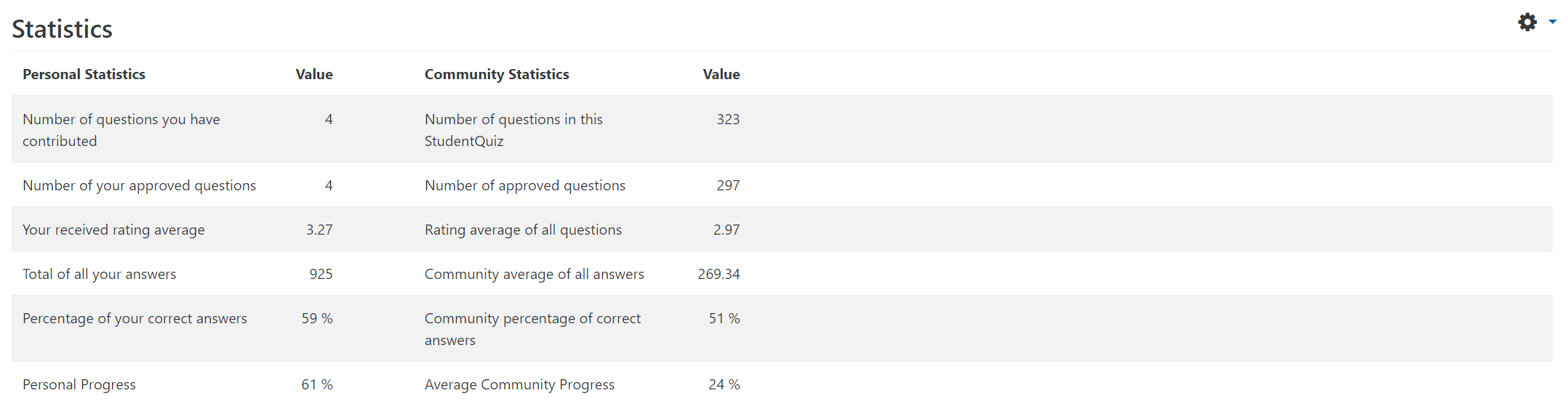
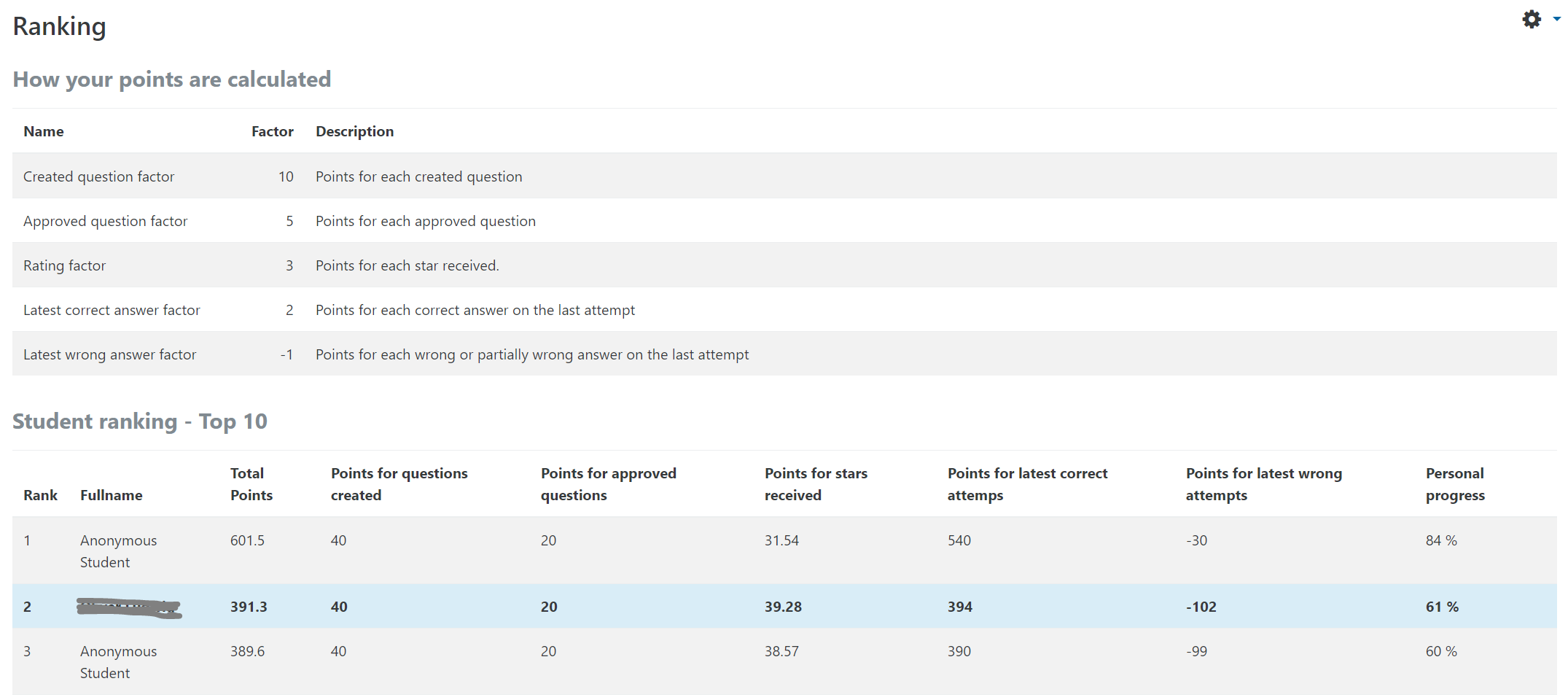
StudentQuiz enables students to collaboratively create their own question pools in Moodle. Students can filter these questions into quizzes, and they can rate and comment questions while working through the quizzes. StudentQuiz computes each students contribution and learning progress and compares this with the community. The created questions become part of the Moodle question bank and can be reused in other Moodle quizzes. The video "StudentQuiz in a minute" tube.switch.ch/videos/d0e37788 provides a quick introduction.
Comments
Comments are no longer open for new posts. Existing comments remain available to read.
The state 'change' ist used to indicate students that they should improve the question by themselves. This way, of course, they learn much more. You probably also want to leave a comment about what you expect from them, and that they should inform you once the change is done, such that you can reconsider the question for an approval.
Please note that student-authors cannot change questions anymore once they are in state 'appoved' or 'disapproved'.
If a learner goes to the StudentQuiz activity, and selects "Start Quiz" The quiz will go through the first 20 questions, and then it will appear the quiz is over. This even if the questions on the next page are checked.
The learner needs to go back to the first page of the activity, then select the next page. This can be confusing to some. Some will think the quiz is simply over. This is unfair to the learner.
I noticed there is a "page length" that can be set, to include all questions, but that is only for the current session, there seems to be no way to make it stick.
Is there any way I can set this so "Start Quiz" will through all the quiz questions?
"The backup file contains more than one top-level question categories for context 396. "
>Is it possible to add the questions which are already in the question bank...to a new student quiz.
StudentQuiz provides export/import functionality to transfer questions from one StudentQuiz question pool to another.
>I can only add them in the student quiz only if I duplicate the questions. Is there any other better way?
Yes, export/import doubles the questions. You cannot reference the same StudentQuiz question pool from 2 different StudentQuiz activities.