Multi-Language Content (v2)
Maintained by
Iñigo Zendegi Urzelai, Iñaki Arenaza, Kepa Urzelai
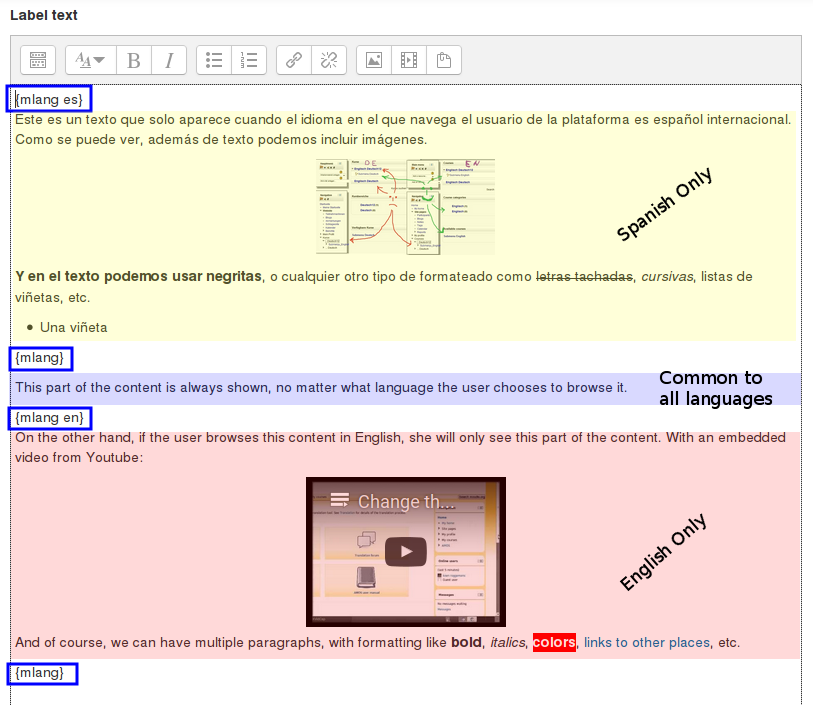
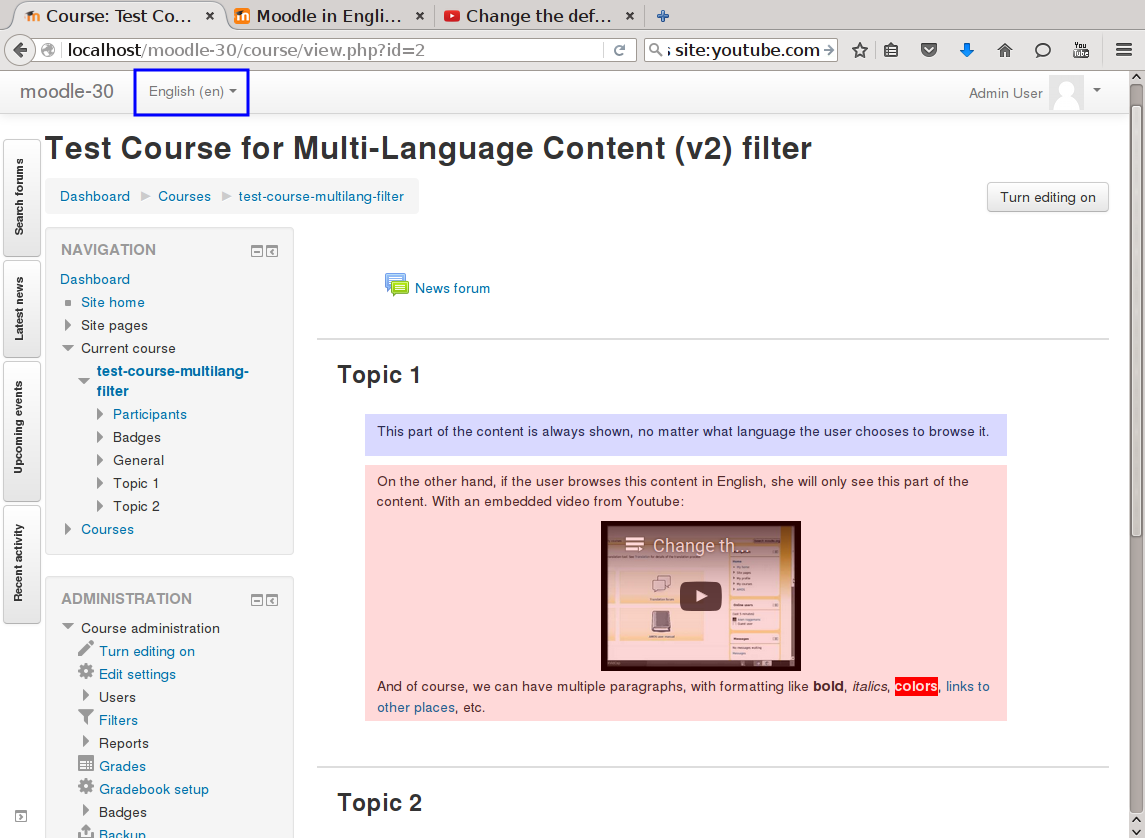
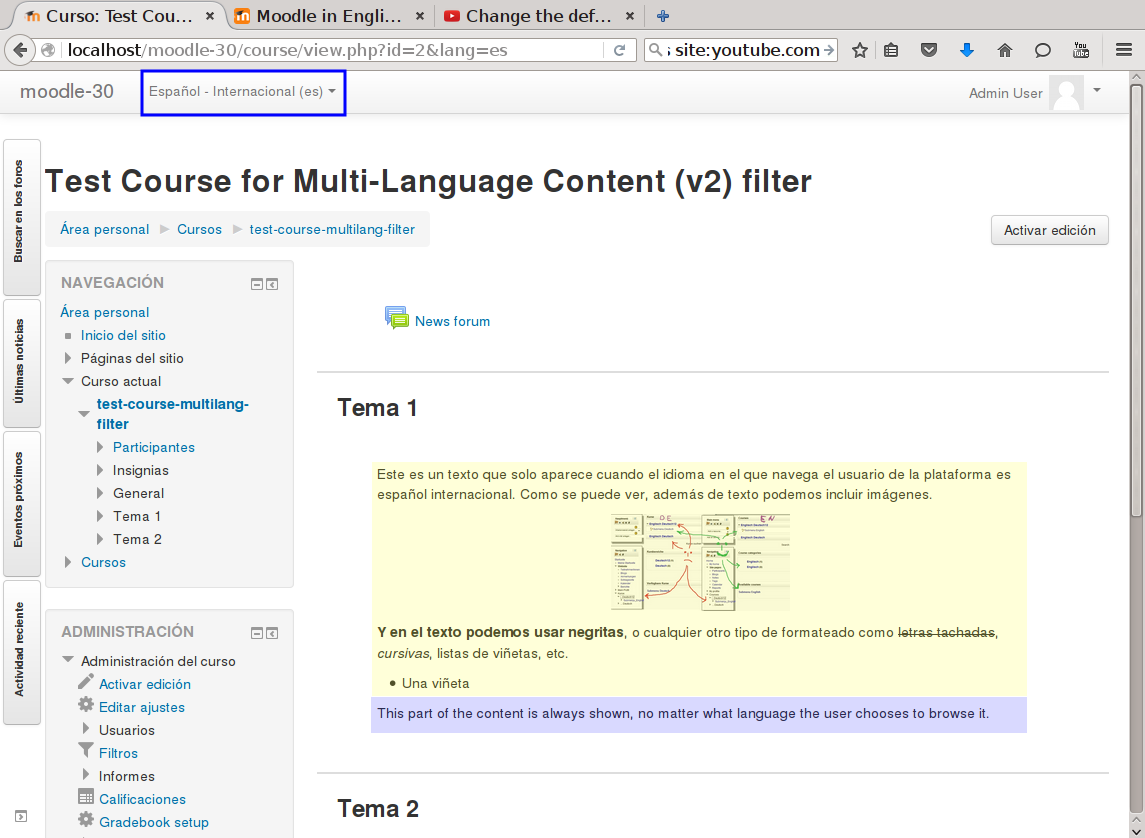
This filter is a greatly simplified multi-language filter. It uses very simple non-HTML tags to mark multi-language blocks. Namely {mlang XX} {mlang} pairs, where XX is the Moodle short name for the language pack (i.e., en, fr, eu, es, es_mx, etc.)
It uses the same tags as the filter_multilangsecond plugin (to be compatible with it), but there is one difference between the two. This filter allows standalone {mlang} tags that don't require adjoining alternative language tags. This makes the filter more flexible at the cost of potentially producing empty sets of tags.
Comments
Product ratings and reviews are coming to Moodle Marketplace. Until then, existing comments remain available to read, but new posts have been disabled.
if the plugin is working for the web version, and is working for the mobile version except for individual pages, then the problem is on the mobile app. The filter implements a single function, that does exactly the same thing in all cases.
This has been the case in more cases than I can remember: some moodle code (either from Moodle core, or a third party plugin) renders a piece of code without calling the functions needed to apply the filters (namely format_text() and format_string(), and the equivalen ones in Javascript land). And so the filter is not applied.
In one occasion, the problem was slightly different, and maybe that is your case too? The code calling the filtering functions didn't set the user language properly before doing the call, so the filter ended up using the wrong language for the filtering.
Saludos.
Iñaki.
I've been using this plugin for a bit and It's been great, but I'm running into an issue in specifically the mobile app. For some reason if course content is in a 'page' then it will only display in English. This applies to just the body text in the page, Course titles and everything else on the UI will switch language but body text does not. I wasn't able to find anyone else having this issue so I figured I would ask here. The web version works completely fine, and mobile works outside of individual pages in a course. Let me know if I'm missing something here, and thanks for the plugin!
As far as we've tested the plugin works fine on Moodle 4.4.
thanks for your answer, and sorry for my late answer.
The entry Blended learning will show under "Special", too . I take a screenshot from this code.
You find these under
https://is.gd/fAdMtc
https://is.gd/tNekgZ
https://is.gd/gPL0MU
Maybe you can add a new element for Keywords to select the language.
I've been able to replicate your issue, it seems that the glossary's filter by the concept's first letter is using the concept's name before applying the filters and in consequence all of them appear under the "Special" filter because it detects the first character being "<" (core mlang syntax) or "{" (this plugin's mlang syntax), and that's incongruous with the way it shows the concept list (order after applying the filters)
I'll try to find and propose a solution to this issue, but it has to be done in the Moodle core and not within this plugin.
could you provide us with an example to try and reproduce the issue? I'm not sure I'm understanding it right. If you could provide us a couple of the problematic multilang2 strings (their raw definition, before they are processed by the filter), how they are displayed once filtered (e.g, by providing a screenshot), and where they end up in the Glossary (again, with a screenshot), that could help us.
Thanks in advance.
I have the problem that words in the glossary do not stand under the correct first character. "Operating system" stands under Special and not under O. This word has keywords. Titles, which has (yz) stands under Special, too. Titles with "Ä", too, and 62-bit stand under 2 and not under 6. How can I fixed this?
I've been able to replicate that issue, but it's not an issue of this plugin but on core lesson module.
It's easy to fix but it has to be done in the Moodle core, so I've created an issue on the tracker and proposed a patch: https://tracker.moodle.org/browse/MDL-81733
I love this plugin. We've been using it for a few years and really appreciate the work you put into it.
We've been having an issue since the start where, once a learner reaches the end of a lesson, the automatically generated Lesson Completion page isn't being parsed by the mlang filter. So, when you reach the end of a lesson, you get a button that says, "Proceed to {mlang en}Chapter 2: Lesson{mlang} {mlang fr_ca}Chapitre 2: Leçon{mlang}" or "Aller à {mlang en}Chapter 2: Lesson{mlang} {mlang fr_ca}Chapitre 2: Leçon{mlang}" depending on your language.
To get around this, we created fake end of lesson pages and have had to get creative with the completion settings. I'm wondering if there's a fix for this? Is there a way to make the multilang filter parse the "Proceed to" button text?
Thanks!
Craig