Enlightlite
Maintained by
LMSACE
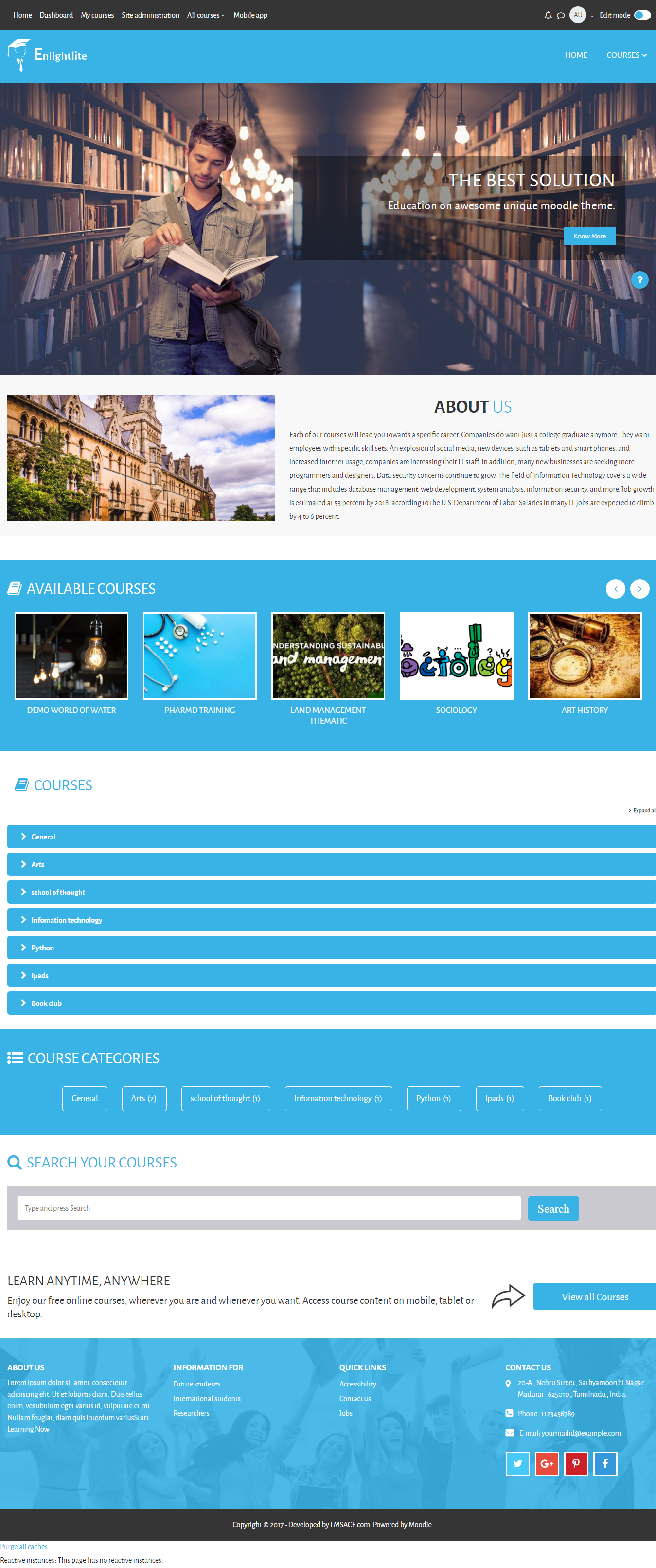
Enlight Lite is a beautiful and fully responsive Moodle theme well suited for Universities,Schools & Online learning websites.

Comments
Comments are no longer open for new posts. Existing comments remain available to read.
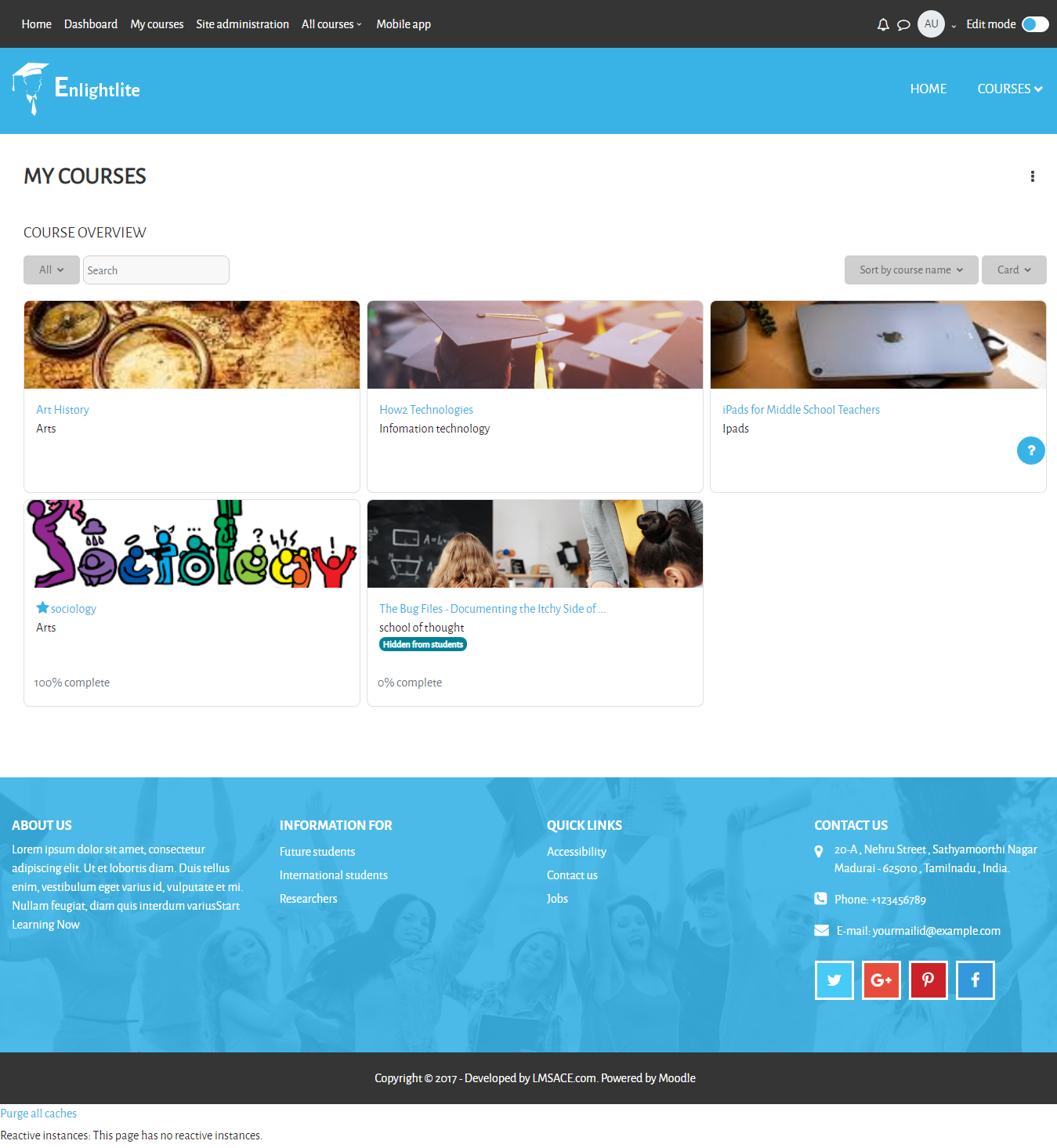
Is there a My Courses listing item in the top menu in the premium version of this theme?
I didn't notice it in the demo version
Regards,
Agnes
It is possible to change the photo that apears in the footer. You can also change the favicon.
Change photo footer:
Go to your Moodle data (domain name) / private_html / moodle / theme / enlightlite / pix / home / footbgimg.png
Replace footbgimg.png with another image. Name the target image 'footbgimg.png'
Change favicon:
Go to your Moodle data (domain name) / private_html / moodle / theme / enlightlite / pix / favicon.ico
Replace favicon.ico with another image. Name the target image 'favicon.ico'
It can take up to 48 hours before the job is done.
Is it possible to change the photo that appears in the footer?
Is it possible to remove the course finder?
Is it possible to change the favicon?
Enlightlite is a great theme, thanks for creating it.
Hope you can answer my question.
Johannes
Those step help me so much. Thanks a lot
finally the version 4.0 release
1) In the db update the theme value to "classic" [ see: SELECT * FROM `mdl_config` WHERE name = "theme" ]
Note: classic is one of the default themes
2) In the command line purge caches [do: php admin/cli/purge_caches.php ]
Hope this helps
Any prediction of a compatible version?
Please!
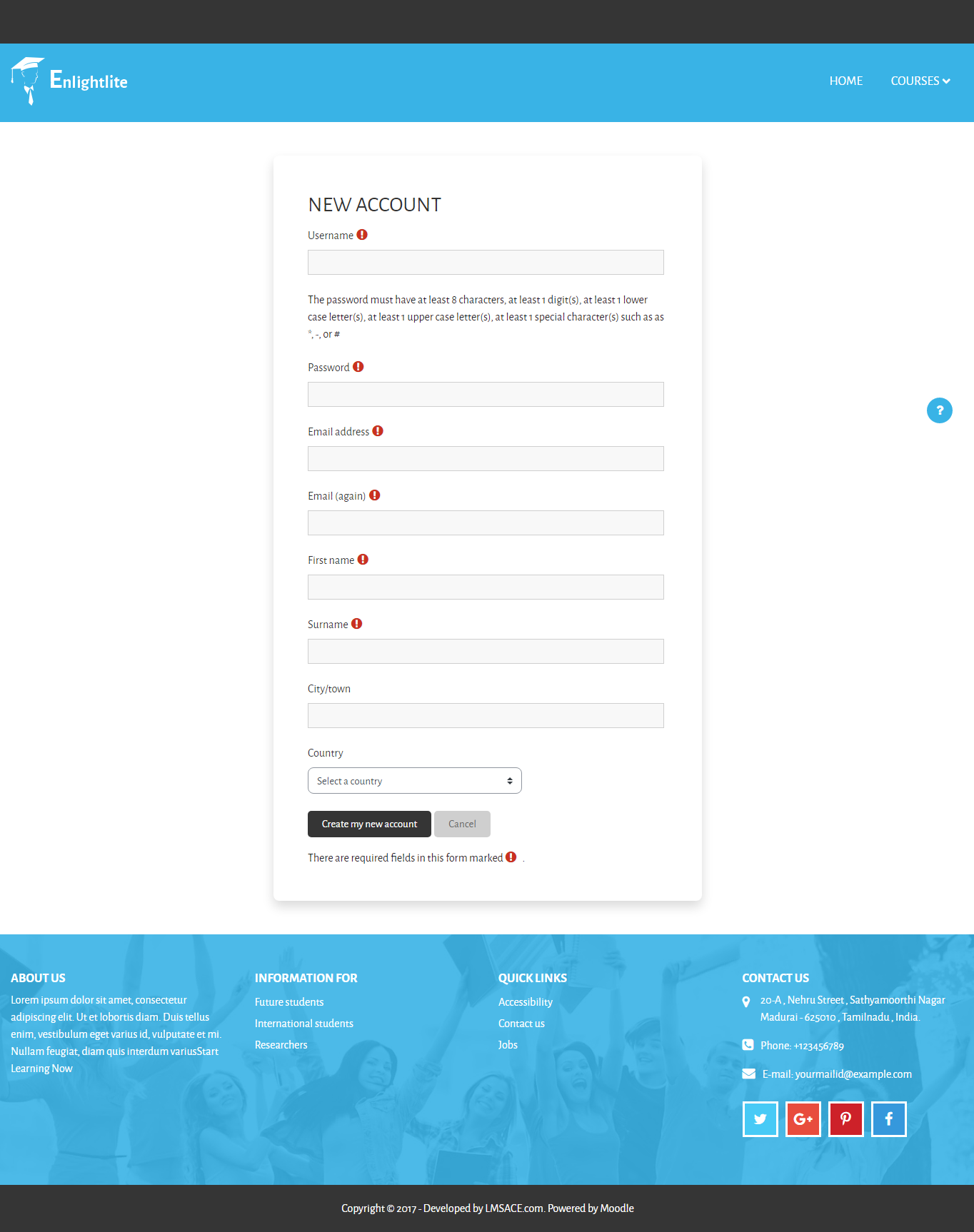
how can I include mobile number to create new user page ??
Do you have any plans to release the 3.11 version on your github repo?
Best,
Daniel
https://drive.google.com/file/d/1krrW_lgEkq75dzGZTuPpsOluiRYvAYmx/view?usp=sharing
The second issue is the small image for courses on the main page. I can see that this problem was solved on the Github page for this theme. Add this code as custom CSS in theme settings:
.available-courses .available-block .available-img {
height: 150px;
width: 150px;
background-color: var(--white);
padding: 3px;
}