Enlightlite
Maintained by
LMSACE
Enlight Lite is a beautiful and fully responsive Moodle theme well suited for Universities,Schools & Online learning websites.
Comments
Comments are no longer open for new posts. Existing comments remain available to read.
if so, which files should i edit?
Thanks
Hi,
I'm new in moodle and i was testing the enlightlite theme, it seems perfect to me, but i have a question, How can i change the header color? the theme only offers me 5 colors, and i would like to put a personalized one, if possible, change it for a banner or imagen and do it responsive.
How can i change the footer image?
Could you please help me?
Thanks.
Thanks!
I would like to test the Template after making the purchase.
I am using Moodle 3.10 with the Enlightlite theme I have 02 questions
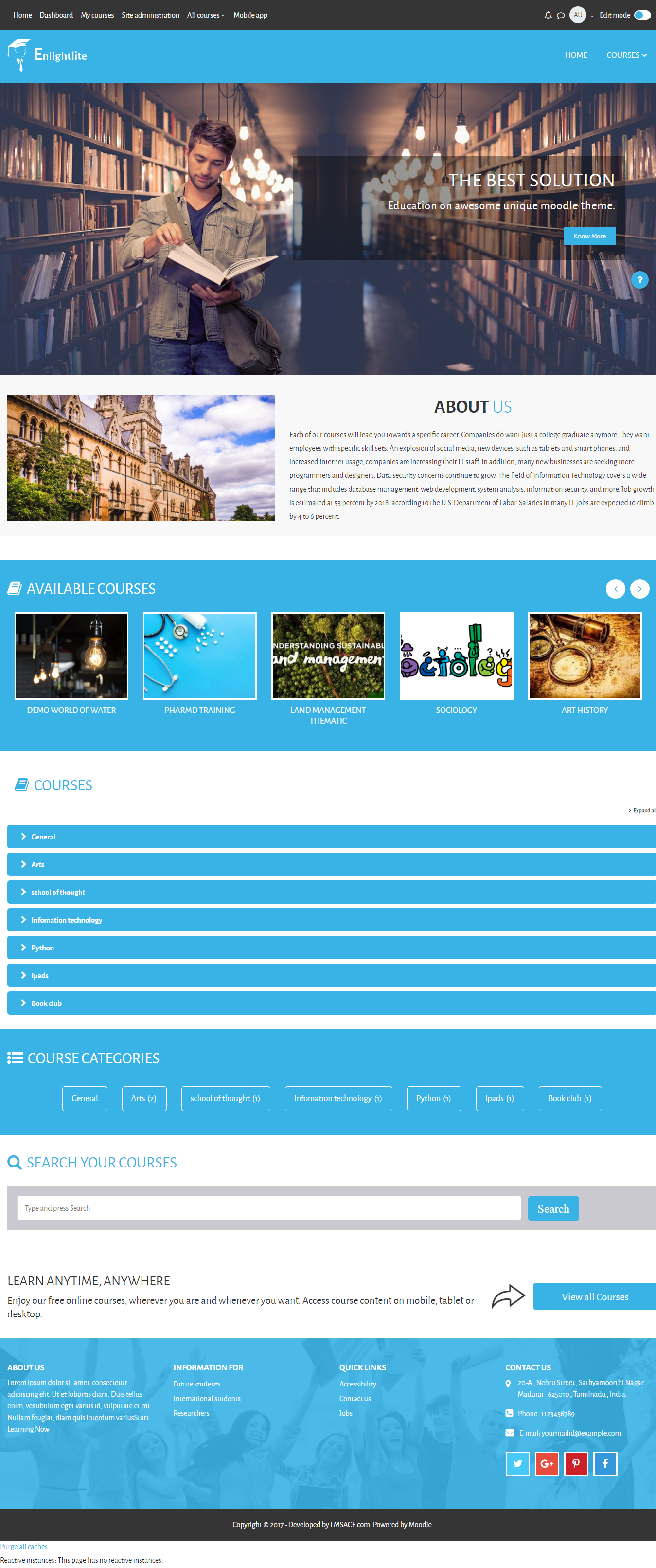
1- I have a problem on the home page, the image of available courses is not displayed correctly, look very thin vertically, how can I correct this error ??
2- How to change the image of the footer
Oubien this error does not appear on the premium version of the Template you confirm to me
My site link: lms.fmbb.ml
I hope you can help me or indicate where to modify the parameter to correct the available courses section (on the cover) the course images are not displayed correctly, that is, you only see a vertical space and not the complete image.
Thanks
I'd appreciate your help.
I upgraded my Moodle from version 2.5 to version 3.8.3 build. Before upgrading everything is working well including the footer image using Enlight theme 2.5. But once I upgraded my enlight theme to 3.8, the footer can not be customized again and the images in the footer are not showing. I have mailed lmsace twice but no reply till now. Please any ideas on how to customize my footer? This is the url: www.dexlearn.com (3.8 version) and abs.dexlearn.com (2.5 version). I want the footer to be like that 3.2 with the images. Thanks