Enlightlite

Maintained by LMSACE
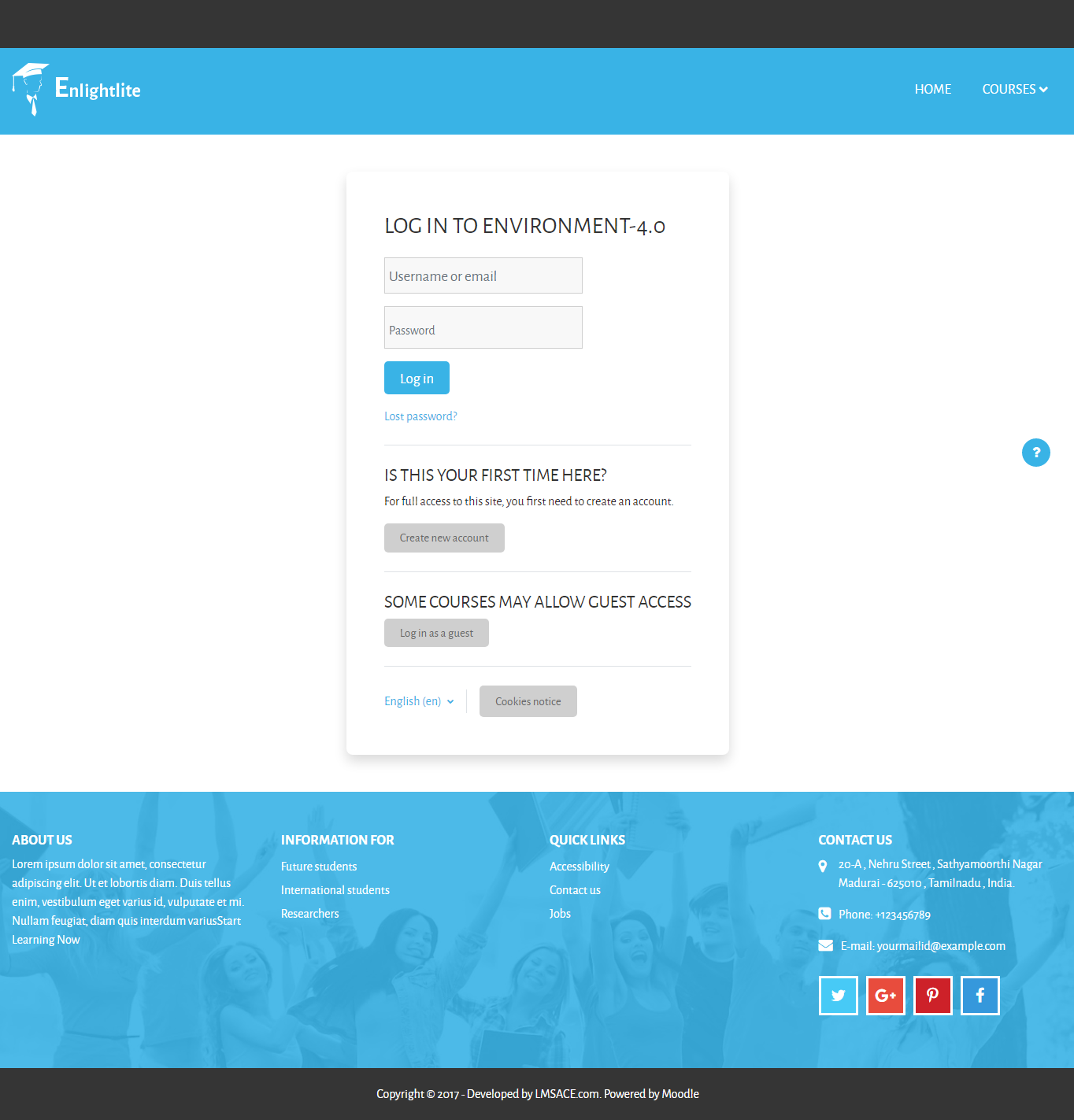
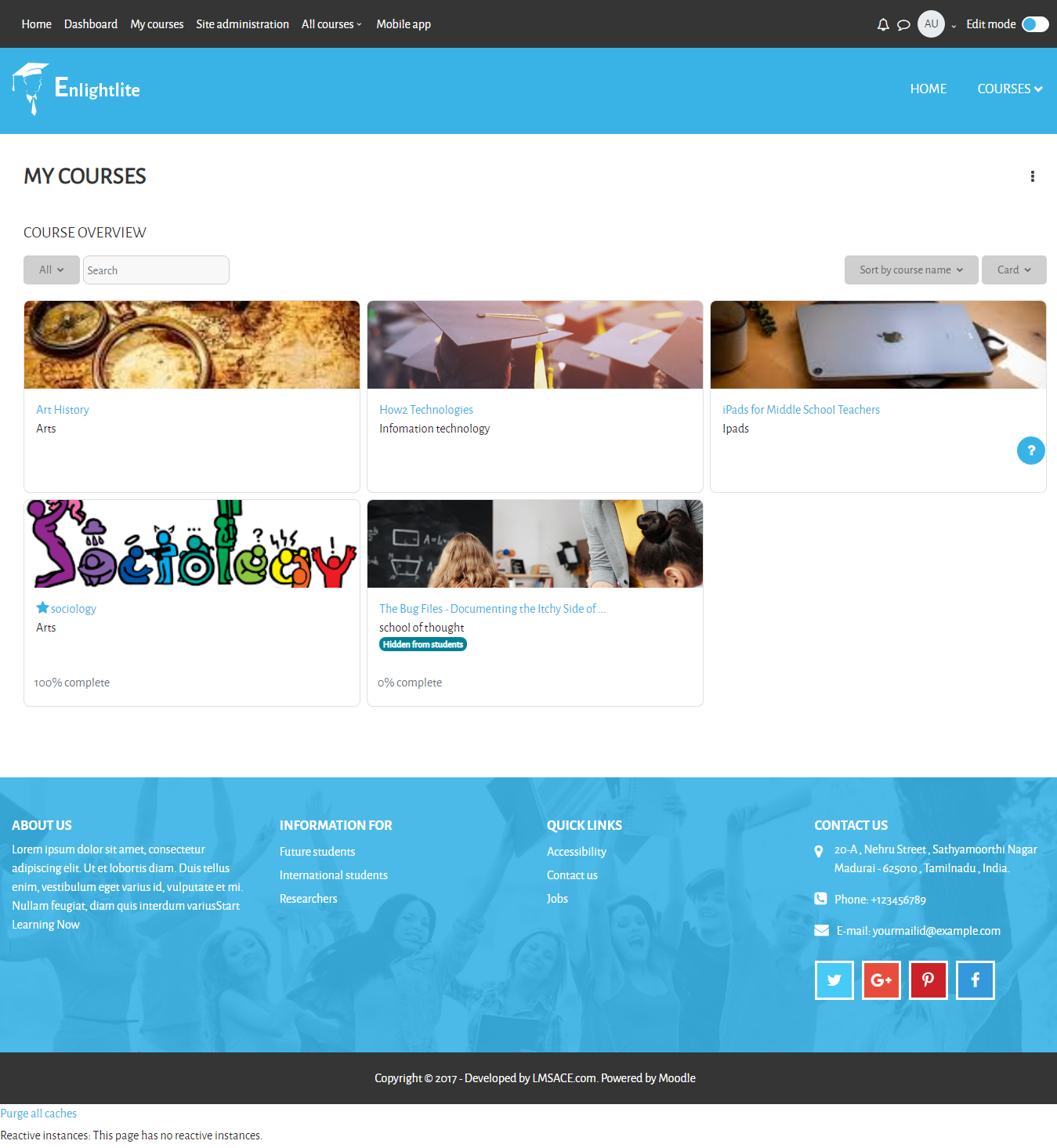
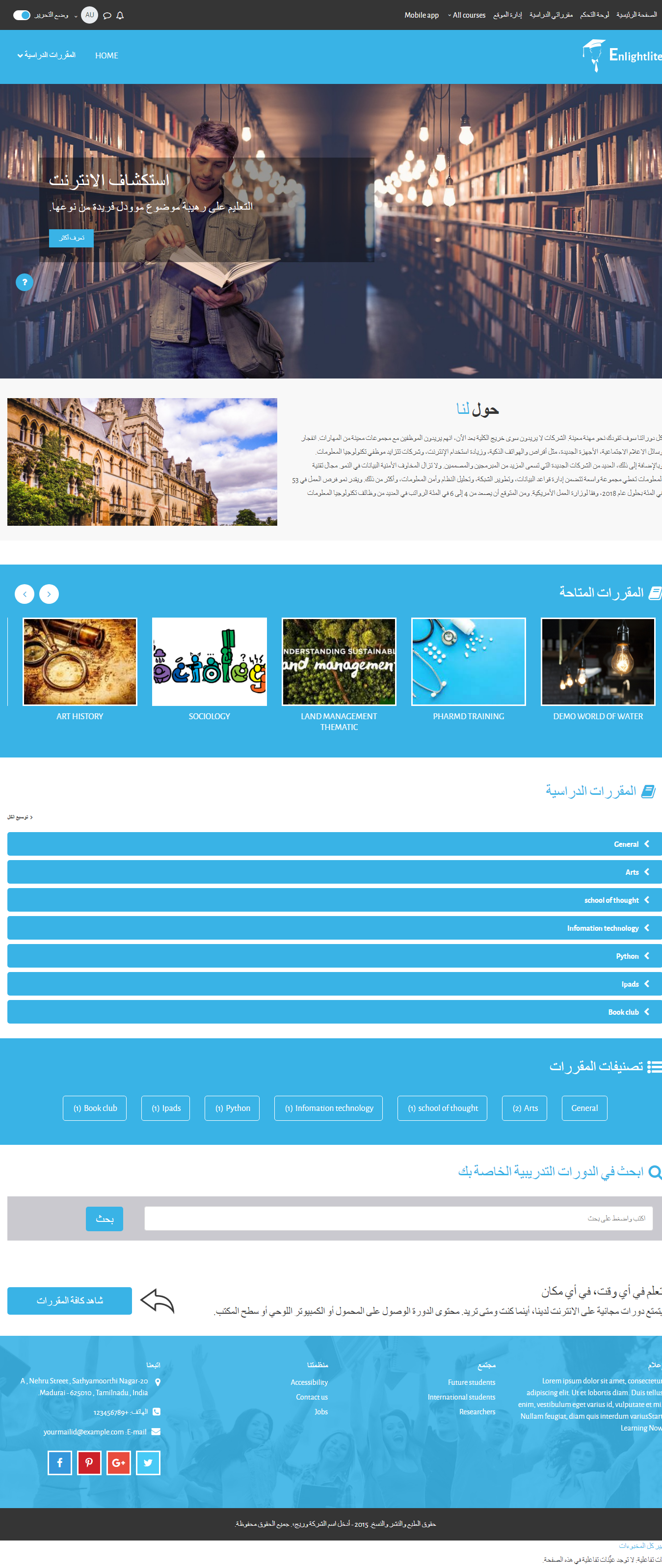
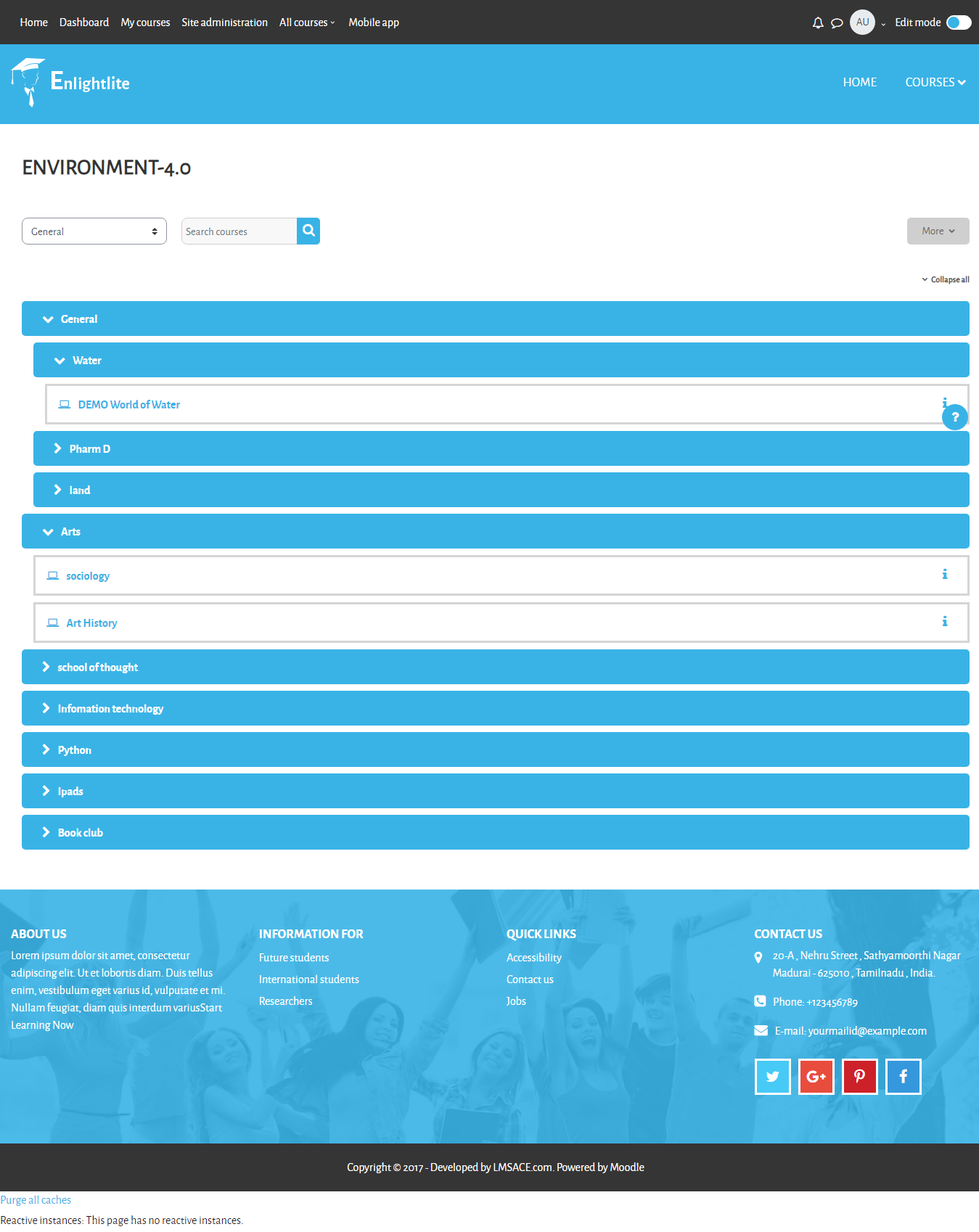
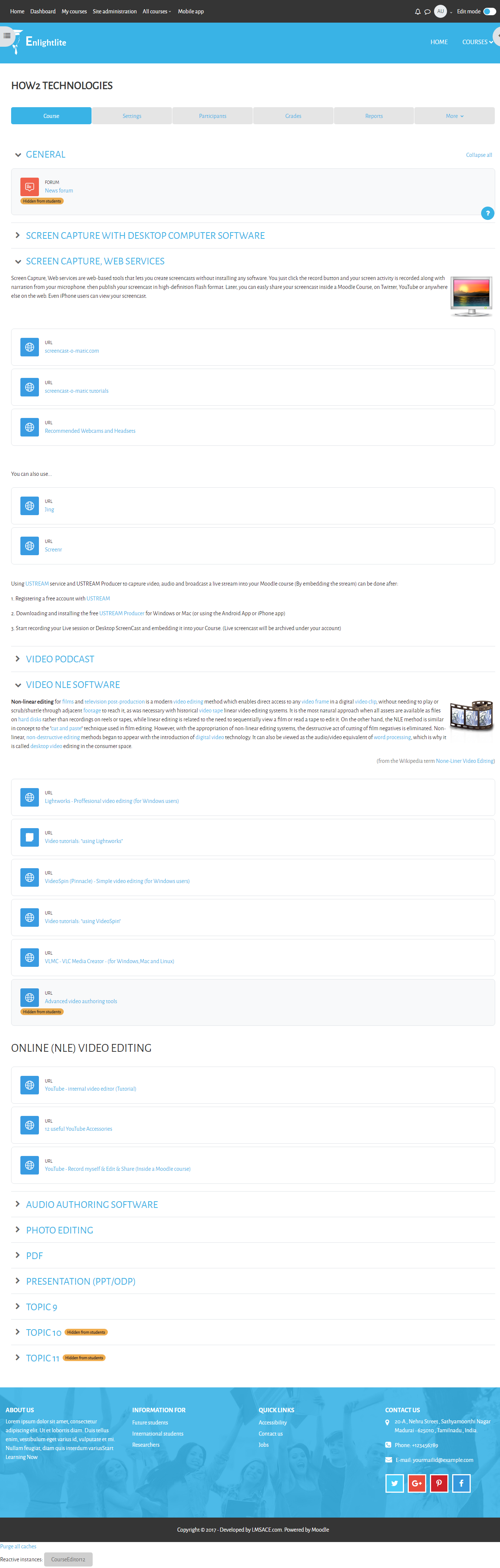
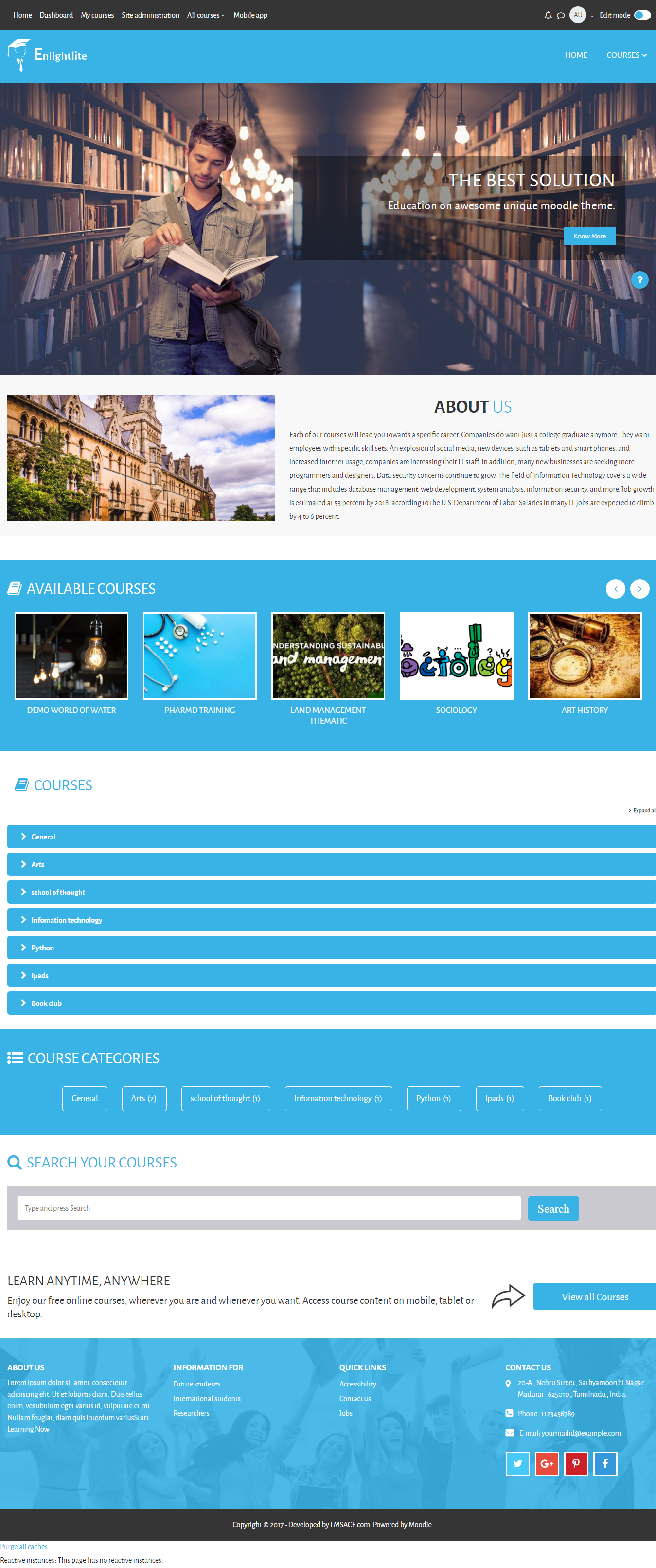
Enlight Lite is a beautiful and fully responsive Moodle theme well suited for Universities,Schools & Online learning websites.
Price option: Free

Supports Moodle 3.2-4.2 See all versions
Latest release: 2 years ago
Installations: 1518
Downloads (last 90 days): 168

Frankenstyle name: theme_enlightlite
Themes

Comments

Comments are no longer open for new posts. Existing comments remain available to read.

Hola, muchas gracias por este tema, lo empece a utilizar y hasta ahora tengo problemas con: como puedo mover bloques del lado derecho como quitar actividades recientes, otro problema es como evito que los cursos que ya están ocultos se sigan mostrando en el listado de cursos y por último donde localizo la carpeta de estilos elements, mil gracias, espero me puedas ayudar. Saludos
I am using this theme, however, the latex equations look tiny here. Is there any change I can do to the settings to resolve the issue?
How can I change the footer image?
Emailed this to info [@] lmsace.com a month ago but posting here in case anyone can help:
There is an issue with the links in the footer using this theme v.3.7: they will not update when I edit them nor will the theme allow me to remove the footer sections.
Any help appreciated on why that might be acting like that.
Thanks
Hello!
I did it customizing with CSS. Go to:
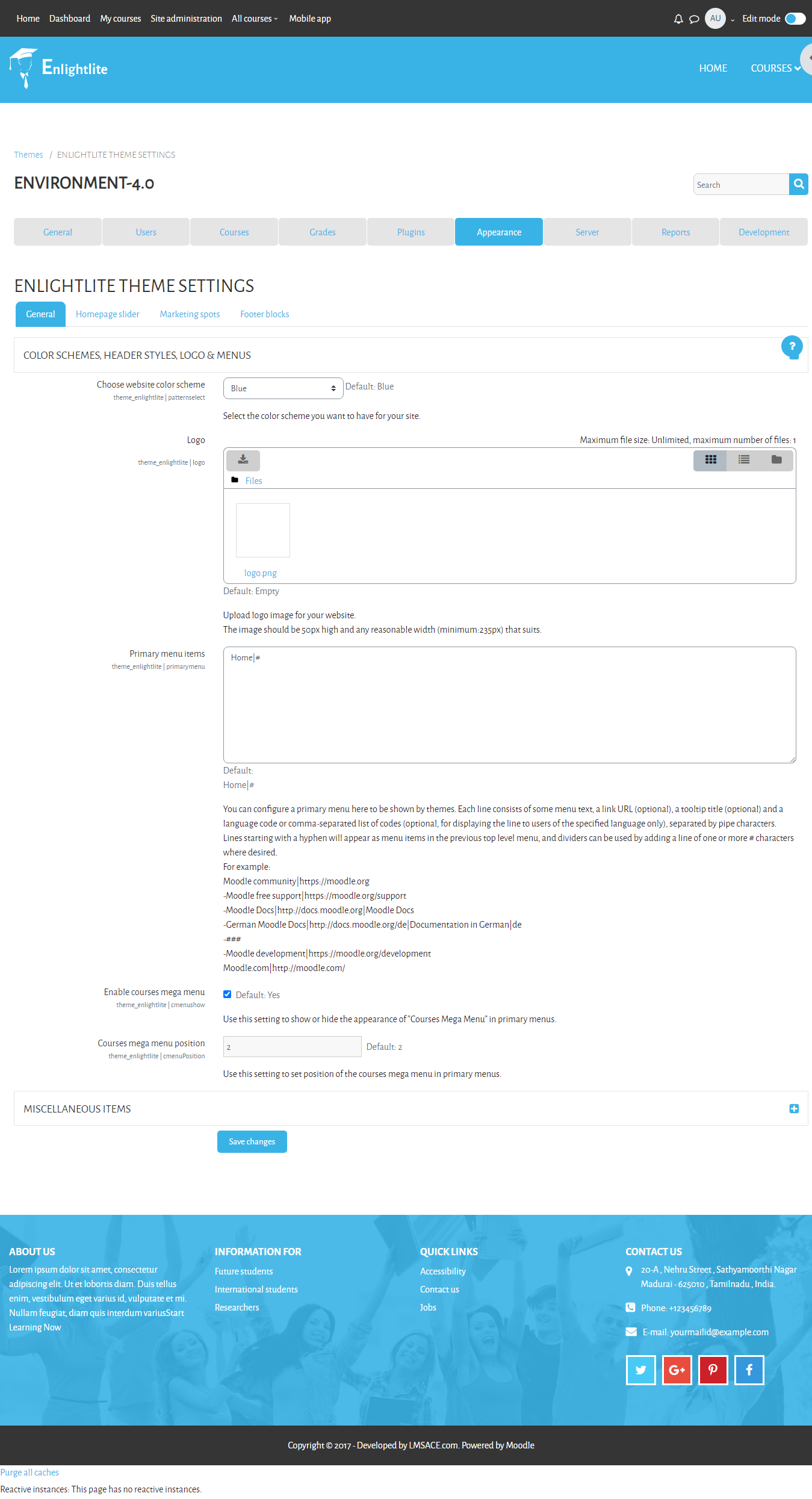
Dashboard Site administration Appearance Themes ENLIGHTLITE THEME SETTINGS
MISCELLANEOUS ITEM/CUSTOM SCSS
I hope this helps
regards
How can I change the letter font and letter size? The size of the letters is too small. Thanks!
Hi, how can I change the text "SEARCH YOUR COURSES" and "type and press search" in the front page? Thanks!
Hola, ¿cómo puedo colocar el icono de youtube e instagram en la parte de abajo donde aparece el G+, Facebook, Pinterest, Twitter? Gracias
Ya actualice y subí la capacidad de peso de archivos en cpanel (php) pero en mi portal no actualiza el peso, me sigue saliendo 8m
After installing this theme, there is no option to change the theme settings or uninstall the theme.
hello everyone thank you for this topic
please im using this theme in gnomio but unfortunately i cant access to some feature like setting
i wou;ld like to add in the SITE ANNOUNCEMENTS
and change the favion but i dont know how to add this kind of css code thank you
Version 3.8 seems to break support of older browsers, particularly IE, due to the use of CSS variables. I think this should be mentioned in the release notes (which still list IE under supported browsers).
Using v3.7 and for the marketing block when i enter the embeded video link using the html view in the text editor the link is not saving, once saved the linked is removed when i check back. And if i insert the link in the normal view it jus shows up as text on the page
Hi, can you tell me how to change the mega menu so that it stops randomly changing the courses shown and shows more than 4 courses
Hi there, I was trying to add a bit of code to the front page but the standard CSS standard moodle layout of...
etc
...doesn't work.
What do I need to do to the Frontpage layout file to make it do so? Or anywhere else I need to change?
Cheers
Dave