Coupon
Maintained by
Sebsoft BV, Rogier van Dongen
The Sebsoft Coupon Plugin offers you the possibility to create coupons for various levels
of course access. Using a coupon code, users will be enrolled into courses that are attached to the coupon.

Comments
Comments are no longer open for new posts. Existing comments remain available to read.
New version is here, with some massive updates!
Be sure to read the changelog and don't hesitate to ask questions if things may be unclear.
Relevant changes:
Version 2017050100 (Release 3.0.0 (build 2017050100))
* Added $CFG->wwwroot on all moodle_urls
* Added setting to choose default assigned role (resolve issue #12: Student role problem.
Roles were fetched by shortname = 'student', NOT foolproof)
* Disabled sorting by 'owner' column in coupon overviews (resolve issue #13).
* Fixed error notification when inserting to table block_coupon_courses
* Added course name(s) to coupons
* Changed default coupon template-main contents (language files)
* Added filtering for progress reports
* Added filtering for coupon overview
* Code overhaul to comply to stricter Moodle coding standards (codechecker, Moodle phpdoc check)
* Added course_deleted event handler
* Added cohort_deleted event handler
* Added custom cleaning of coupons
* Added QR based coupon to PDF including processing
* Added signup for QR based coupon when user is not logged on yet
* Added possibility for signup with a coupon code (in block_coupon, when user is not yet logged in)
* minimum required version: Moodle3 3.0
* Thanks to everyone for their valuable input and remarks.
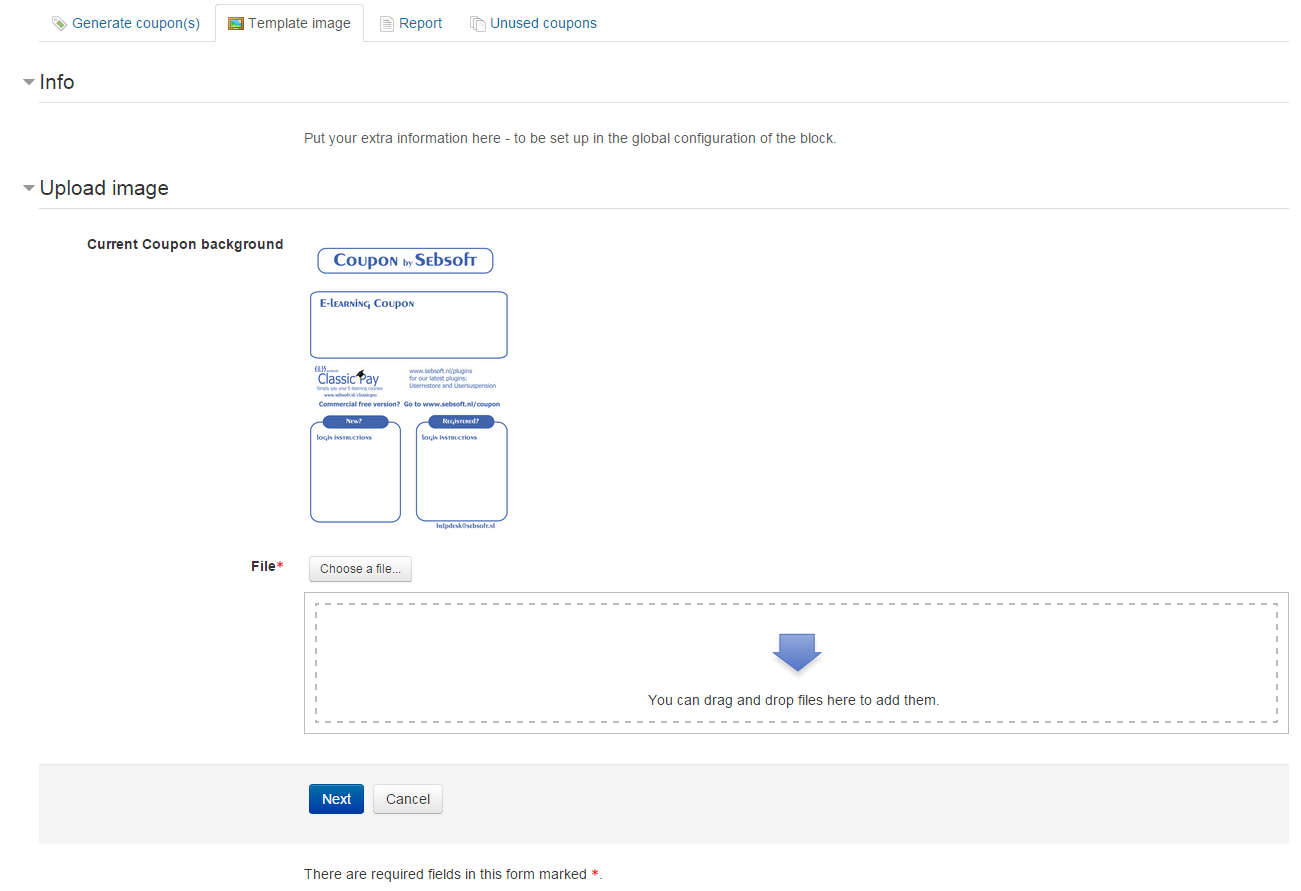
Also, it is now possible to upload multiple coupon background and pick the background to use when generating the coupons (manager is limited to 10 backgrounds).
Note: make sure you ALWAYS hit "Save" after managing your images, otherwise they're not saved from the draft area.
Cheers!
It means we haven't had the time to test the plugin on later versions yet. It's on the roadmap though.
When the new roadmap is certain, we'll post an update here
Any comments or help appreciated!
We would generally be issuing coupons manually, and for a single course - although I suppose there would be the possibility of multiple courses. The coupon is generated fine and the pdf is emailed - and we can customize the image. However, the coupon doesn't list the actual course name anywhere on it. The email that is sent has the course name, but if the user loses or deletes the email and just has the pdf, there is no way of telling what course the coupon is for, except by entering the code and finding out what course the user is enrolled into.
So now our question - is there a way to easily add the course name/s to the actual coupon that gets sent?
Thanks.
I set manual enrolment on every course in order to enrol them. In that configuration, I specify that I want them to enrol under the role "student".
However, once the put the enrolment code given in the coupon, they get enroled in the course, but no role is assigned (as you can see on the attachment).
So, when the user enters the code, he's enroled correctly and can acces to the course, but he only can see the sections (no quizes... anything).
Then, I go to the "Enroled users" page in the specific course, and what I see is that no role appears assigned to the user who entered the coupon, so I need to specify manually the role, as you can see on the imagen.
Is there any solution for that? Anybody else?
Thanks in advance for your help,
Attachment 1:
Attachment 2:
Best regards.
Removing used coupons is now possible, and this worked with me.
The issue with the column headers which I reported on wo 3 feb 2016, 16:39, still remains. Is this issue not fixed yet?
Thank you for your reply.
Cheers,
Cheers!
Rogier
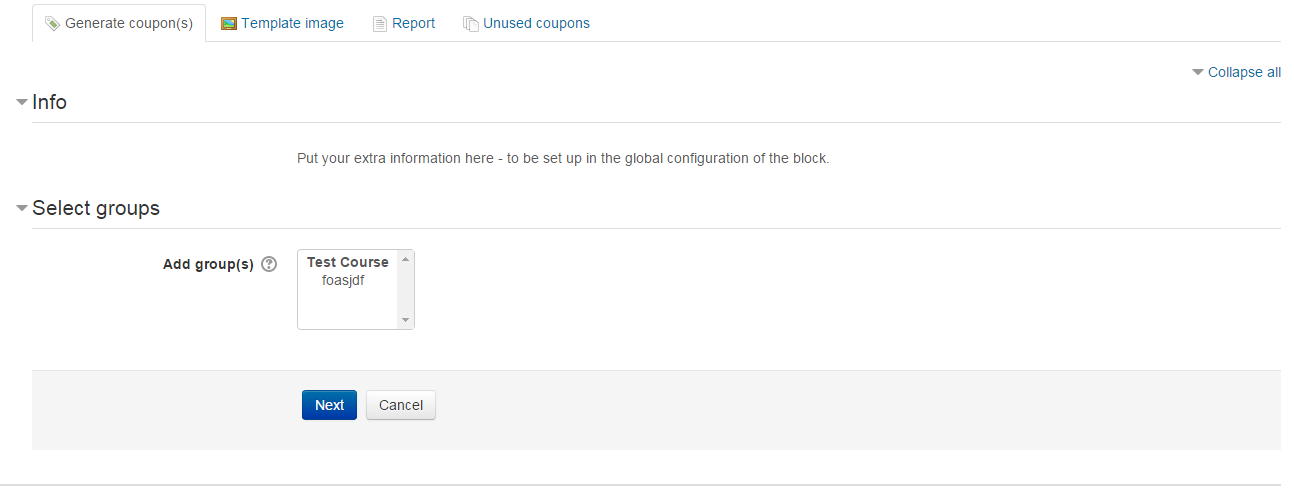
Again, the coupons do successfully enrol users into the specified groups, but the groups not showing up is confusing for our staff creating coupons. They don't have a way to double check those settings until the coupons are generated.
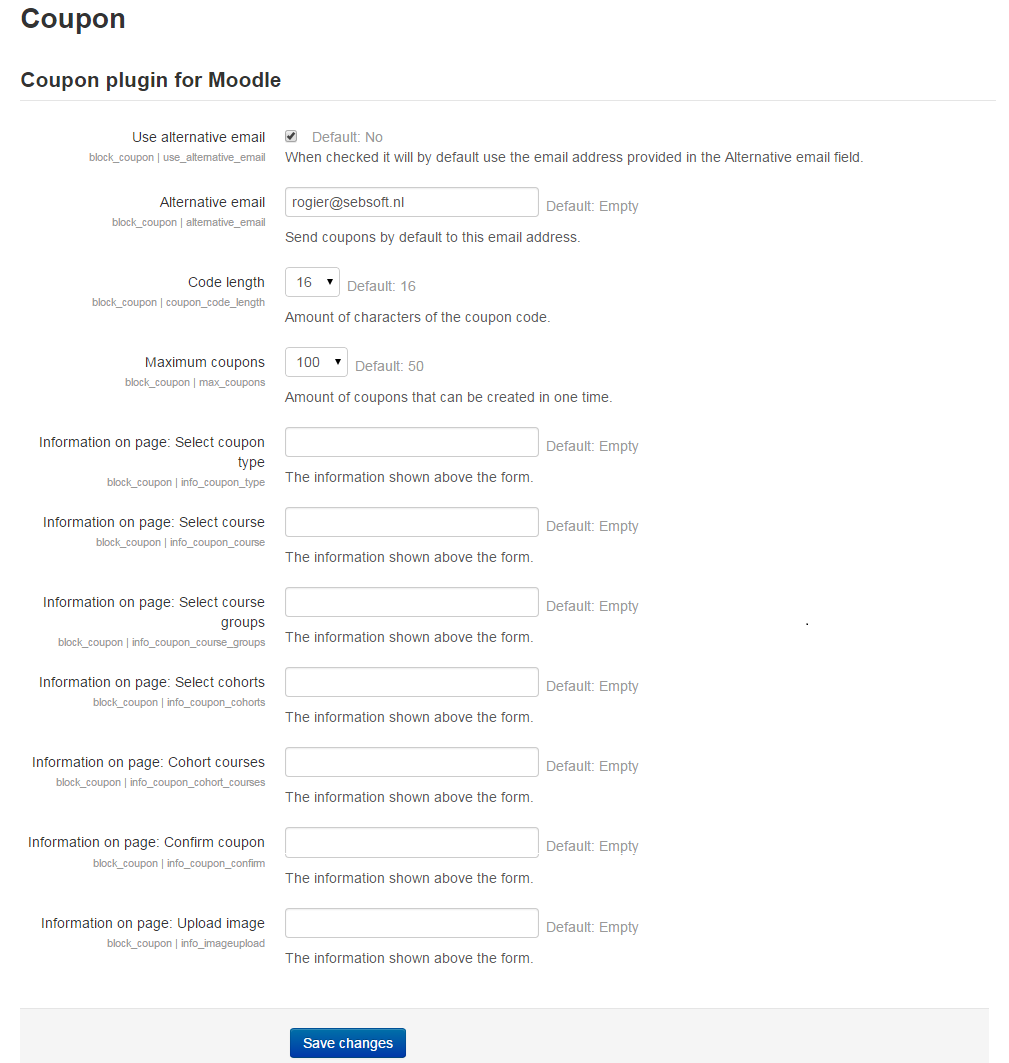
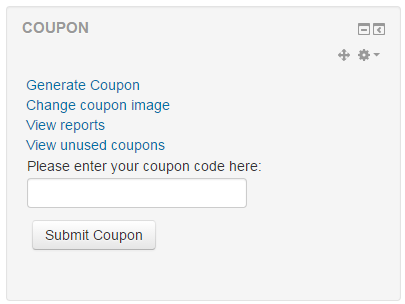
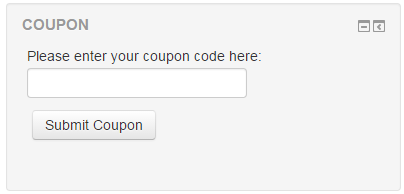
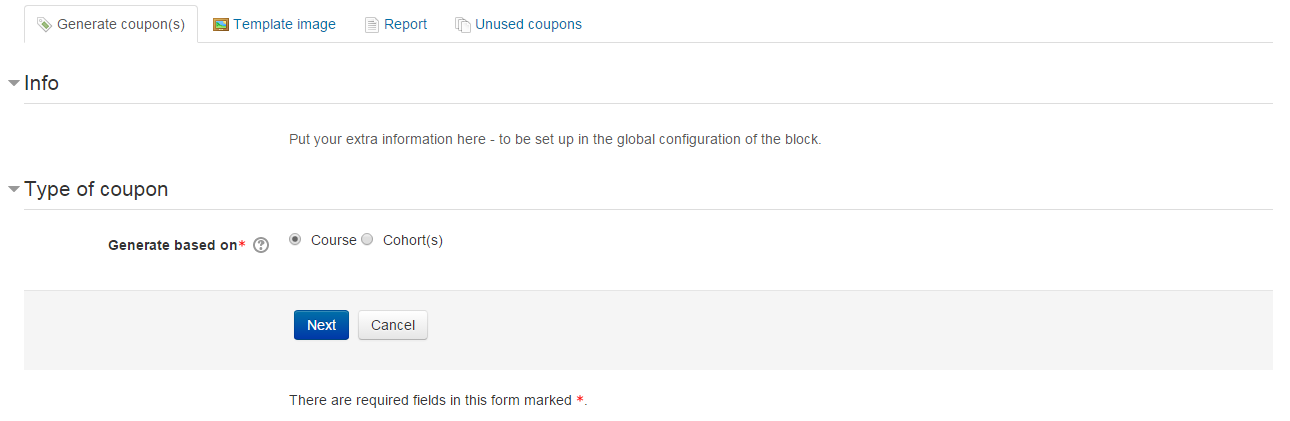
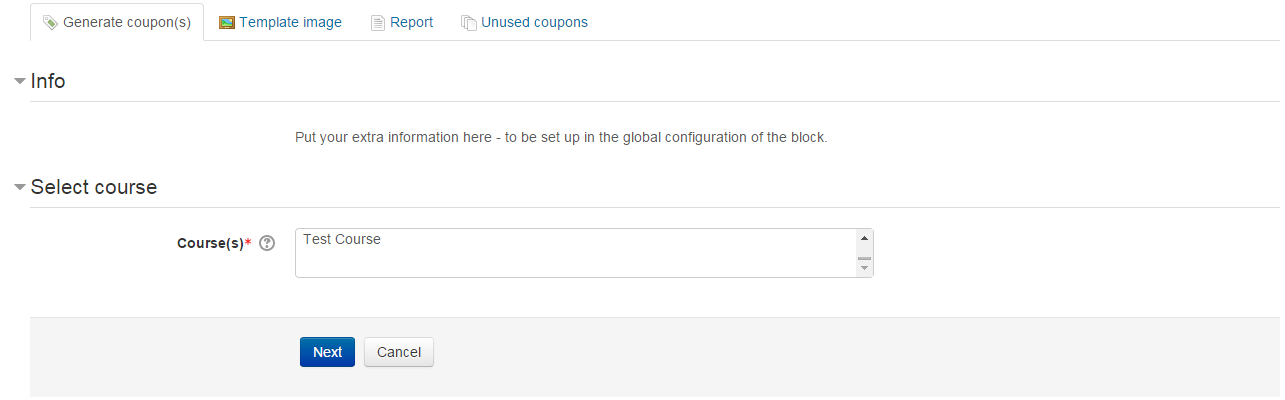
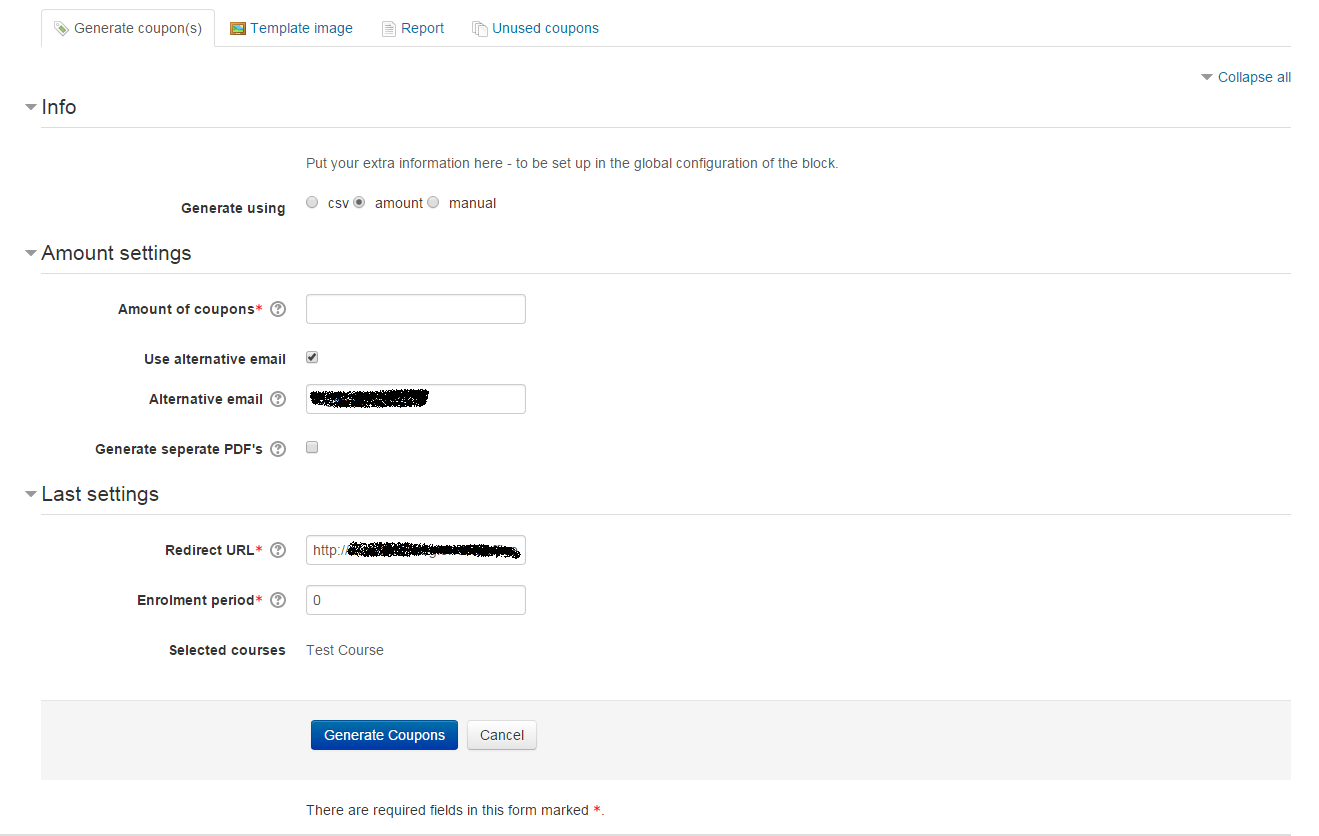
I've updated the instructions in the comments here in the hope the placement, process and dependencies for usage of the plugin (enrolment configuration) are more clear.
There will be an update soon providing the capability of removing used coupons as well. The task cleaning up the coupons (as indicated by Phuong Hoangwo, 24 feb 2016, 22:46) will be fixed, and has been redesigned so unused coupons with an expiry date will not suddenly get cleaned (which would be unexpected behavior). Coupons with an expiry date will only get cleaned when the expiry date has passed.
Further more, the process of generating coupons and/or emailing coupons will raise both the memory limit and execution time, so the process will not be halted by a lack of memory or by running out of process time.
@Franky: I'm currently thinking about/considering the requested filter capabilities for the reports.
Cheers guys, and expect a new update soon!
Rogier
The only way to remove them is directly from the database with a databasemanager, the plug-in itself has no opportunity to remove them.
It would be grateful if someone tells me how can I delete all used coupons.
Many thanks in advance,