Coupon
Maintained by
Sebsoft BV, Rogier van Dongen
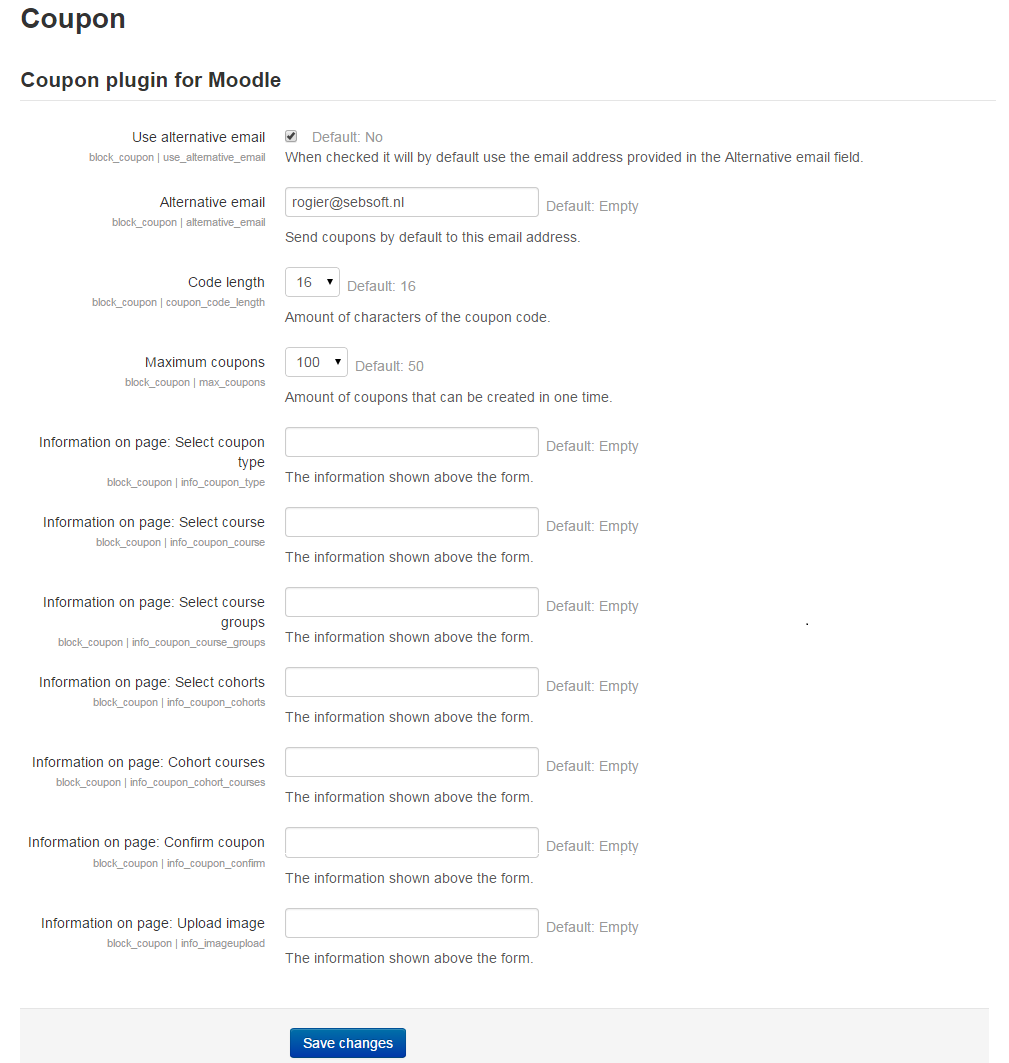
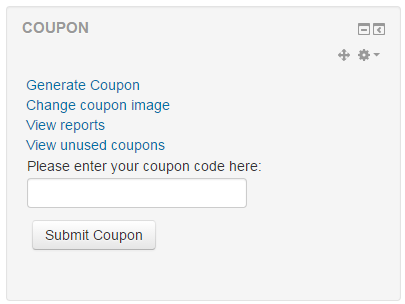
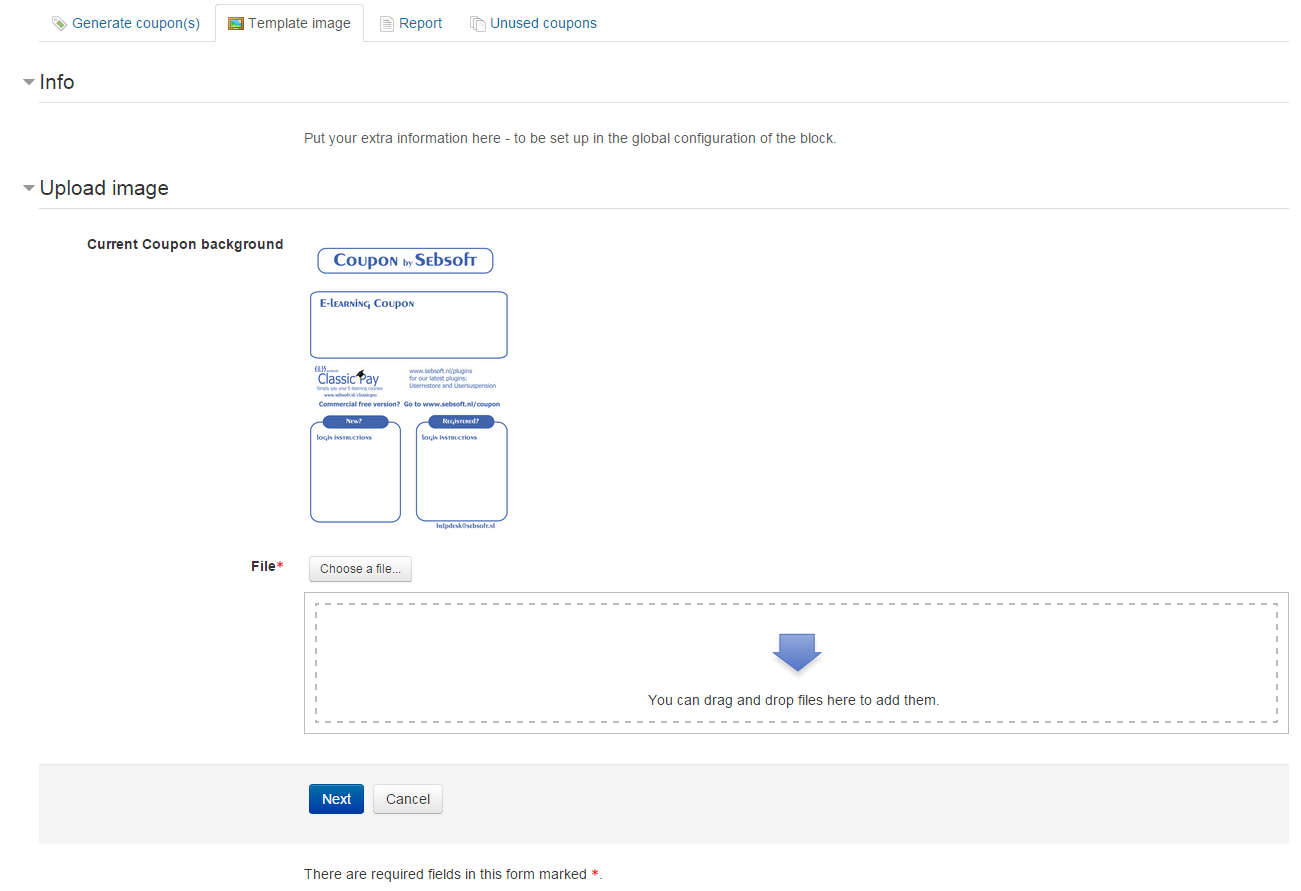
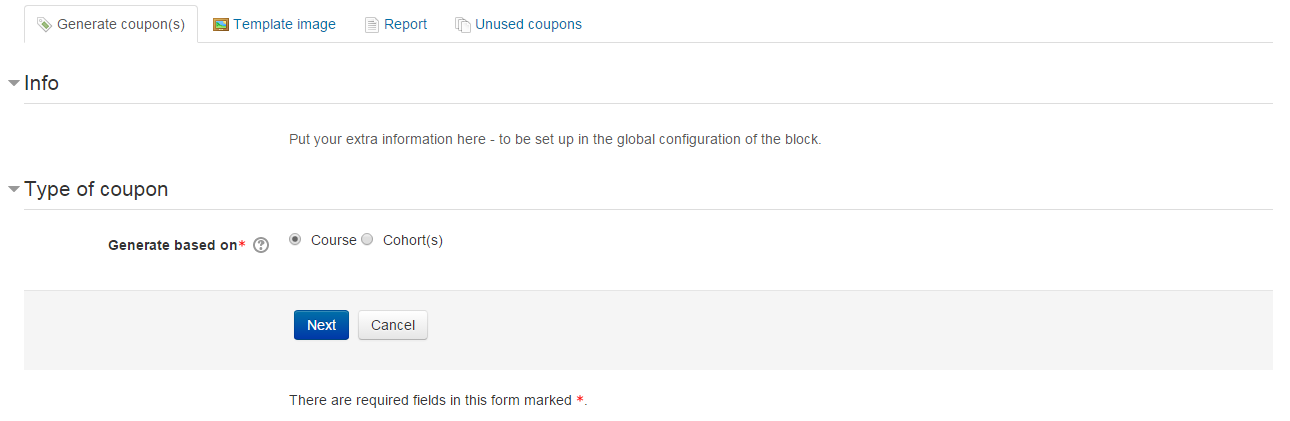
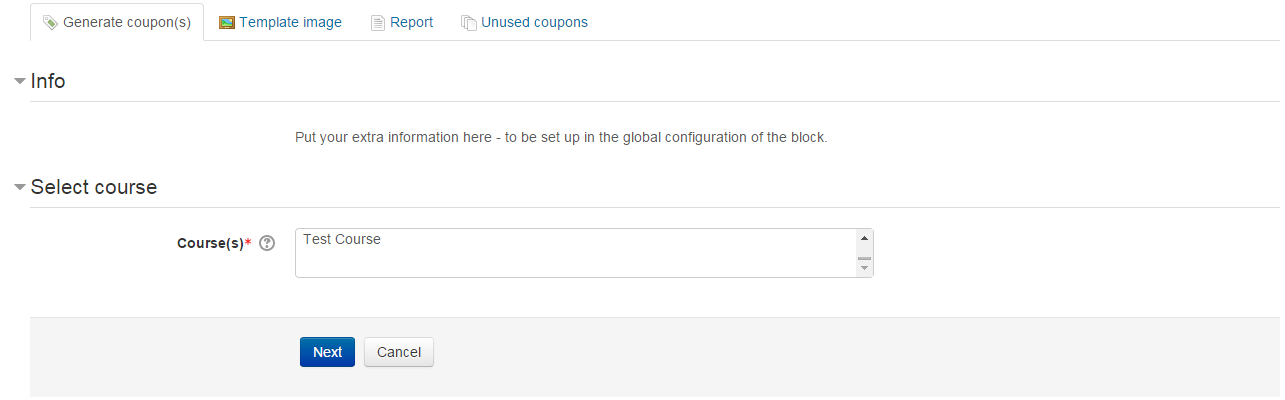
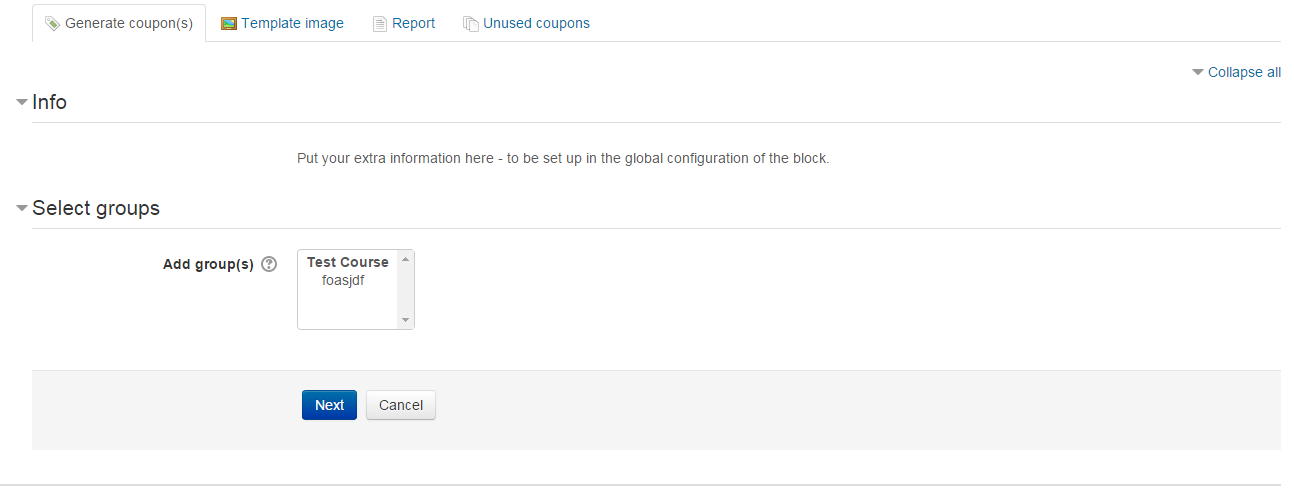
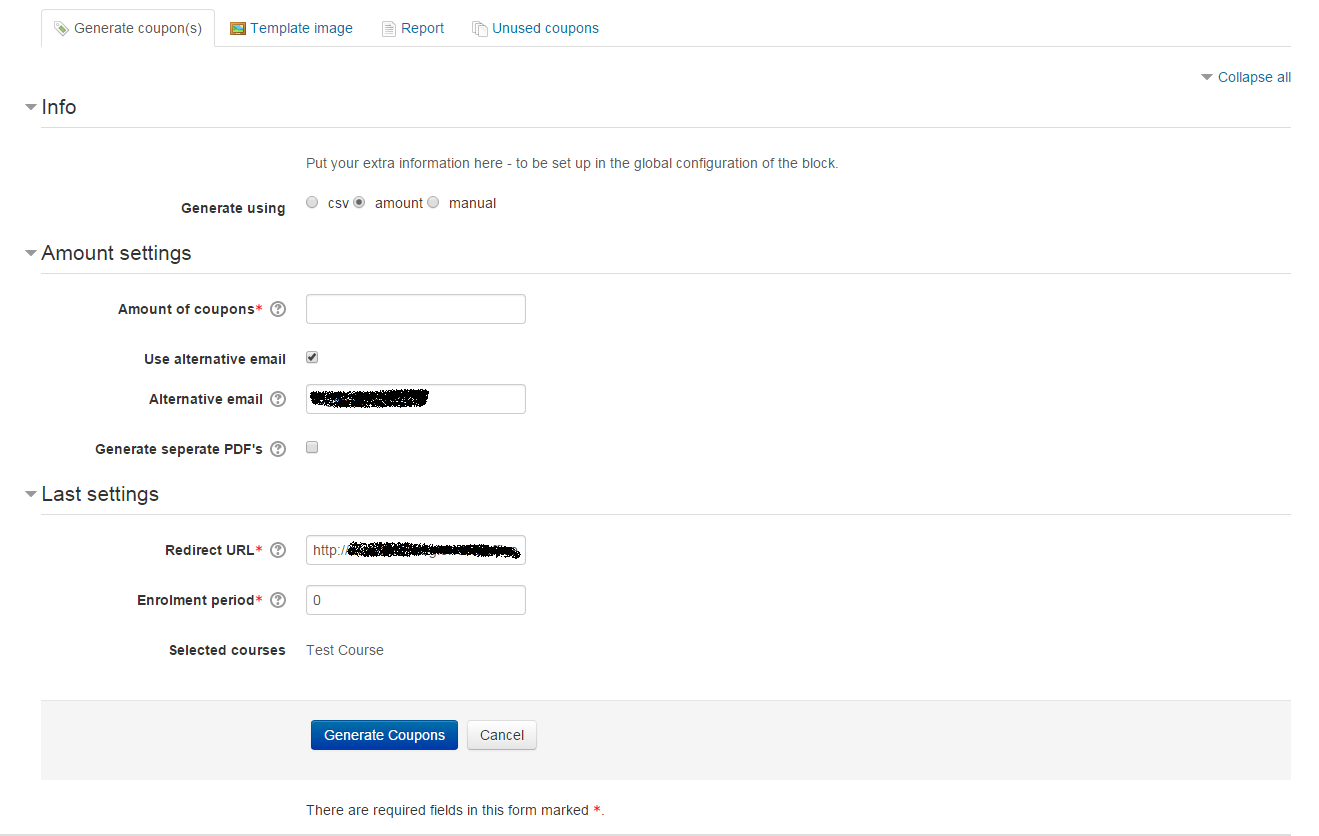
The Sebsoft Coupon Plugin offers you the possibility to create coupons for various levels
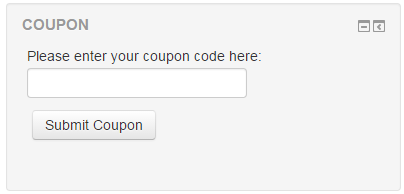
of course access. Using a coupon code, users will be enrolled into courses that are attached to the coupon.

Comments
Comments are no longer open for new posts. Existing comments remain available to read.
Would it be possible to make a filter before the reports are generated. E.g. filter on a certain period of time (days / month) and on context (course / cohort / group). I know an exported list could be filtered in e.g. excel, but it would be nice if it could be filtered earlier. Thanks in advance.
Please be patient, with a busy schedule, I will be fixing these issues ASAP. Thank you for your patience
I can't delete unused coupons automatically. When testing, I set up "Enable cleaning up unused coupons? + Maximum age? 3 days" but after 3 days unused coupons couldn't be cleaned up. When I did a cron job, it said: "Scheduled task failed: Cleaning up unused old coupons, unable to read the database...".
I did as you told me. Yeah, it works now. Thank you so much. By the way, I agree with Frankly; "...I'll hope developers will update instruction on this point , because it's in my opinion not clear enough now."
Cheers,
Depending on the type of coupon you're creating you want one or more enrolment methods enabled. The coupon plugin is by no means an enrolment plugin itself.
For cohort based coupons, you'd need cohort enrolment to be enabled for the course.
For "normal" course enrolment, this plugin attempts to enrol you through use of Moodle's internal function "enrol_try_internal_enrol".
As far the Moodle documentation shows, this means it will attempt to enrol you using manual enrolment.
This in itself would mean you should at least have manual enrolment enabled for your course(s).
I hope this helps to get it working, if not, send us a note
Cheers,
Rogier
I'm much interested in this plugin and eager to use it, but I can't use it. I've installed it and generated coupons without error but when my students entered coupon codes, it got an error "An error occured while trying to enrol you in the new course. Please contact support.". Under a certain course I already disabled all enrollment methods. Did I miss something? Someone kind enough to instruct me step by step?
Thanks in advance,
+ P/s: I'm using moodle 2.9.4 and coupon Release 2.7.3 (build 2016011000)
Thanks for reporting this issue. Will be fixed ASAP. Cheers~!
Hello,
I have the same issue that Franky reported on Feb 3, 2015.
After clicking on tabheading Course for sorting this column, I got an error: Error reading from database.
I've changed to Debugmode and this is the error shown by moodle:
Debug info: Unknown column 'course' in 'order clause'
SELECT
c.*, u.firstnamephonetic,u.lastnamephonetic,u.middlename,u.alternatename,u.firstname,u.lastname, NULL as action
FROM mdl_block_coupon c LEFT JOIN mdl_user u ON c.ownerid=u.id
WHERE c.userid IS NULL
ORDER BY course ASC LIMIT 0, 25
[array (
)]
Error code: dmlreadexception
Stack trace:
line 443 of /lib/dml/moodle_database.php: dml_read_exception thrown
line 1080 of /lib/dml/mysqli_native_moodle_database.php: call to moodle_database->query_end()
line 1520 of /lib/tablelib.php: call to mysqli_native_moodle_database->get_records_sql()
line 1540 of /lib/tablelib.php: call to table_sql->query_db()
line 149 of /blocks/coupon/classes/tables/coupons.php: call to table_sql->out()
line 167 of /blocks/coupon/renderer.php: call to block_coupon\tables\coupons->render()
line 102 of /blocks/coupon/renderer.php: call to block_coupon_renderer->page_coupons()
line 76 of /blocks/coupon/view/coupon_view.php: call to block_coupon_renderer->page_unused_coupons()
In fact the theme wasn't loading anymore, all styling was gone. After going back one step in the browser, and clicking on e.g. Tab Generate coupons, the styling was loaded again. But when clicking on tabs Used coupons and Unused coupons the styling was gone again.
After logging out and logging in again in the site again the error seemed to be solved, until you click again on the Tabheading Course.
The email problems should be fixed, and we've added a page for error reports (typically errors when sending by email fails)
Cheers!
"Place the plugin on the main homepage or the My of your site. Thare are the only allowed locations, but also the only logical places the plugin makes sense."
As far as your other issues, please update to the new version that just got uploaded today. This should fix the mail issues, because there were some SMTP issues with the plugin that should be fixed now.
As far as 2. That would typically be a case of manual enrolment still being active for that course? I can't look at your configuration, but if you want courses to only be accessible using a coupon, other enrolment methods should really be disabled. Furthermore, you should check if the user was able to see/access the course before entering a couponcode. I assume this was ok so in that case I can't just assume the flaw isn't related to wrong configuration of your Moodle installation. Please provide some more feedback if the problem persists.
2) I've marked a course only viewed with a valid couponcode. But the user can view it without using the couponcode.