
Stripe Payment with SCA and Coupon
Maintained by
DualCube Team
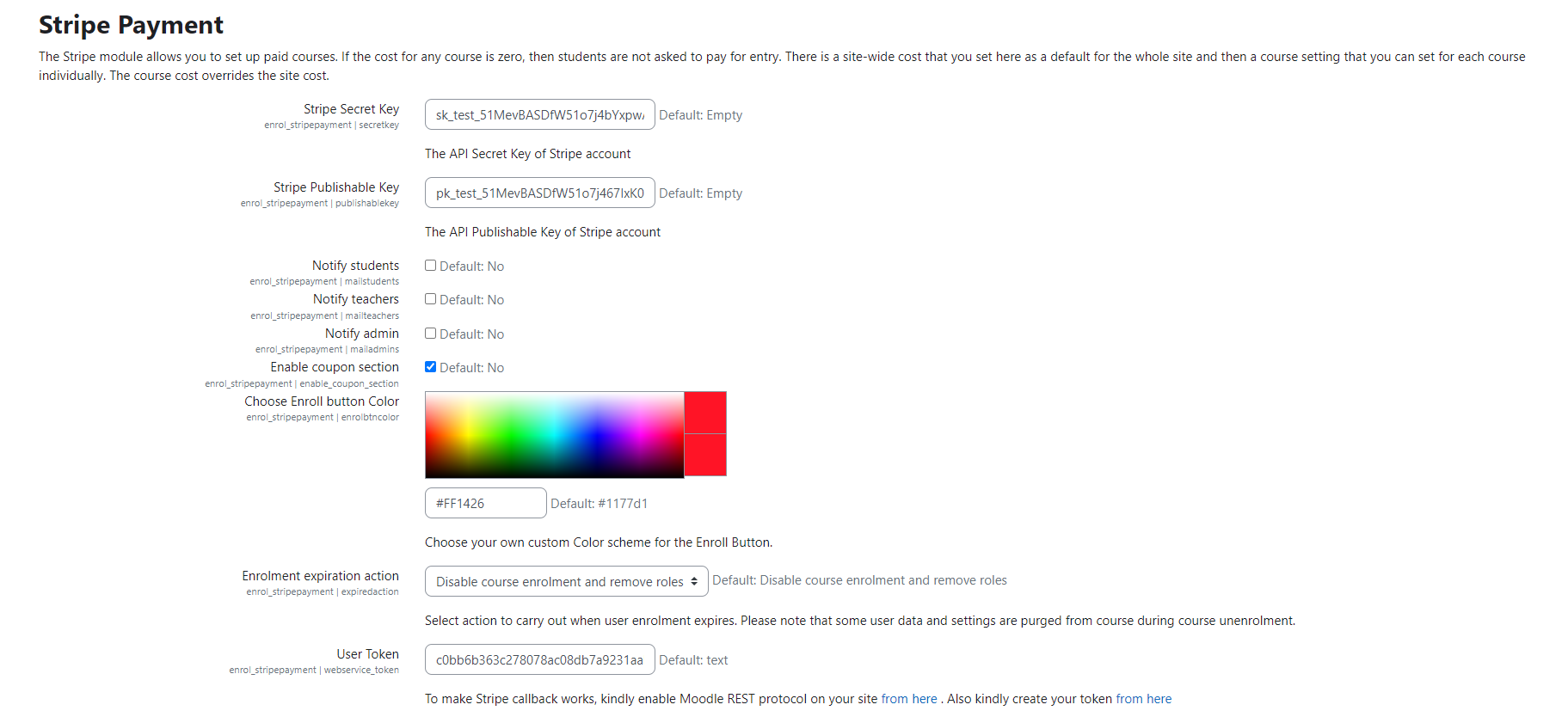
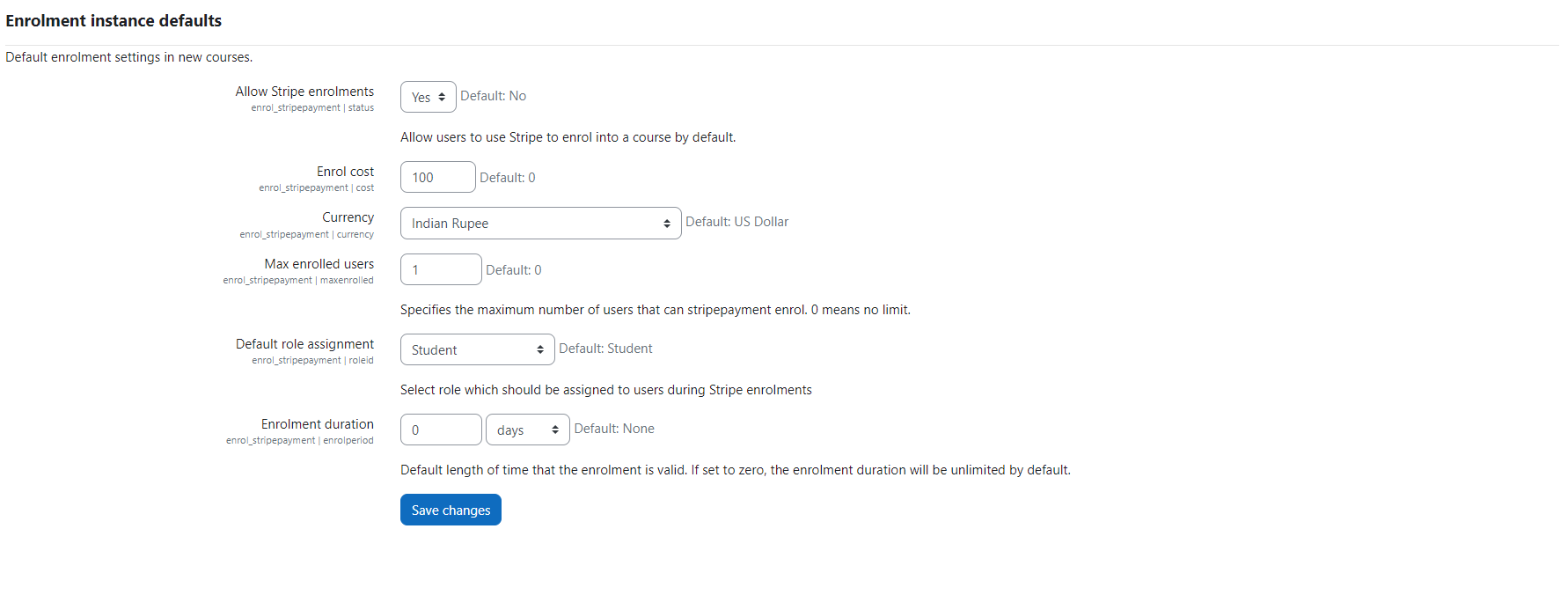
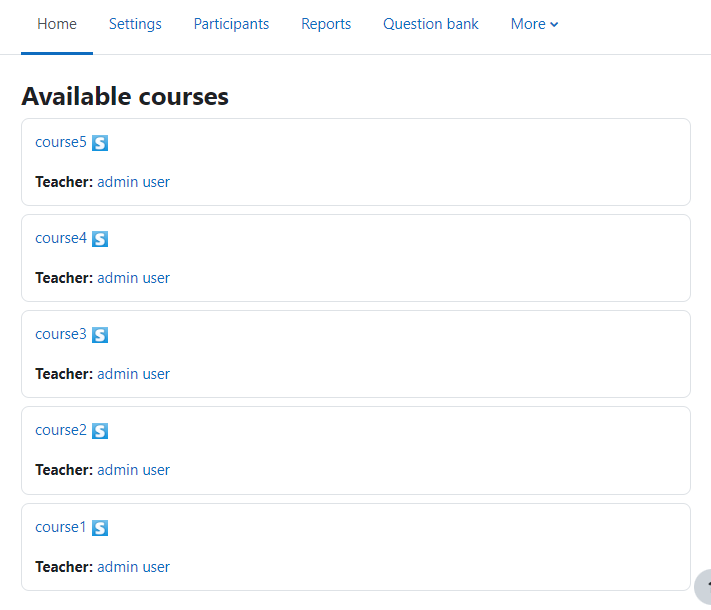
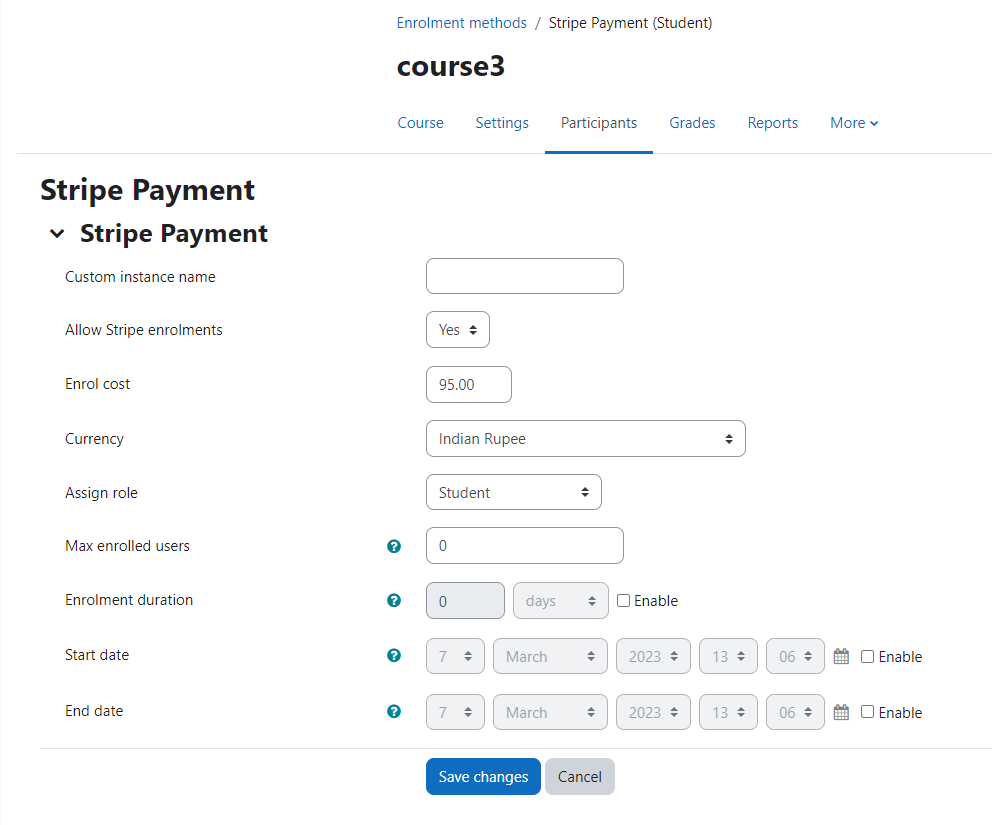
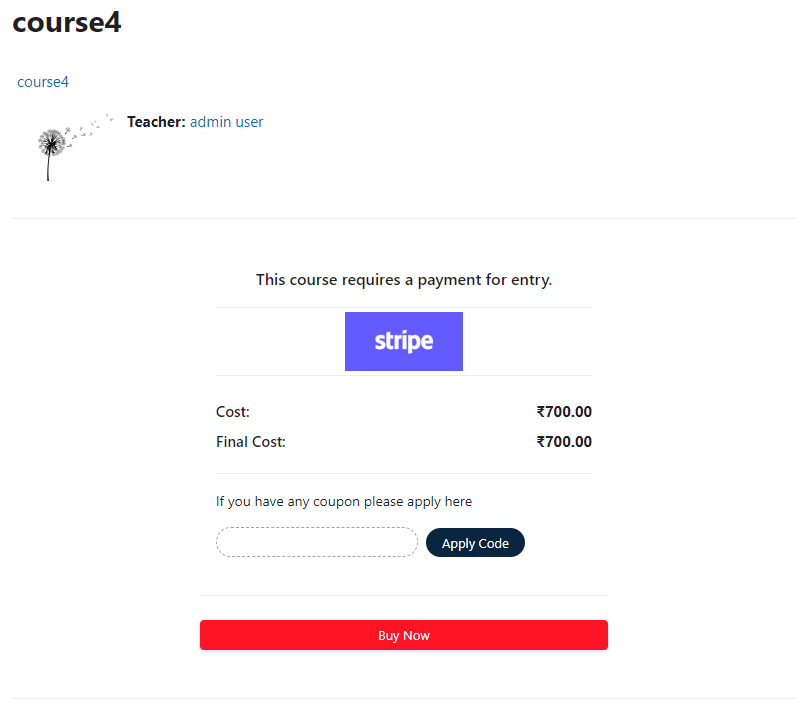
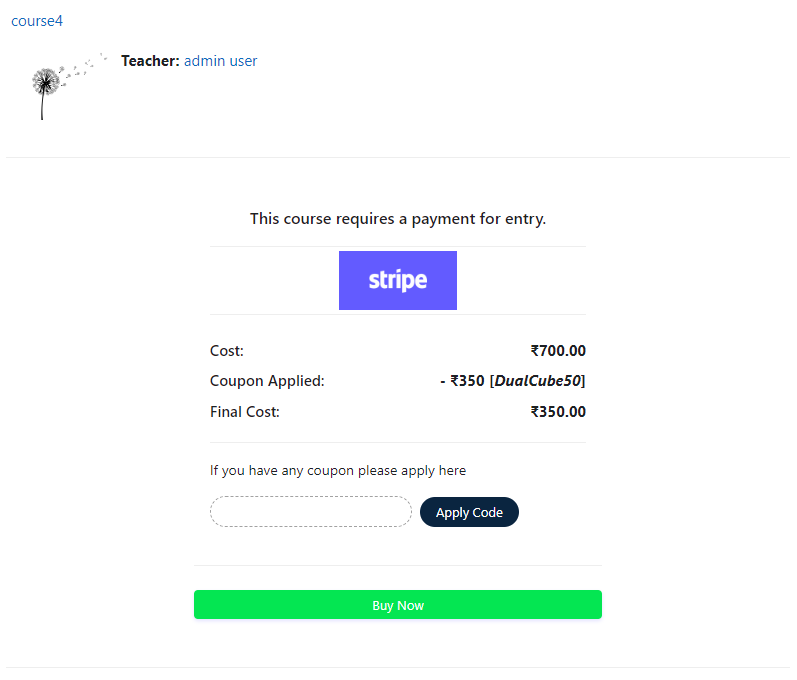
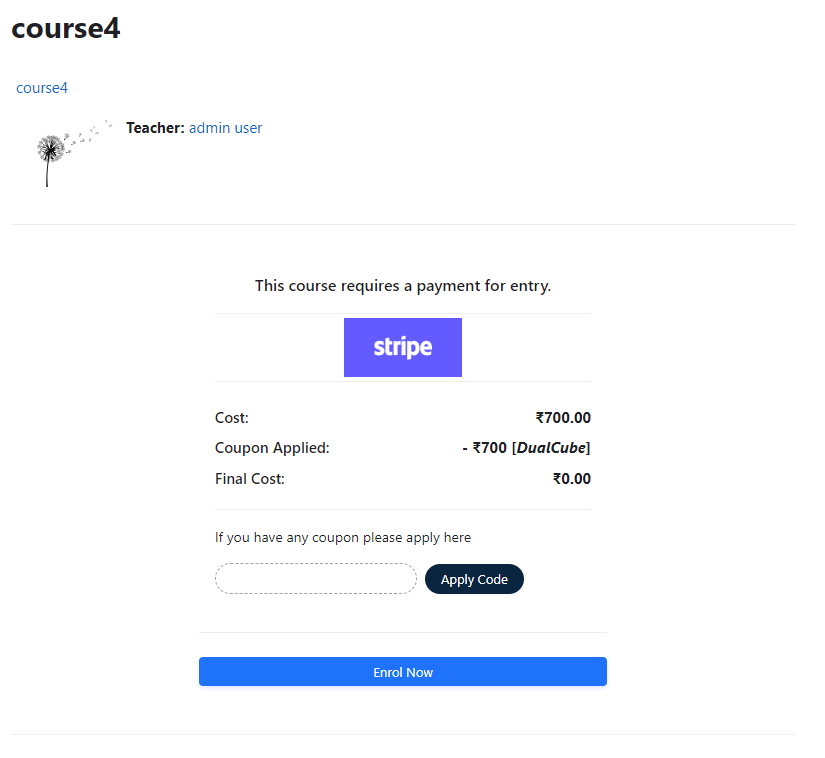
Add a price to your courses and check out quickly with Stripe Payment. Stripe is a user-friendly payment solution that allows for secure transactions. This plugin includes a number of payment processing services, including the ability to accept credit card payments. You can also offer various discounts to learners looking to purchase your courses.
Comments
Product ratings and reviews are coming to Moodle Marketplace. Until then, existing comments remain available to read, but new posts have been disabled.
I am testing the plugin. It seems that if an incorrect Credit Card Number / CCV / Expiration Date is provided, there is no error message showing up, and the user will be stuck with the message "Your transaction is processing. Please wait...". Is there any solution for this problem?
The transaction shows up as failed transaction in the Stripe Admin panel, but the plugin does not seem to recognize that the transaction failed. Please help.
I'm currently testing out your plugin in a localhost environment, it is working just fine with the test API keys and test credit cards, except, there is one problem, even though every box for the notifications is checked, No one gets any, not about the enrollment nor about the payment.
Is that how it is supposed to be? Like with test API keys no notifications are sent or?
Thank you for your time
1. If i enable this plugin with my Moodle courses will it allow customers to pay through their credit cards? Do the customer need to make Stripe account ?
The customer can pay using their credit cards.
2. Is there something i need to pay on monthly basis while using this service?
All you need is a stripe merchant account.
Thank you.
This is an enrolment type plugin. Once the registered user pays using a card, he gets enrolled automatically in the course. Thank you.
I have few questions about integration this plugin with my Moodle site:
1. If i enable this plugin with my Moodle courses will it allow customers to pay through their credit cards? Do the customer need to make Stripe account ?
2. Is there something i need to pay on monthly basis while using this service?
I understand how the system works with COUPONs, but I would also like to ask you something else. I am looking for an easy way to allow a user to purchase a course (we publish the list on our website), paying with a credit card and that can automatically receive login credentials and immediately access the course. Is this possible using Stripe and your plugin? Can you tell me how to proceed or ev. can someone give me some information about a similar system? Ours is a small business and I would like to avoid paying expensive subscriptions. The idea of a cost on consumption seems right to me.
The new version 2020081100 work fine with latest Moodle release. Thanks for the update and thanks again for this great plugin!
Best regards,
Tianxiang
After updating to Release 3.0 (Build: 2020013100), the button "Submit Payment" isn't working. Moodle is update to the latest. The website is https://learn-chinese.online. Moodle is the latest.
Thanks for your help!
Tianxiang
Please share your site's details to admin@dualcube.com so that we can debug the issue.
Thank you.
Please install the last update. Thank you.
Thanks a lot.