
Stripe Payment with SCA and Coupon
Maintained by
DualCube Team
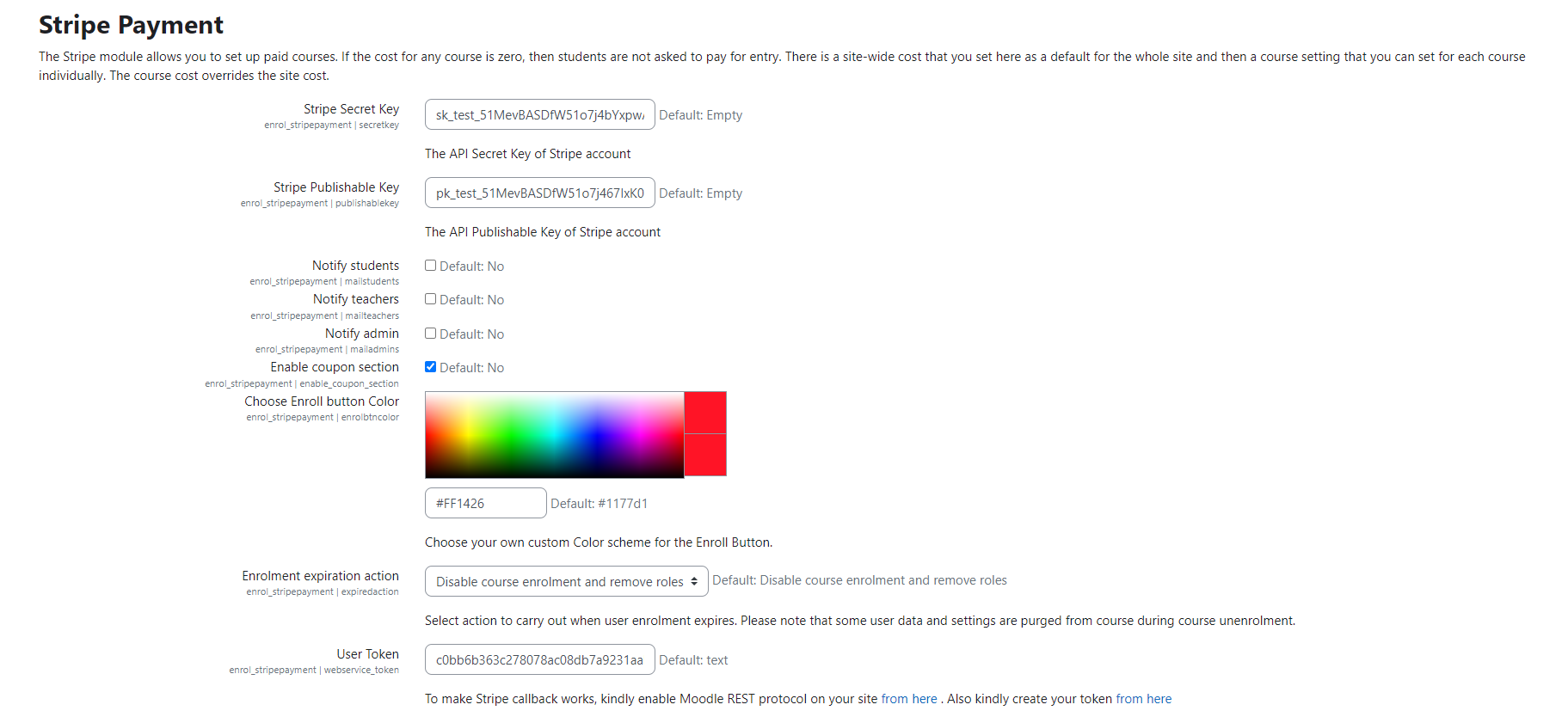
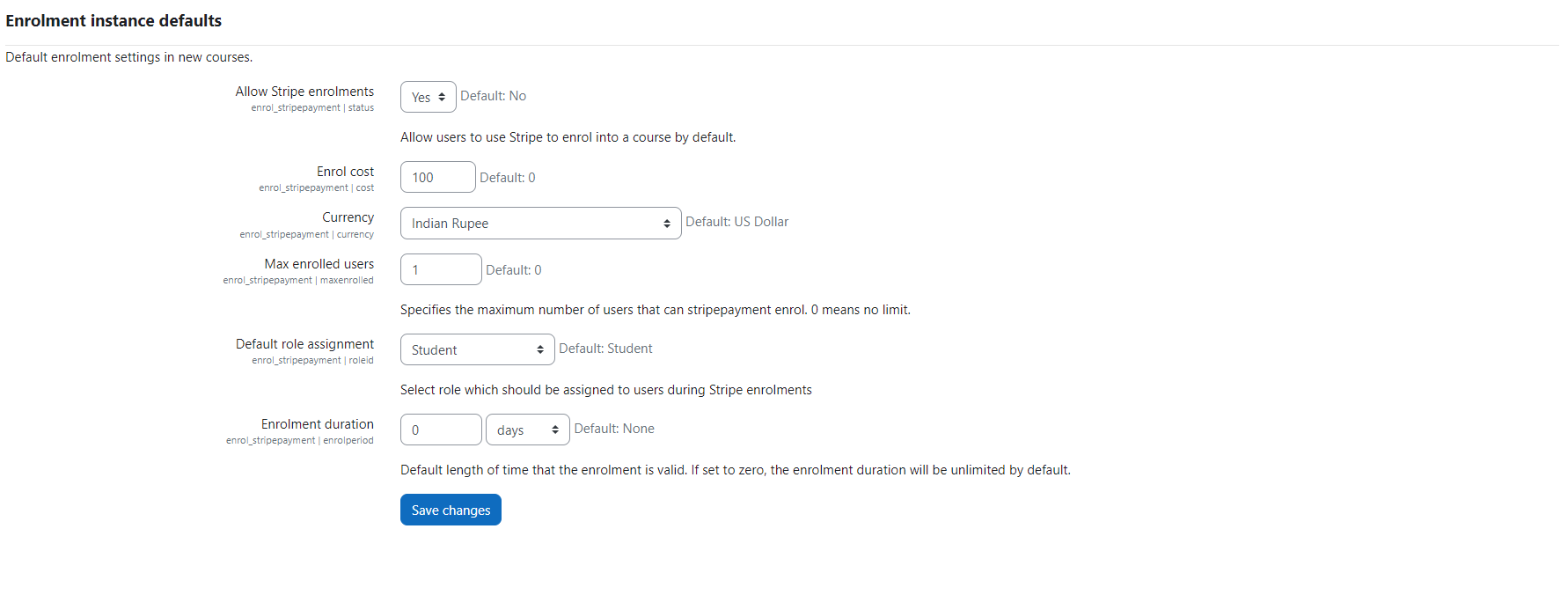
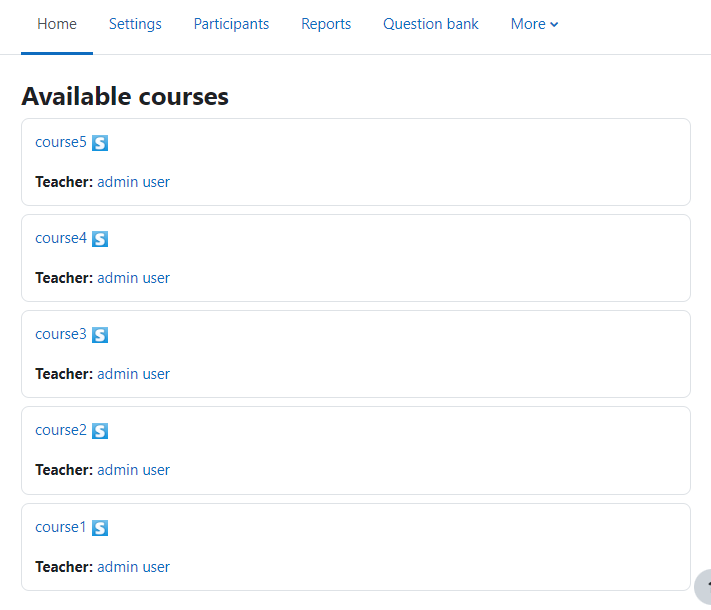
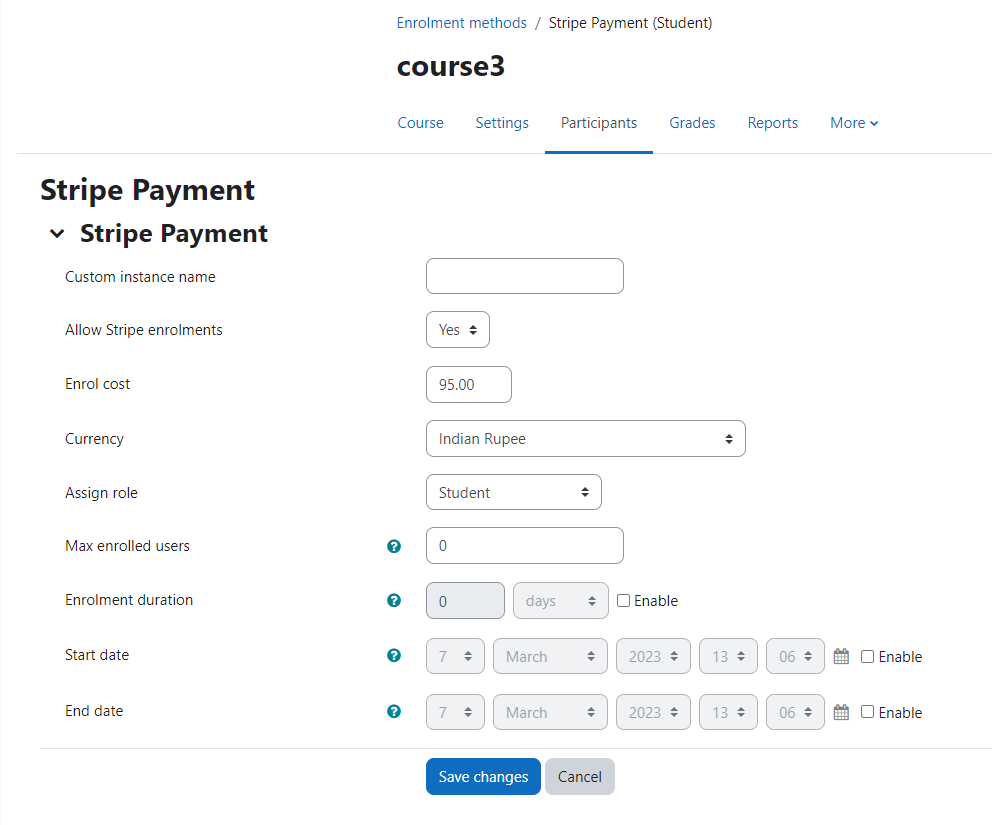
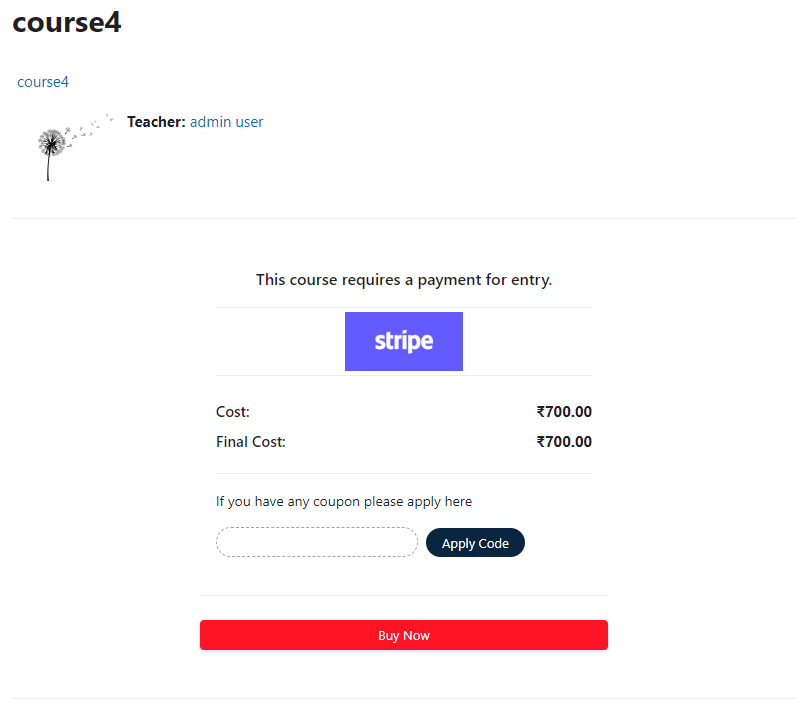
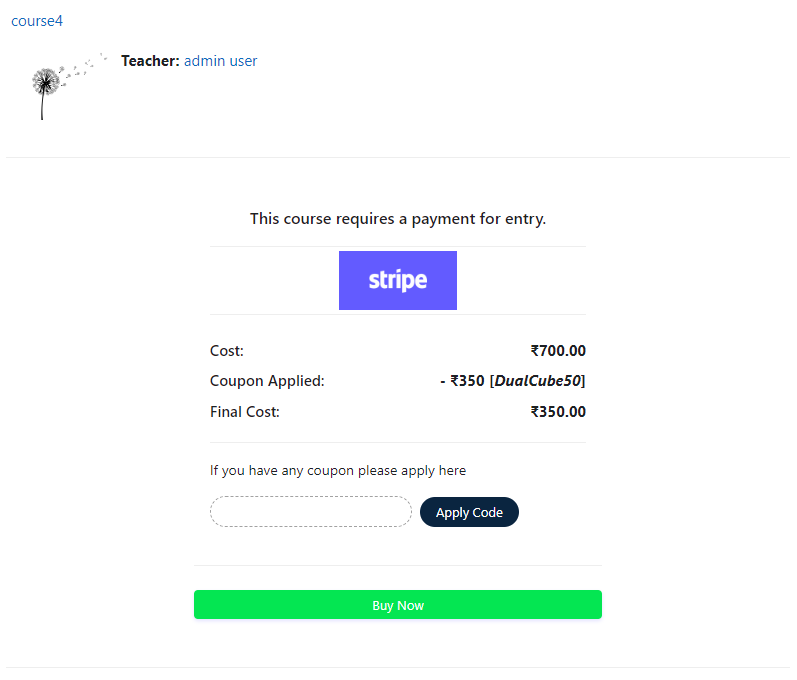
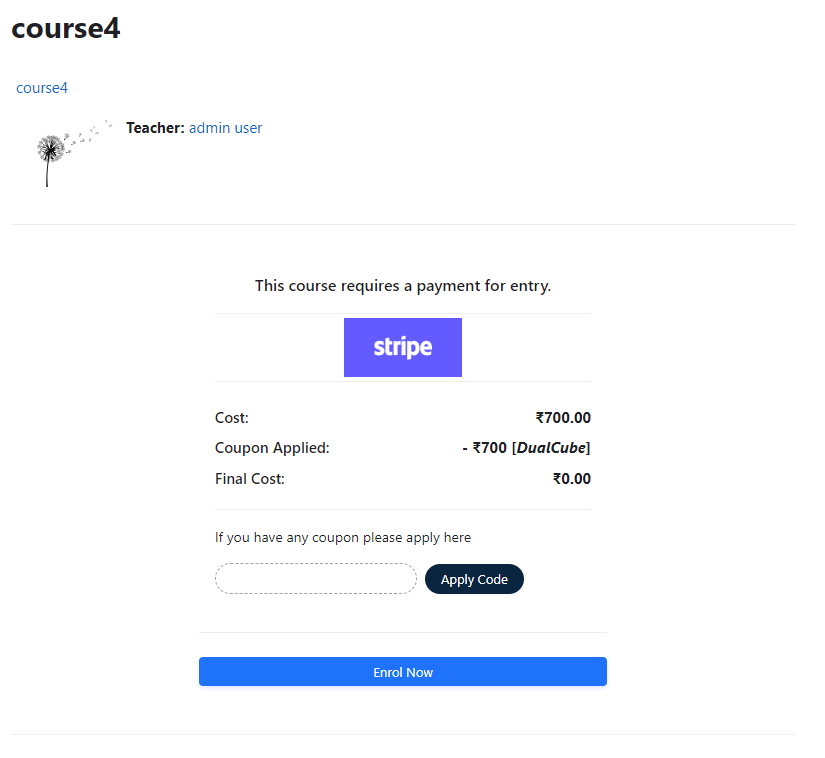
Add a price to your courses and check out quickly with Stripe Payment. Stripe is a user-friendly payment solution that allows for secure transactions. This plugin includes a number of payment processing services, including the ability to accept credit card payments. You can also offer various discounts to learners looking to purchase your courses.
Comments
Product ratings and reviews are coming to Moodle Marketplace. Until then, existing comments remain available to read, but new posts have been disabled.
We will need to check that. Please send your Moodle credentials to admin@dualcube.com
Thank you.
I did everything that you said. There is only a problem. "Submit payment" button isn't working.
Please help me.
Thank you.
It uses Payment intent method. If Stripe supports this method for Rupay cards, it should work. Please contact Stripe.
Thank you.
Thanks for the feedback. We will look into it.
Thank you.
Great! That is a good solution.
Thank you.
We are adding all the currencies. You will get it via update to the plugin.
Thank you.
This is a Moodle plugin and can be used in a Moodle instance only. It is an enrolment plugin. A user must log in to Moodle before he/she gets to buy the course. So the user already has an account and when the course it bought, he/she is enrolled in the course. You might be using the Stripe Payment Gateway plugin with Joomdle. This is just an assumption. Thank you.
I am using the plugin to buy curses from joomla if the user does not exist in moodle it will create it and then assign the user to the curse, but it does not work correctly. Some times it creates the user with all the info, other times it doesn't, some times it adds the user to the curse other times it doesnt. Has this happened to anyone?
Regards
I have a stripe account i created and it was created from India lonked to my INR account, but the moodle plugin does not show the INR dropdown option, it shows in the website but not in the plugin.
Due to this reason i am unable to accept payments using Stripe.
Please tell me how to get Stripe Moodle Plugin to Take INR as Payment Currency