
OpenMeetings
Maintained by
Maxim Solodovnik
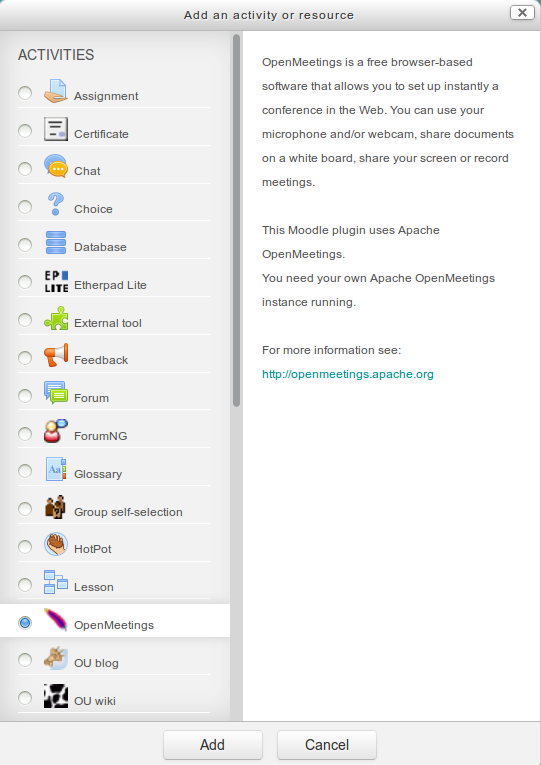
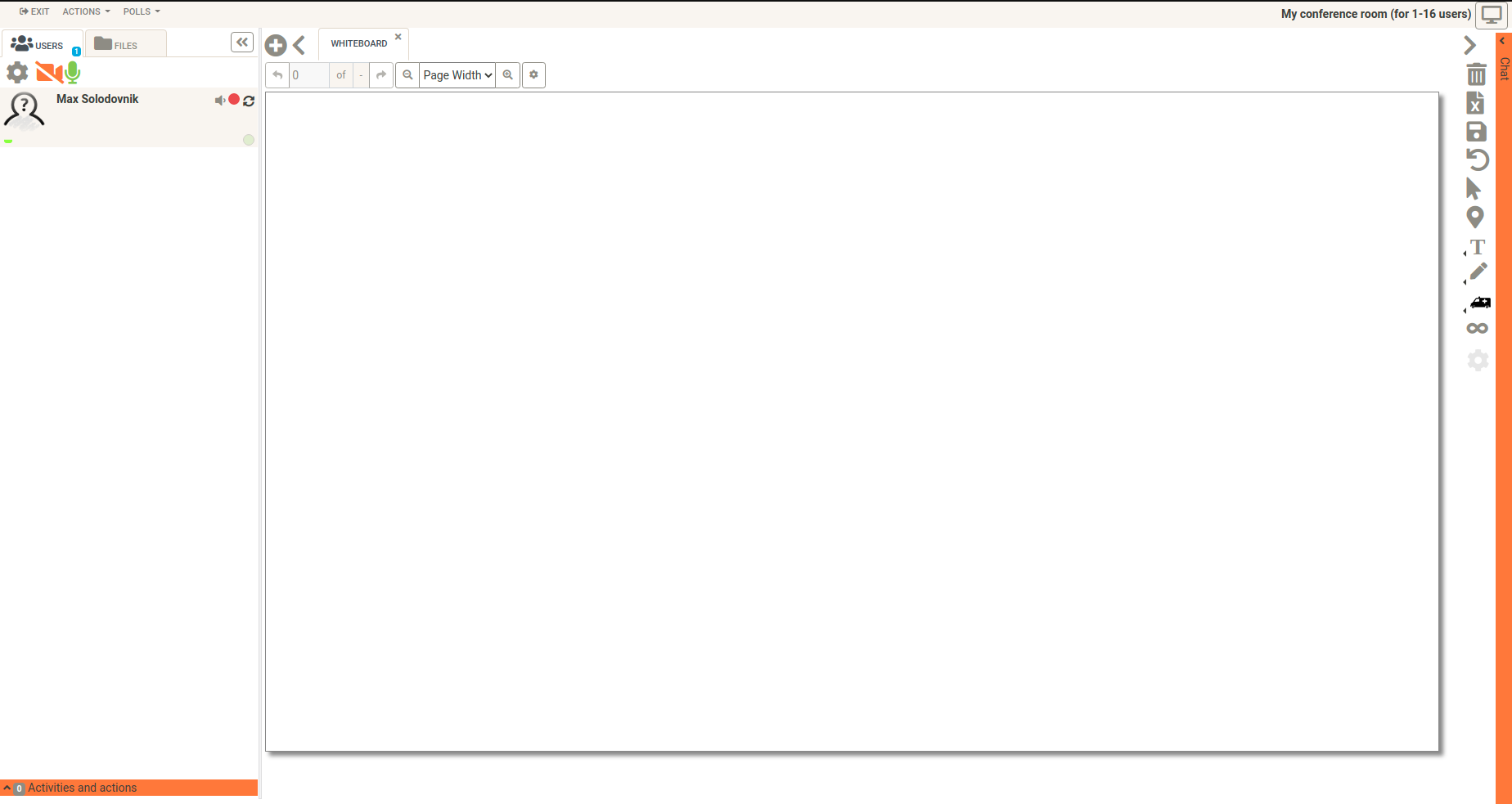
OpenMeetings is a free browser-based software that allows you to set up instantly a conference in the Web. You can use your microphone and/or webcam, share documents on a white board, discuss in a chat, share your screen or record meetings. It is available as hosted service or you download and install a package on your own server.
Comments
Comments are no longer open for new posts. Existing comments remain available to read.
Are there any errors?
Version Moodle moodle 3.6 and openmeetings 4.0.10. Thanks
I'll try again.
So it seems your browser blocks your self-signed certificate
I can only suggest you to use real certificate in this case
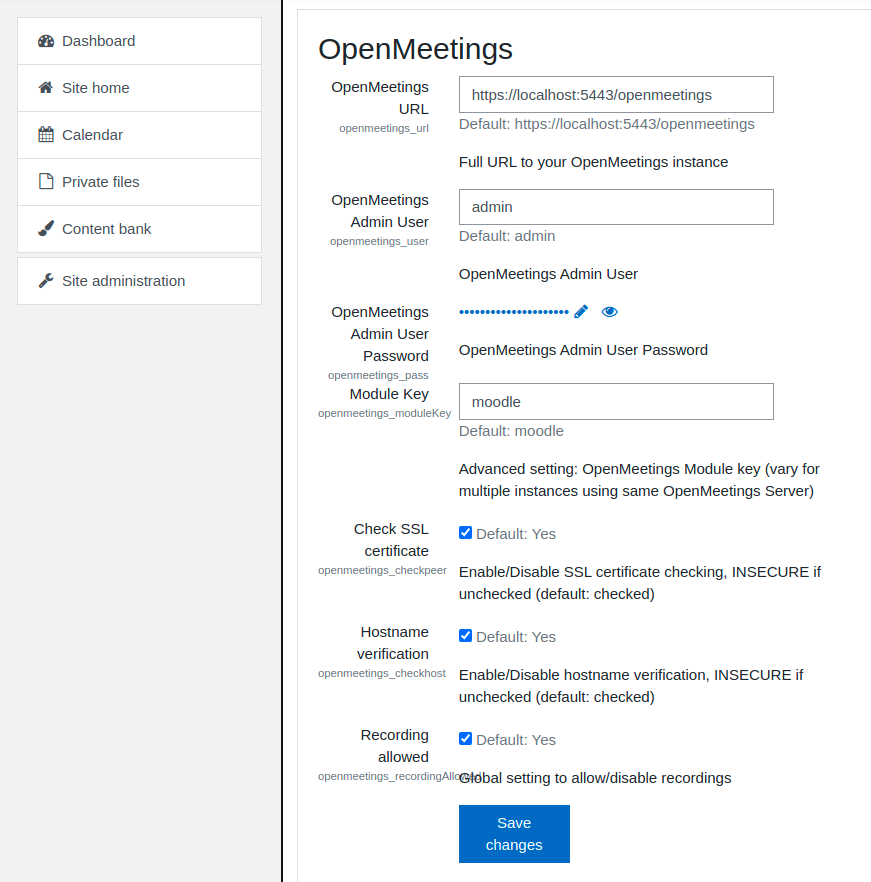
OpenMeetings Server Port :5443
Protocol :https
Check SSL certificate :Disable
As a result:
"Fault (Service error)
Could not login User to OpenMeetings, check your OpenMeetings Module Configuration"
Blind guess: you are using self-signed HTTPS certificate?
If so just disable 'Certificate check' in plugin settings
HTTPS is supported for many years already
I will try.
like Maxim said, there is a misunderstanding. The Moodle plugin mod_openmeetings with the version 4.0.2 you can download here is only a plugin for OpenMeetings.
And there is OpenMeetings with the version 4.0.9 or 5.0.0-M2. If you want to use OpenMeetings you have to install OpenMeetings on a different server. With the Moodle plugin mod_openmeetings you can connect your existing Moodle with a separate OpenMeetings server.
More information about OpenMeetings you can find here:
http://openmeetings.apache.org
Thanks & Greetings,
Michael
I want to use openmeetings to embed breadboard simulators in digital engineering courses