
OpenMeetings
Maintained by
Maxim Solodovnik
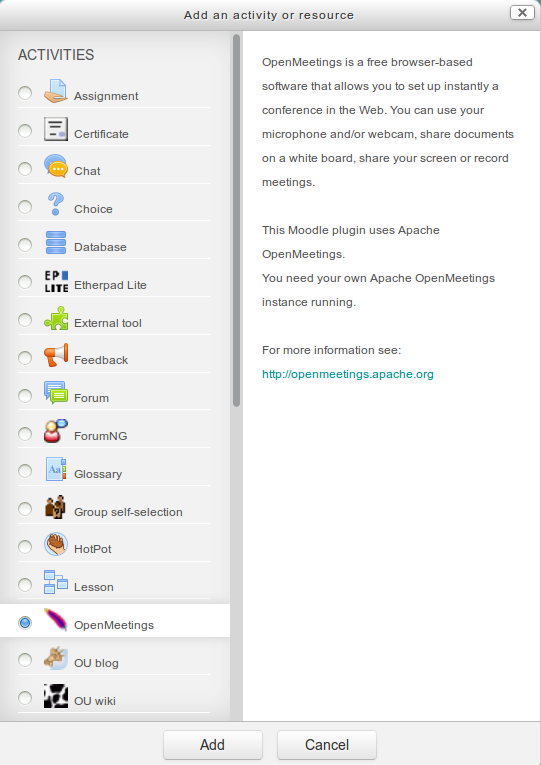
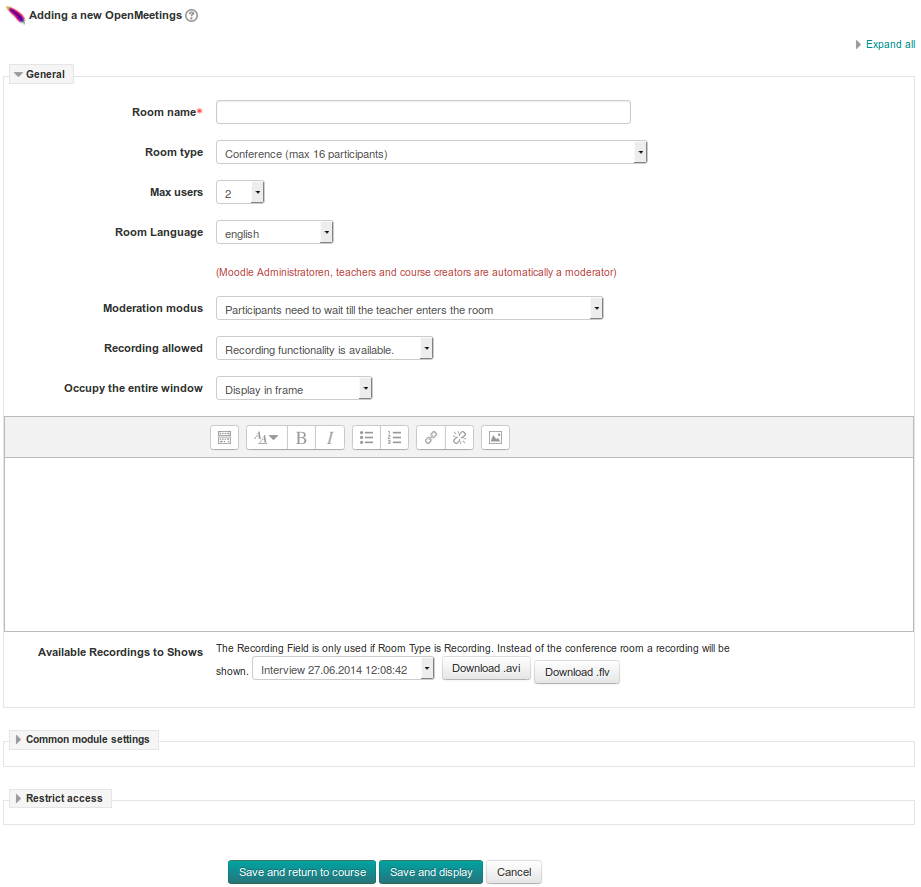
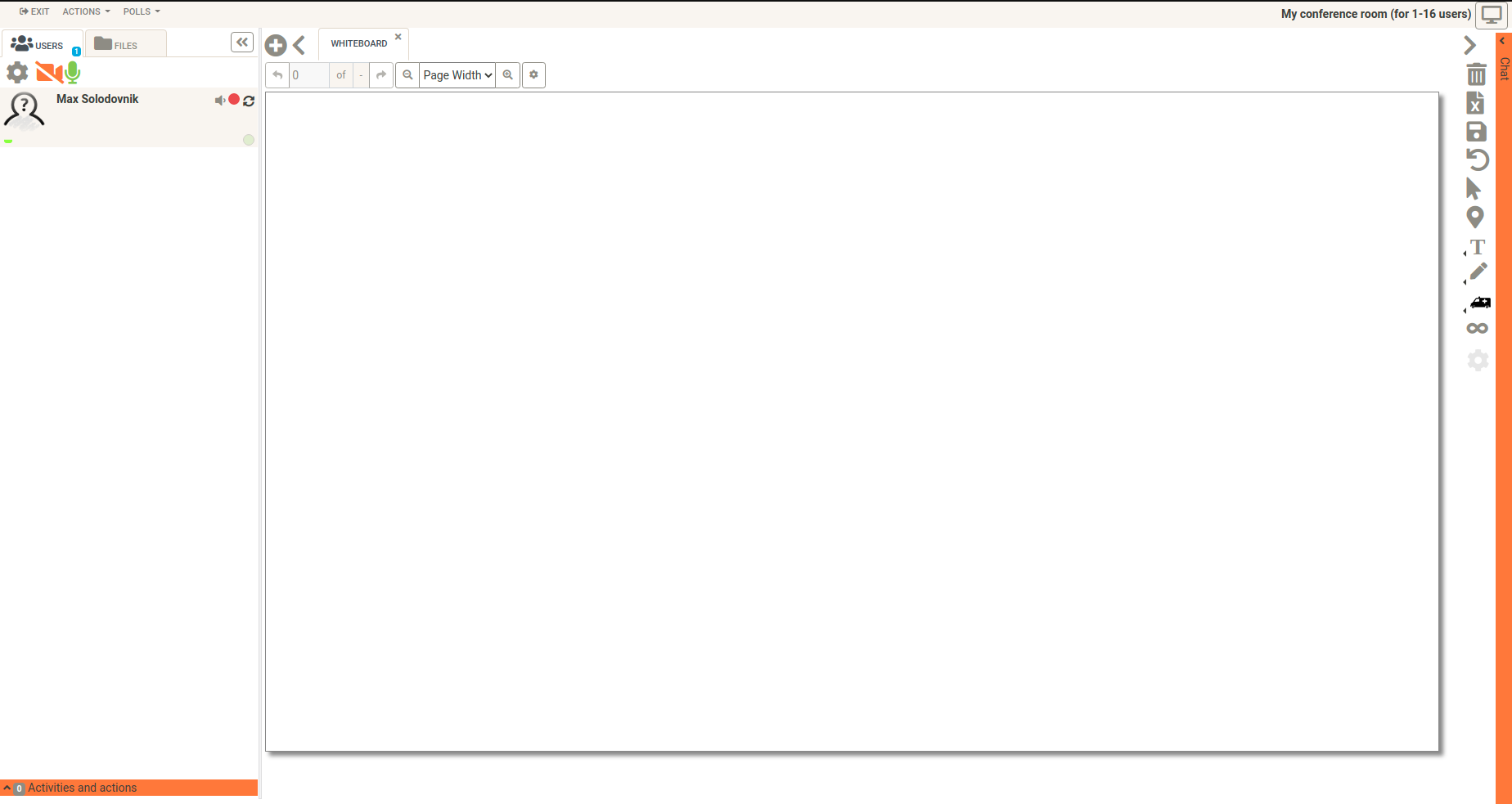
OpenMeetings is a free browser-based software that allows you to set up instantly a conference in the Web. You can use your microphone and/or webcam, share documents on a white board, discuss in a chat, share your screen or record meetings. It is available as hosted service or you download and install a package on your own server.
Comments
Comments are no longer open for new posts. Existing comments remain available to read.
I disabled recording in moodle plugin.
My mistake.
Regards
Jochen
If i use the admin account room creation and join room works as expected.
Further i miss in rooms the icon with remote desktop function.
Log in with an local OM Account i see the icon and works as expected....
Any tips or hints
Regards
Jochen
I am running Moodle 3.4.1+ with PHP 7.1 and Open Meeting 3.0.0.4
The result when following the steps is
Fault (Service error)
Fault (Service error)
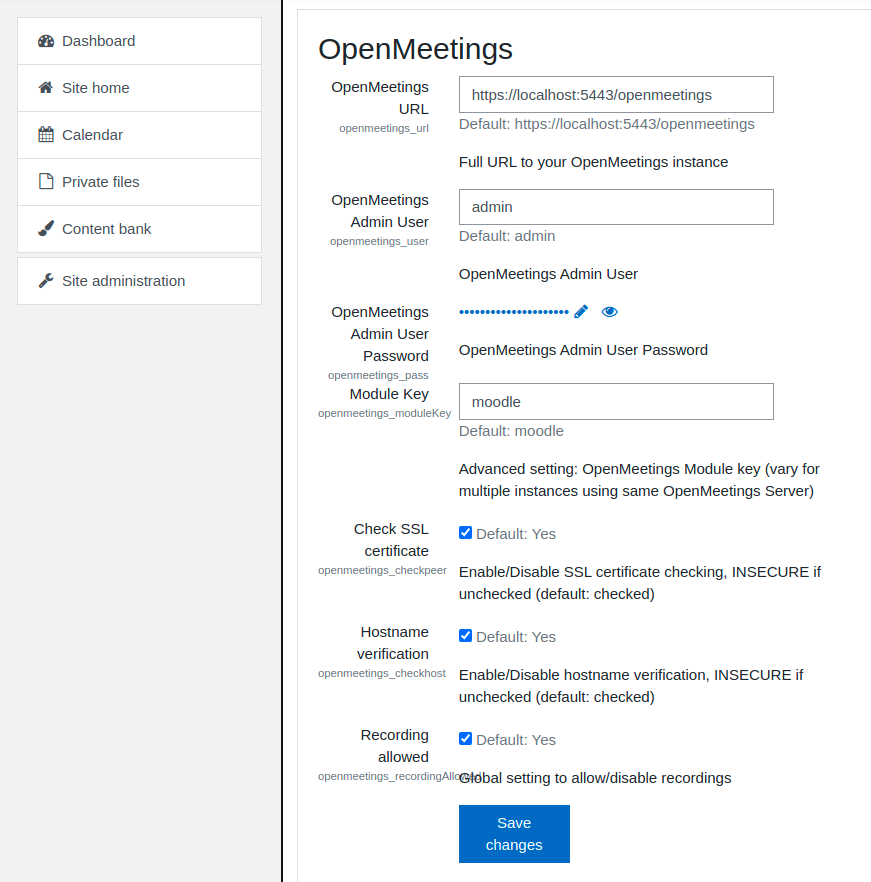
Could not login User to OpenMeetings, check your OpenMeetings Module Configuration
Any help would be greatly appreciated
Fault (Service error)
Fault (Service error)
Could not login User to OpenMeetings, check your OpenMeetings Module Configuration
Is this a configuration issue on the OpenMeetings side? I use an admin account here. Do I need any special configuration, e.g. set the "user" to "external"? What could the problem be?
Thank you in advance for your help.
Jan
please use the latest OpenMeetings Moodle Plugin and the latest Version of OpenMeetings.
Thanks & Greetings,
Michael
Before upgrading to mentioned versions everything worked fine.
Regards
also to you: Which version of OpenMeetings do you use? Please if you can, use the latest OpenMeetings version.
Thanks & Greetings,
Michael
Error While signing into OpenMeetings, please check credentials
Error While signing into OpenMeetings, please check credentials
Could not login User to OpenMeetings, check your OpenMeetings Module Configuration
Please help me.
which version of the OpenMeetings Moodle Plugin do you use? Please if you can, use the latest OpenMeetings Moodle Plugin (version 2.0.2.6).
Thanks & Greetings,
Michael
now its moodle 3.2 and openmeetings 3.2 its showing blank space
which version of OpenMeetings do you use? Please if you can, use the latest OpenMeetings version.
Thanks & Greetings,
Michael
Error While signing into OpenMeetings, please check credentials
Error While signing into OpenMeetings, please check credentials
Could not login User to OpenMeetings, check your OpenMeetings Module Configuration
How can I solve this problem?
Thank you in advance!
it is still possible to use older PHP versions like PHP 5.5 or 5.6. We should change the Requirements info in the readme file.
Thanks & Greetings,
Michael