
OpenMeetings
Maintained by
Maxim Solodovnik
OpenMeetings is a free browser-based software that allows you to set up instantly a conference in the Web. You can use your microphone and/or webcam, share documents on a white board, discuss in a chat, share your screen or record meetings. It is available as hosted service or you download and install a package on your own server.
Comments
Comments are no longer open for new posts. Existing comments remain available to read.
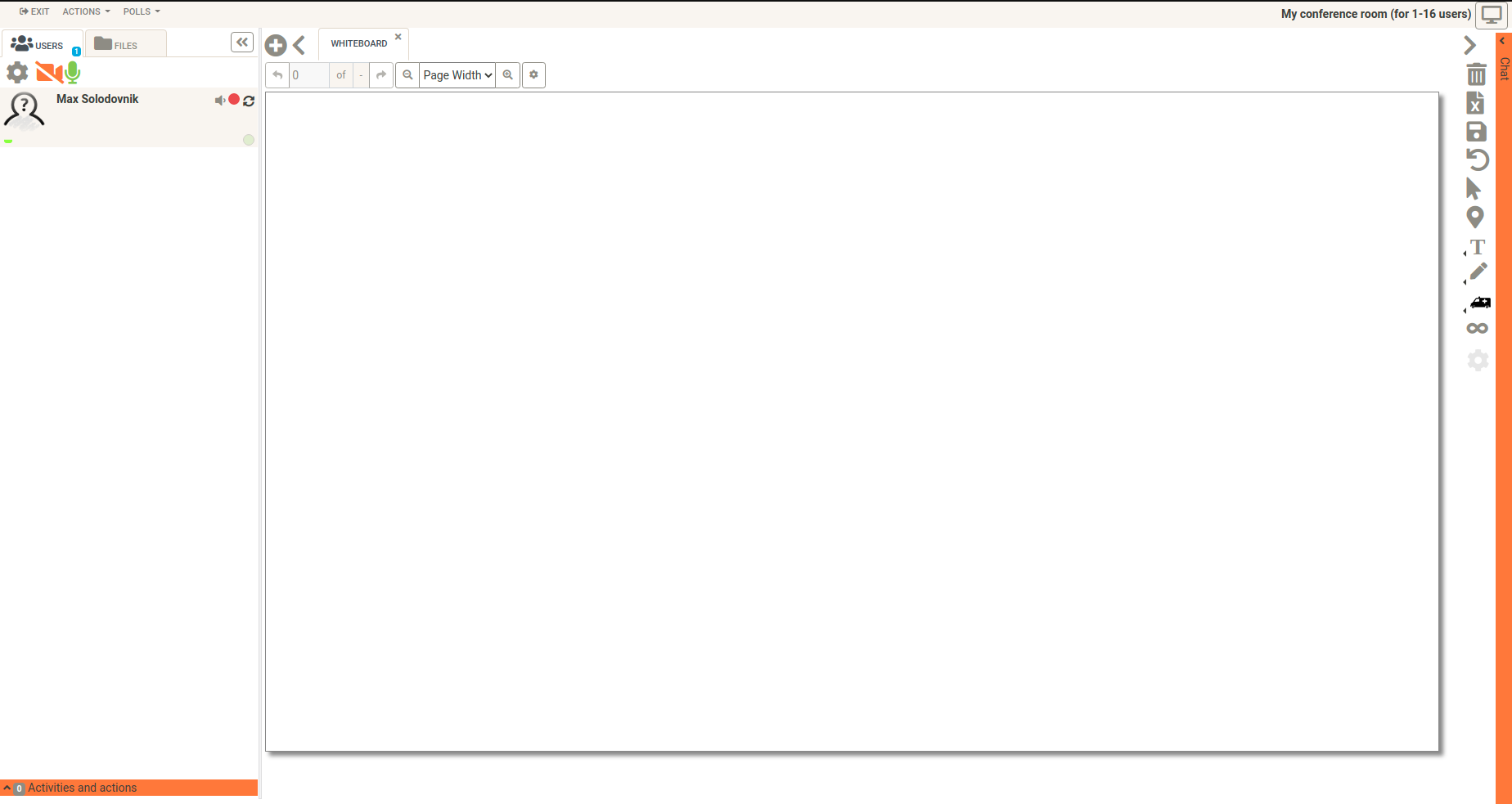
I am using openmeetings in version 3.1.2, moodle in version 3.0 and the om moodle plugin in version 2.0.0.5 on debian. I can create openmeeting rooms in seperate moodle courses and have different chat log. And I have the ability to clear the chat on the right hand site. So I can delete old chat logs via moodle.
Greetings,
Michael
you have configured the om moodle plugin? And can you turn on the debbing modus? Than please try again to create a om room. Any error messages you can see on the moodle site or in the logs?
Thanks,
Michael
at first: You have java installed?
And secondly: please note that the OM 3.1.1 release contains screen-sharing application signed with self-signed certificate due to https://issues.apache.org/jira/browse/INFRA-11384.
To use screen-sharing application with modern Java, please add OM site to the list of java security exceptions by running $JAVA_HOME/bin/ControlPanel.
Thanks,
Michael
i installed openmeetings 3.1.1 and it work fine, also i have installed the plugin 2.0.0.4 in my moodle server (2.8).
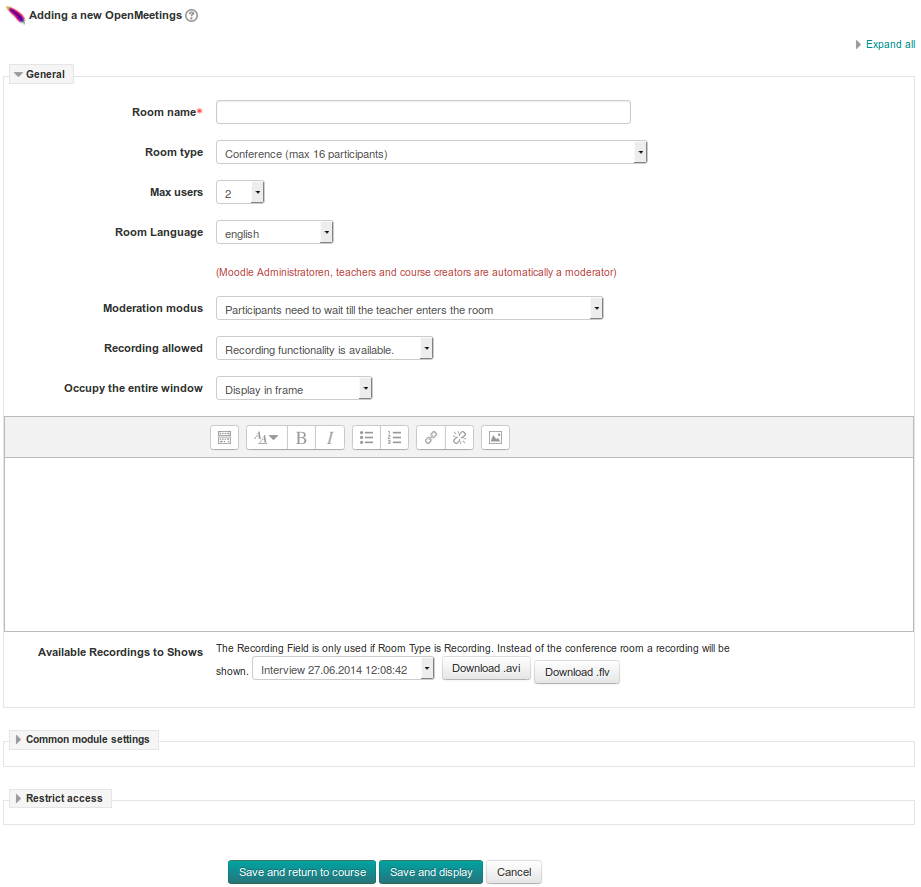
the problem is that when i try the create an openmeetings activity, i don't get a form like in your last screenshot but a blank page withou any error.
Any help please
sorrry for answering so late. ;-(
could you please file your issues on github, where the developer of the plugin can read it: https://github.com/openmeetings-extras/openmeetings-moodle-plugin/issues
Geetings & Thanks,
Michael
I opend an issue on github for that: https://github.com/openmeetings-extras/openmeetings-moodle-plugin/issues/4
Thanks & Greetings,
Michael
Happy new Year.
I find another Problem.
The plugin generate a "new windows" and "full window" as an iframe.
In both case if in the mms.cfg from adobe flash plugin the variable thirdpartystorage=0 (in case of IT-Security), the flash-plugin cannot access the AV-Hardware. Is it possible to get the "new window" function with
a new browser window an the url in Browser of the OM-Server?
I hope you understand what i mean.
Otherwise you can contact me by jochen[punkt]kinsinger[klammeraffe]gmail.com.
Greetz
Jochen
This is a great plugin but has a problem. the problem is I cannot manage the recorded files. so when the recorded files are increase it is very difficult to find and assign a recorded to file to activity.
With a new MoodleDB i have no problems at all.
I did enable debugging in Moodle an get the following error when i use the "newwindow" option.
Fatal error: Allowed memory size of 134217728 bytes exhausted (tried to allocate 32 bytes) in /var/www/html/cache/classes/loaders.php on line 544.
Any idea??
Thanks
Jochen
also with moodle 2.7 & om 3.07 the om moodle plugin works as expected. Sorry but I dont have an idea what could be wrong.
Thanks & Greetings,
Michael
no problem
sorry, but I can't reproduce the error you described. I tested the latest moodle om plugin now with moodle 2.8, 2.9 & 3.0 and the openmeetings version 3.0.7.
I testet the plugin with all three room types (conference, webinar & interview) together with the "new window" function. I had no problems or error messages using the om rooms.
I will try it with moodle 2.7 later, ok?
Thanks & Greetings,
Michael