
OpenMeetings
Maintained by
Maxim Solodovnik
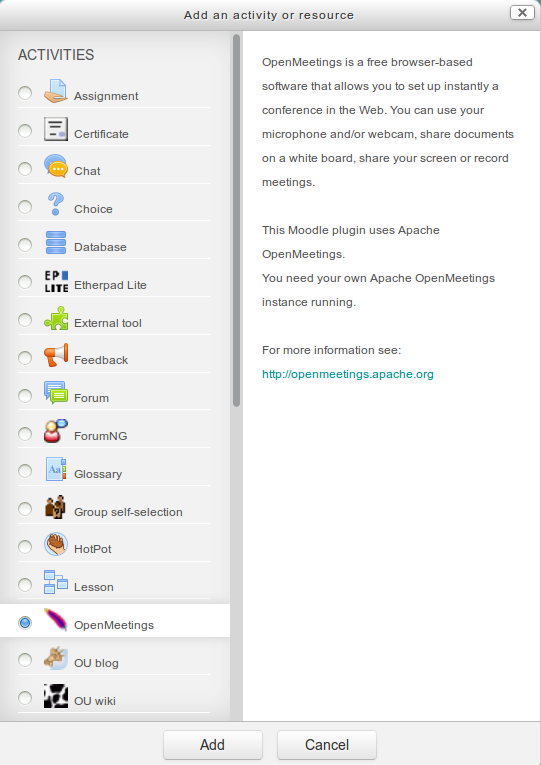
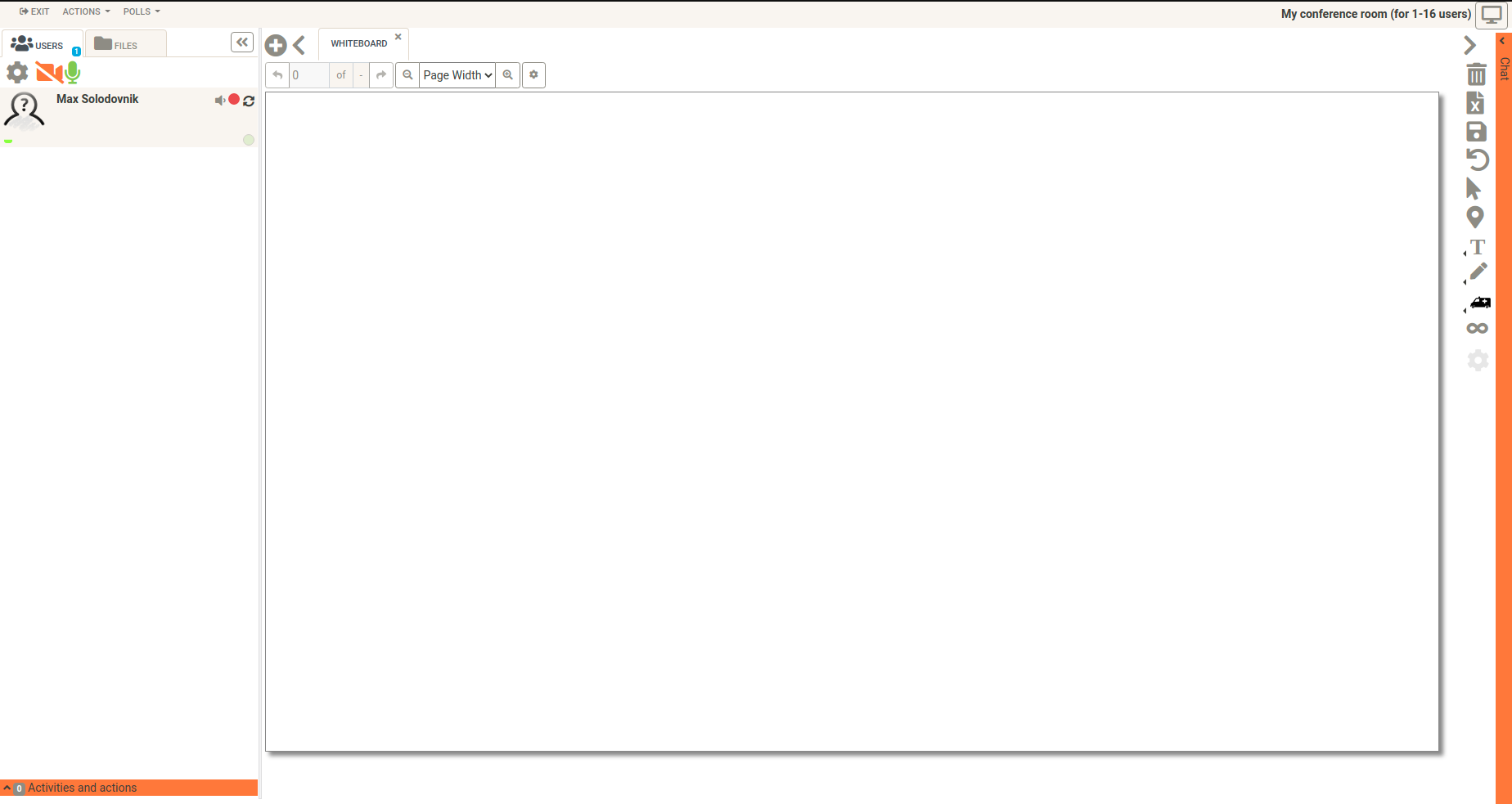
OpenMeetings is a free browser-based software that allows you to set up instantly a conference in the Web. You can use your microphone and/or webcam, share documents on a white board, discuss in a chat, share your screen or record meetings. It is available as hosted service or you download and install a package on your own server.
Comments
Comments are no longer open for new posts. Existing comments remain available to read.
I have a question, sorry if it is something obvious,
I can install this plugins in any server... I mean, it is not necessary to host Moodle in a dedicated server, because my Moodle server don't accept streaming
Thanks
in the latest version (2014022101) of the om moodle plugin the issue is fixed.
@Jochen: Thank you for your help and advice.
Greetings,
Michael
BUT:
all office documents which we will download are corrupt.
After deleting the VC instance in course all office documents to download are o.k.
This behaviour affects grafics also. PDF are not affected.
I am using moodle2.6.1+ with php 5.3 and openmeetings 2.2.0. Sorry, but in the debugging modus of moodle I can't reproduce the error you recieved.
I nknow there are some issues with IE 11 under moodle 2.x. Have you tried an other browser like Firefox?
Thanks,
Michael
I have moodle 2.61+ installed on a godaddy sever. It allegedly is running PHP 5.4. I added the openmeetings mod and it says that it is installed but I am getting the following error when I go to a course to add it as an activity:
My NOTICE [1024] The module openmeetings does not define the standard capability mod/openmeetings:addinstance◦line 2237 of /course/lib.php: call to debugging()
◦line 1275 of /course/lib.php: call to course_allowed_module()
◦line 439 of /course/renderer.php: call to get_module_metadata()
◦line 729 of /course/format/renderer.php: call to core_course_renderer->course_section_add_cm_control()
◦line 49 of /course/format/weeks/format.php: call to format_section_renderer_base->print_multiple_section_page()
◦line 288 of /course/view.php: call to require()
I am sure that it is something simple but I can't figure it out.
The second problem is probably related. When I am in edit mode and I select something from a drop-down menu nothing happens. For example, if I choose "file" from the "add resource" drop-down nothing happens. I am using Internet Explorer 11 and I do not have the same problem when using Moodle 1.9. I have no idea even where to begin in that problem.
Can you please point me in the right direction.
https://www.facebook.com/photo.php?fbid=570926039648614&set=o.12918758962&type=1&theater¬if_t=photo_comment
Error
wsdl error: Getting http://localhost:5080/openmeetings/services/UserService?wsdl - HTTP ERROR: cURL ERROR: 7: couldn't connect to host
url: http://localhost:5080/openmeetings/services/UserService?wsdl
content_type:
http_code: 0
header_size: 0
request_size: 0
filetime: -1
ssl_verify_result: 0
redirect_count: 0
total_time: 0.00115
namelookup_time: 0.000993
connect_time: 0
pretransfer_time: 0
size_upload: 0
size_download: 0
speed_download: 0
speed_upload: 0
download_content_length: -1
upload_content_length: -1
starttransfer_time: 0
redirect_time: 0
certinfo: Array
redirect_url:
Skip to main content
I assume I have done something wrong - anyy advice would be very great fully received.
many thanks sarah x
I already instaled openmeeting in my server (windows XP), it run properly only on server but other PC's cant connect to the server. It's work only in localhost:5080/openmeetings.
I install it with apache ant .
How does i connect to client? Can anyone help?
Thanks in advance
Handy F
Ok!
Thanks
Jaume R.
I have updated "official" version of OM plugin with your changes (hope you don't mind
It is available here:
https://builds.apache.org/view/M-R/view/OpenMeetings/job/OpenMeetings%20Moodle%20Plugin/
version 1.5 seems to work as expected
I modified the plugin of Openmeetings, and one of modifications is that you comment (add addinstance capability).
To add this capability, the file ./mod/openmeetings/db/access.php is :
$capabilities = array(
'mod/openmeetings:addinstance' => array(
'riskbitmask' => RISK_XSS,
'captype' => 'write',
'contextlevel' => CONTEXT_COURSE,
'archetypes' => array(
'editingteacher' => CAP_ALLOW,
'manager' => CAP_ALLOW
),
'clonepermissionsfrom' => 'moodle/course:manageactivities'
),
'mod/openmeetings:becomemoderator' => array(
'captype' => 'read',
'contextlevel' => CONTEXT_MODULE,
'legacy' => array(
'teacher' => CAP_ALLOW,
'editingteacher' => CAP_ALLOW,
'manager' => CAP_ALLOW
)
)
);
Then, in lang files (minimum in english lang -> ./mod/openmeetings/lang/en/openmeetings.php) , add :
$string['openmeetings:addinstance'] = 'Add instance of Openmeetings';
I've a doubt, is there any way that the Moodle plugin (for 2.4.1+) incorporates the openmeetings:addinstance capability? I'd like to control the creation of Rooms in the OpenMeetings program.
Thanks in advance. Krla
To fix this problem (message "Can not find data record in database table course") I make this :
In file mod_form.php :
Comment line 160 aprox.
$mform = new mod_openmeetings_mod_form();
Add this lines after comment :
global $data, $cm;
$course = $DB->get_record('course', array('id'=>$data->course), '*', MUST_EXIST);
$mform = new mod_openmeetings_mod_form($data, $data->section, $cm, $course);
Finally :
//$mform = new mod_openmeetings_mod_form();
global $data, $cm;
$course = $DB->get_record('course', array('id'=>$data->course), '*', MUST_EXIST);
$mform = new mod_openmeetings_mod_form($data, $data->section, $cm, $course);
Jaume R.