
Journal
Maintained by
Cosmin HERMAN, Adrian Sarmas, Ovidiu Morariu, Paul Neag
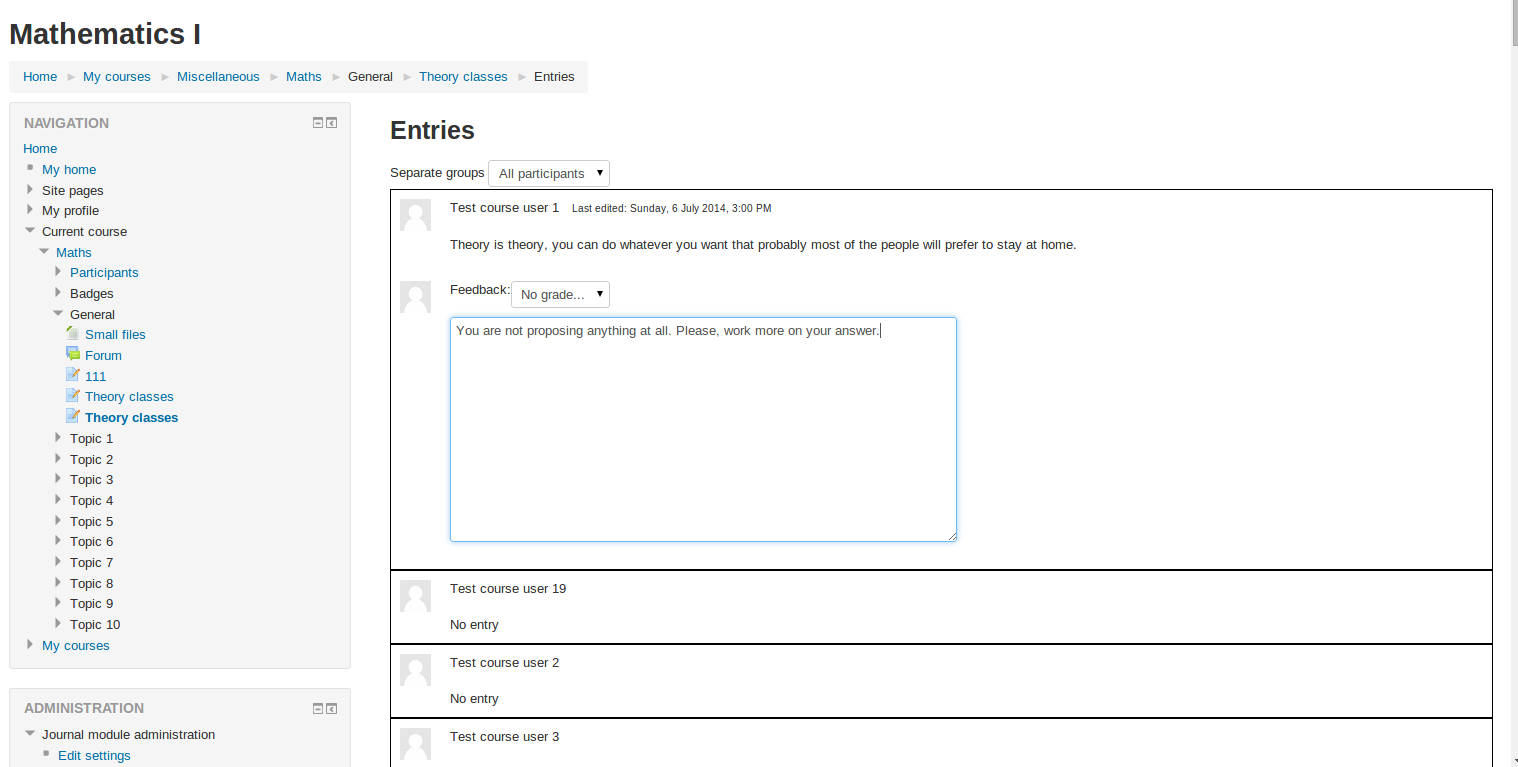
This module allows a teacher to ask students to reflect on a particular topic. The students can edit and refine their answer over time.
Comments
Comments are no longer open for new posts. Existing comments remain available to read.
In the journal function, is it possible for lecturers to have access to the editor tool bar when sending responses? They want to be able to italicise and bold the feedback etc. I sent this request to Pukunui as they are our host, and their response was to contact you and see if you would be able to do this. Amy
-Derek
This functionality is not available from the module code, you can change the page blocks settings (docking them) and tune the page layout to use the browser print feature to do it.
If I remember correctly no, it does not accept uploads; I've been only updating the code to keep it working with the new moodle releases, but I haven't added any kind of new functionality like integration with the filepicker nor a component area for mod_journal. Feel free to contribute a patch adding support for it and I will be glad to merge it.
Thanks,
David
Can you download Journal entries to print out?
Thanks Graham
-Derek
Best regards,
Beat
Thanks for the report.
Thanks for the info, you found a bug. I will push a fix during this week.
Regards,
David
I am using Journal with Moodle 2.6 and on first sight it seems to work fine. However, when I add comments to entries and save them it get the following message "Notice: Undefined variable: vars in /path/to/moodle/mod/journal/report.php on line 78".
I had a look at report.php and line 78. Can it be that the "vars" should be a "vals"? If I change vo "vals" saving entries no longer displays the message.
Yes, I will add the new version for 2.6. I haven't tried it, but the same code should work so feel free to test the latest mod_journal version in a Moodle 2.6 testing site.
For what you say you followed the normal testing instructions, can you enable debugging mode (site administration -> development -> debugging. debug to DEVELOER and debugdisplay ticked
Any idea why I'm getting this error?
Michael