
Journal
Maintained by
Cosmin HERMAN, Adrian Sarmas, Ovidiu Morariu, Paul Neag
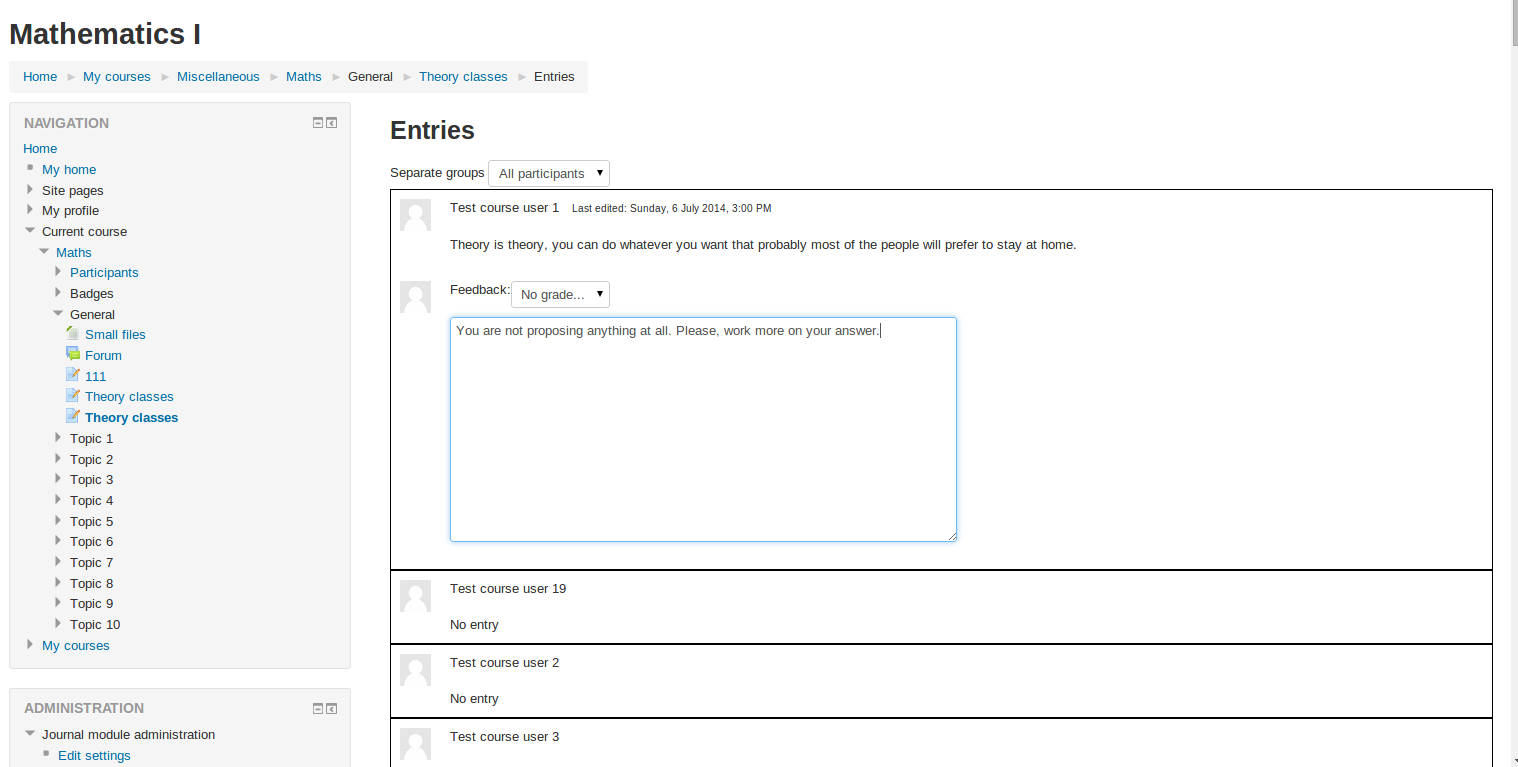
This module allows a teacher to ask students to reflect on a particular topic. The students can edit and refine their answer over time.
Comments
Comments are no longer open for new posts. Existing comments remain available to read.
Have you checked the permissions of the files under mod/journal directory?
I'm looking for that language string and I can not find it. Are you sure the problem comes from the journal module? What Moodle and mod_journal versions are you using?
A file permissions error has occurred. Please check the permissions on the script and the directory it is in and try again.
Yes, you need to modify a few files, defining the new setting in settings.php or in mod_form.php (depening on the level you want to set it) and checking it's value in lib.php functions.
We're using 20130228 build 2012062504.1. The version of the plugin is 2013022700 requires 2013022700.
We're using 20130228 build 2012062504.1. The version of the plugin is 2013022700 requires 2013022700.
Do you know the version of Moodle you are using (20120301 for example) and the version of the plugin? You can find this version numbers in version.php file in moodle root folder and in mod/journal/version.php
I tried installing Journal and got this error: "Dependencies check failed for mod_journal". Do you have any idea how to fix this? The school is brand new to Moodle and so am I so I apologize if it's something simple
Thanks for reporting the issue, I've uploaded the latest version from the repository. You can download it (1.7 Build: 2012072900) the problem is solved
I was unable to reproduce the problem with a Moodle 2.2.2, can you please fill an issue in the tracker with instructions to reproduce the problem so I can work on it and solve the problem? Thanks in advance