
VPL Question
Maintained by
Astor Bizard
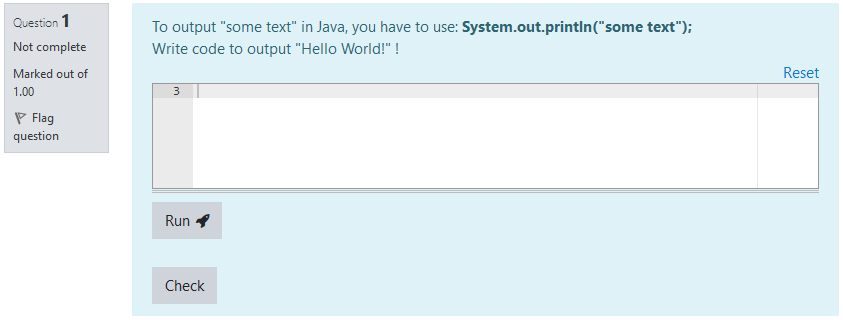
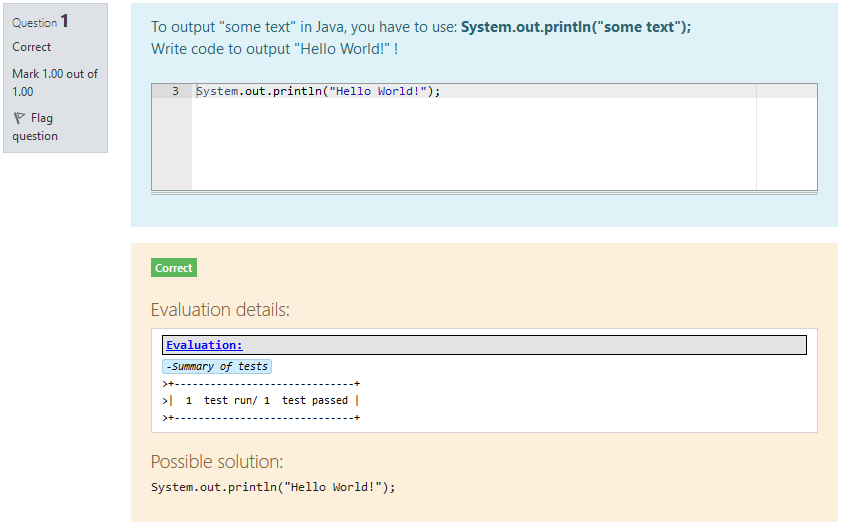
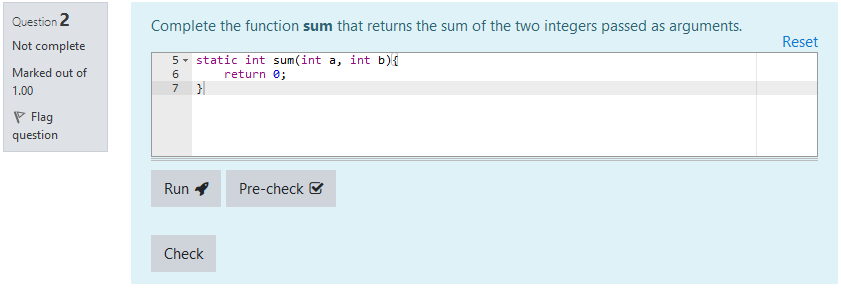
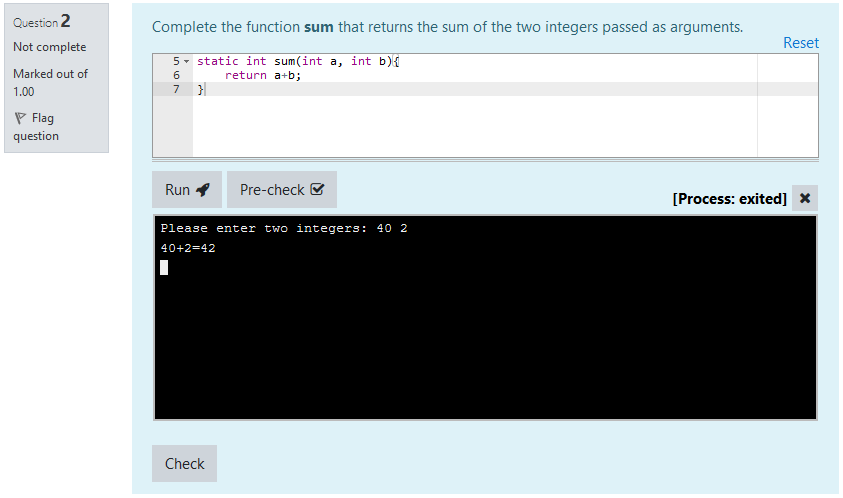
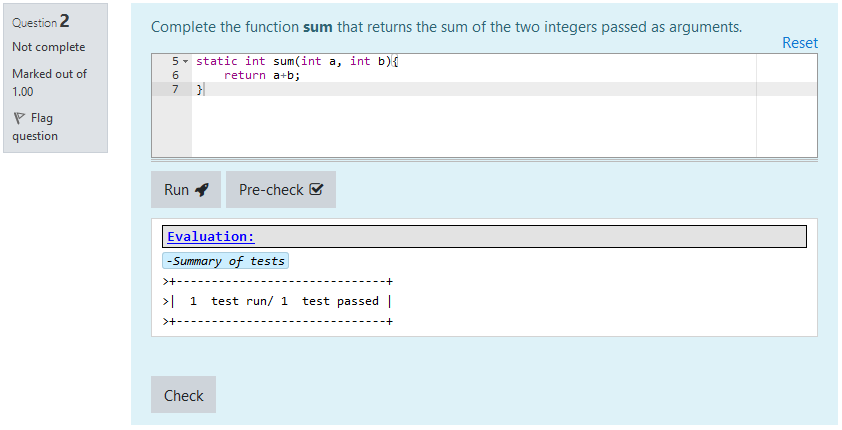
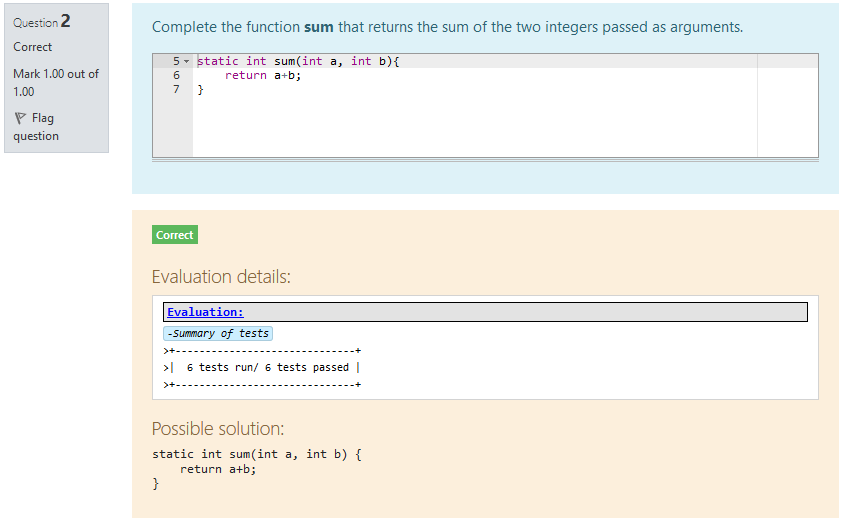
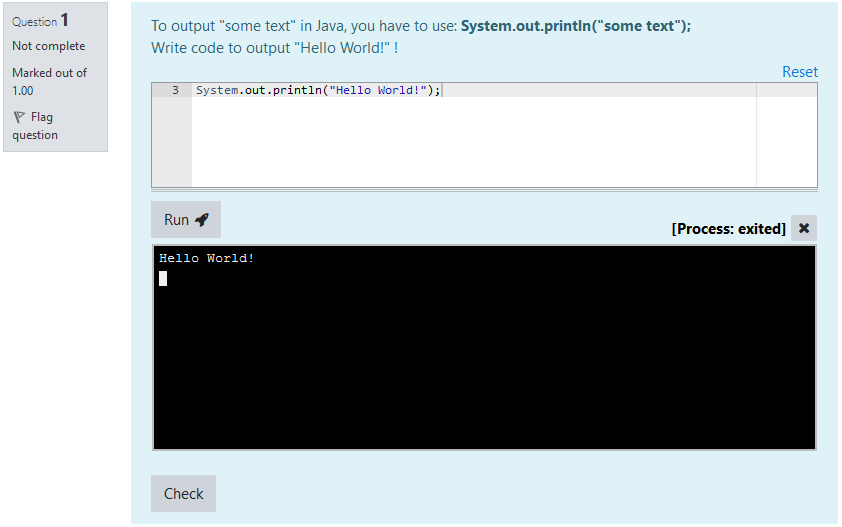
VPL Questions are questions that can fit within a Moodle quiz. They are intended to create small to medium coding exercises, based on the Virtual Programming Lab plugin.
They are designed to offer a simple interface for students, while keeping the power and versatility of Virtual Programming Labs.
Comments
Comments are no longer open for new posts. Existing comments remain available to read.
I just started creating VPL questions and have a question myself.
To avoid creating several dedicated VPLs - one for each question - could I simply create a single dedicated VPL for my questions and use it for all my VPL questions (since they are somewhat basic)? Since the execution files and evaluation settings are set up directly in the VPL question, I do not see why this would not be possible. I noticed that when configuring the VPL question, the evaluation files in the VPL are modified, so this might lead to uncontrolled behaviour.
Anyway, I made a small test with two distinct questions based on the same VPL, on the same questionnaire, with distinct evaluation behaviours, and everything seemed to work fine.
Is this the correct (or at least an acceptable) way of setting up VPL questions? If so, wouldn't it be better to simply set up a "empty" VPL instance which is initialized along with the VPL question?
Thank you very much for the wonderful plugin.
It seems that VPL, by default, runs R programs within a graphical interface.
This is not supported by VPL questions.
You would need to rewrite the vpl_run.sh script to run the program as command line.
Sorry for the inconvenience.
Best regards,
Astor
I wanted to thank you for the plugin.
I can't integrate R with VPL Question.
When I click run inside the quiz the output box doesn't produce anything.
The code works fine on a normal VPL activity.
I don't have any integration issues with C or JAVA projects.
Thank you very much in advance.
This was already fixed in a released version. Please upgrade to the latest available version and you should not experience this problem anymore.
Best regards,
Astor
Deprecated: Creation of dynamic property qtype_vplquestion_question::$templatevpl is deprecated in /var/www/html/moodle/question/type/questiontypebase.php on line 1022
Deprecated: Creation of dynamic property qtype_vplquestion_question::$templatelang is deprecated in /var/www/html/moodle/question/type/questiontypebase.php on line 1022
Deprecated: Creation of dynamic property qtype_vplquestion_question::$templatecontext is deprecated in /var/www/html/moodle/question/type/questiontypebase.php on line 1022
Deprecated: Creation of dynamic property qtype_vplquestion_question::$answertemplate is deprecated in /var/www/html/moodle/question/type/questiontypebase.php on line 1022
Deprecated: Creation of dynamic property qtype_vplquestion_question::$teachercorrection is deprecated in /var/www/html/moodle/question/type/questiontypebase.php on line 1022
Deprecated: Creation of dynamic property qtype_vplquestion_question::$validateonsave is deprecated in /var/www/html/moodle/question/type/questiontypebase.php on line 1022
Deprecated: Creation of dynamic property qtype_vplquestion_question::$execfiles is deprecated in /var/www/html/moodle/question/type/questiontypebase.php on line 1022
Deprecated: Creation of dynamic property qtype_vplquestion_question::$precheckpreference is deprecated in /var/www/html/moodle/question/type/questiontypebase.php on line 1022
Deprecated: Creation of dynamic property qtype_vplquestion_question::$precheckexecfiles is deprecated in /var/www/html/moodle/question/type/questiontypebase.php on line 1022
Deprecated: Creation of dynamic property qtype_vplquestion_question::$gradingmethod is deprecated in /var/www/html/moodle/question/type/questiontypebase.php on line 1022
Thank you for the insight. I'm logging this into gitlab, and will include it in the next release to support 4.4.
Best regards,
Astor
I am currently testing different elements for the migration to Moodle 4.4+.
I noticed something: The creation page of a VPL question looks a bit torn apart by spacers.
I have put some SCSS in the system to restore the look:
body#page-question-type-vplquestion .fcontainer .fitem:not(:last-of-type) {margin-bottom: 0 !Important;}
body#page-question-type-vplquestion .fcontainer #fitem_id_execfileslist {padding-bottom: 0;}
I have not tested version 4.2 and 4.3.
It would be nice if this could be considered in one of the next versions.
(PS: I could not register in GitLab. Error during the registration process).
You are indeed correct. I created the corresponding issue, and this will be adressed in the next release.
Thank you for your feedback and research!
Astor
The check weather to use wss or ws if "mod_vpl | websocket_protocol" is set to "depends_on_https" for the evaluation is broken: https://gricad-gitlab.univ-grenoble-alpes.fr/moodle-plugins/moodle-qtype_vplquestion/-/blob/d6520a9083da55dd278c79903e9c0fc14fd737c2/locallib.php#L101
$_SERVER['SERVER_PROTOCOL'] contains just "HTTP/1.1" for example and no info about HTTPS. You want to check for $_SERVER['HTTPS'] == 'on'
I understand that the plugin versions management can be confusing, especially to users.
Given your current version, the latest compatible version of VPL Questions is "1.9.0 for VPL 4.2+ (2024030700)".
You see the "1.9.0- for VPL up to v4.1" as newer because its version number is higher than the latter.
Why is it so?
Well, Moodle store won't allow several versions to have the same version number.
So, I have to upload two versions with different version numbers, one of which will always be higher.
The version requirements are declarative minimal compatible version, which does not seem up-to-date ; I will fix it in the next upload.
My main concern about Moodle versions was also about Moodle store: I wanted both versions to show up for users, and the only way to do so was to declare that they support different Moodle versions.
Now, to sum it up for your usage:
Installing version "1.9.0 for VPL 4.2+ (2024030700)" will give you the latest version compatible with your system.
I hope this makes it a little clearer!
Best regards,
Astor
Unfortunately it still doesn't work for me.
A brief explanation. My system:
Moodle: 4.1.9+ (Build: 20240315)
VPL: 4.2.3 (2024011312)
VPL Question: 1.8.1 for VPL 4.2 (2023100301)
In the update overview, the following is displayed as new for the question type of this version: 1.9.0- for VPL up to v4.1
If I install the version "1.9.0 for VPL 4.2+ (2024030700)" manually, I am still shown that this version is newer: 1.9.0- for VPL up to v4.1
The problem with the display also reappears with the manually installed version.
When I look at the version requirements, I am a little surprised:
1.8.1 for VPL 4.2 (2023100301) > $plugin->requires = 2022041900; // Moodle 4.0.
1.9.0 for VPL 4.2+ (2024030700) > $plugin->requires = 2018051700; // Moodle 3.5.
If your VPL is on version 4.2 or above, the latest version that you need is 1.9.0 for VPL 4.2+ (2024030700), as the name indicates
Best regards,
Astor
I have a problem with the latest version (1.9.0- for VPL up to v4.1 - 2024030701). (This was offered to me by the system as a new version).
After the installation I have no visible information in the section "execution files an evaluate settings" in the questions.
The questions cannot be executed with a visible result.
When I install the latest version everything works again. (1.8.1 for VPL 4.2 - 2023100301) The information in the section is also still available.
VPL Questions are only compatible with console executions. If you need GUI, using a VPL activity might better suit your needs.
Best regards,
Astor
I want to make sure that the Java GUI and HTML programs are compatible with the VPL Question plugin.
And if you can provide me with steps for successful running them in my Moodle VPL Question quiz.