
VPL Question
Maintained by
Astor Bizard
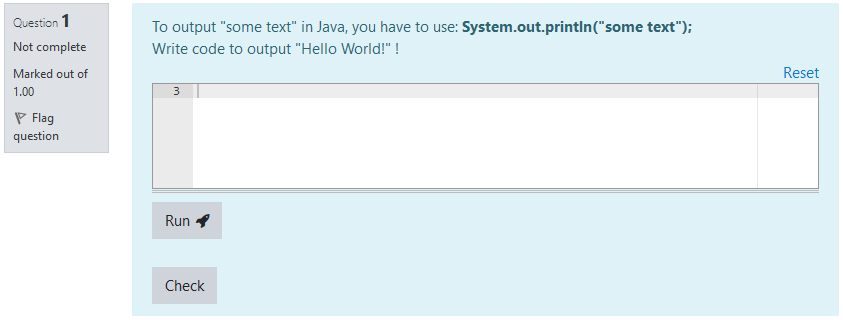
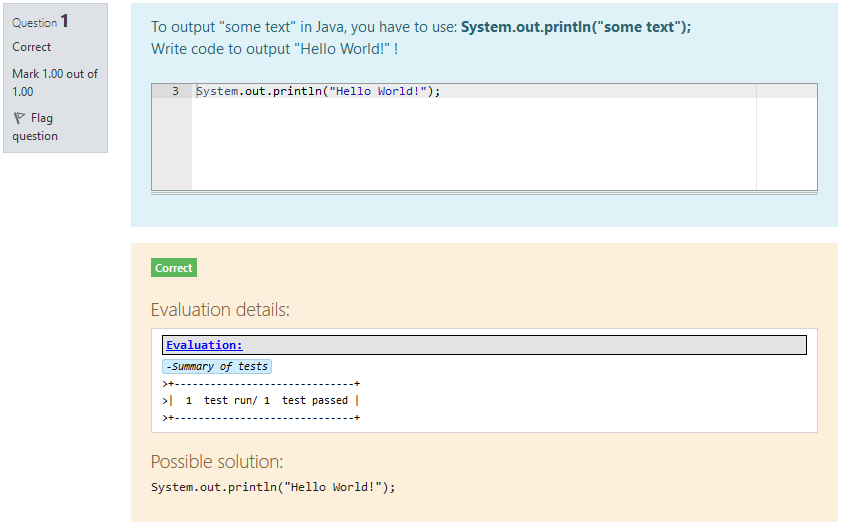
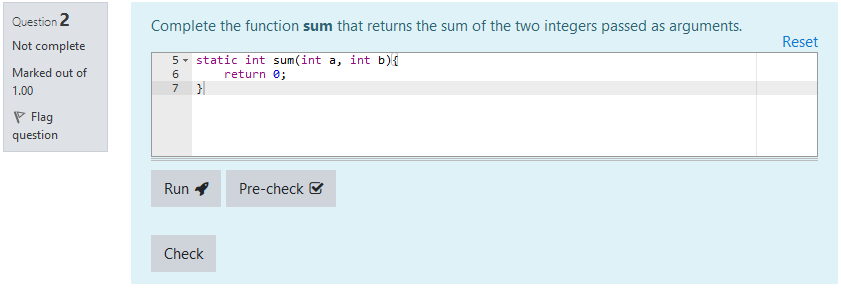
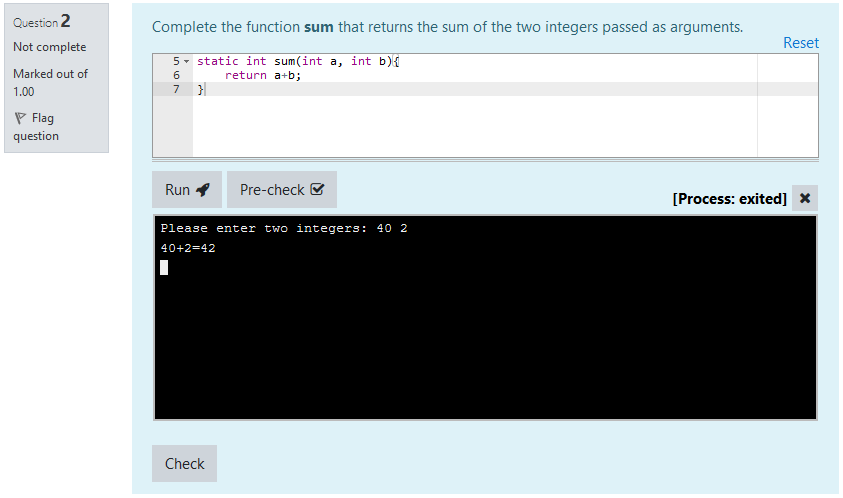
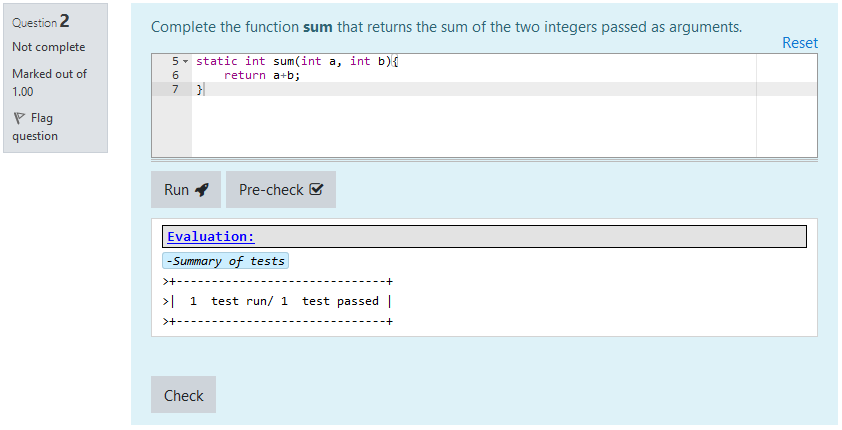
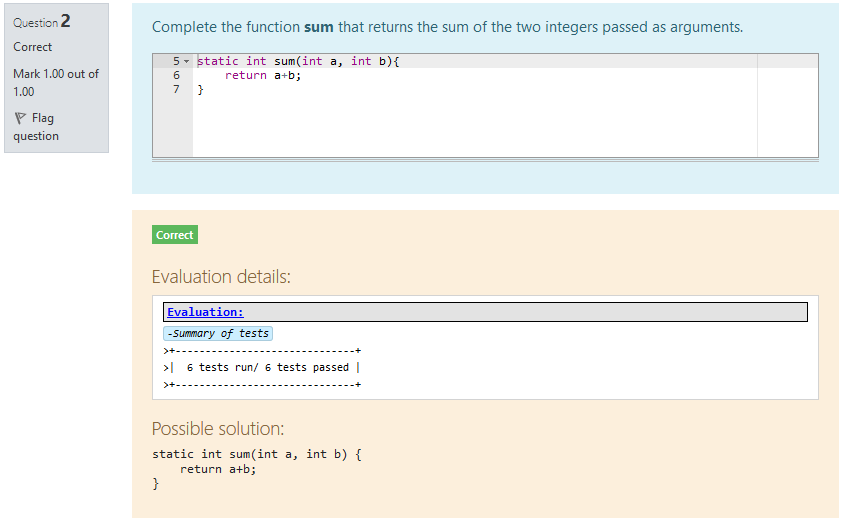
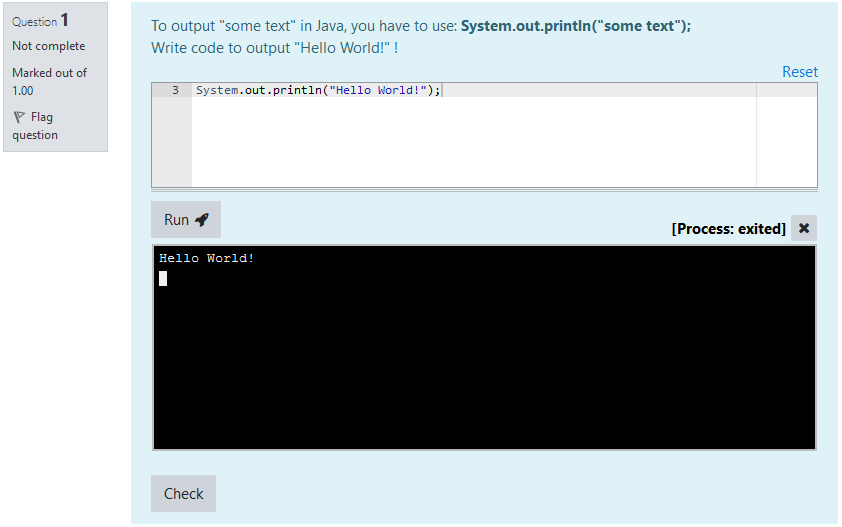
VPL Questions are questions that can fit within a Moodle quiz. They are intended to create small to medium coding exercises, based on the Virtual Programming Lab plugin.
They are designed to offer a simple interface for students, while keeping the power and versatility of Virtual Programming Labs.
Comments
Comments are no longer open for new posts. Existing comments remain available to read.
I have done everything that’s mentioned in the instructions above.
pre_vpl_run.sh is setup and I have extended the maximum number of files to 30. Should I try a higher number ?
I am using moodle 4, maybe that’s an issue ?
Did you create an execution file "pre_vpl_run.sh" with appropriate content, as described in the plugin description? Also, did you extend the maximum number of files to a large enough number?
Please let me know if you manage to get through your issue
Best regards,
Astor
VPL Question plugin has not been tested yet on Moodle 4.0. However, current version might work on 4.0+ without further modifications.
About the error you are getting: I am planning to support and catch this kind of error in a better way to give more precise feedback on what happened. I am aware that current messages can be a little cryptic, because a lot of things can actually go wrong during communication with an external server.
These issues should be adressed in the next release of the plugin.
Best regards,
Astor
I am having trouble seting up test cases with VPL Question.
I always get the message : No test case found.
However, it is working fine when creating a standard VPL activity.
Any idea where I could be going wrong ?
Also, is it possible to use python turtle with VPL Question ?
Thank you.
Is it possible to use on Moodle 4.0?
My VPL works well but VPL-Question is not work well.
I have some problems with this plug-in about grading.
I have seen this but I couldn't make it.
URL: https://moodle.org/mod/forum/discuss.php?d=415746
The error is this.
Evaluation error:
An error occured during question grading (no grade obtained). Execution server was silent - no message received.
I can able to fix the above mentioned issue by writing the custom CSS in the Theme Settings.
Thanks you very much for your help and suggestions.
I am using edumy theme for my moodle.
Now i can able to display the CLOSE button successfully by inspecting the elements via browser but i dont know in which file i want to make the correction.
Please refer the following screen shot which i modified by inspecting element and let me know in which filename and pathname i want to make the changes.
screen shot 1: https://prnt.sc/Otnejq0a6d7a
Screen shot 2: https://prnt.sc/nnQNUhD7mNaE
if i focus the mouse cursor near "all:some number" ex: all:28 the path is displaying as
localhost://theme/styles.php/edumy/1600715133_1/all:28
I could able to identify the exact path of the above mentioned url while inspecting element
- What theme are you using? If the problem is related with it, I can work out a new release supporting this theme.
- Can you test with a different, standard theme like boost?
Temporary solution: you can type
document.querySelector('button.close-terminal').click()
in javascript console.
Astor
Thanks for your reply, Currently i am using mod_vpl version is: 3.5.0
The Screen shot is provided below for your reference
Screen Shot 1: https://prnt.sc/NXyaTARQ86xQ
Screen Shot 2: https://prnt.sc/zg2urDF1s71z
Screen Shot 3: https://prnt.sc/YRoWj_GAyOET
Temporarily Is there any way available to close the terminal programmatically (by typing some commands?
Please Note: I am unable to submit the issue in the URL which you shared because i am getting error during signup. I tried to signup with my business mail and also personal mail but its showing some saying "An error occurred".
This is the first time I hear about this kind of issue. The terminal is not supposed to open in a popup window.
What version of mod_vpl are you using?
You can report this issue on https://gricad-gitlab.univ-grenoble-alpes.fr/bizarda/moodle-qtype_vplquestion/-/issues and provide any useful information and screenshots.
Astor
I have successfully installed and configured "VPL Question" plugin with my moodle version 3.11. I have a critical DESIGN ISSUE which was described below:
Issue Name: CLOSE image button not visible on the Console
Description: After executing any program a console window open in Popup, but the CLOSE icon in the top left corner is hidden.
But in the screen shot provided in this plugin, the console window DOES NOT open in popup, it opens below the RUN button, So please suggest me any of the following:
1. is there any setting available to avoid console open as popup
2. how to make the CLOSE button visible
Thank you for finding about this bug, I will fix it!
Astor
I think I found a bug in the code and I am not quite sure how to communicate this bug, I just post it here: The problem is in line 74 of moodle-qtype_vplquestion/amd/src/vplservice.js (submit SHA 7f14f835), which reads:
reqfile.contents = template.replace(/([ \t]*)(.*)\{\{ANSWER\}\}/i, '$1$2' + answer.split('\n').join('\n$1'));
I noticed this bug since my "teacher answer" was just "19" in a test. Now, '$1$2' + answer.split('\n').join('\n$1') becomes something like '$1$219\n$1' in which javascript then reads $21 as the "21st match" (up to two digits are read following a $ in javascript apparently).
In effect, when an answer starts with a digit, the digit just gets dropped...
Regards,
Till
I'm glad it improved! However, Run and Pre-Check are in fact supposed to do something, yes
If these buttons have no effect only for students, it may be because of VPL settings (is your VPL set to allow "run" action? This can be checked in "execution options" on the VPL side).
If these buttons have no effect for anyone, can you please provide what is written in your browser console when you click them? (it can be opened by pressing F12 for most browsers / OS, maybe Cmd+Opt+C on Safari)
Astor
Thank you for the response. We upgraded VPL to 3.4.2 and VPL Question to 1.3.7.
I'm now able to create VPL questions and use them in quizzes and the grades are being correctly computed. However, is the interface supposed to be like writing code on paper but having VPL auto grade the code. The reason I ask is because the Run and Pre-Check buttons don't have any visible effects for students so my worry is that students might lose points for incorrect syntax in a 10 line function without being aware of a missing comma or semi-colon.
Thanks, Prasanna