
VPL Question
Maintained by
Astor Bizard
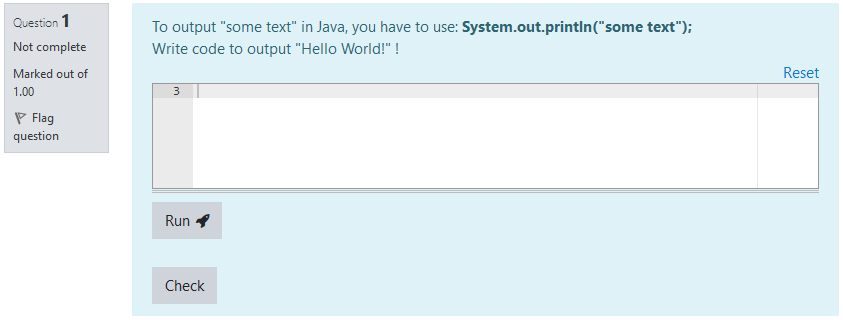
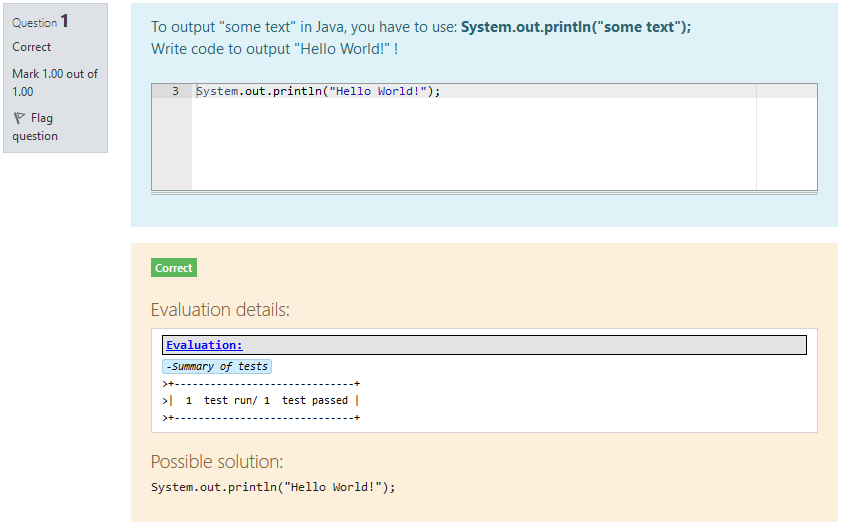
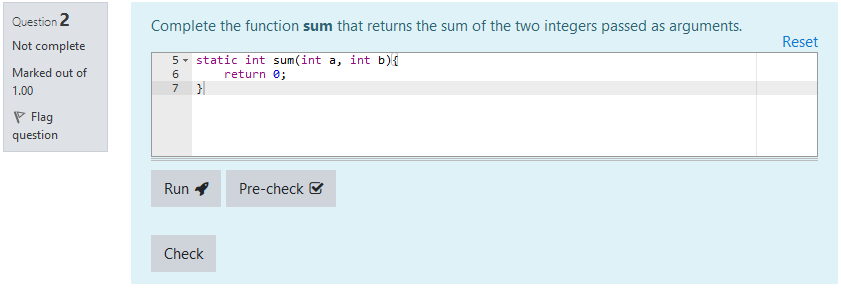
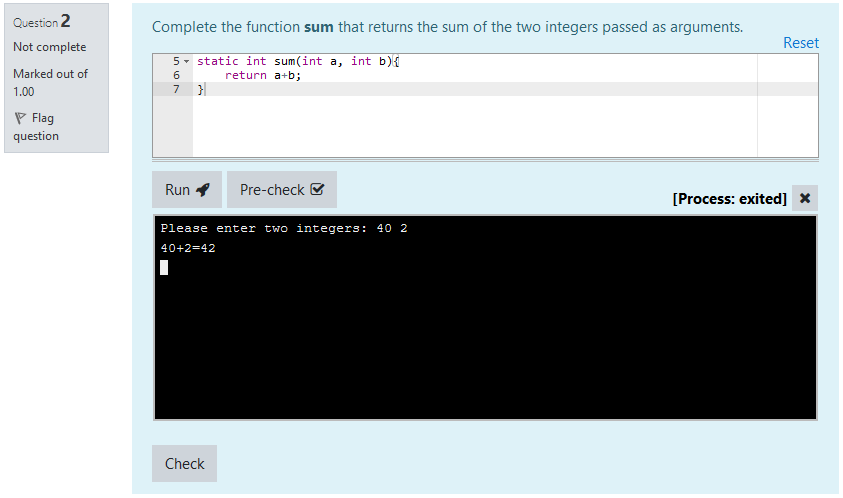
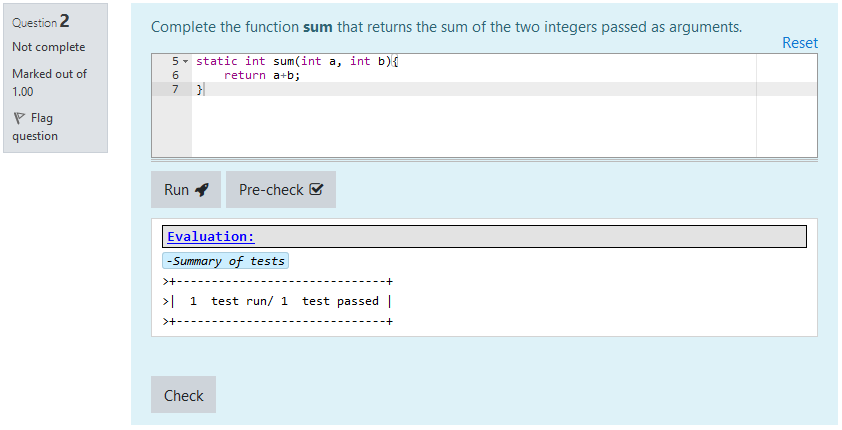
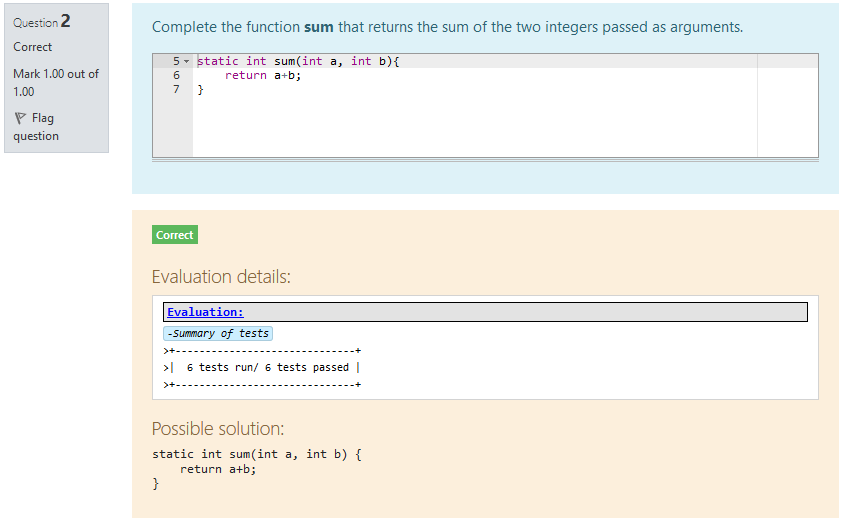
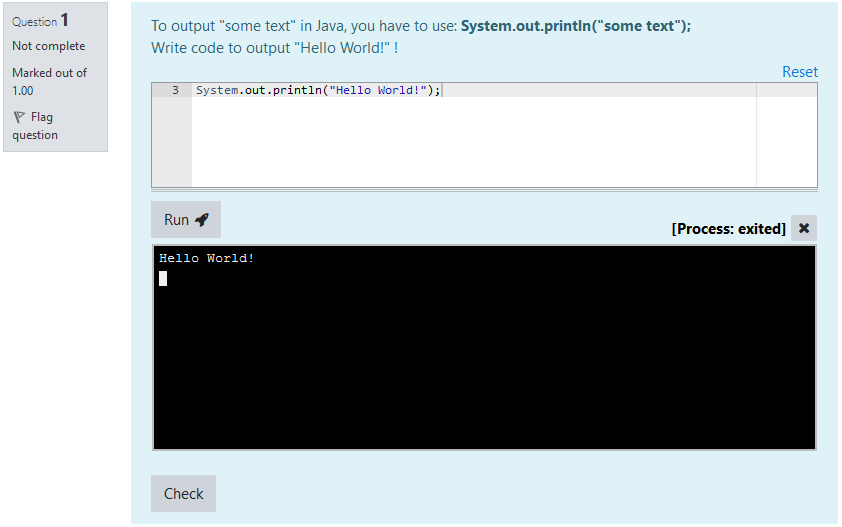
VPL Questions are questions that can fit within a Moodle quiz. They are intended to create small to medium coding exercises, based on the Virtual Programming Lab plugin.
They are designed to offer a simple interface for students, while keeping the power and versatility of Virtual Programming Labs.
Comments
Comments are no longer open for new posts. Existing comments remain available to read.
I thought VPL v4.2.0 was only for Moodle 4.2, hence the confusion.
You can use VPL Question 1.8.0 on Moodle 4.1, as long as the VPL is v4.2.0 onward
Thank you for the notice, I will clarify the release accordingly.
Astor
thank you for the quick fix. Unfortunately, on our site we use Moodle 4.1.5+ together with VPL 4.2.0. Would it be possible to have a fix for such a combination, too? If I understand it correctly, the latest release of VPL Question Plugin is only compatible with Moodle 4.2?
Best regards
Kay
The compatibility issue with VPL v4.2.0 for Moodle 4.2 should be fixed by the latest release.
Best regards,
Astor
I will work on this as soon as possible.
In the meantime, I will put a notice in the plugin description and declare it not compatible with Moodle 4.2.
VPL Question 1.7.0 indeed seems to fix the import problem. In my initial tests, the referenced VPL still was found in the imported questions. Unfortunately, the latest VPL plugin (Version 4.2) seems to produce some problems. In the preferences of a VPL question, under the section "Execution files and evaluate settings" everything is empty, though the referenced VPL is correctly chosen. Run and Pre-check do also not work. This happens only with VPL Plugin Version 4.2. Maybe, there is some fundamental change in Version 4.2 that needs an adjustment in the VPL Question plugin?
Thanks again for all the work you put in it.
Best regards
Kay
This is a nice idea!
VPL Questions have always had a problem when it came to copying.
I will think about these suggestions, it seems feasible
Best regards
Astor
in June 2020, Andreas Siebel pointed out "When I copy or clone a course with vp_questions, all questions will be invalid, because the id of the VPL activity has changed." You provided a fix in version 1.3.0 which allows changing the VPL of a VPL question after the import.
In my moodle course, I have roughly 100 VPL questions in which I must fix the VPL after the import / clone into a new course, which costs a lot of time an is error-prone. Over the years, many more VPL questions may be added to the repository and thus the time needed to fix the referenced VPL for each question will continuously increase. To make the situation worse, there may exist more than one VPL used in VPL questions which makes it difficult to choose the right VPL when editing a VPL question after the import / clone.
Would it be feasible to store not only the id of the referenced VPL in a VPL question but additionally the name of that VPL (only internally, not user-editable)? Then, during the processing of a question, if the referenced VPL could not be found based on its stored id, it could be searched based upon the internally stored name (which needed to be unique in the course) and maybe the id could also be updated along with it.
Alternatively, maybe we could have some button or menu entry to launch an update process after the import which tries to update the referenced VPL in VPL questions based upon the mechanism described above?
What do you think about it?
Thanks for the great work!
Kay
This plugin should be compatible with version 4.2, even though I have not tested it yet.
This error is raised when the websocket that is open with the execution server does not recieve the "retrieve" message from the server, that indicates that evaluation is over.
What happens if you submit and evaluate the code from the VPL the question is linked to?
An error occurred during question grading (no grade obtained).
Execution server was silent - no message received.
I get the same error if I try to validate.
Is there a setting that I should investigate?
What exactly do you mean by "not working"?
Did you correctly set the Maximum number of files to a sufficient number in your VPL settings? Also, did you create the pre_vpl_run.sh file in execution files?
I have some doubt to making questions now.
This quiz is work properly on VPL activity. But on the VPL Quiz, it is not working.
I think my setting is not wrong. But I don't know exactly.
Please check my question first and if you know, could you tell me why it is not working?
Here is my quiz.
---------------------------------------------------------------------------------
Edit Template:
import java.util.Scanner;
public class alarm {
public static void alarm(){
{{ANSWER}}
}
public static void main(String[] args) {
alarm();
}
}
---------------------------------------------------------------------------------
Answer Template:
EMPTY
---------------------------------------------------------------------------------
Teacher Correction:
Scanner scanner = new Scanner(System.in);
int H = scanner.nextInt();
int M = scanner.nextInt();
if (M < 45) {
H--;
M = 60 - (45 - M);
if (H < 0) {
H = 23;
}
System.out.println(H + " " + M);
} else {
System.out.println(H + " " + (M - 45));
}
scanner.close();
---------------------------------------------------------------------------------
Execution File:
Case=Test1
input=10
10
output=9 25
Case=Test2
input=0
30
output=23 45
Case=Test3
input=23
40
output=22 55
Moodle 4 shouldn't be a problem. Did you correctly set the vpl_evaluate.cases file contents in the question form?
If you did, I am afraid I cannot help you further...
Good luck anyway, I hope you'll get through it!
Best regards,
Astor