
Multi-factor authentication
Premium Certified Partner
Maintained by
Brendan Heywood, Catalyst IT, Peter Burnett, Mikhail Golenkov
This is a Moodle plugin which adds Multi-Factor authentication (MFA), also known as Two-factor authentication (2FA) on top of your existing chosen authentication plugins.
https://en.wikipedia.org/wiki/Multi-factor_authentication

Comments
Comments are no longer open for new posts. Existing comments remain available to read.
User account
Edit profile
Change password
Preferred language
Forum preferences
Editor preferences
Calendar preferences
Content bank preferences
Message preferences
Notification preferences. Any ideas on how to proceed.? Nothing jumps at me in the log files.
I want to use the atutenticator app only, the authenticator app and the grace period is enabled, and I have the message to setup the app.
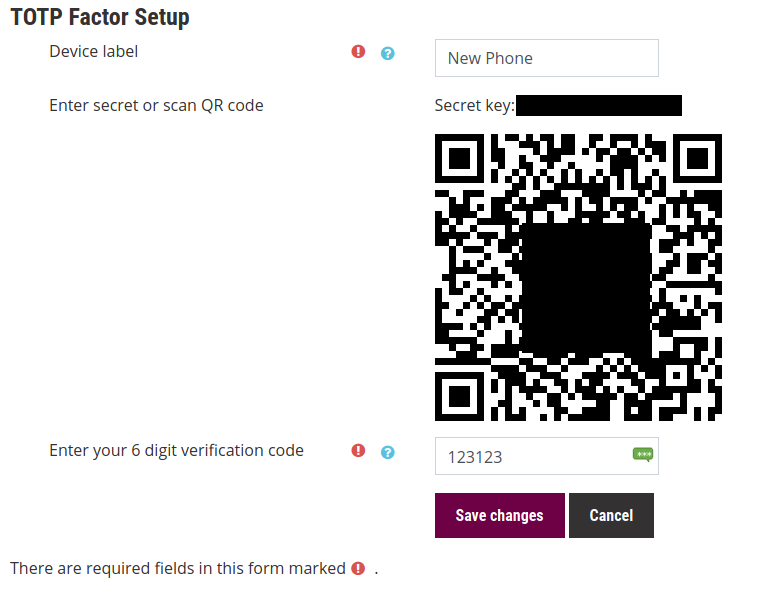
In this screen I can put the Device Label, scan the QR Code in Twilio, Microsoft Authenticator or google authentichator, I and a config the service in cell phone.
But when I try to put the verification code for confirmation, I have the message of incorrect verification code, and i can't save the configuration to finish.
What can be the issue?
I am not overly keen on working around a very broken community theme unfortunately, as to do so would likely worsen support for other themes.
Coding error detected, it must be fixed by a programmer: page layout file [dirroot]/theme/edumy/layout/columns2.php does not contain the main content placeholder, please include "<?php echo $OUTPUT->main_content() ?>" in theme layout file.
I'm not entire surely how to fix this problem. I have already tried suggestion above and also raised support ticket with Edumy but they have been very unresponsive. I desperately need to fix this as have a client using this Edumy theme with MFA plugin but it does not work at all properly at the moment because of this error.
The MFA plugin works perfectly fine with BOOST theme so I'm guessing the Edumy theme is causing this weird issue with this MFA plugin.
Any suggestions would be greatly appreciated.
Its not currently tenancy aware. We have had some passing interest in getting it there, but we haven't had a sponsor or the time to put towards it currently.
Yes the application works with Microsoft authenticator, in TOTP mode via a QR code.
Is it possible to make your plugin work with microsoft's Authenticator app?
Kind regards
The only thing that I found a bit puzzling in the start was parts of the documentation.
1. Do NOT enter any settings in the configuration dialog when installing. You are not logged inn yet and you may lock yourself out. (This is written at the bottom of the README on git hub).
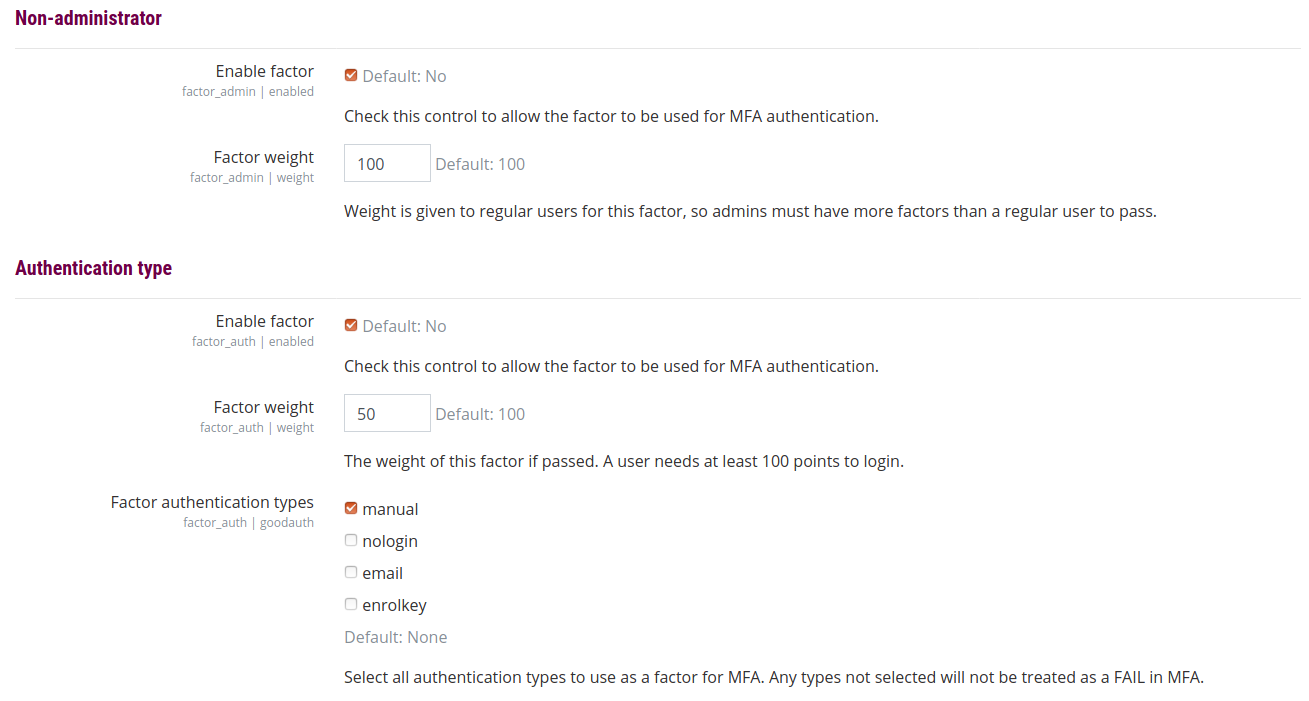
2. To access the configuration dialog, go to "System administration", tab "Plugins", section "Admin tools", item "Multi-factor authentication".
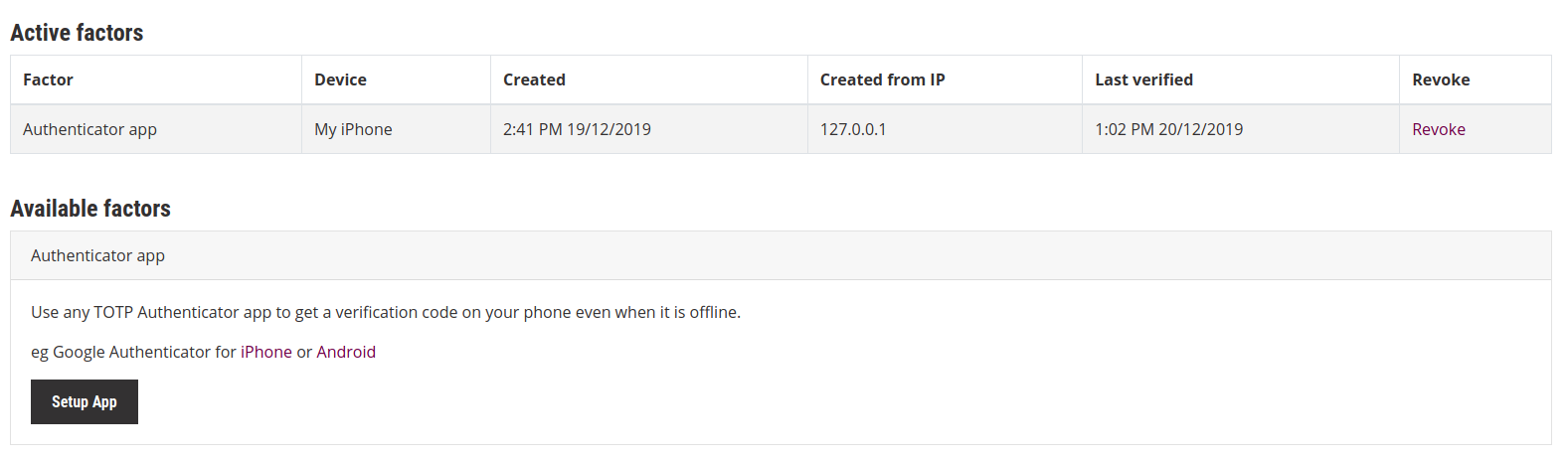
3. The user's QR code is found under the user's profile (icon on top right of Moodle window), "Preferences", "Multi-factor authentication preferences"
That's it.
Everything else works like a charm. Good help texts for the users. Works very well. Highly recommended.
It looks like user filtering factors is what you need. You can target your admins / teachers by their auth type, roles, capabilities. Please refer to plugin docs: https://github.com/catalyst/moodle-tool_mfa#user-filtering-factors
Kind regards,
Mikhail
@j. luis simon I recommend implementing this instead as a callback using $factor->post_pass_state() method, and override this method in the new factor class. It is invoked every time authentication passes, so you can use this to store the IP of the user, which can be used in comparison at next lookup. I would be really careful with IP in general, there are many many conditions that can make IP change between requests (proxy, ISP etc)
@Peter Kelly Currently there is no way to override this by default, however you could change the language strings in a custom language pack, or override it in your site theme.
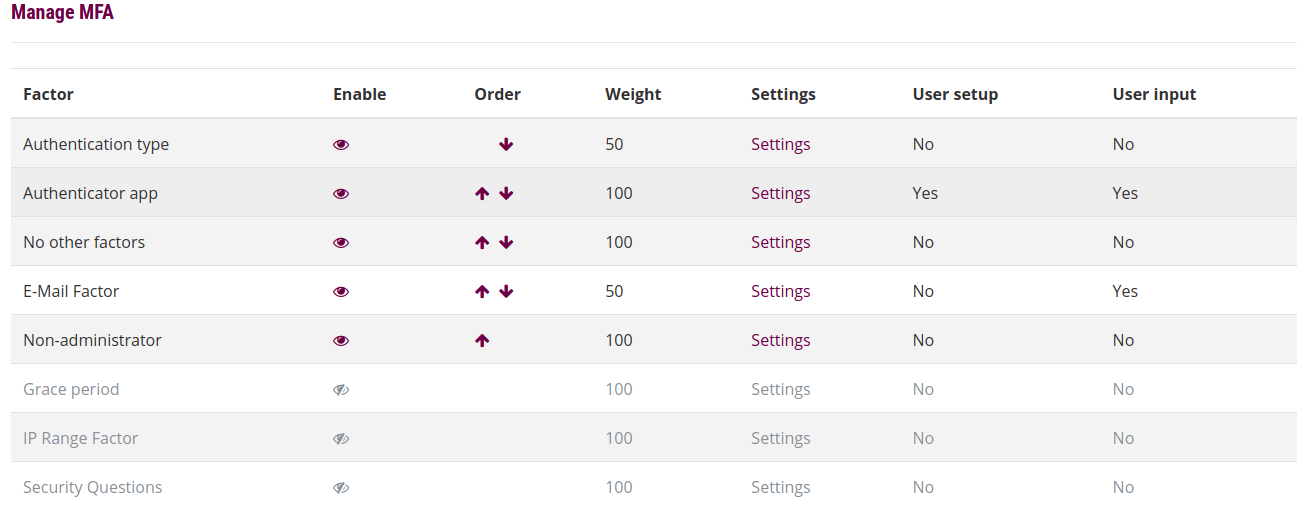
@Hanspeter Rutschmann The table lives here /admin/settings.php?section=managemfa