Multi-factor authentication icon

Multi-factor authentication

Premium Certified Partner
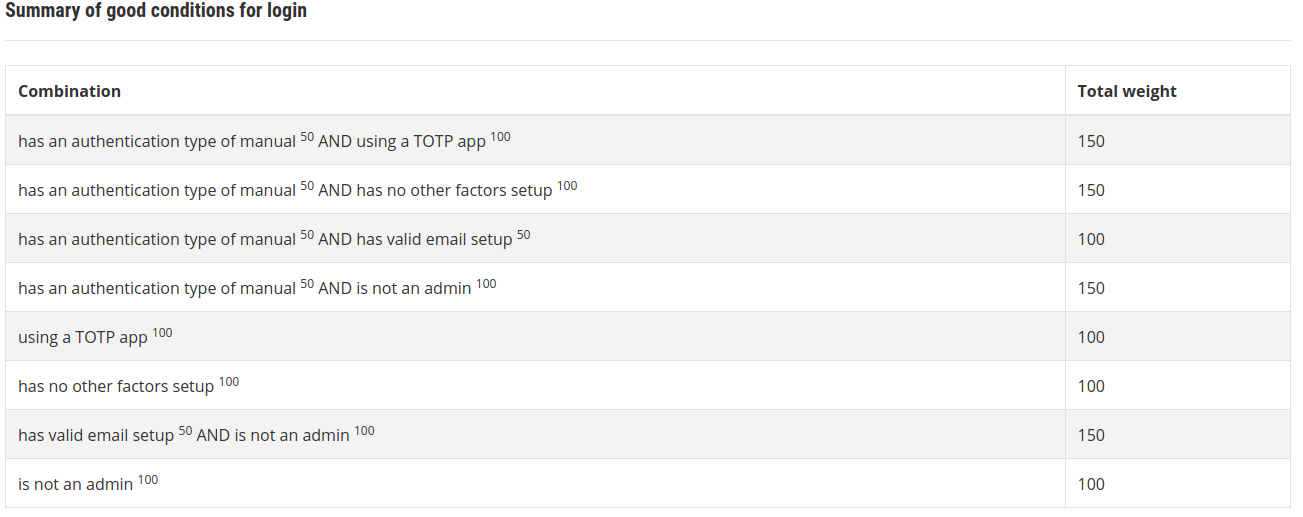
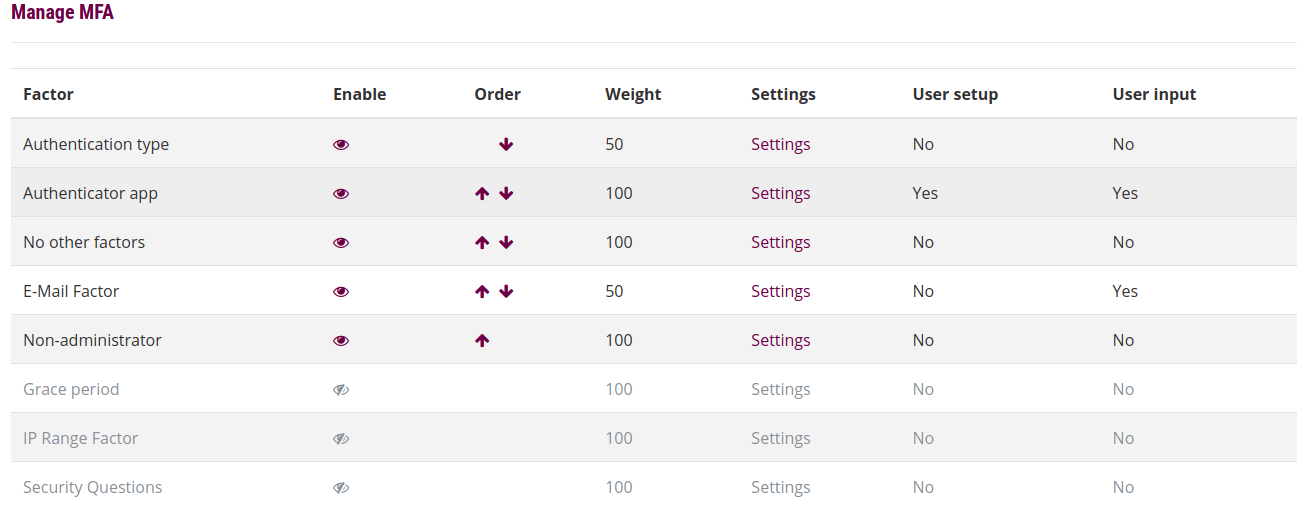
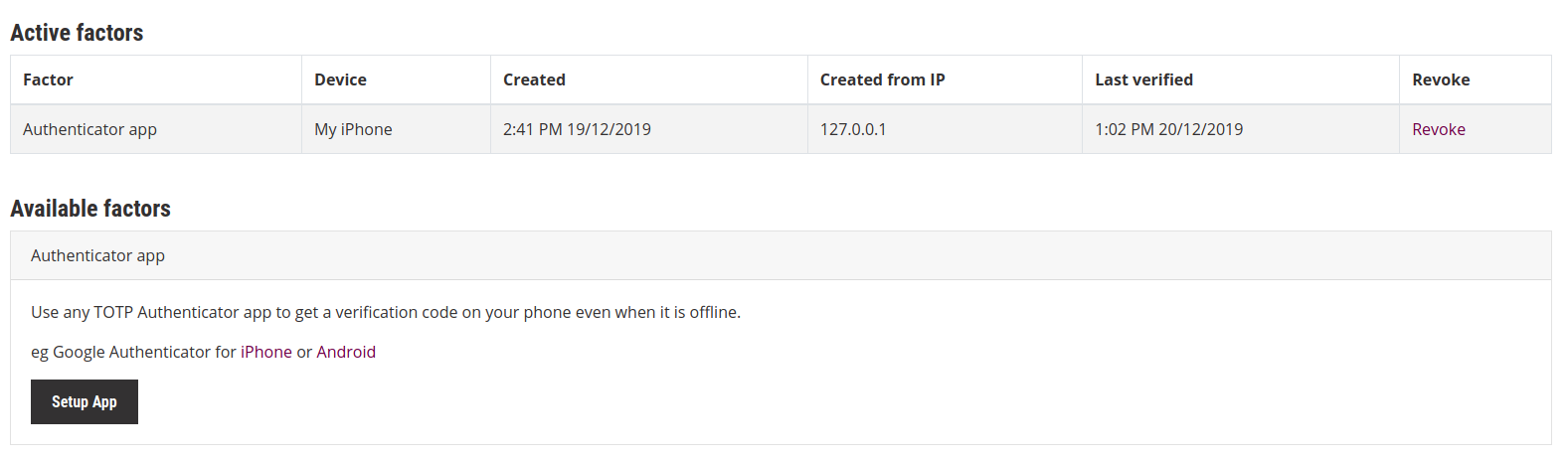
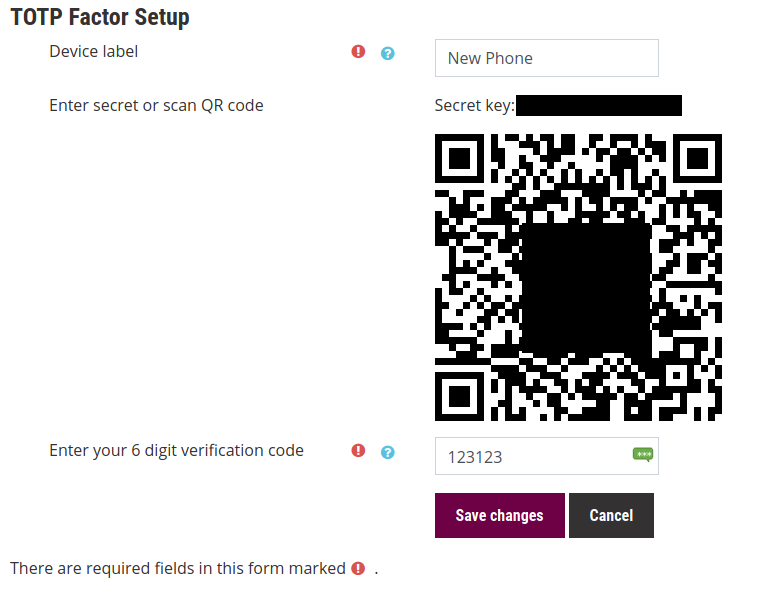
This is a Moodle plugin which adds Multi-Factor authentication (MFA), also known as Two-factor authentication (2FA) on top of your existing chosen authentication plugins. https://en.wikipedia.org/wiki/Multi-factor_authentication
Price option: Free

Supports Moodle 3.5-4.2 See all versions
Latest release: 2 years ago
Installations: 530
Downloads (last 90 days): 236

Frankenstyle name: tool_mfa
Administration tools

Comments

Comments are no longer open for new posts. Existing comments remain available to read.

Hi, is there any information on the "I didn't receive a code" button? How it works? Thank you, Natasha
Dubious Question Alert:
Above, Peter said: "Moodle HQ have adopted the existing plugin, so no additional work or config should be required".
In the context of upgrading from Moodle 4.1 with your plugin - to Moodle 4.5:
Should I uninstall the older plugin (if 4.5 has this in the core) - or just leave it in place?
Thanks so much!!
we have enabled factor_token (Trust My Device) so that MFA will only be done once a day but couldn't seem to get it to work. is there special configuration needed? our moodle is load balanced into 4 different webservers with redis sessions and cache enabled.
Good afternoon, I wanted to ask a question, to install the plugin in 3.8, is it not enough to just install the plugin? I understand that you also have to configure certain parameters from the server and install a git, is that correct?
I used multi-factor, one of the factors is email which is given 14 days. A specific user logs in without new verification, I want to enforce this use to login. In the database, there are 3 tables that are obvious for the "too_mfa_xxx", I removed every record in the 3 tables of the database that relates to that specific user and he still logs in without new verification code.
How to enforce this user to have a new authentication?
Thanks,
Good morning,
Is this compatible with version 4.4?
Hi, Is there an estimate as to when the SMS feature will be available?
Hi Catalyst Great plugin. Does it support IPv6 address for IP authentication. If not is there a workaround?
I reached it and modified the related mustache file.
On the other hand, I am trying to reset authentication factors for a user, I applied all factors that are active, but the user still logs in without new factor enforcement.
Should I consider this as a bug? I am using Moodle 4.3.3.
A wonderful addition to Moodle, I like it very much.
I am trying to customize email messages using email factor, I found the customization in the language file factor_email.php, but could not find anything about the logo which I want to completely remove.
In the language files, I could not find anything related. Is it hard coded? If so, which appears to be, would you guide me where? In which file?
Thanks a lot,
Please can you update the version in the Moodle plugins directory. We have encountered what looks like this bug: Using email MFA behind VPN with private-range IP addresses results in exception https://github.com/catalyst/moodle-tool_mfa/issues/444
Thank you
Hi, Thanks for a fantastic plugin. I'm just wondering if its possible to modify/customize the email that is sent by the MFA plugin?
Hi Zoran, no migration should be required, it is the exact same plugin within core, Moodle HQ have adopted the existing plugin, so no additional work or config should be required.
We are using this plugin on our Moodle 4.2. IT says Moodle 4.3 has MFA in the core, but there are no instructions about migrating existing data from MFA plugin to MFA core. Will upgrade scripts automatically do it or there are some additional steps required?
Good evening, I'm a Moodle student and I'd like to know if you can help me install the MFA plugin because on the link https://github.com/catalyst/moodle-tool_mfa/ it's really complicated for me to install and configure it. I use Moodle 4 and the eguru theme.