Multi-factor authentication icon

Multi-factor authentication

Premium Certified Partner
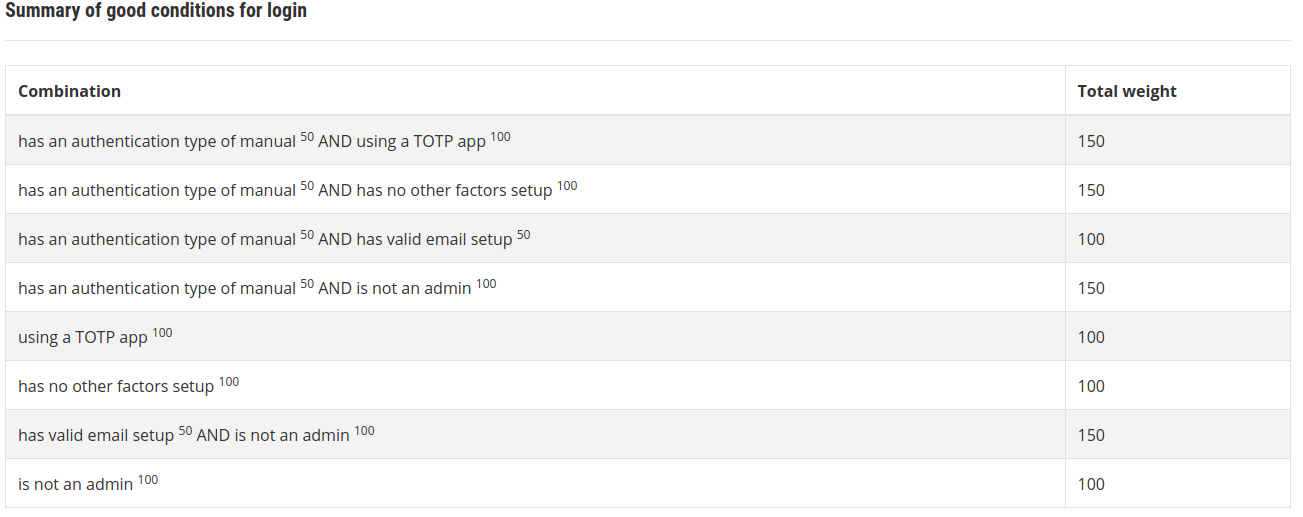
This is a Moodle plugin which adds Multi-Factor authentication (MFA), also known as Two-factor authentication (2FA) on top of your existing chosen authentication plugins. https://en.wikipedia.org/wiki/Multi-factor_authentication
Price option: Free

Supports Moodle 3.5-4.2 See all versions
Latest release: 2 years ago
Installations: 530
Downloads (last 90 days): 236

Frankenstyle name: tool_mfa
Administration tools

Comments

Comments are no longer open for new posts. Existing comments remain available to read.

Hi Razi, can you please move this discussion over to the github issue board for the plugin, so we can more easily help you.
Hi Guys, I enable email factor for admin and I did not receive a code in my email. Now I cant login my admin account. Please help me..
Hi Peter, Similar to the above comment, we do not anticipate many issues with 4.0 and this plugin, as the core API's have not yet had any breaking changes to cause issues in the plugin, so at this point any work needed should be minimal if any.
Hi Chris. This plugin shouldn't have any issues running on M3.10 or 3.11. Our integration CI runs on those versions and all tests are passing, and we are not aware of any breaking API changes in those versions.
Hi folks quick-fire question has this been tested with M3.10 / M3.11? Cheers!
Hi guys,
We have built a custom theme for Moodle for a customer and are using this plugin in concert with that. It as been working very well so far.
However, due to our own custom theme and the upcoming 2022/2023 Moodle 4.0 changes to the theme, we are trying to anticipate any extra work we'll have to charge due to this update.
Because it seemed wise to take the plugins we use into account as well, I'd like to ask you wether they anticipate any trouble with the upcoming Moodle version in the context of this plugin? How fast can we expect an update? Anything we can do ourselves?
We know it's fairly early, but this client is a very big and bureaucratic one, and any and all information will be useful to us.
I also thought it might be good to start a general Moodle 4.0 megathread for the (undoubtedly volumous) questions that will appear.
Will there be a new version published here of the tool_mfa plugin? The version on Github is more recent than the latest version on this page.
I have a question about the "Role factor". Is it possible to force several roles like teachers and admins to use TOTP as authentication method and make it optional for students?
it looks like updating to the version in Github fixed the issue for the login as it is recent than the one here in Moodle plugins; but in the user preferences admin/tool/mfa/user_preferences.php the issue still exists and gives the error below
Coding error detected, it must be fixed by a programmer: page layout file [dirroot]/theme/edumy/layout/columns2.php does not contain the main content placeholder, please include "<?php echo $OUTPUT->main_content() ?>" in theme layout file.
Hi,
First I would like to thank you for this plugin.
I tried to use the plugin with a commercial theme called Edumy but I got the below error, So I contacted the theme support and they replied as below.
Any idea how can I fix this, or is there a new release of the plugin that will solve this issue?
ERROR:
Coding error detected, it must be fixed by a programmer: page layout file [dirroot]/theme/edumy/layout/ccn_minimal.php does not contain the main content placeholder, please include "<?php echo $OUTPUT->main_content() ?>" in the theme layout file.
Theme Support Response:
"Edumy already does include all required functions for the main content area on the page. It appears that the plugin is using an outdated method of printing content into the body area.
Hope this helps to clarify!"
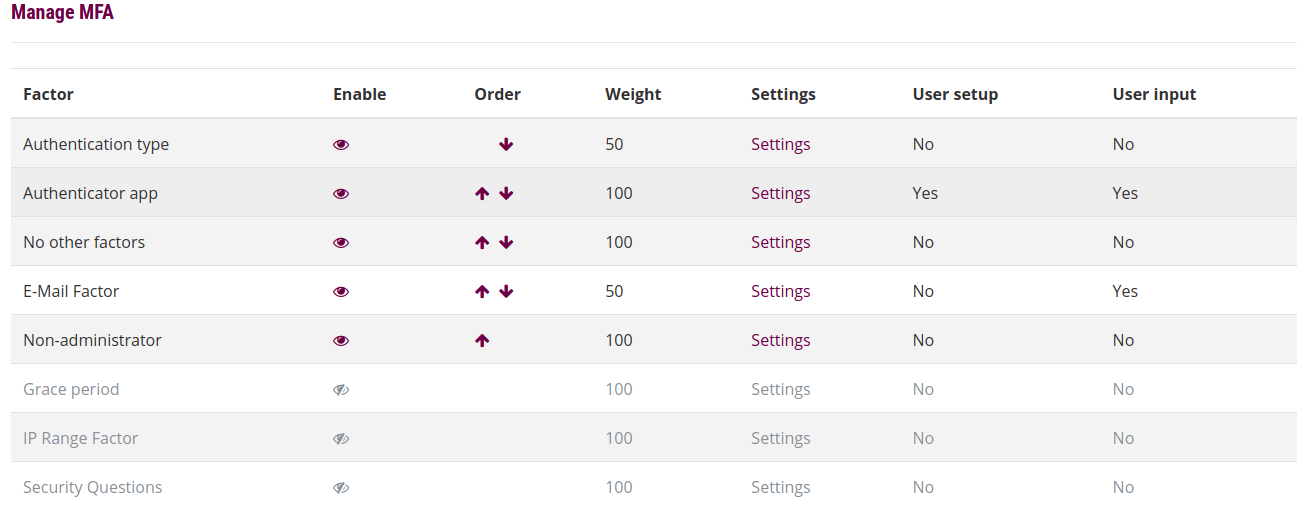
Hi Timm, the intended way to solve this issue is to use the gracemode factor. It allows you to set a configurable period during which users are able to setup another factor for use, such as TOTP or SMS. Simply enable it, and it will allow new users to pass MFA, and prompt them to setup a factor for use.
I got the SMS sending issue figured out, it was a permission issue with the IAM user. But now that I have it working, there seems to be a bit of a conundrum with registering a new account, while requiring SMS TOTP codes.
If a user self-registers, and confirms their account, they cannot log in the first time while MFA via SMS is required.
We are collecting the cellular number at registration, so the system knows what it is, but the number has not been validated yet, so it cannot be used. But the user cannot log in and validate it. A bit of a catch 22. What is the proper way to allow self-registration AND require SMS TOTP codes at the same time?
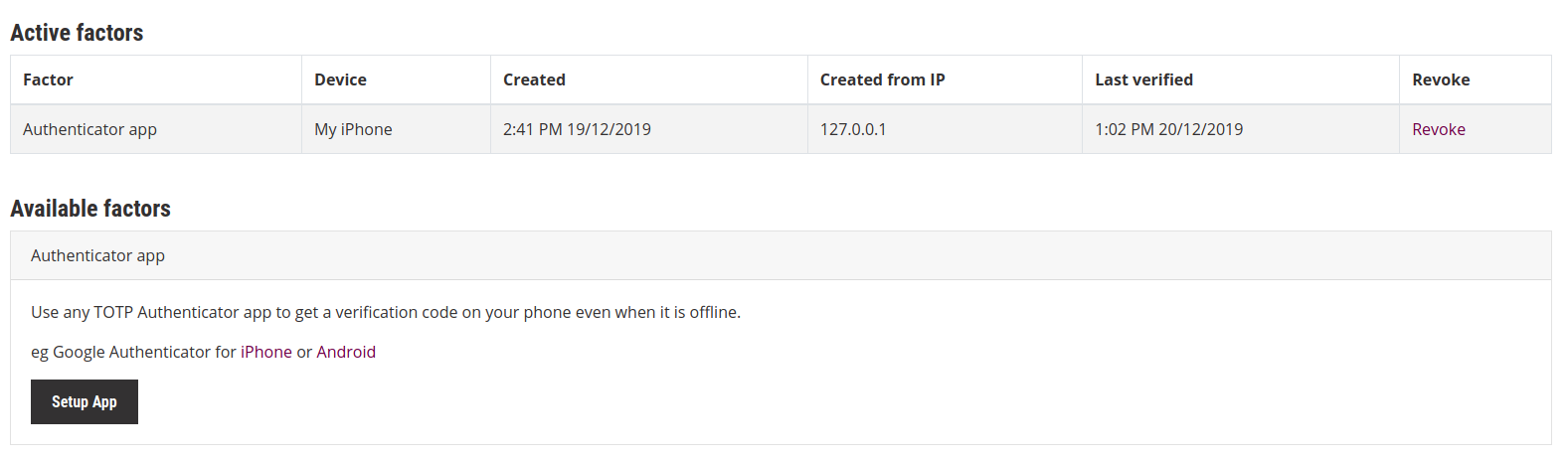
Hi Timm, It should be as simple as setting the AWS credentials inside the SMS factor settings, and then having users setup the factor from the user preferences page. Once setup, if the factor is set for use in the list, users should receive an SMS. If this is not coming through, it may be worth checking the AWS SNS API and seeing if there are any reported error responses to API calls, to see if there is a permissions issue or similar that may need resolving on the AWS side.
Is there any documentation that explains how to set up SMS? I have my AWS SNS account provisioned for Mobile text messaging (SMS) production access, and I can manually send SMS messages via the CLI and Console, but I cannot for the life of me figure out how to send Mobile SMS from the plugin via Moodle.