Multi-factor authentication icon

Multi-factor authentication

Premium Certified Partner
This is a Moodle plugin which adds Multi-Factor authentication (MFA), also known as Two-factor authentication (2FA) on top of your existing chosen authentication plugins. https://en.wikipedia.org/wiki/Multi-factor_authentication
Price option: Free

Supports Moodle 3.5-4.2 See all versions
Latest release: 2 years ago
Installations: 530
Downloads (last 90 days): 236

Frankenstyle name: tool_mfa
Administration tools

Comments

Comments are no longer open for new posts. Existing comments remain available to read.

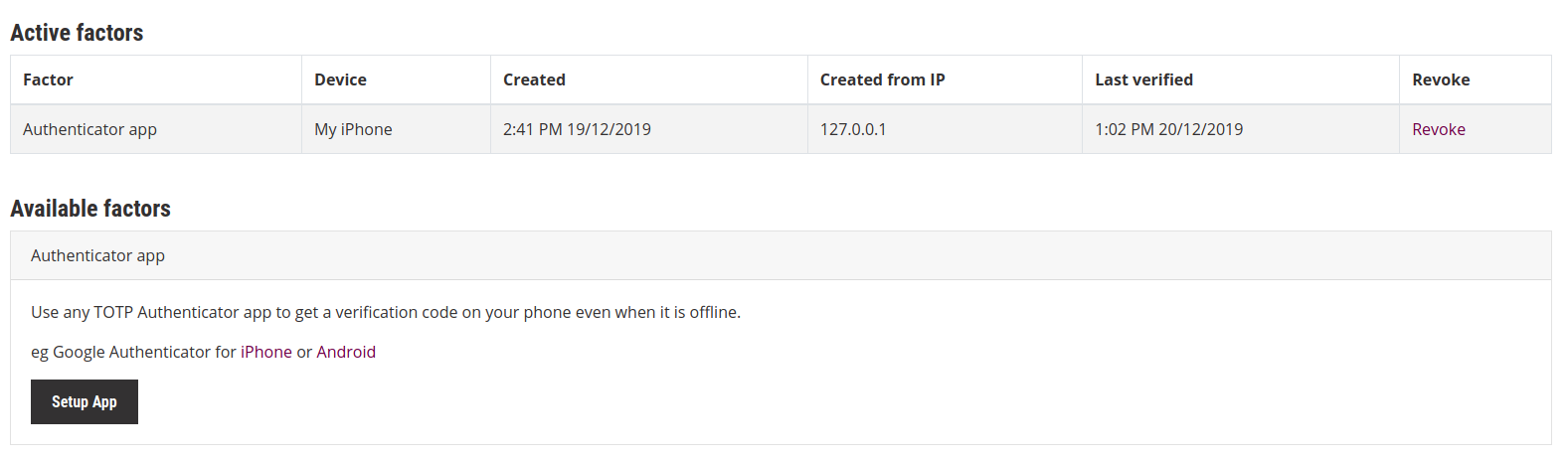
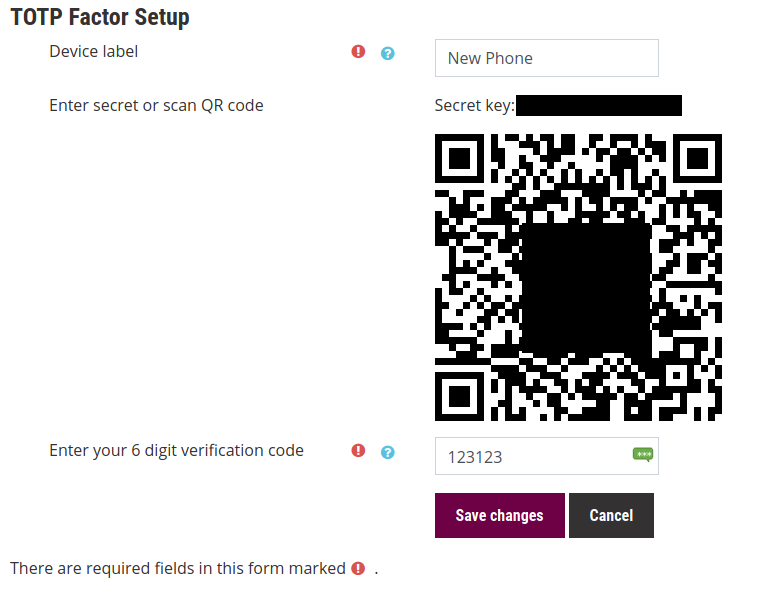
How can a user get QR code for app authentication factor? Once I enable app auth factor, it is in user's preferences, but user can't login to get to his preferences page. If I disable app auth factor and let user login to the system again, he doesn't have app authentication options in his profile so he can't get the QR code. Is administrator supposed to login as each user, copy the QR code and send it to each user? That would be rediculous so I'm gessing I must be missing something?
I really love tool:mfa. Thanks very much for it.
Now my question, I am trying to develop a subplugin (a factor) that enables user login if connnection attempt comes from same IP of last succesful login. My way of implementing that is based on a observer listening to event 'core\event\user_loggedin' and I try to declare observer in /admin/tool/mfa/factor/mynewfactor/db/events.php but apparently Moodle ignores that. am I right if I suppose that db-events scheme doesn´t work for factor subplugins?
Thanks again very much in advance,
luis (from sunny Spain)
Hi, i was wondering if there was any way to adjust the verification request page, to change the message and buttons when asking for the verification code?
Thanks @Peter Burnett!
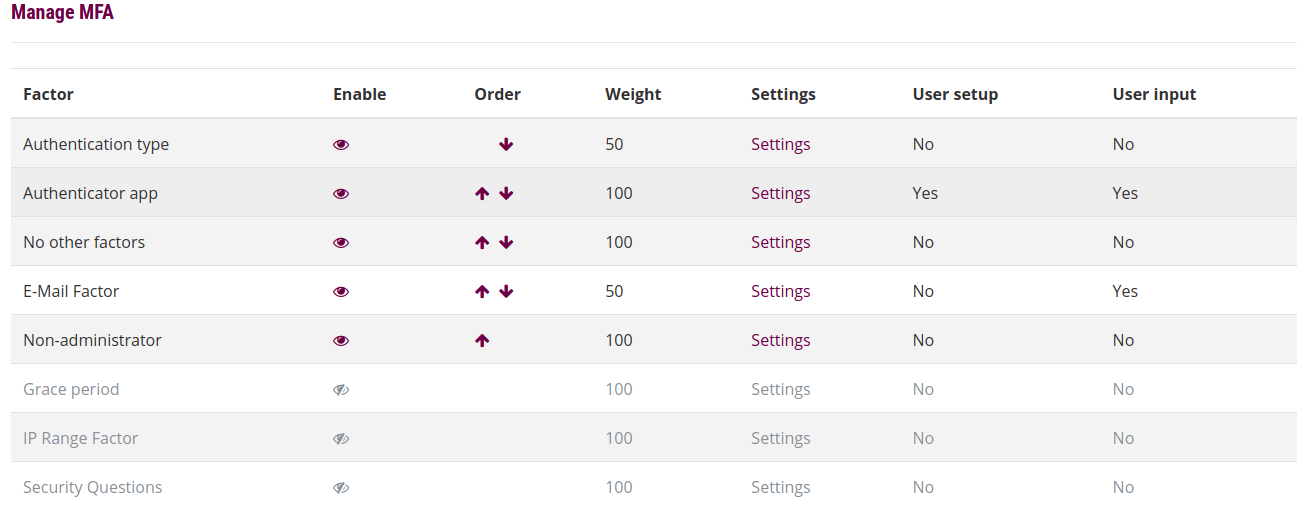
Fully understood - but: Stupid me is unable to find the "table of factors". Please enlighten! smile
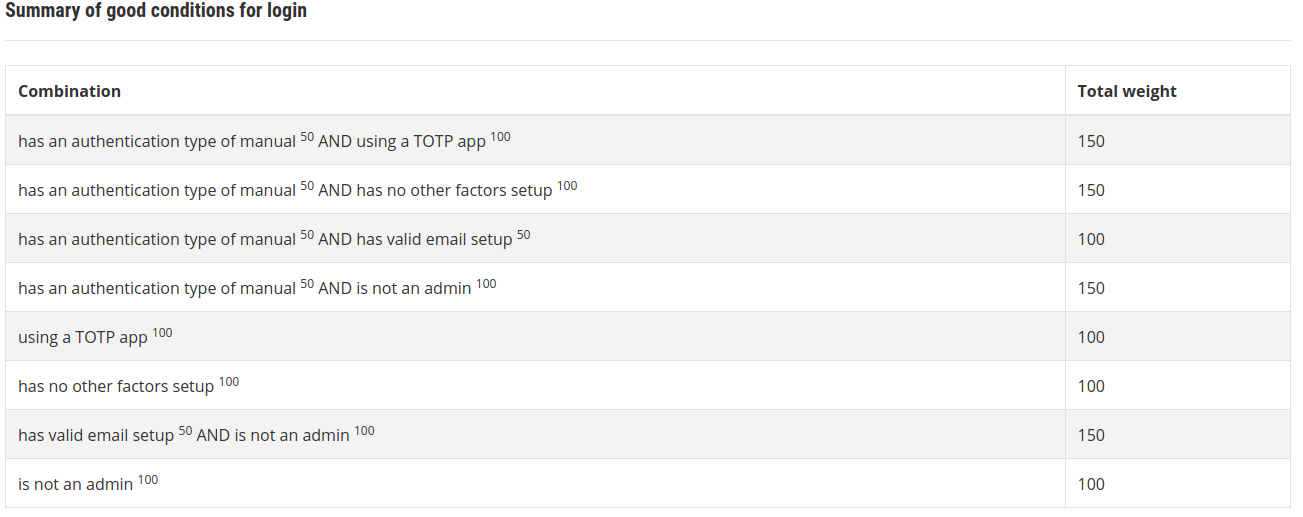
Hi @Hanspeter Rutschmann, this is what the ordering concept of the factors is designed to do. The table of factors is ordered, and users will be presented with factors from the top down. If TOTP and mail are both active, and TOTP is above mail in the table, then TOTP will be presented first. Users can then click the 'I dont have my code' button to skip the factor and move onwards to mail.
Running fine under 4.04. smile
Another question: Is there a method to give a priority between several methods all set to 100?
E.g. mail and TOTP-methods active, but I prefer the TOTP and want mail only as backup? How would I tell Moodle in this case that my portable is low on batt ;) ?
@Peter Burnett
Thank you for your response!
Yes, the Microsoft authenticator app is supported. Any app that can generate TOTP codes should work.
Hi,
May I also use Microsoft Authentication APP?
I look forward to hearing from you. Thank you for your help.
If we need to go to the github repo for the latest version of the plugin, do we just use the master branch? It looks like the latest release was 2020021401 and I can't tell any other way to find what the latest stable version to use is.
Hi @John Percival,
Catalyst develops and maintains a large number of plugins and we don't rely on the moodle.org plugins database for deploying code internally (we use git) so we don't regularly publish the latest versions of our plugins to the plugins database. The best place to find the latest versions of all our plugins will always be the git repository for those plugins.
We are slowly rolling out a process to auto-deploy updates to the moodle.org plugins database for our plugins to help organisations that rely on the plugins database but this hasn't yet been added to our tool_mfa plugin.
Kind regards,
Mikhail
@Mikhail Golenkov, please can I put in a request for the package to be updated on this page when it is considered suitably stable? I'd rather not go digging into github if I can avoid it, but would rather trust the dev to tell me when the code is ready to be packaged up and available to users, especially with a high-risk plugin for authentication. Thanks!
Hi Ey Marieb. It seems like the plugin package hasn't been updated here for a while. Please refer to https://github.com/catalyst/moodle-tool_mfa for the latest plugin version. Cheers.
Hi all, this is a great plugin that we wanted to try with SMS and I saw on the documentation that there is the SMS factor. However when I tried to install it there is no SMS Factor settings at all. Is there something I'm missing? I only got these factors when I installed : factor_admin, factor_auth, factor_email, factor_grace, factor_iprange, factor_nosetup, factor_secq, factor_totp.
Noted Peter, Thanks!!