Tiles format
Maintained by
David Watson
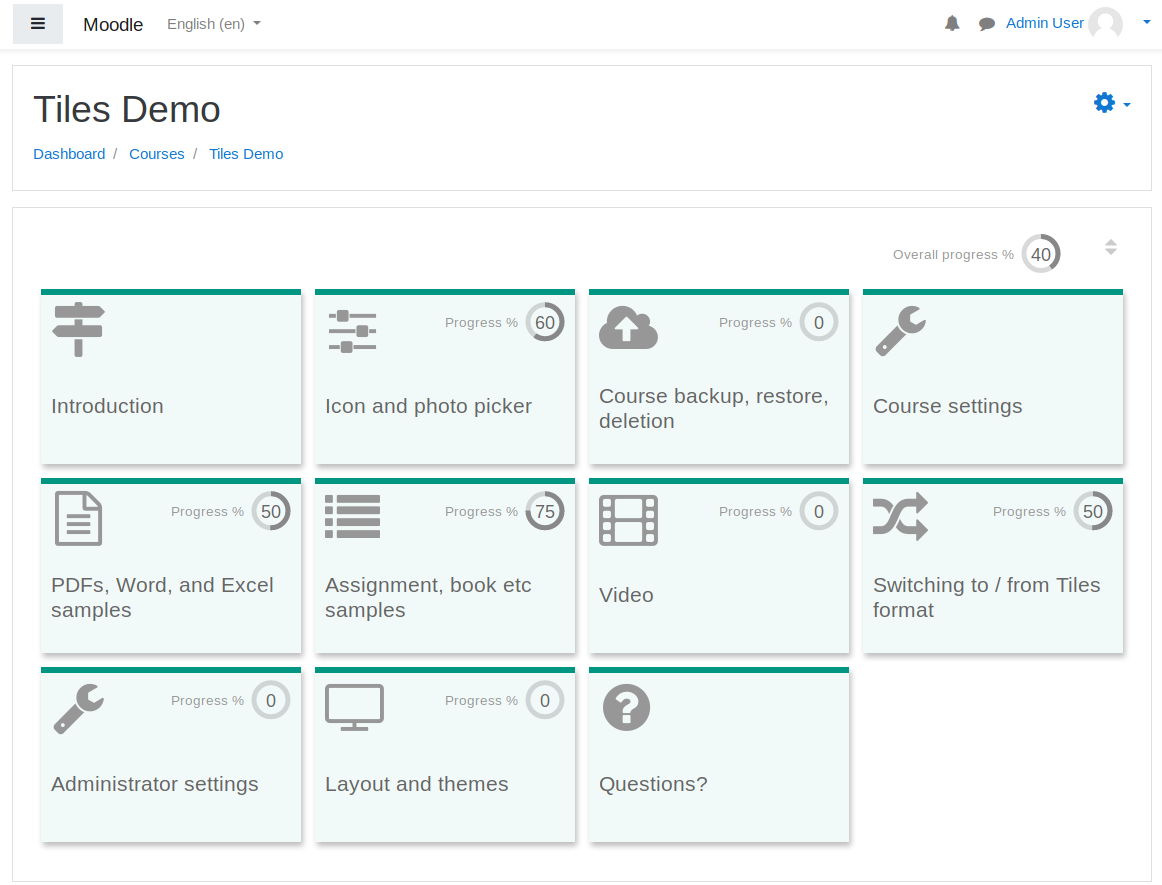
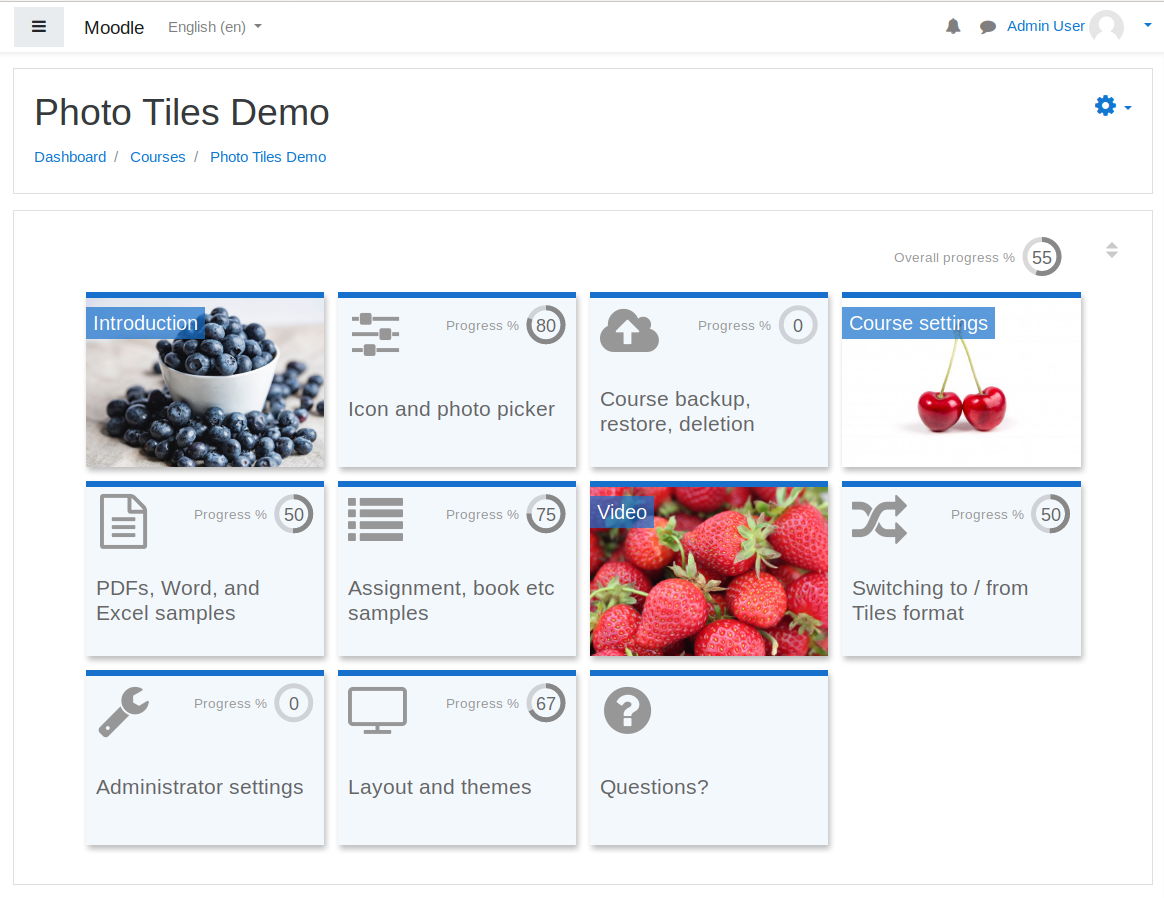
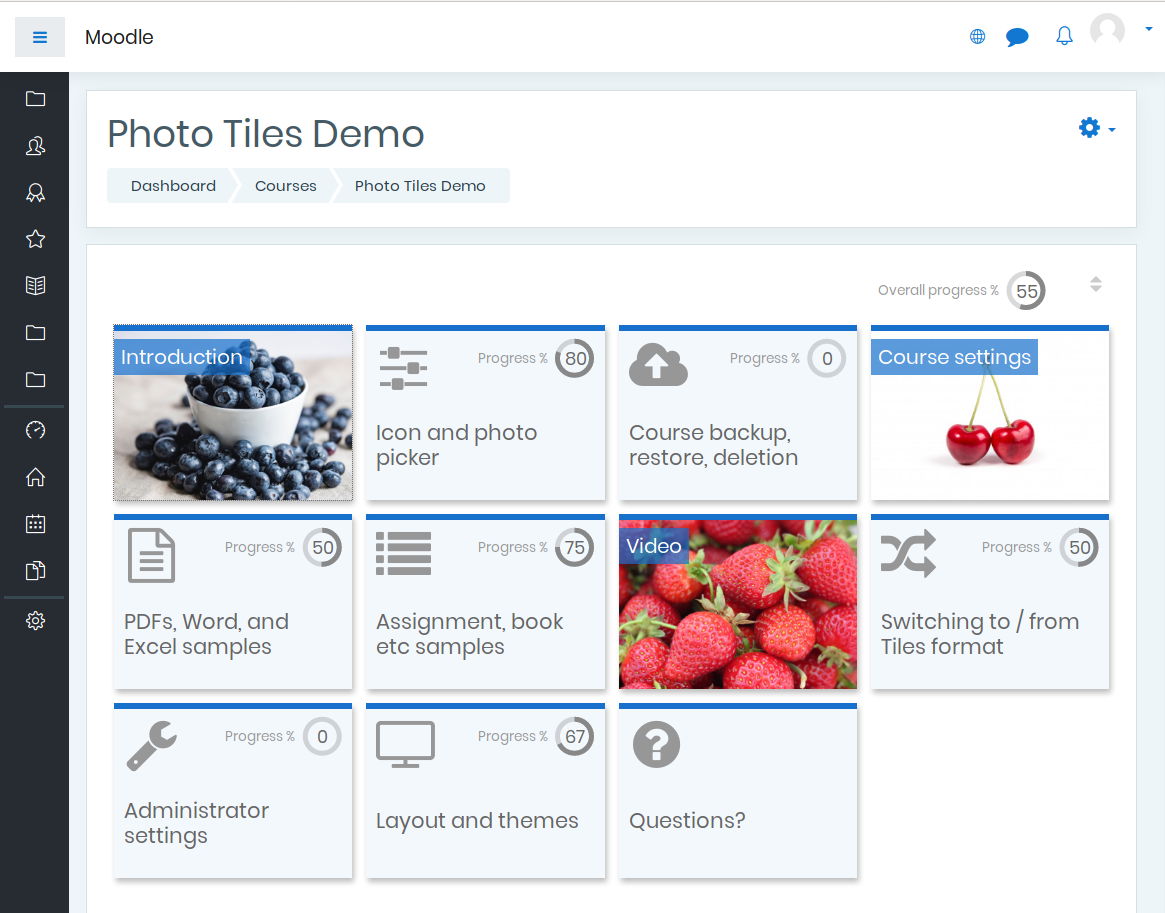
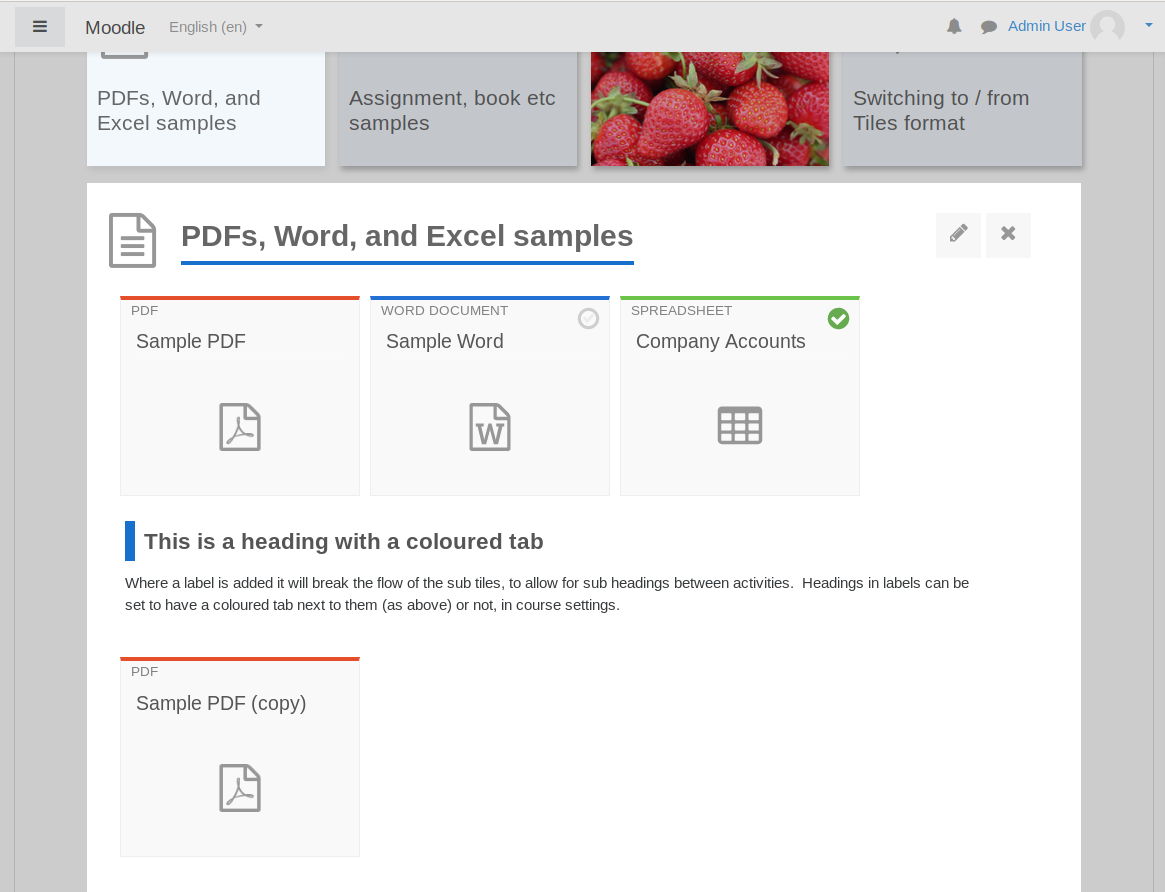
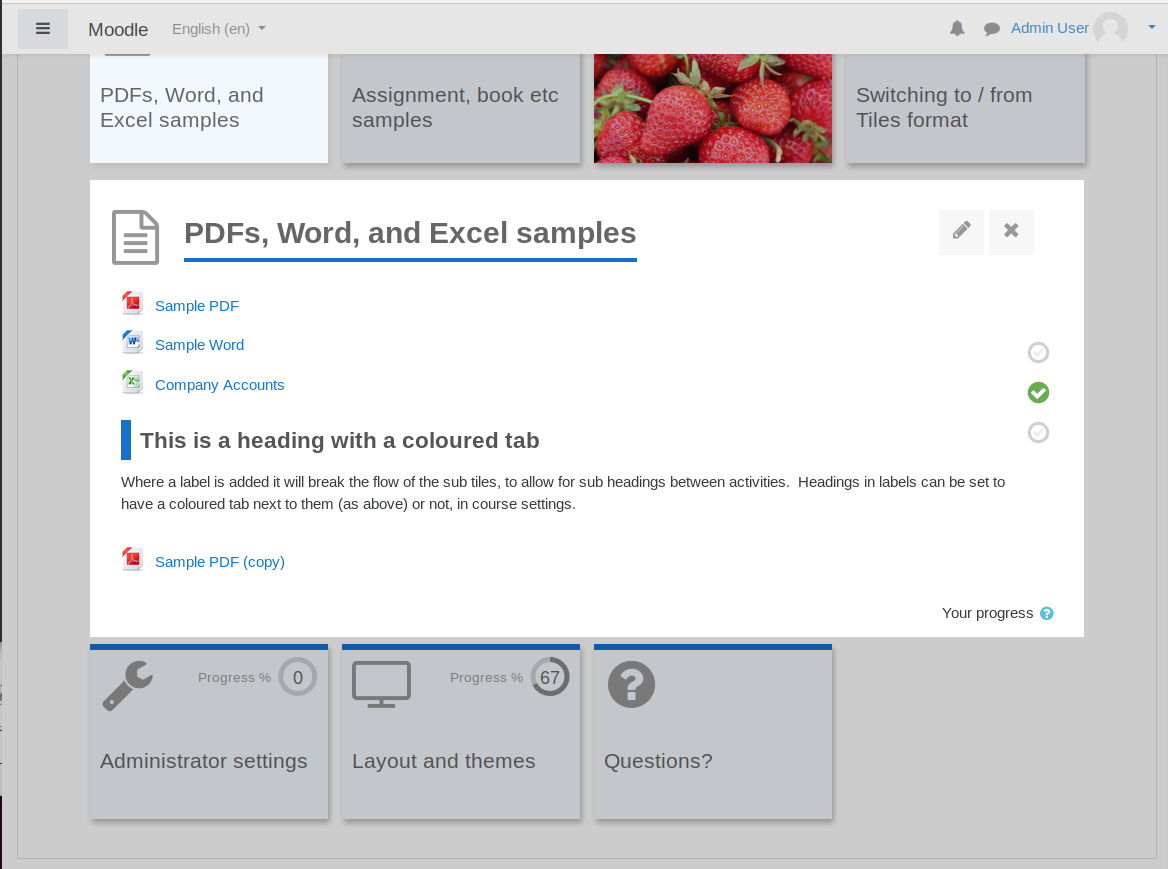
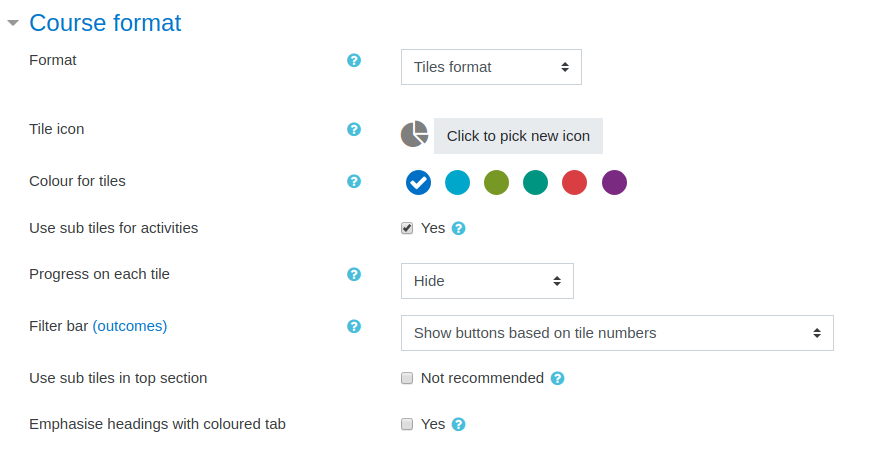
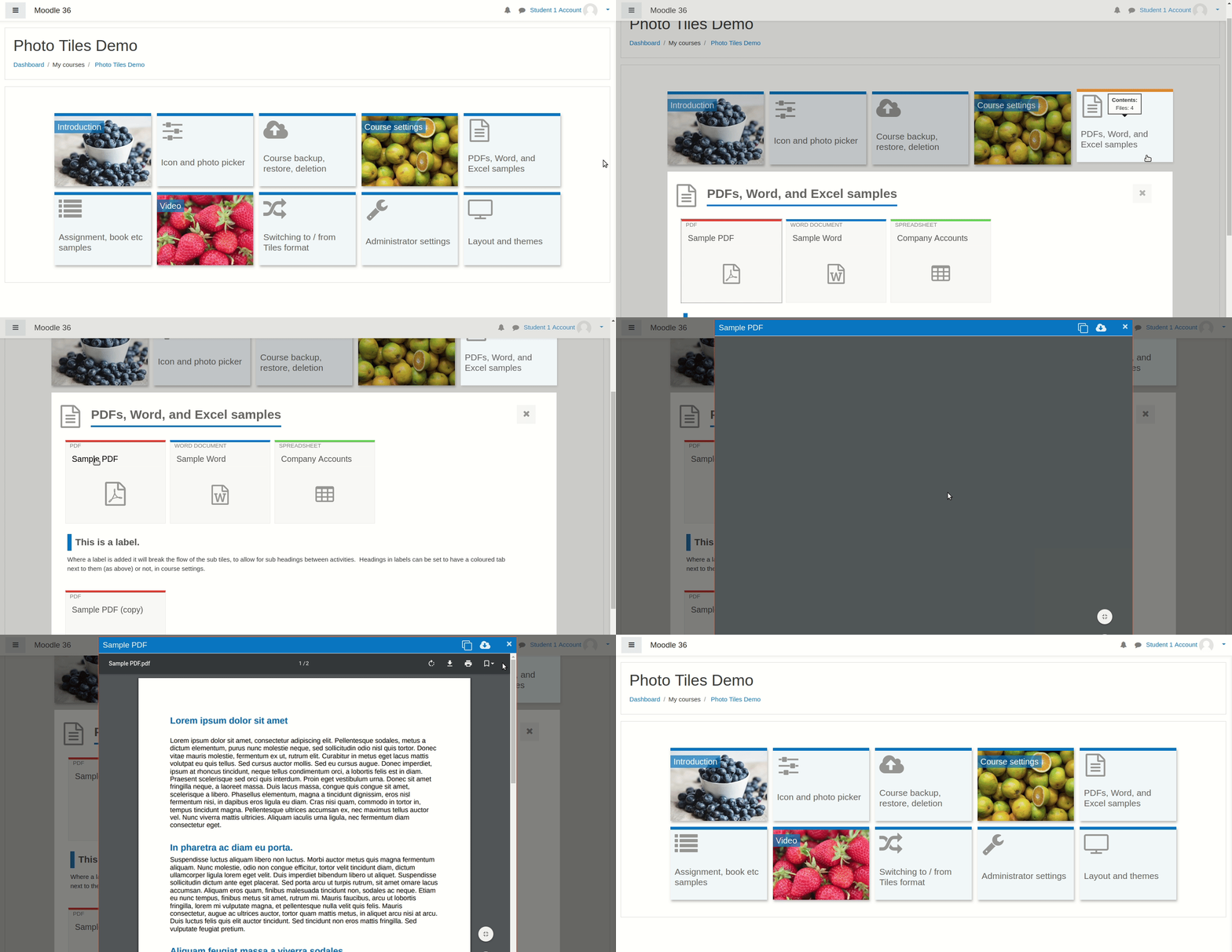
A course format which displays course topics as "Tiles", in a grid rather than as a list. When clicked, tile content is displayed under the tile with an animated transition. The layout adapts to different screen sizes and orientations. Within each tile, activities can also be set to display as "sub-tiles". For each tile, the teacher can pick an icon from a predefined set, or upload a background photo.

Comments
Product ratings and reviews are coming to Moodle Marketplace. Until then, existing comments remain available to read, but new posts have been disabled.
David, is it by design to force remove the index course hamburger menu on the left? I think it's discutable. The Grid format finally readded it. It feels like now, with the brand new 4.0 UX, we shoudl'nt touch this UI element, the course index. What do you think. Or, maybe, can you tick a box in the settings? ;)
Cheers 👋
1. Go to the following directory: course/format/tiles/templates/local/content/cm
2. Edit the file "activity.mustache" by replacing lines "74-76" with the lines below using a text editor:
{{$ core_courseformat/local/content/cm/cmname }}
{{> core_courseformat/local/content/cm/cmname }}
{{/ core_courseformat/local/content/cm/cmname }}
(Source: https://bitbucket.org/dw8/moodle-format_tiles/src/4f4fb09a8b2ea04ebfe375568a888bd2098ebf71/templates/local/content/cm/activity.mustache#lines-74)
Hope this helps!
1. When editing is turned off... no activity icons or their links are displaying (we tasted using Boost and Boost Union themes).
2. When animated navigation is turned off, click on a tile, and turn editing on and we received the following error.
Exception - Argument 2 passed to format_tiles\output\courseformat\content\sectionnavigation::__construct() must be an instance of core_courseformat\output\local\content\sectionnavigation, int given, called in [dirroot]/course/format/classes/output/local/content.php on line 104
we have upgraded to the last version and recieves the same error as mentioned above from Tomas: "It seems to work fine, but the course resources are not visible.
It creates the "holes" of the resources but the name of the resource is not visible and the link does not work.
The Notices forum does not appear either."
Because there are whole bunch of moodle instances affected a soon bugfix would be great!!
I have installed the Mosaics format in a moodle 4.0.
It seems to work fine, but the course resources are not visible.
It creates the "holes" of the resources but the name of the resource is not visible and the link does not work.
The Notices forum does not appear either.
I use Moodle 4.0.3. When I change the course format to tiles, the error shows up :
Exception - Class 'format_tiles_renderer' not found
I then can't go back to the course and it forces me to uninstall the tiles format. So, I can access my course again.
I appreciate the previous experience using the tiles format and hope this issue can be solved as soon as possible.
Thanks.
I want to know how to configure the mosaic to look in a grid, because when installing the plugin it comes out list type and I can not find in the documentation how to do it. Although in the image that appears in the demo it is like this.
Thank you
first to say, thanks very much for the fantastic job with the plugin. I use it in two installments and with Moodle 4.0.2 I found an issue with the show more button in restriction access options, as it is not really working: when you click it, the hidden content doesn't appear.
I thought it was because of the theme I am using, but I switched to Boost theme, and the issue persist. Hope you could fix it when the production version of the plugin is released. Thanks very much again.
We noticed the highlight menu item is not available in the edit mode of the setting menu of the tile, please support.
On another note, is there a way to hide all tiles in a course, like in a bulk way.
Thank you.
Thank you very much, David Watson.
I changed the code that you posted in commit 4f4fb09 and works great.
It was fixed and I don't find any problem till now.